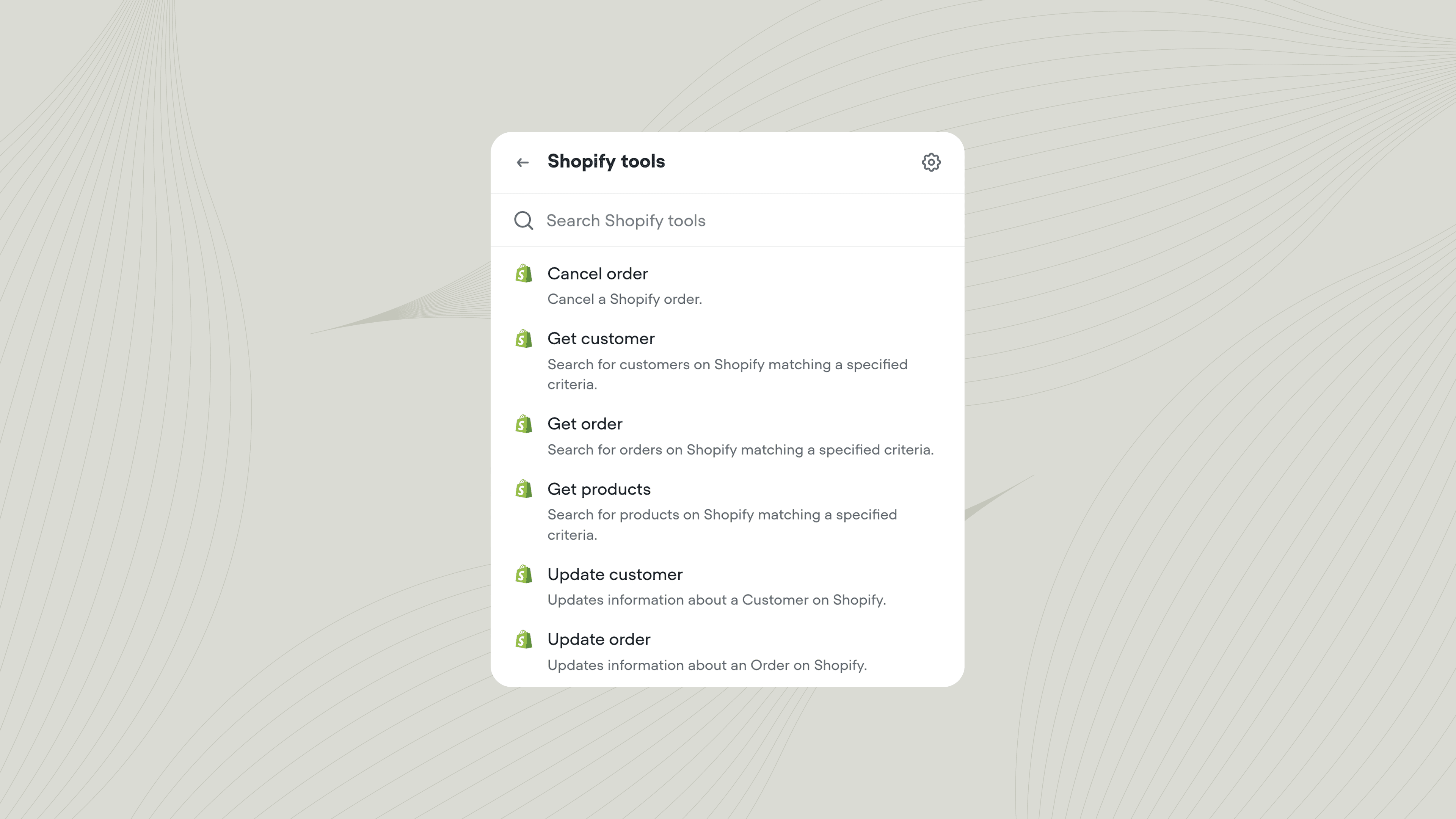
Manage customers, orders, and products in your Shopify store.
The Shopify tool lets your agent interact with your Shopify store during a conversation. Use it to look up order status, find customer information, search your product catalog, or update records when customers request changes.
Add the Shopify tool to your agent from Tools → New tool → Shopify. You can also add tools directly from inside a Playbook or Integration step. Once added, you can call the Shopify tool from inside a Playbook or Workflow.
Importing Shopify products into your Knowledge Base
You can import your Shopify product catalog into Voiceflow’s Knowledge base. This lets your agent answer questions about your products, including details like descriptions, pricing, and availability, without needing to call the Shopify API for every query.To import your Shopify products, go to Knowledge base → Add data source → Shopify inside your project.