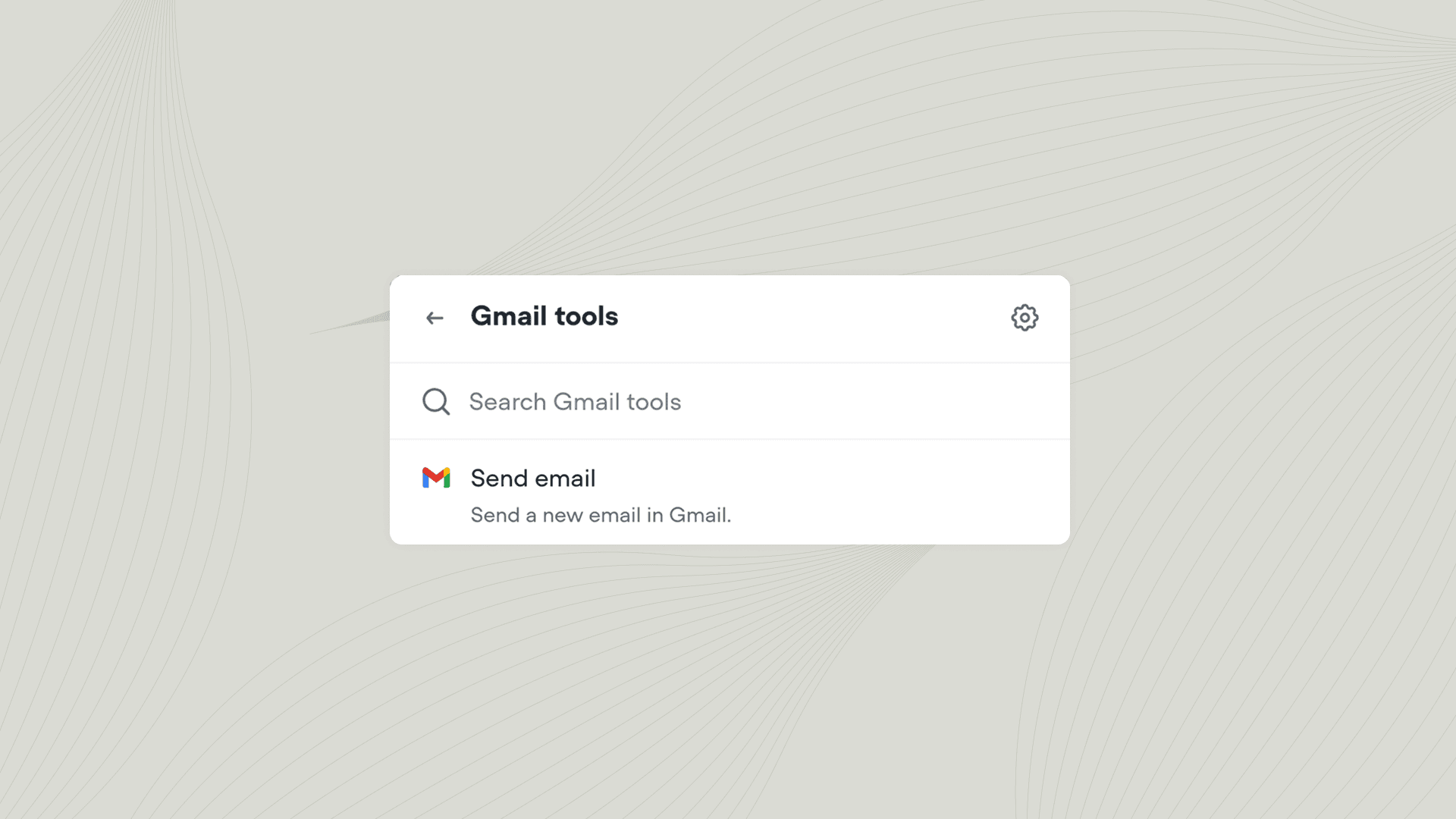
Send emails from your agent using your connected Gmail account.
The Gmail tool lets your agent send emails during a conversation. Use it to send confirmation emails, follow-up messages, support ticket summaries, or any other automated communication your workflow requires.
Add the Gmail tool to your agent from Tools → Add tool → Gmail. You can also add tools directly from inside a Playbook or Integration step. Once added, you can call the Gmail tool from inside a Playbook or Workflow.