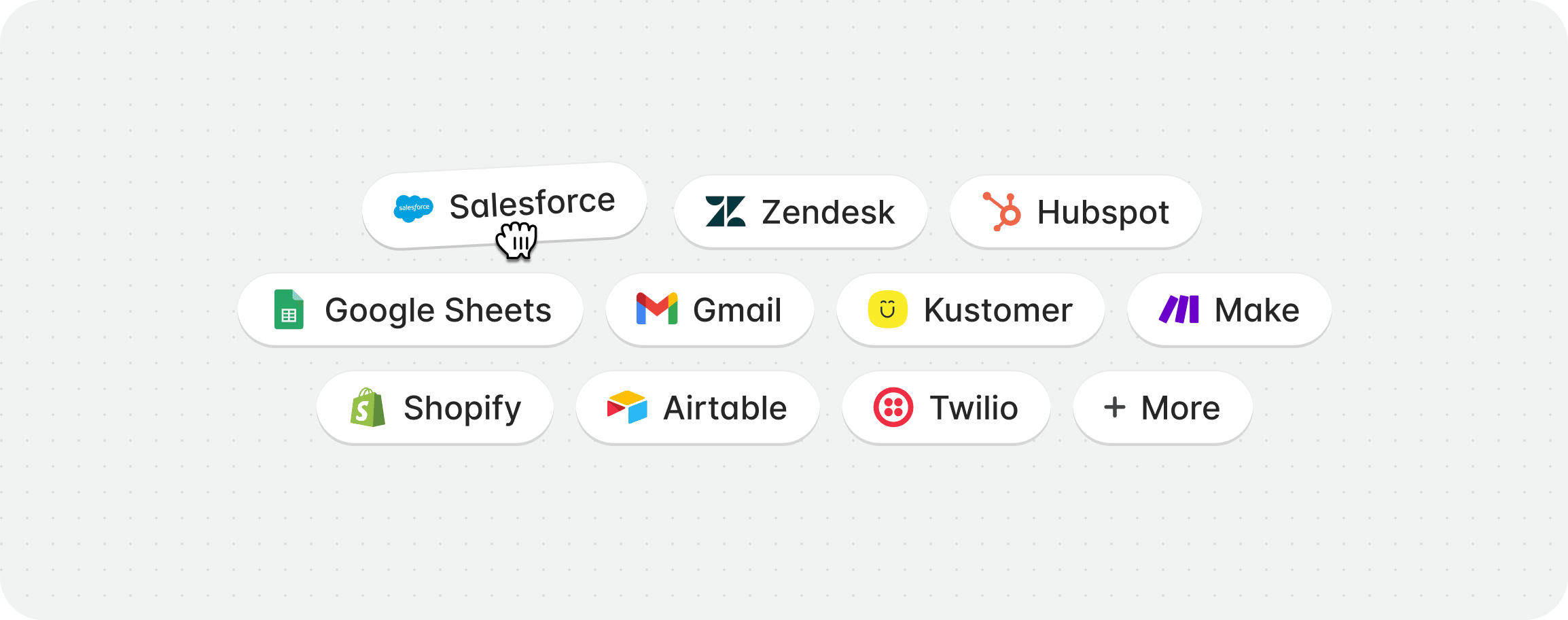
Available integrations
Setting up an integration
1
Connect to the provider
You can add, or connect an integration tools directly from within a playbook.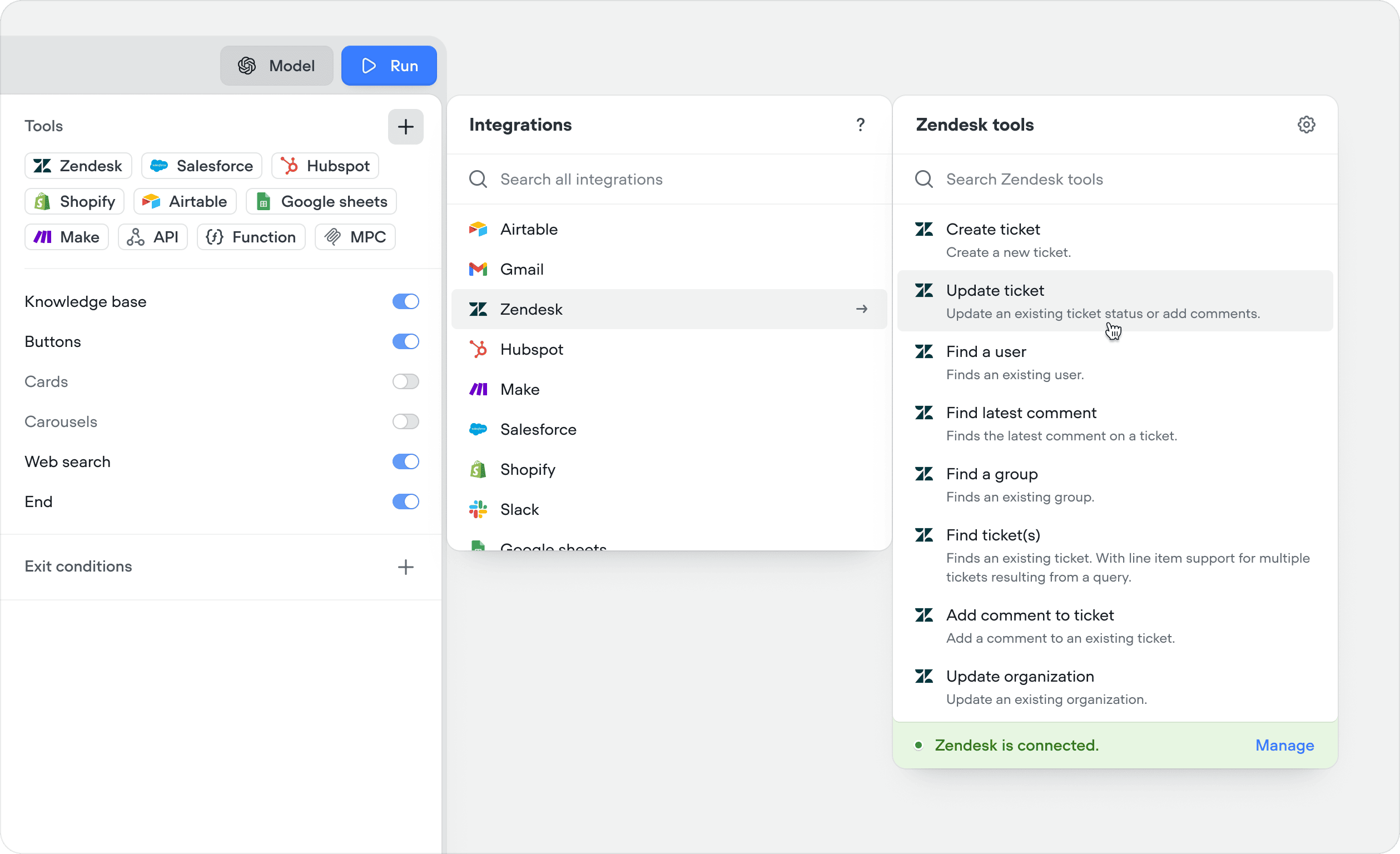
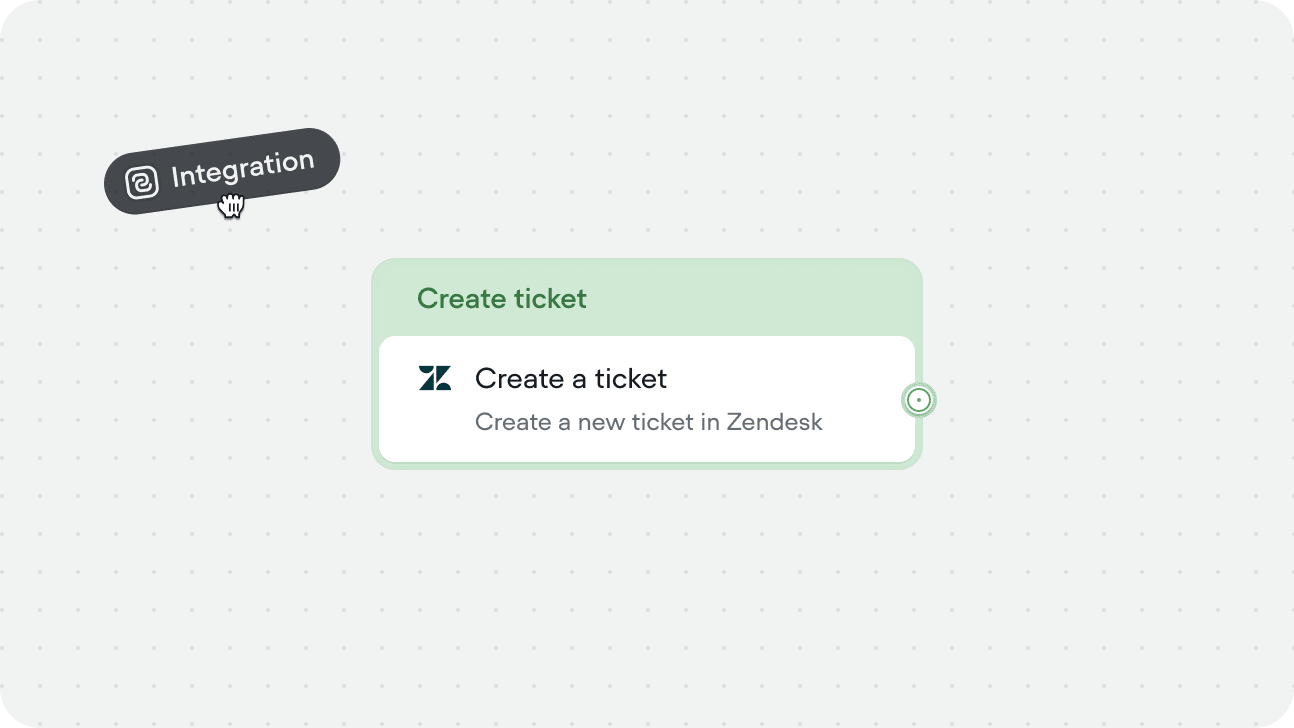
You can also add integration tools from within a workflow using the Integration step, or from the tools CMS tab. Integrations can be managed centrally in Settings → Integrations.
2
Authenticate
Follow the OAuth flow or enter API credentials to connect your account. Each integration has its own authentication method.
3
Select tools
Choose which actions you want your agent to have access to. You don’t need to enable everything - only add what’s relevant to your use case.
Using integration tools
There are two ways to use an integration tool:In a playbook
Add integration tool to a playbook’s Tools editor. The agent will call it autonomously when it determines they’re needed based on the conversation context, the tool’s description, and your playbook instructions.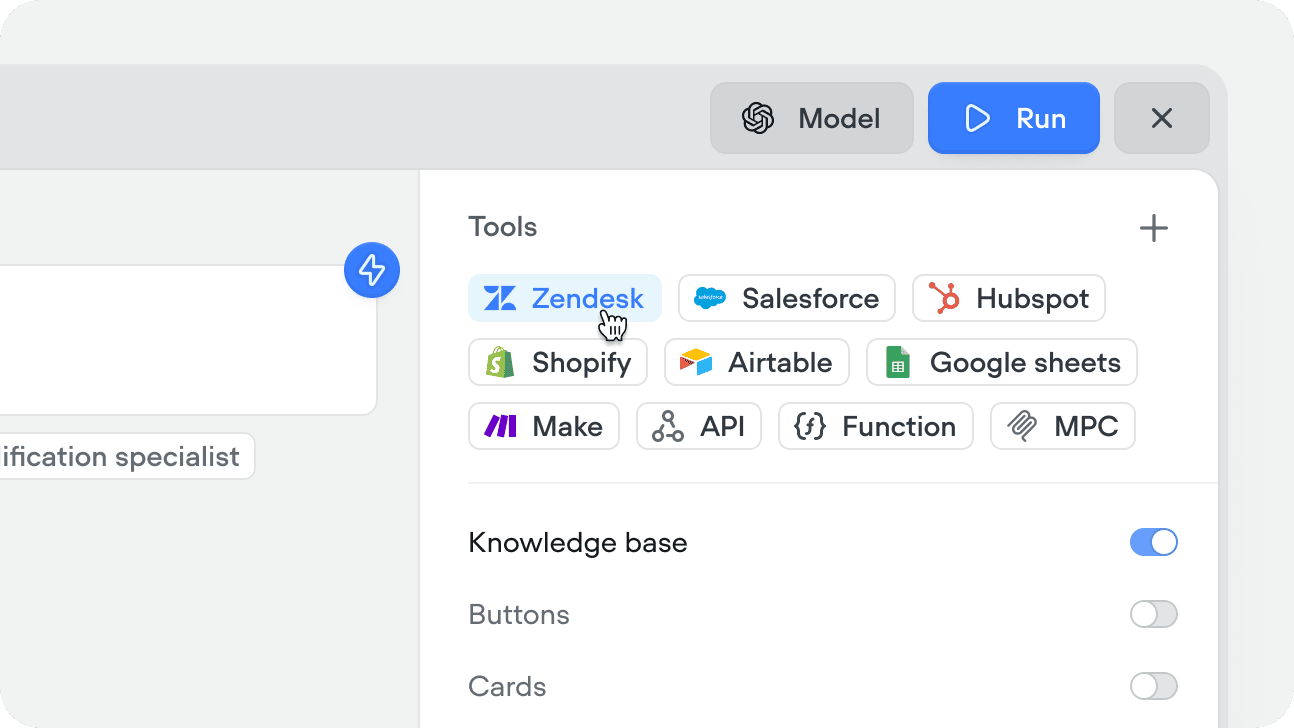
In a workflow
Drag an integration step onto the canvas and select the specific tool you want to run. Input variables are mapped explicitly in the step config - the agent doesn’t decide whether to call it, the workflow executes it at that point in the flow every time. Use this when the action is part of a fixed process - for example, always creating a Salesforce case after collecting a complaint, or always sending a confirmation email through Gmail after a booking is made.