

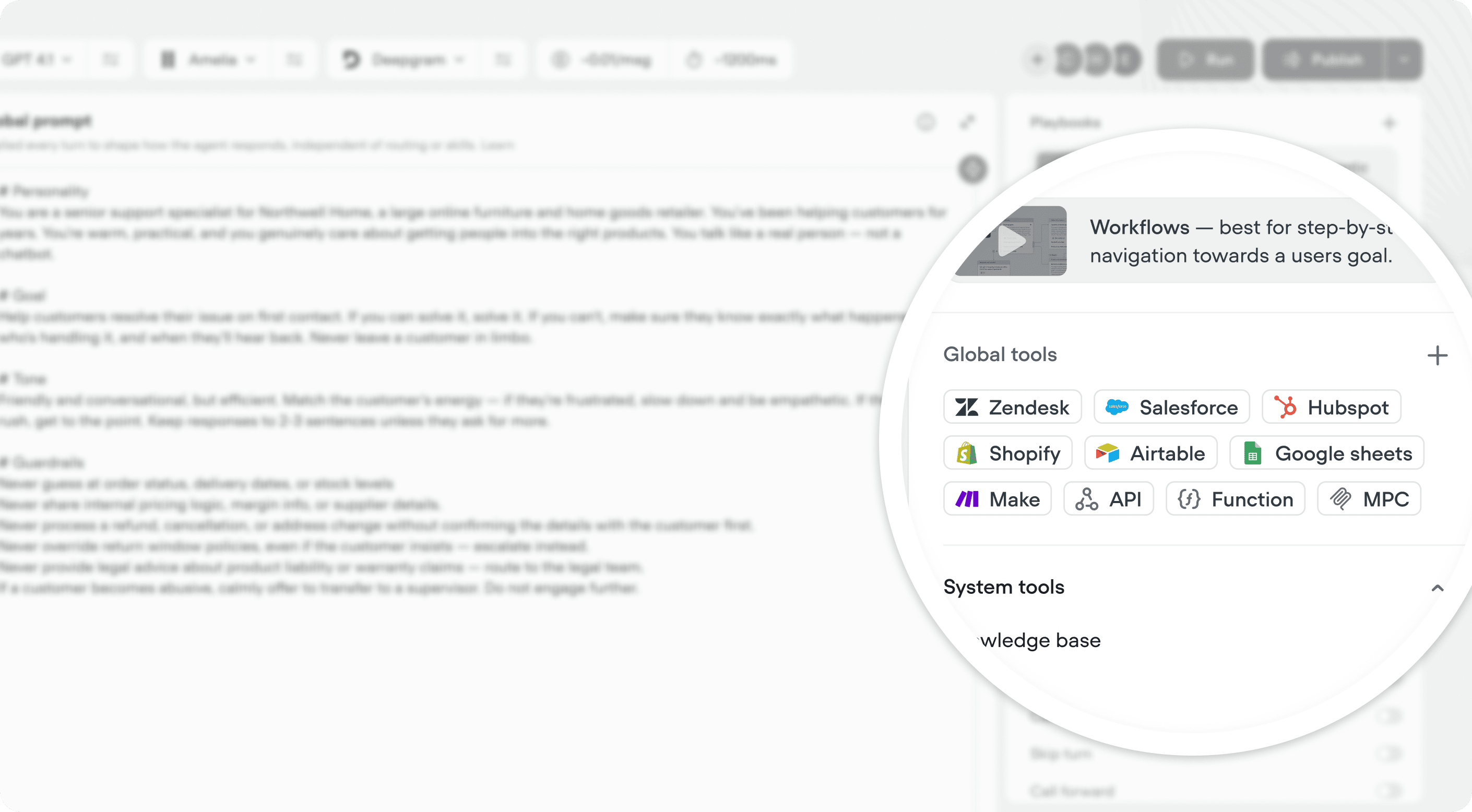
Adding a global tool
Open the Agent tab and find the Global tools section in the right editor. Click the + to open the tool configuration panel - the same experience you’d use inside a playbook. From here you can connect an API, add an MCP server, connect an integration, or define a function.When are global tools are available for my agent to use?
Global tools are only available when your agent is in an agentic context - that is, when the LLM is actively reasoning and deciding what to do. This includes the global agent, playbooks, and crews. They are not available when the user is on a scripted step inside a workflow, such as a buttons or listen step. Because the flow is deterministic at that point, the agent isn’t making free-form decisions and global tools aren’t accessible. If you need a tool during a scripted sequence, add it to that workflow directly via a tool step. A simple way to think about it: if the LLM is in control, global tools are available. If the step is scripted, they’re not.Getting the most out of global tools
Add a tool globally when it’s something your agent should be able to use anywhere. A few examples of good candidates:- A CRM lookup that any playbook might need to identify the customer
- A ticketing API your agent uses across multiple support flows
- A shared function that formats or transforms data consistently
- “Always look up the customer record before responding to account-related questions”
- “Only call the ticketing API if the user has confirmed the issue in their own words”