

Using the Crew step
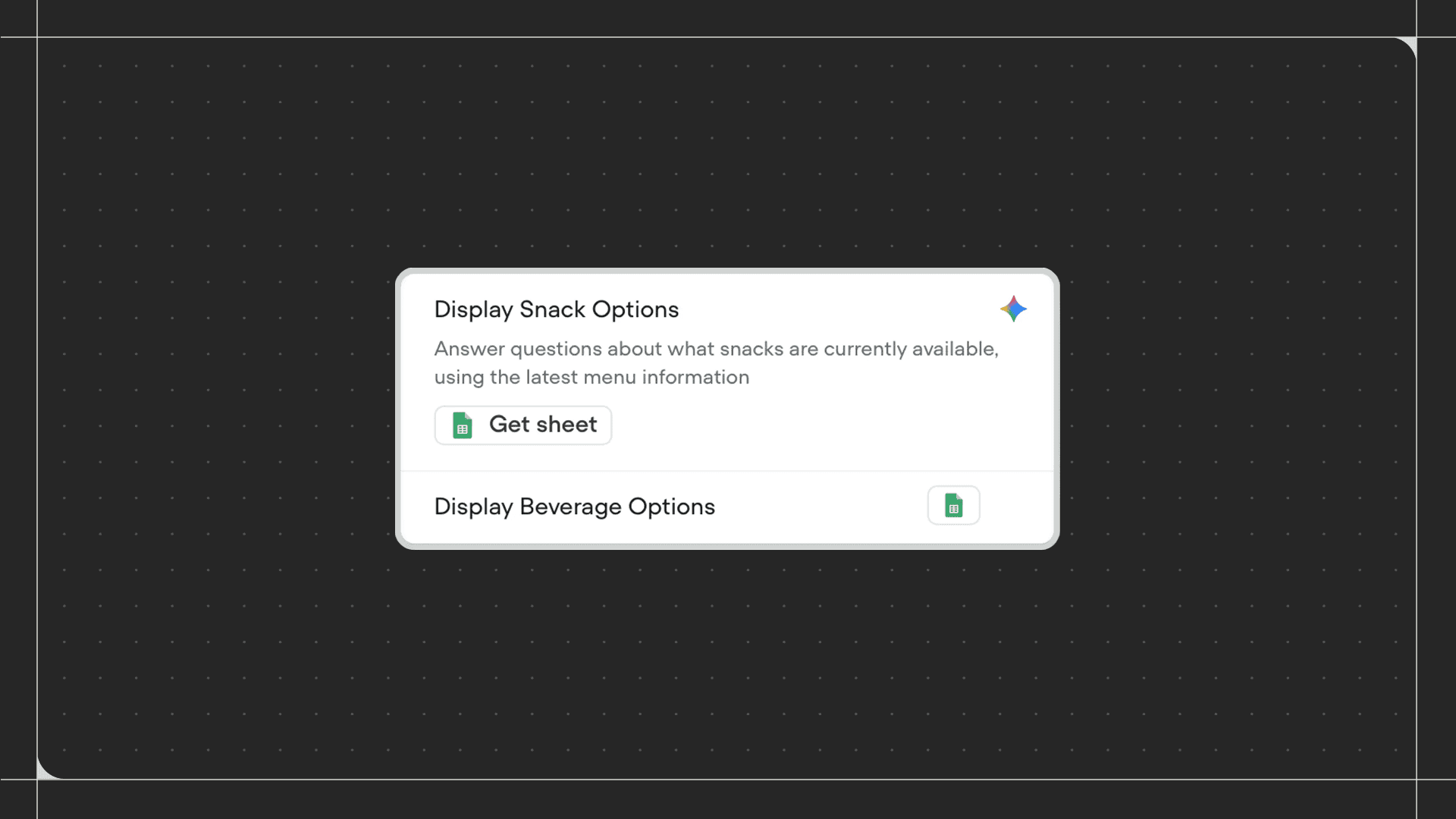
Drag the Crew step onto the canvas and connect it to a workflow. Once added, configure your root playbook and any subagents. Each playbook in the crew is aware of the strengths of other playbooks and can hand off tasks to them. With the Crew step, coordinating complex tasks that involve back-and-forth between multiple playbooks becomes seamless. The root playbook is simply the first playbook triggered when the workflow enters the Crew step. There is no functional difference between the root playbook and other playbooks beyond this. The trigger on the crew configuration panel refers to the root playbook and tells the LLM when to return control back to it. When prompting a playbook to hand off to another playbook in the crew, use the exact name of the target playbook.Exit conditions
Exit conditions are global within a Crew step. Any exit conditions set on individual playbooks inside the crew are ignored. Instead, the exit conditions you define on the Crew step itself apply to all playbooks in the crew equally.Configuration
- Root playbook: The playbook that is triggered first when the workflow enters the Crew step. Configure its trigger to help the LLM understand when to return control to it.
- Other playbooks: Additional playbooks available within the crew. Each playbook’s trigger tells the LLM what the playbook does, so write these clearly and specifically to ensure accurate handoffs.
- Exit conditions: Conditions that end the crew and move the workflow forward. These apply globally to all playbooks in the crew.
- Listen for other triggers: Works identically to the same setting on a standard Agent step.