Creating workflows
Add or create a workflow
From the Agent tab, click + in the right editor. Select an existing workflow or create a new one.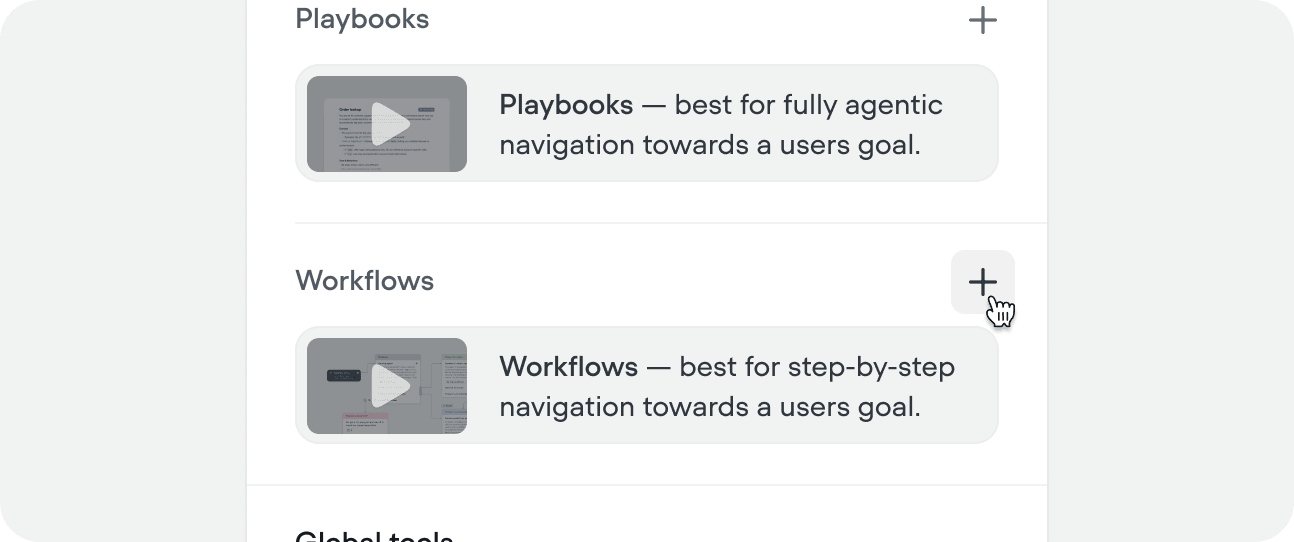
You can also create workflows from within a workflow using the workflow step, or from the workflow CMS tab.
Name your workflow and add a trigger
Give your workflow a clear name and trigger. The trigger should cover both what the workflow does and when the agent should route into it - this is what the top-level agent and other playbooks read when deciding whether to call it. 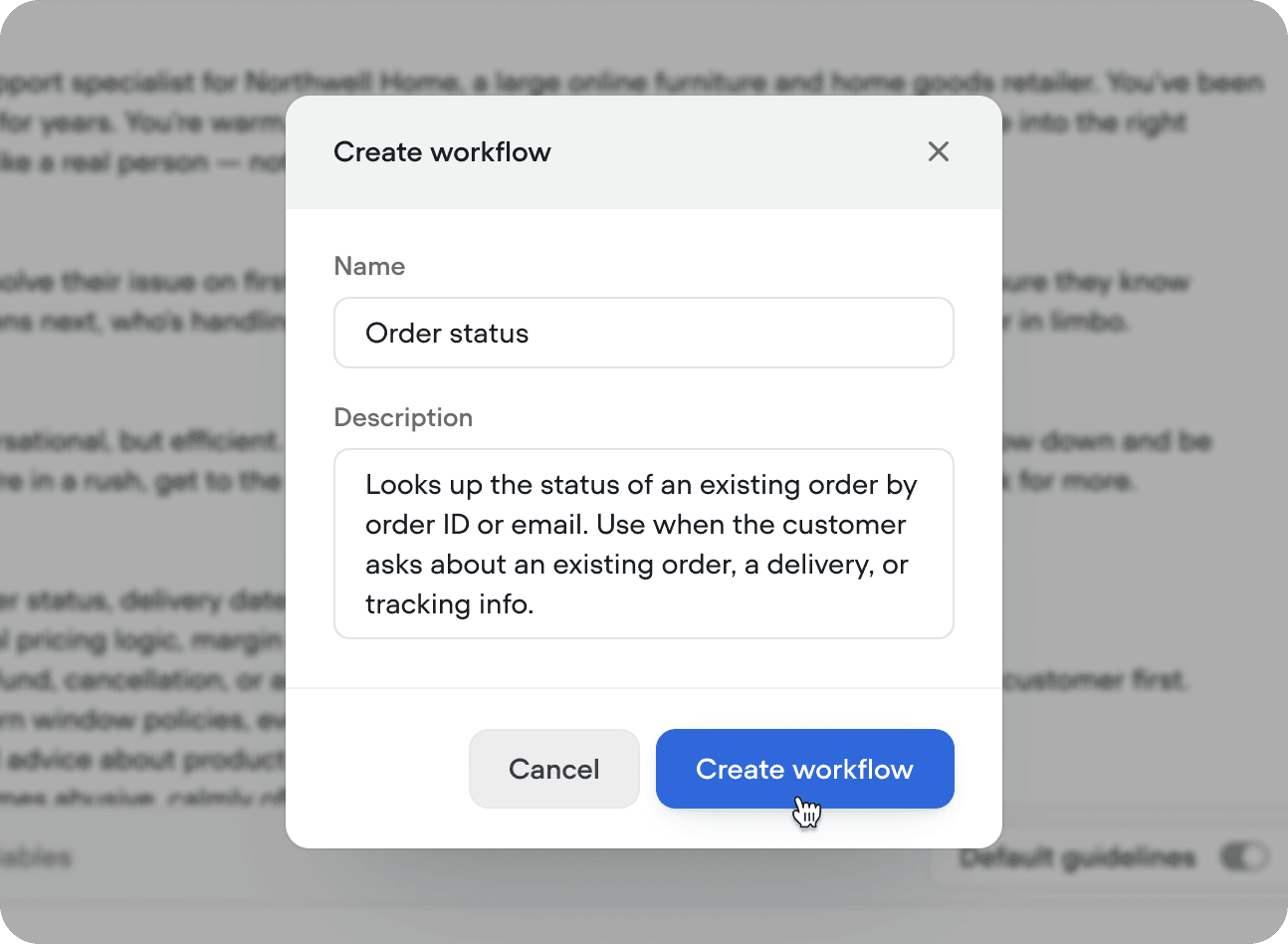
Design your workflow
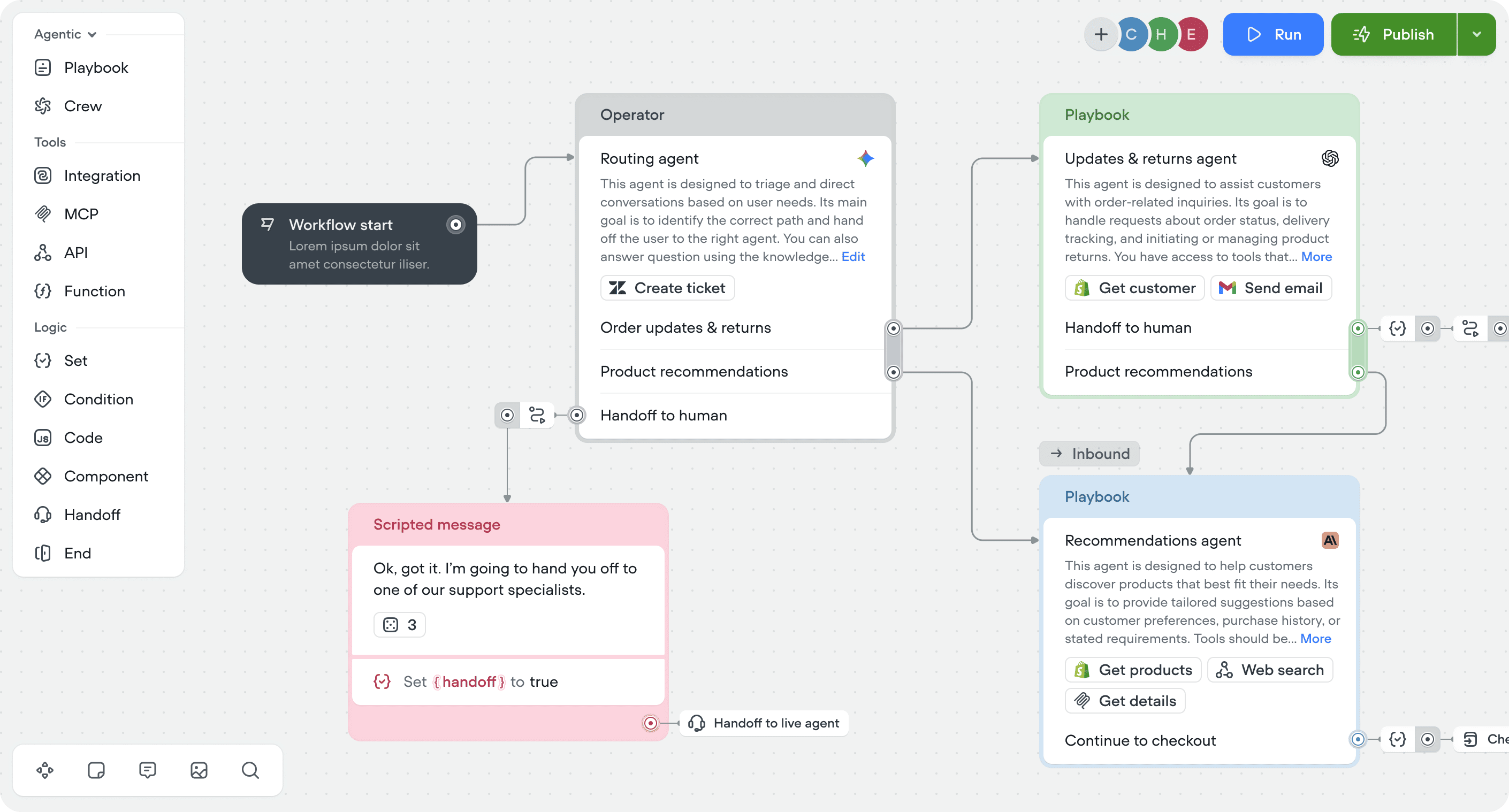
On creation, you’ll be taken to the canvas to start building. Workflows added from the agent tab are automatically attached to your agent. Click × in the top right to return to the agent tab at any time.
Run your workflow
Press ‘Run’ in the top right, or use the shortcut Shift + R then initiate the workflow. When initiated from on the canvas, your workflow will run in isolation. When initiated from the agent tab, workflow can be called and will run with all previous state.
Steps
Steps are the building blocks of workflows, organized into four categories:Actions
Actions let you keep your canvas clean without losing any functionality.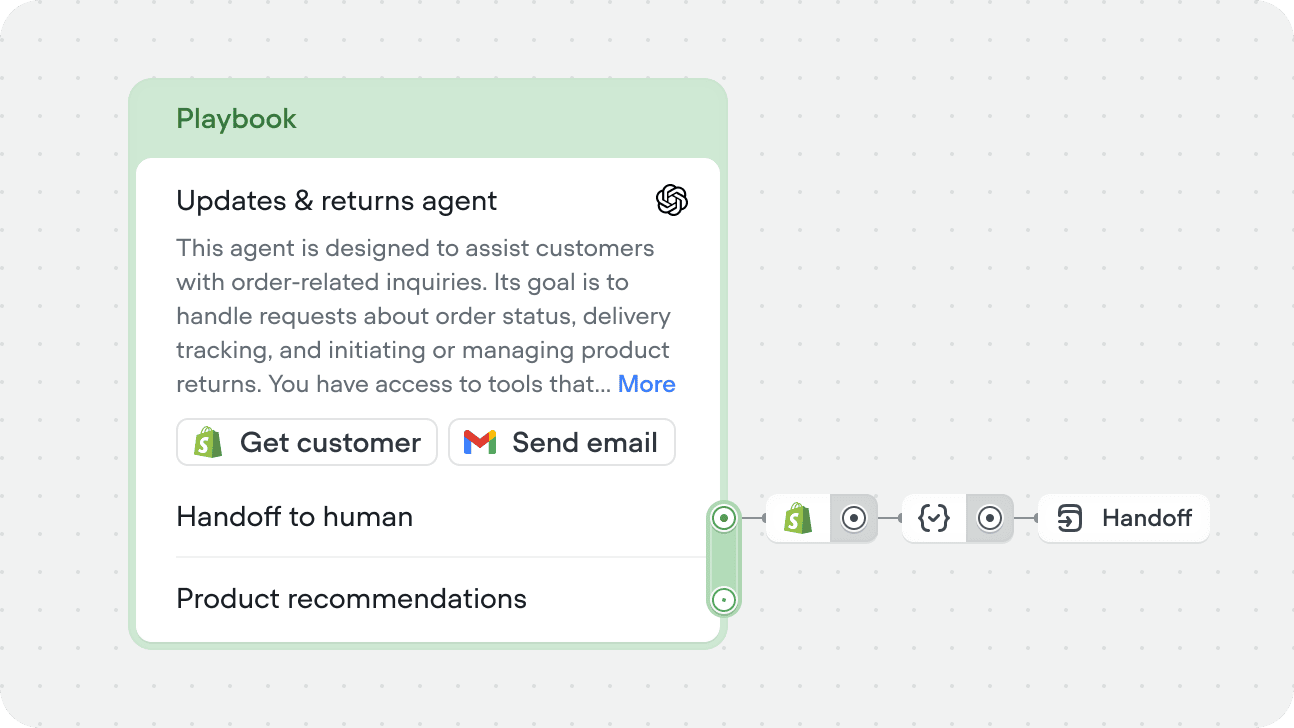
Nesting workflows
Workflows can call other workflows using the workflow step. This lets you break complex processes into smaller, reusable pieces - build once, use across multiple workflows. For example, an identity verification workflow can be called from your returns flow, your account management flow, and your payment flow without duplicating the logic in each one.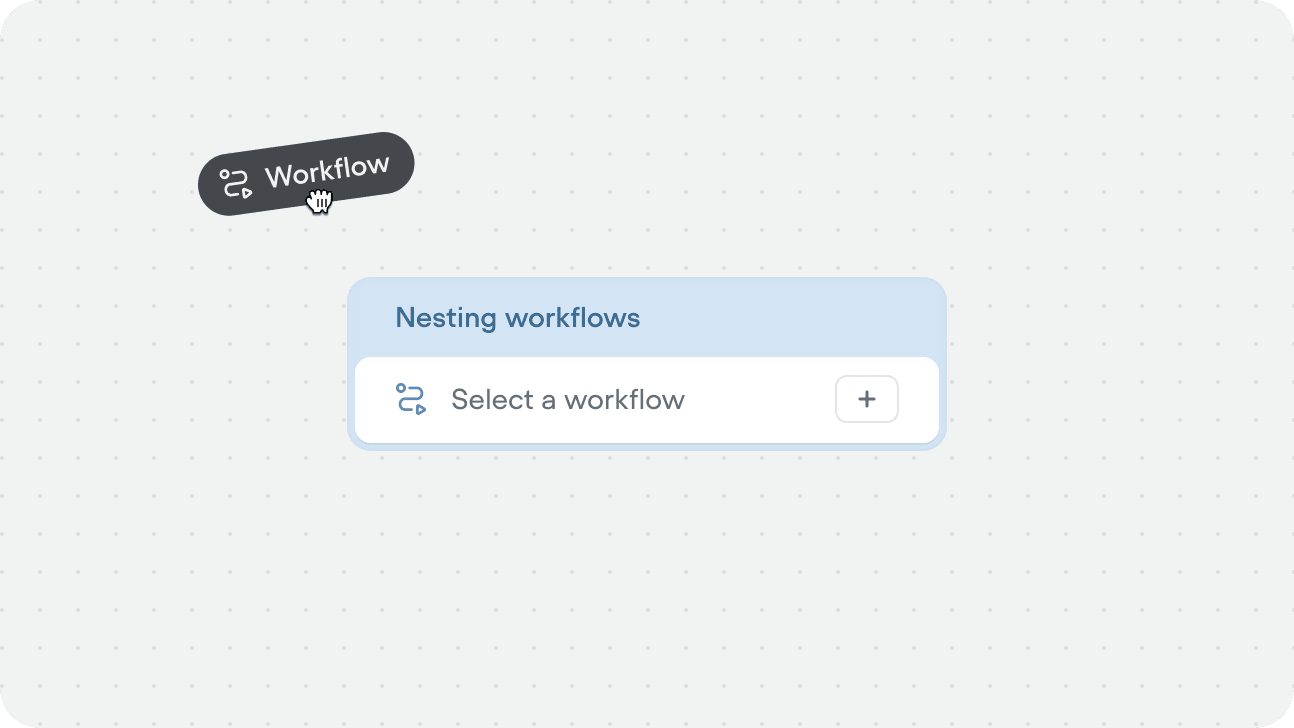
Workflows only run if they’re added to the agent, or referenced directly inside a workflow. If a workflow exists in your project but isn’t connected to either, the agent will never use it.
Entry conditions and required variables
Entry conditions and required variables can only be applied when a workflow is routed to directly by the agent. They’re not available when the workflow is called via a workflow step inside another workflow.
Entry conditions
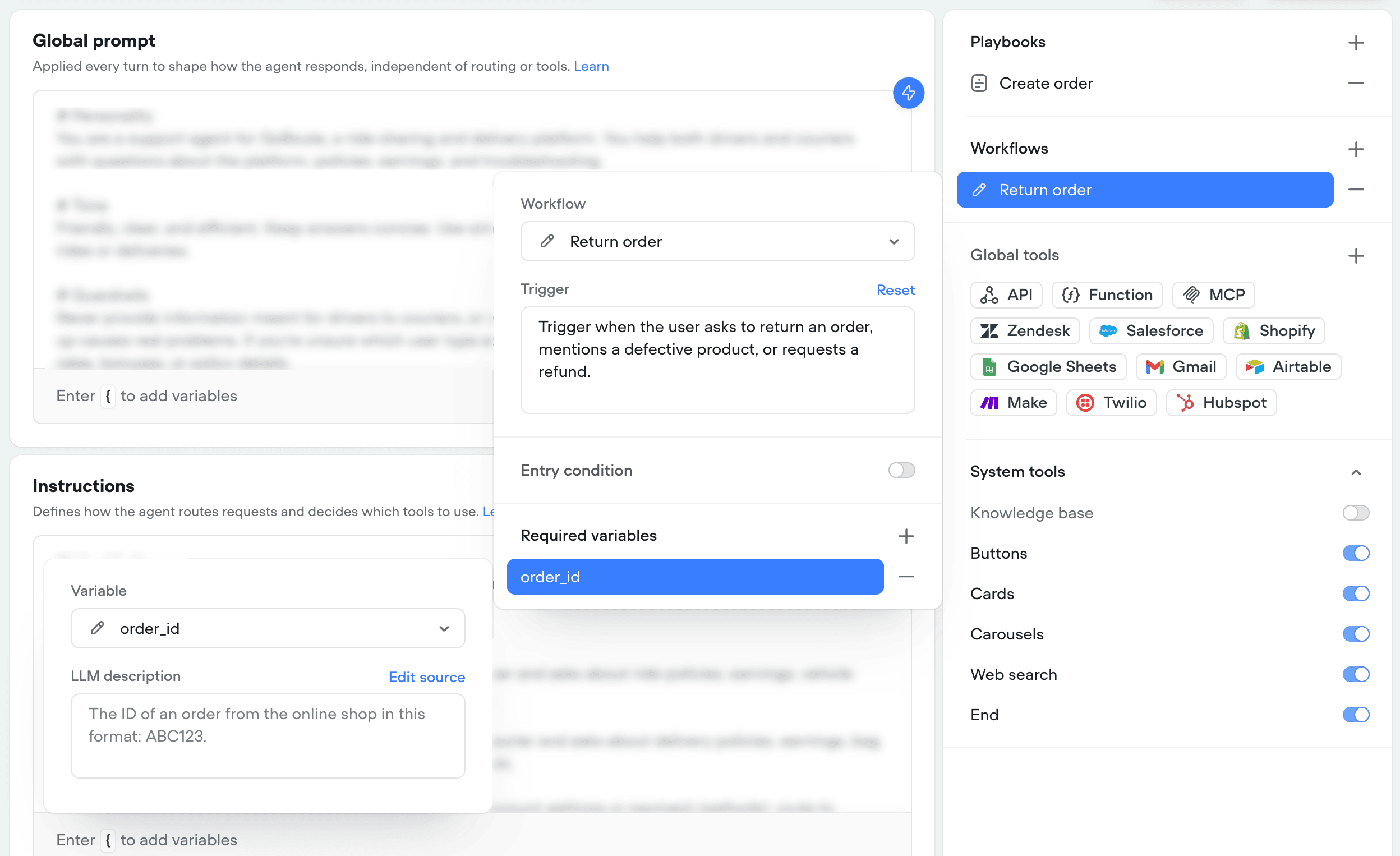
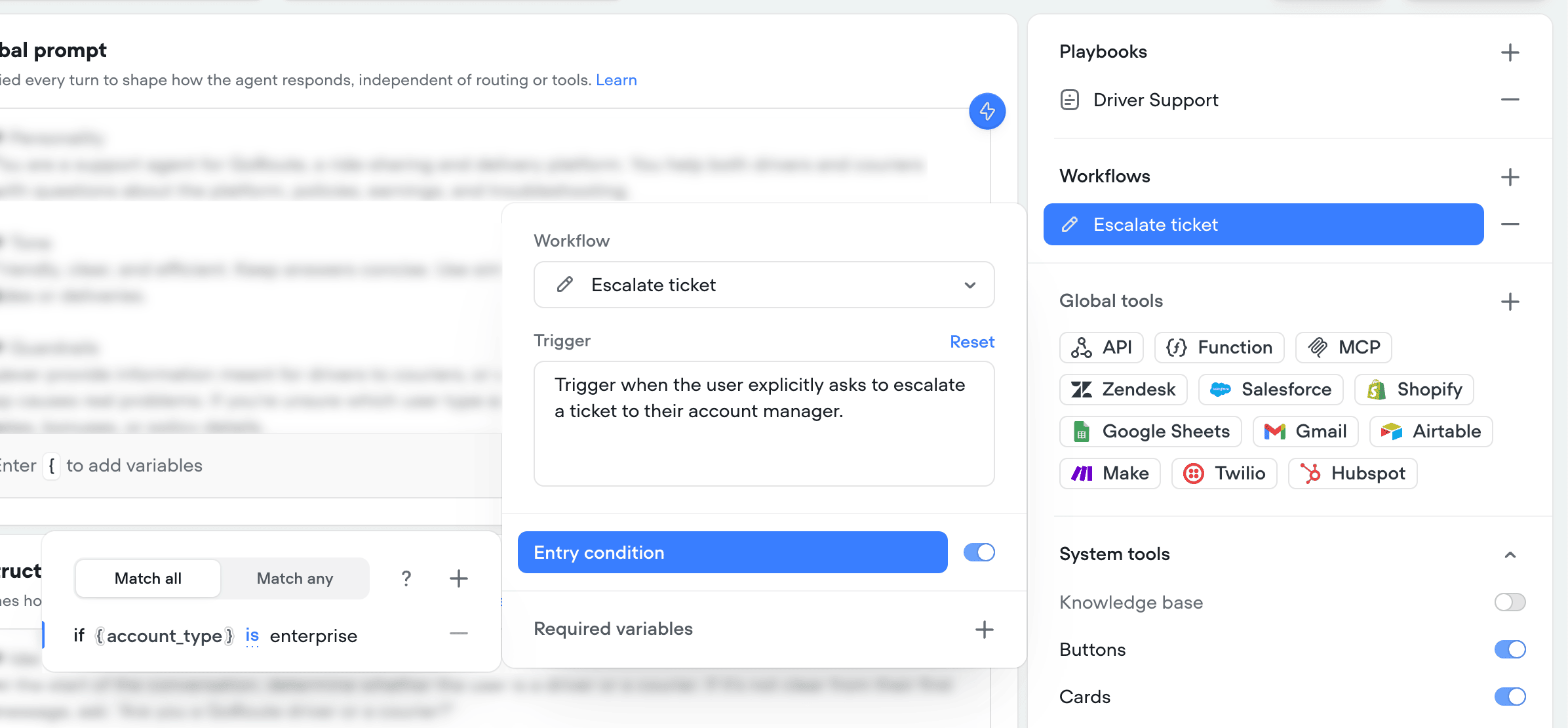
Entry conditions are deterministic checks that must evaluate to true before the workflow can be routed to. If the checks don’t pass, the workflow stays unavailable for routing. For example, you could gate a support ticket escalation workflow so only users whose{account_type} variable is set to enterprise are able to escalate tickets to their account manager.
Required variables
You can also require that specific variables have a value before the agent can route in. Until every required variable is filled, the workflow stays unavailable. For example, require{order_id} before the agent can hand off to a returns workflow, so it never starts without the information it needs.