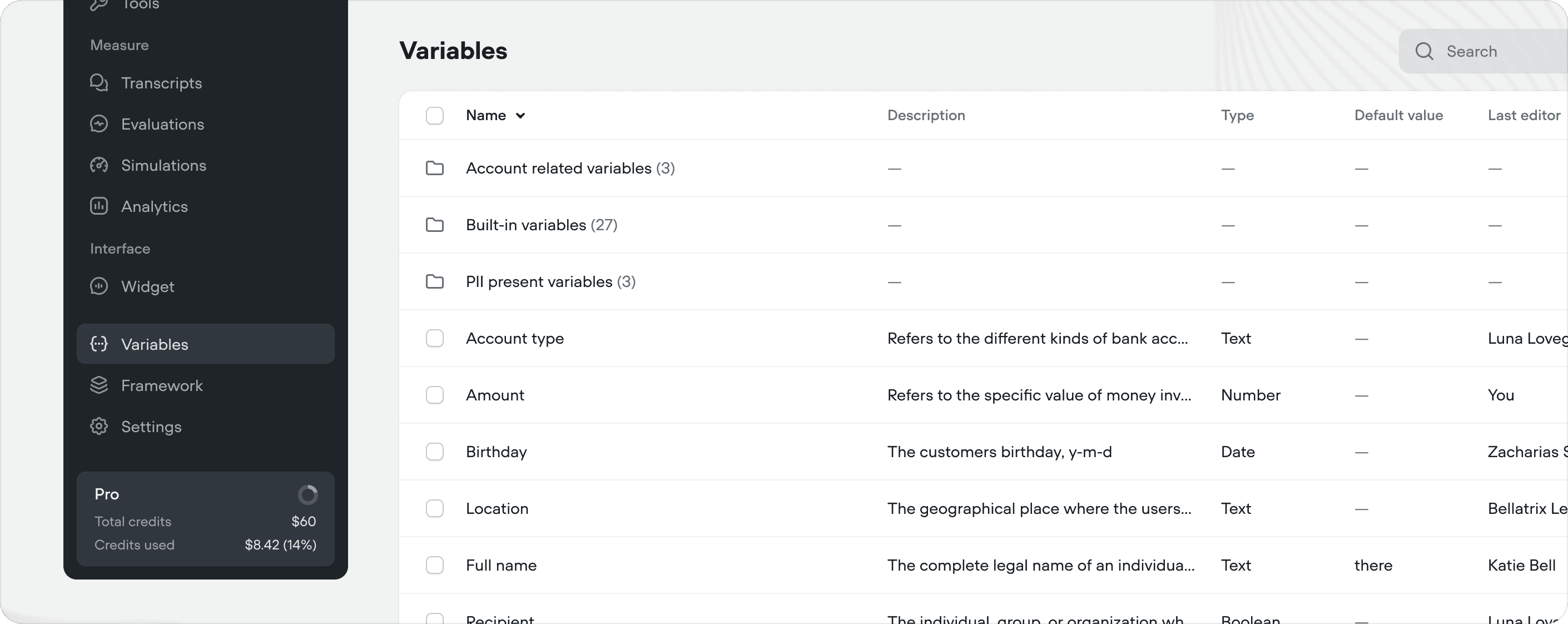
Variables Docs Variables let your agent remember and reuse information during a conversation — things like a user’s name, account details, or selections they’ve made. They act as your agent’s short-term memory, letting it personalize responses, make decisions, and pass data between steps. Variables are scoped to individual users via user_id. If ten users are talking to your agent simultaneously, their variable values are completely independent.

Creating variables

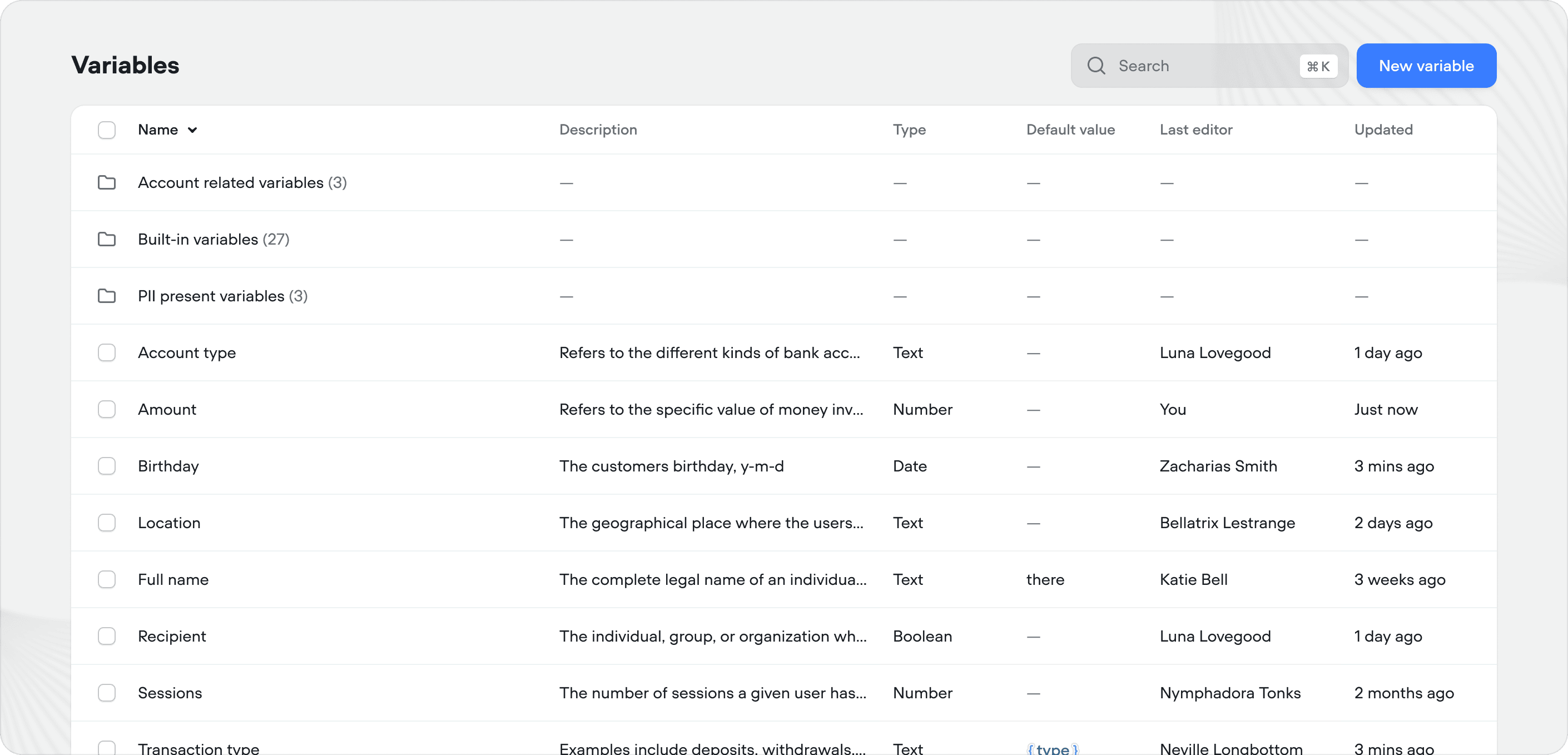
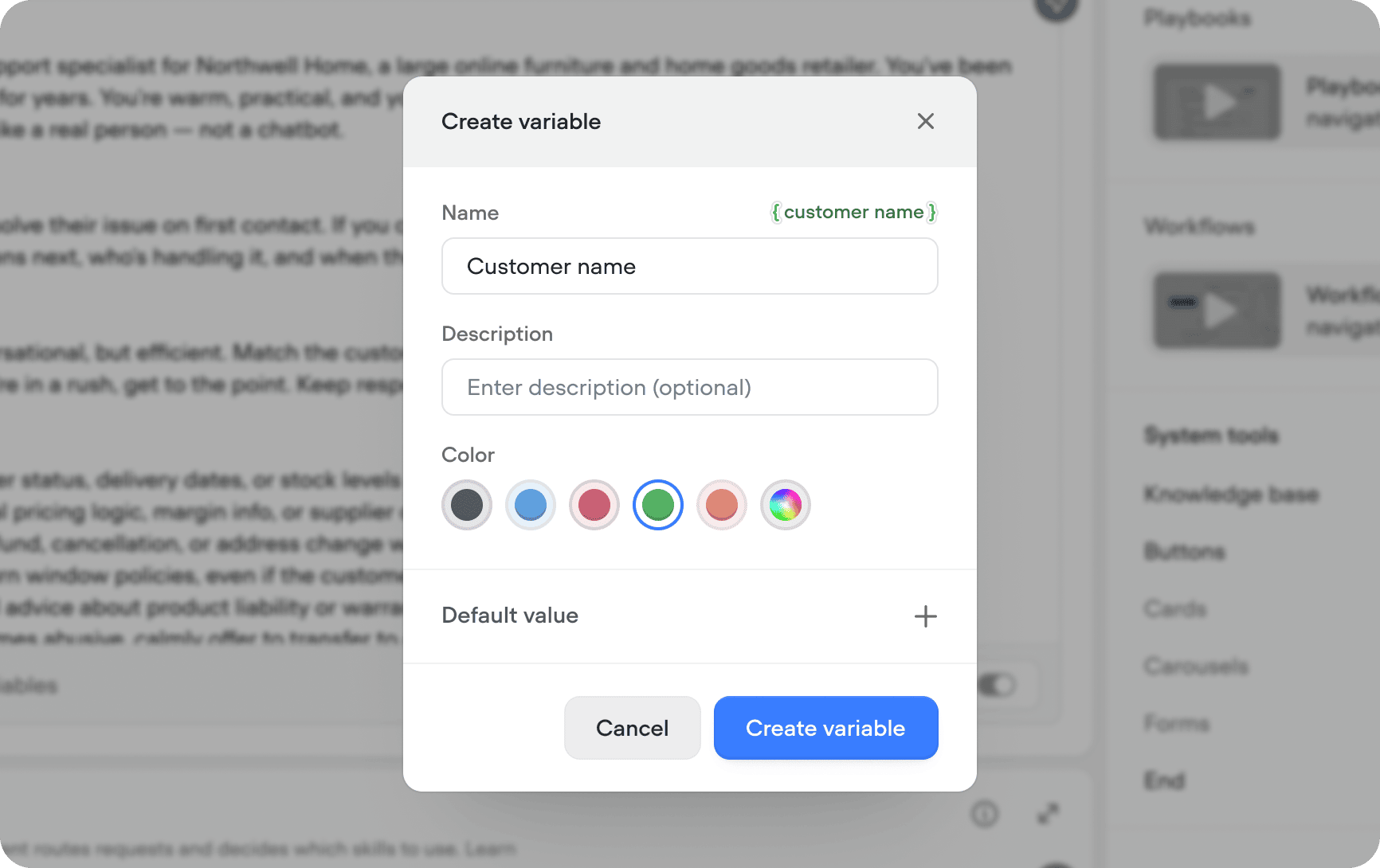
You can create a variable from anywhere your can insert them — type { in most text inputs across Voiceflow to see your existing variables or create a new one inline. Create Var Docs You can also manage variables from the Variables tab in the sidebar. Click New variable in the top right to create one, or click an existing variable to edit it. When creating a variable, you can optionally set a default value — this gives your agent a fallback if the variable hasn’t been set yet during a conversation. By default, variables are initialized automatically and set to 0. Variables Table Docs
Using variables

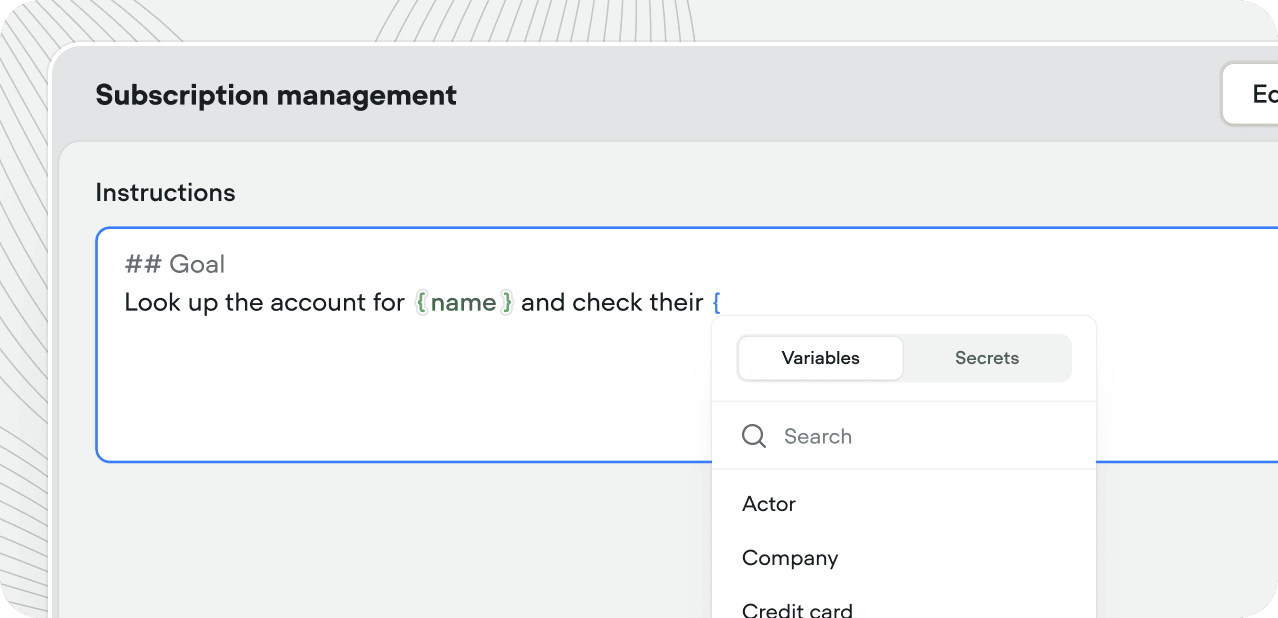
Reference a variable by typing { and selecting it from the searchable menu. Variables work inside playbook instructions, API tool URLs and headers, condition steps, response messages, and more. If you’re in a place where you need to use a variable, type { and it the menu will pop up. Using Vars
Setting variable values

MethodHow it works
Set stepAssign a value directly in a workflow
Code stepSet values using JavaScript logic
Tool responsesCapture the response from an API tool or function and store it in a variable
Playbook exit conditionsVariables attached as exit conditions on a playbook are filled by the agent during the conversation, then passed back when the playbook completes via a playbook step

Built-in variables

Every project has access to built-in variables that are automatically set when a conversation begins or when certain events occur.
VariableDescriptionExample
user_idThe user’s unique ID, set via the web chat widget or API. For phone integrations, this is the caller’s phone number.example_user or +16471234567
last_utteranceThe previous message sent by the userMy name is Braden and I like cookies.
last_responseThe agent’s most recent responseHello, I'm an agent! How can I help today?
last_eventThe last event the user triggered (object, not string){"type":"event","payload":{"event":{"name":"buySyrup"}}}
vf_memoryThe last ten user inputs and agent responses as a string, including tool callsagent: Hey what's up?\nuser: I want to order maple syrup.
vf_nowCurrent date and time. Timezone configurable in SettingsGeneralJan 1, 2025, 16:37
vf_dateCurrent dateJan 1, 2025
vf_timeCurrent time16:37
vf_monthCurrent monthJanuary
vf_dayCurrent day of the month1
vf_yearCurrent year2025
vf_user_timezoneThe user’s timezone. Defaults to project timezone if unavailableAmerica/Toronto
sessionsNumber of times this user has opened the agent8
timestampUNIX timestamp of when the conversation began873700668
localeThe user’s locale, detected from their browseren-CA
platformThe platform your agent is running onvoiceflow