

Creating a Function tool
1
Create the tool
You can add, or create a Function tool directly from within a playbook.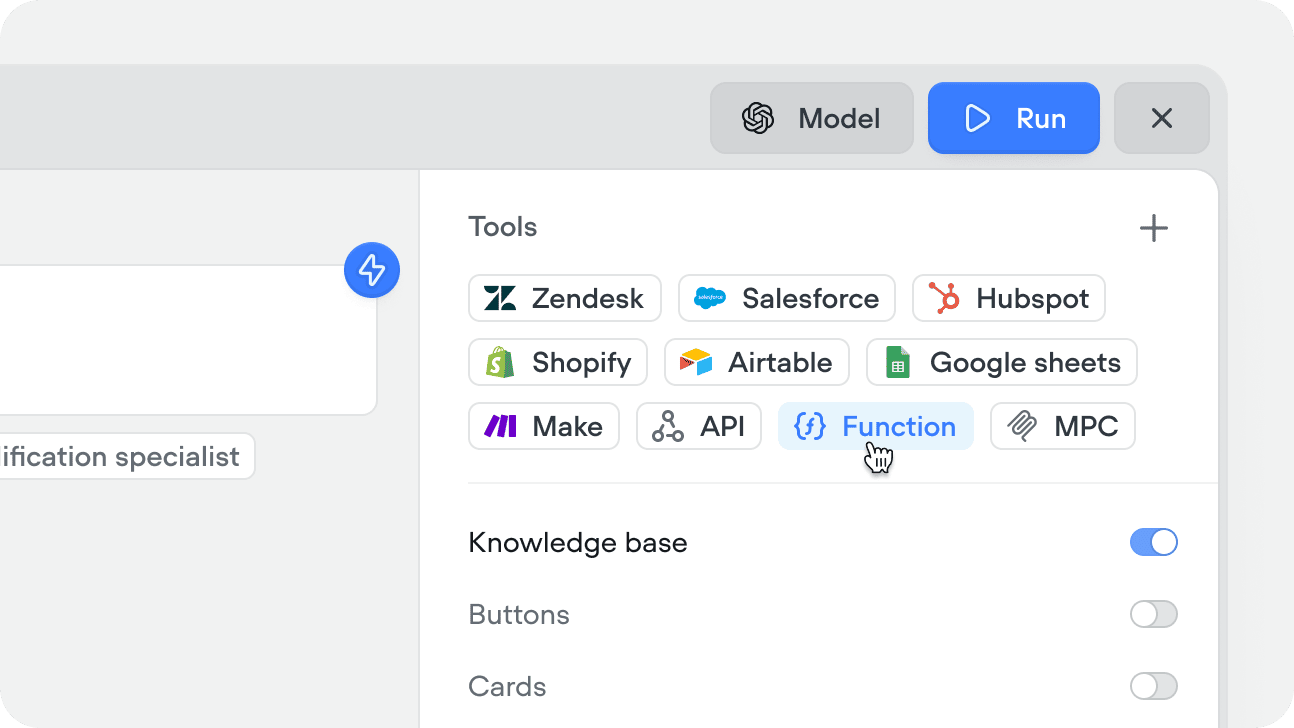
You can also create Function tools from within a workflow using the Function step, or from the tools CMS tab.
2
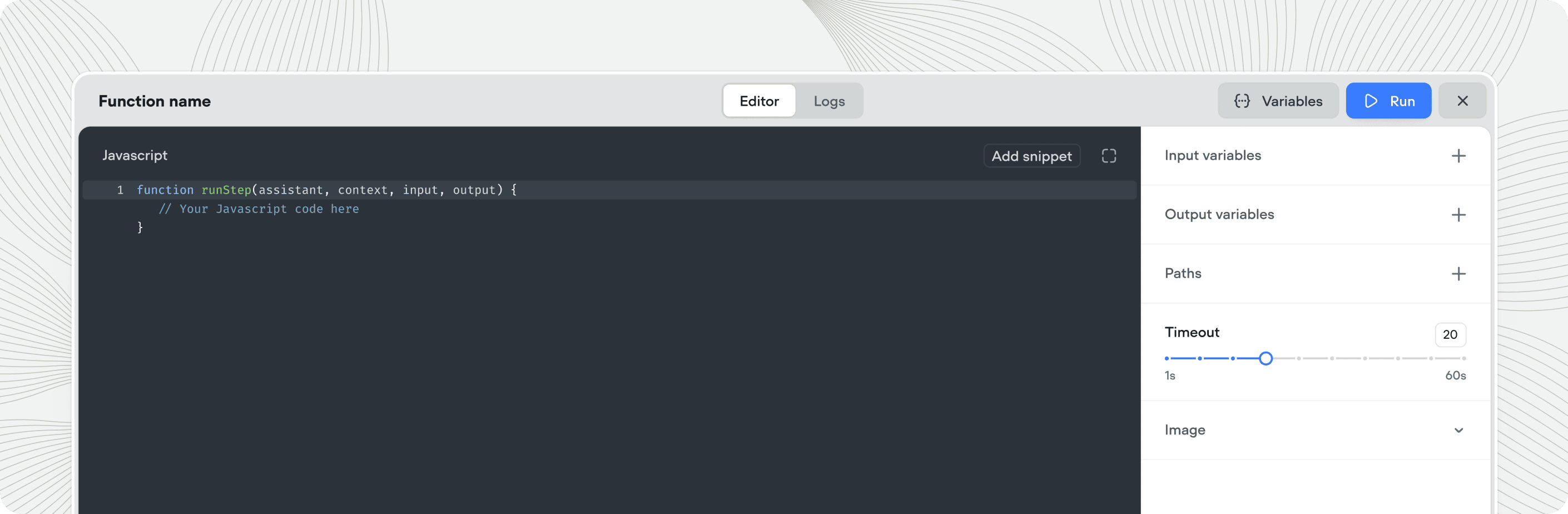
Define input variables
Add the variables your function needs as inputs. These are passed in by a playbook or a Function step and are accessible inside your code. Add a description to each so the agent knows what to pass.
3
Write your function
Write your JavaScript function code in the editor. Return your output by setting the output variable values - these are passed back to the conversation.
4
Define output variables
Add output variables for any values your function should return to the agent. These are available in the conversation after the function runs.
5
Test the function
Click Run in the top right corner to test. Click Variables to enter test values for your inputs, then Run to execute. The output panel shows your returned values and any console logs.
Using the Function tool
There are two ways to use a Function tool:In a playbook
Add the Function tool to a playbook’s Tools editor. The agent calls it autonomously when the conversation requires it - based on the tool’s description, your playbook instructions, and the conversation context.In a workflow
Drag a Function step onto the canvas and select the Function tool you want to run. Input variables are mapped explicitly in the step config - the function runs at that point in the flow every time. Use this when the logic is part of a fixed process - for example, always formatting a date before displaying it, or always calculating a total before confirming an order.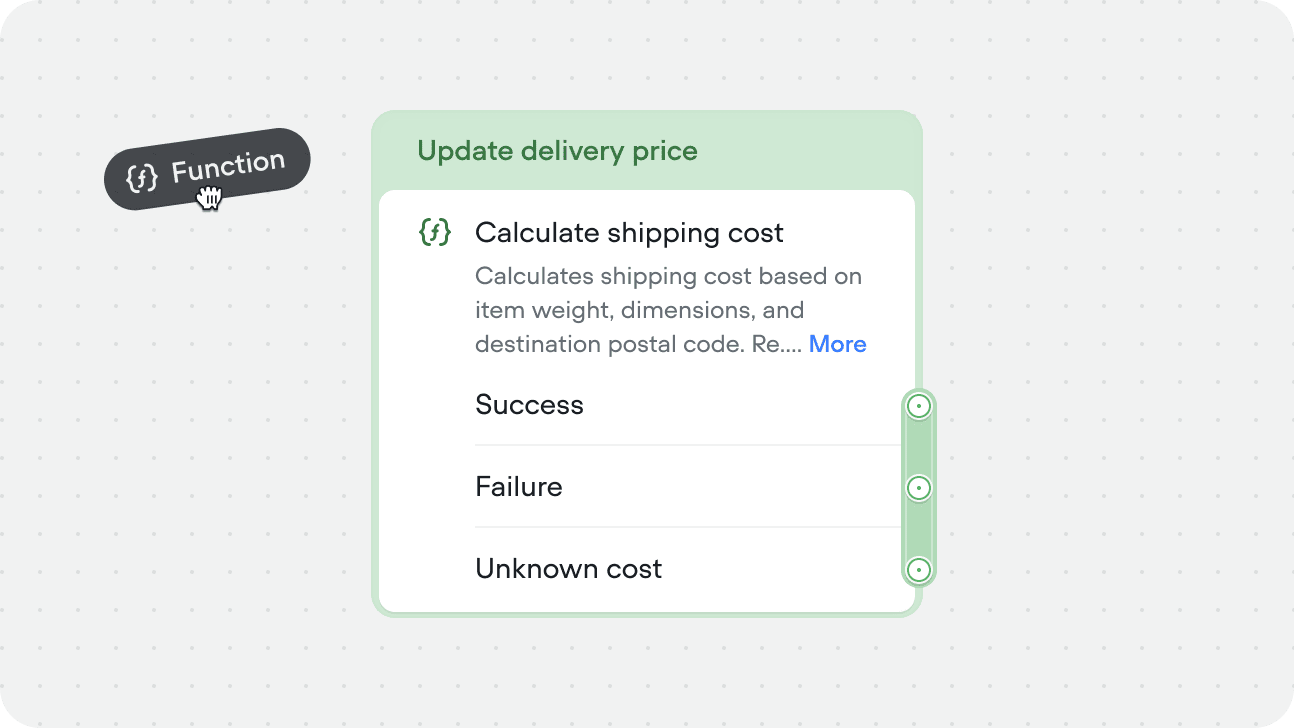
Running Function tools asynchronously
Both Function tools in workflows or playbooks can run async. The async toggle is available at the instance level, not tool level allowing you to use the same tool, with different config.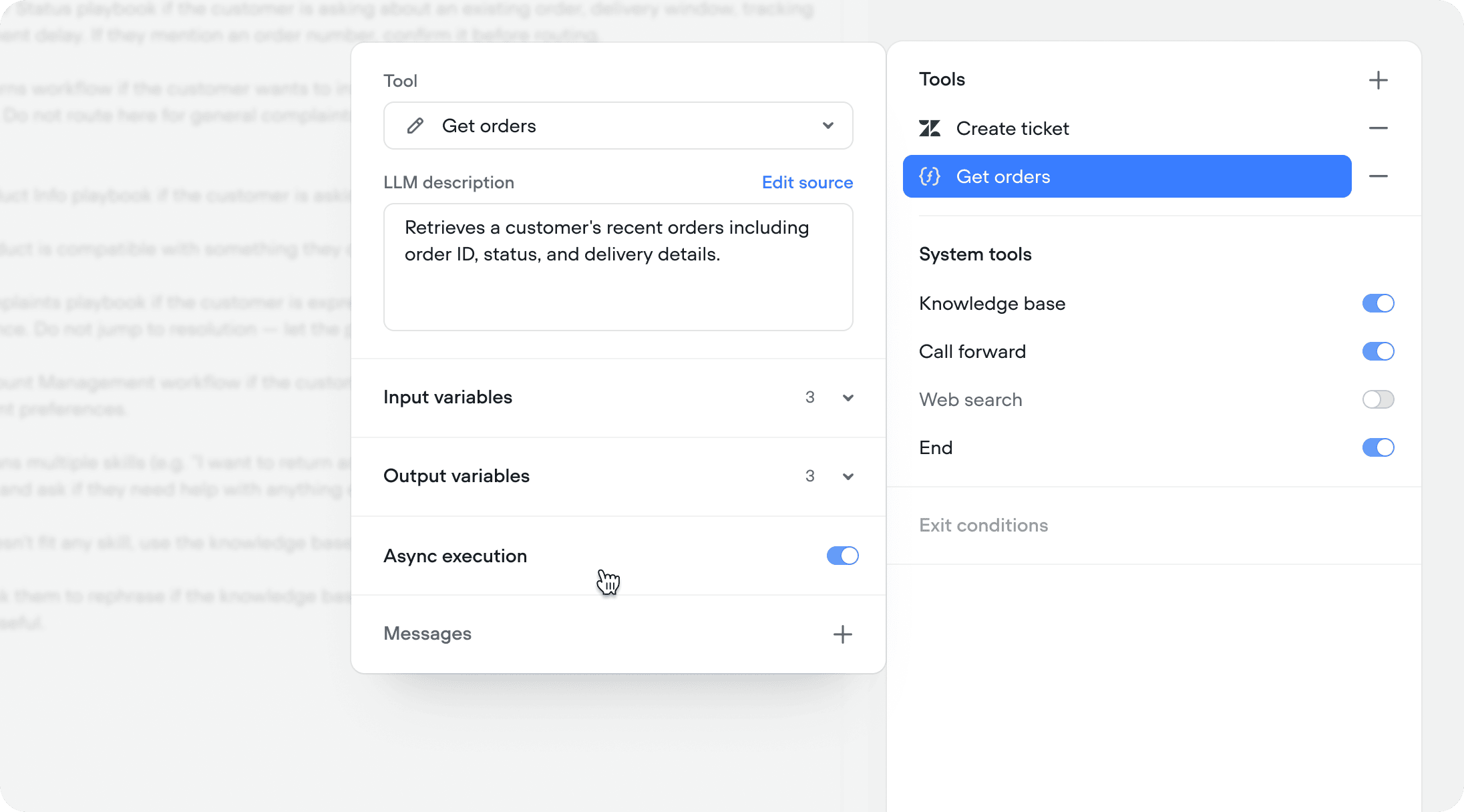
Fire and forget
Use async when you don’t need the Function response to continue the conversation. The call fires in the background and the agent moves on immediately. This is ideal for logging and side effects - sending an event to an analytics platform, writing to a CRM, triggering a webhook, or any operation where the agent doesn’t need to reference the result. The user gets a faster experience because the conversation never pauses for a background task.Async with deferred response
Use async when the Function call is slow or not immediately relevant, but the response still matters. The call fires in the background and the agent continues the conversation naturally. When the response arrives, it’s captured and the agent can reference it on the next turn. For example, during your initialization workflow, you authenticate the user and simultaneously fire an async call to fetch their recent orders. By the time authentication completes and the agent takes over, the order data is already available. The agent can open the conversation with “I see you have a recent order for a queen mattress arriving Thursday — is that what you’re calling about?” instead of asking the user to explain why they’re reaching out.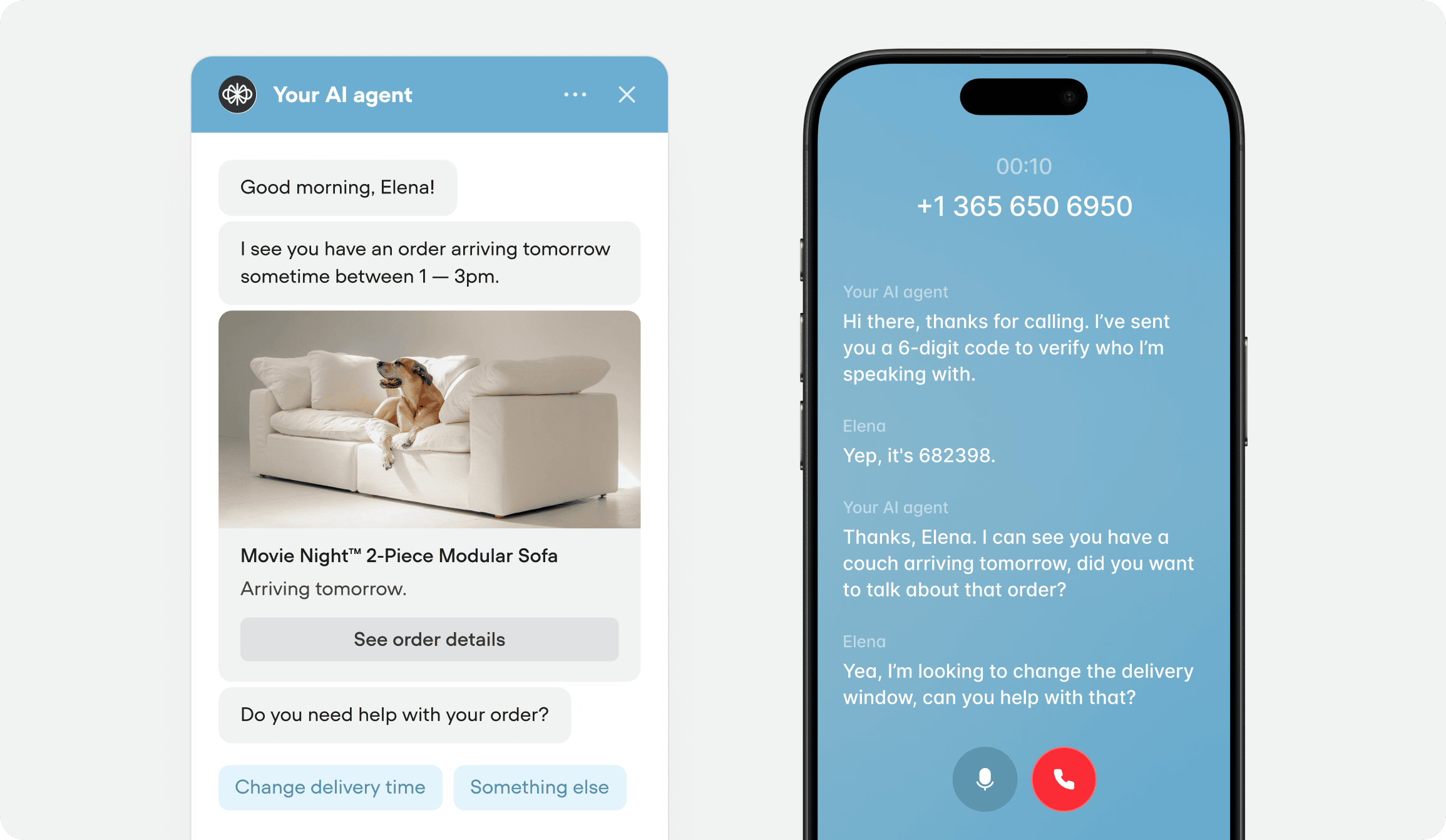
How function code works
Function code runs remotely in a secure, isolated sandbox. On each execution, the runtime sends your code and input values to the sandbox, and executes it. It receivesargs, and returns an object describing what the runtime should do next:
Accessing input variables
args.inputVars contains one key per input variable declared on the function. Input values come from the Function step’s input mappings, or are generated by the agent when called from a playbook.
The return value
Your function communicates back exclusively through its return value - nothing else persists between runs. An invalid malformed return value fails the step.outputVars: setting variables
Maps the function’s declared output variables to values. Keys must match declared output variables and values must be plain data (string, number, boolean, or null).
next: choosing a path
Paths are only applied in function steps, not within a playbook or agent.
Selects which of the function’s declared paths the workflow follows. The path value must exactly match a declared path code - returning an unknown code fails the step.
- If the function declares paths but your code returns no
next, the workflow stops. - If the function declares no paths,
nextis ignored and the step continues through the default port.
Advanced:
next also accepts { listen: true } to pause on the step and wait for the user’s next input or event - used to build interactive chat widget extensions.trace: sending messages and custom events
An array of trace objects appended to the agent’s response, in order. Every trace needs a type andpayload.
Making API requests with fetch
Functions include a global fetch for HTTP requests. It’s similar to the standard Fetch API, with one key difference: the response body is fetched and parsed, and returned as a plain object - there are no .json() or .text() methods to call.
method, headers, body). The resolved response object contains:
By default, the body lands in
response.json when the Content-Type header indicates JSON, and in response.text otherwise. To force a specific format, pass a third argument: fetch(url, init, { parseType: 'json' | 'text' | 'arrayBuffer' | 'blob' }).
- Response bodies are limited to 1 MB - larger responses throw an error.
- Requests are bounded by the function’s overall timeout; streaming responses and WebSockets are not supported.
- A network failure, timeout, or oversized response throws - uncaught, this fails the step and routes it down the error path.