

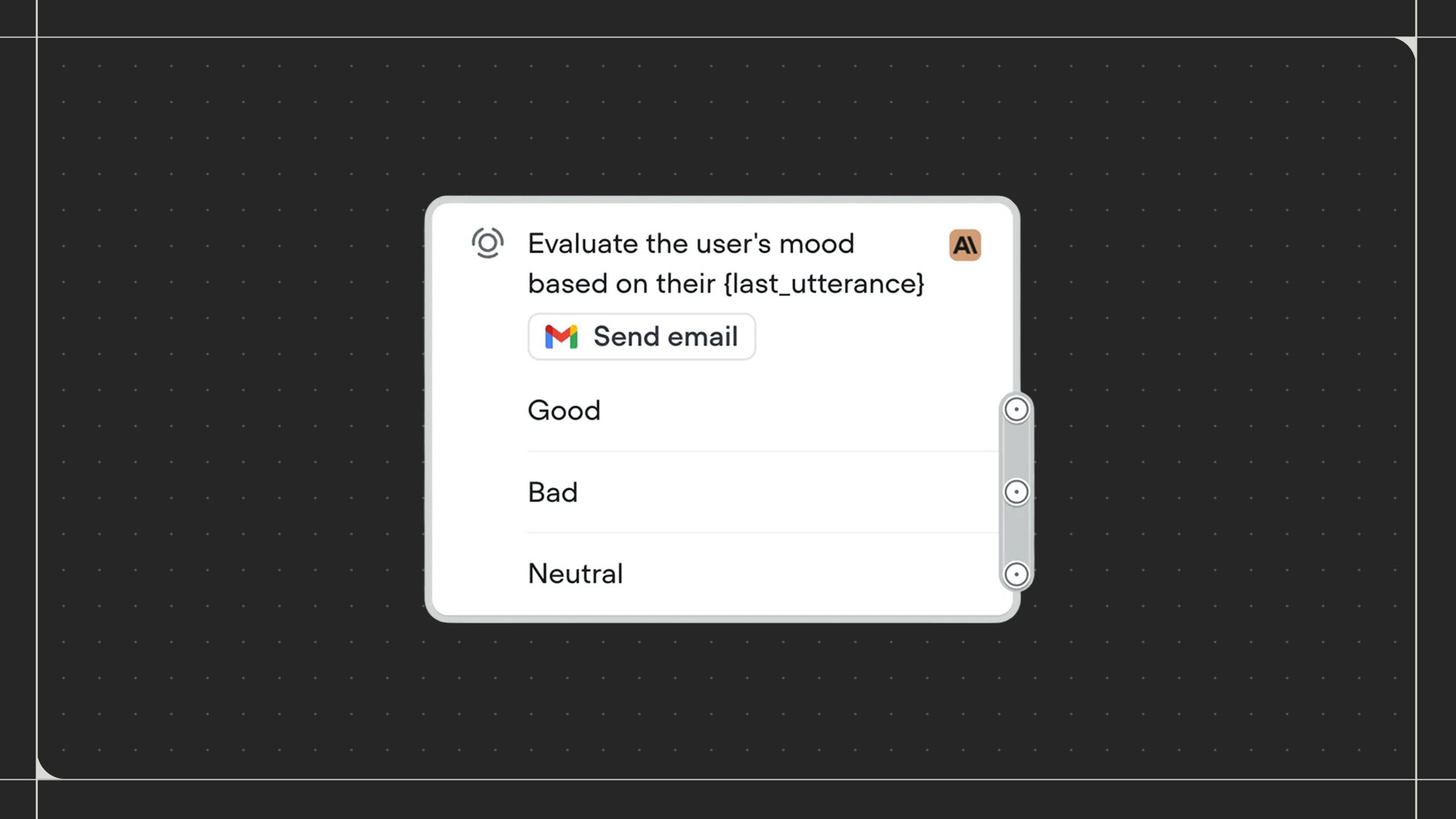
Using the Operator step
Drag the Operator step onto the canvas and connect it to the preceding step in your workflow. Once added, configure your prompt and connect each exit path to the next step in your flow.Configuration
The Operator step is configured through a prompt, tools, and a set of exit conditions that you define.- Prompt: Write a prompt to guide the LLM on how to evaluate your routing logic and provide any additional context it needs to route accurately.
- Tools: The Operator step has access to tools to help it evaluate conditions. See the Integration tools documentation for more details.
- Exit conditions: Each exit condition represents a named path the workflow can take. You can write a trigger for each one, giving the LLM instructions on when to route to that path. You can also specify required variables, meaning the LLM can only exit to that path if those variables are filled.