

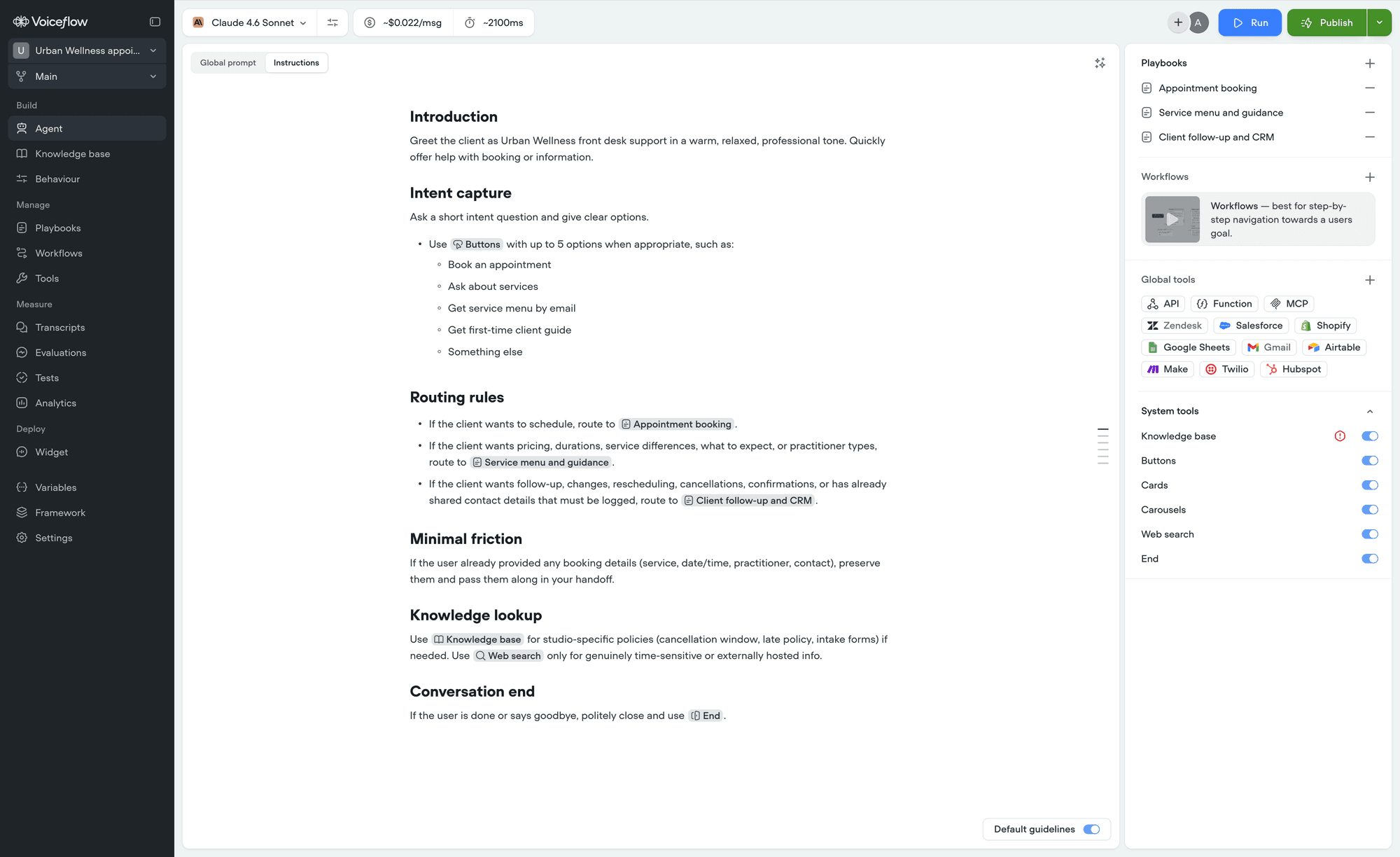
Formatting blocks
Type these at the start of a line, then press space.
Two places where these deliberately do nothing: inside a heading, so
1. stays a literal number rather than starting a list, and inside a Steps block, which holds plain text only.
Formatting text inline
Wrap the text and it converts once you close it.
Typing a URL and pressing space or Enter turns it into a link automatically, so you rarely need the link syntax.
Pasting markdown
Copy a block of markdown from anywhere - a document, a message, another agent - and paste it in. Headings, lists, quotes, links, and text formatting all come through formatted rather than as raw characters. This works with sources that write markdown into plain text, like Slack. Pasting from a rich source such as Google Docs keeps its formatting too.Code blocks, tables, and images are not supported. If you paste any of them, the text inside is kept and the formatting is dropped, so nothing is lost. Headings below Heading 3 become regular text.
Next steps
Keyboard shortcuts
Every shortcut for formatting, blocks, and menus.
References
Point at your tools, playbooks, and workflows by name.