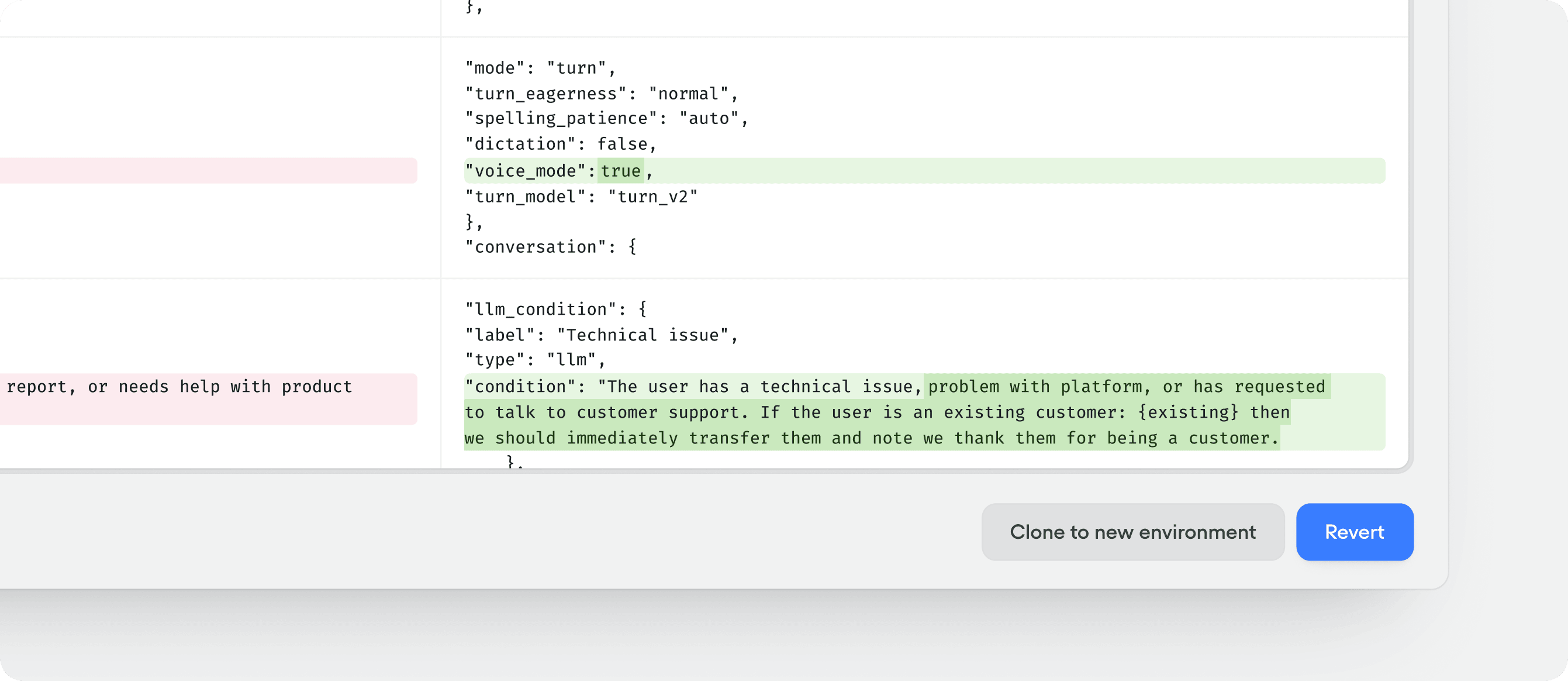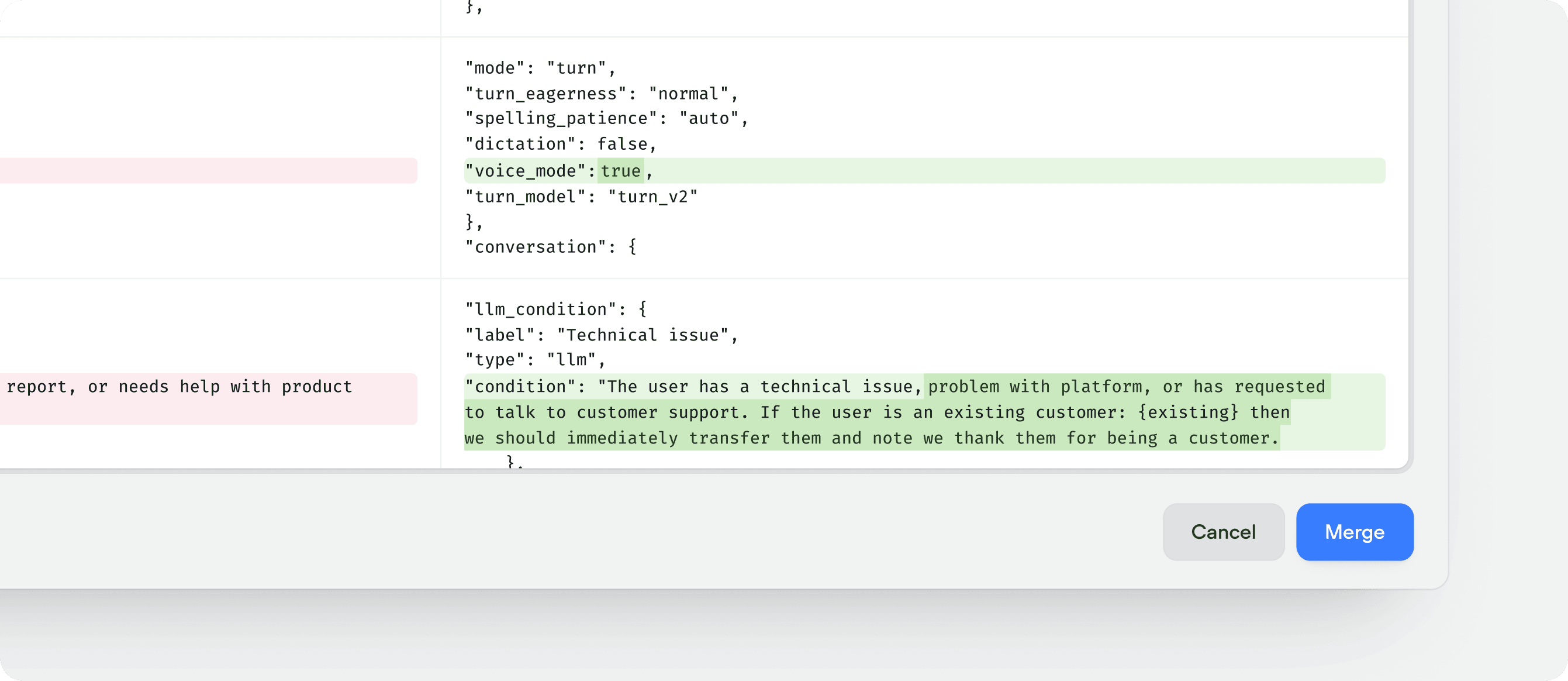
Main’s live version with the live version of the source environment, and adds a new entry to Main’s version history.
Things to know before you merge to Main
- Merges use the source environment’s live version, not its draft. Publish that environment first if you want its current edits in the merge.
- Merges replace, they don’t combine. Whatever is on the source environment replaces what’s on
Mainentirely. Any changes made toMainafter the source environment was created are overwritten. - If
Mainis protected, only workspace admins and owners can merge into it. See environment protection.
If Main has live changes since you created your environment, clone a fresh environment from Main, apply your changes there, and merge that. This avoids overwriting recent work.
Merging to main
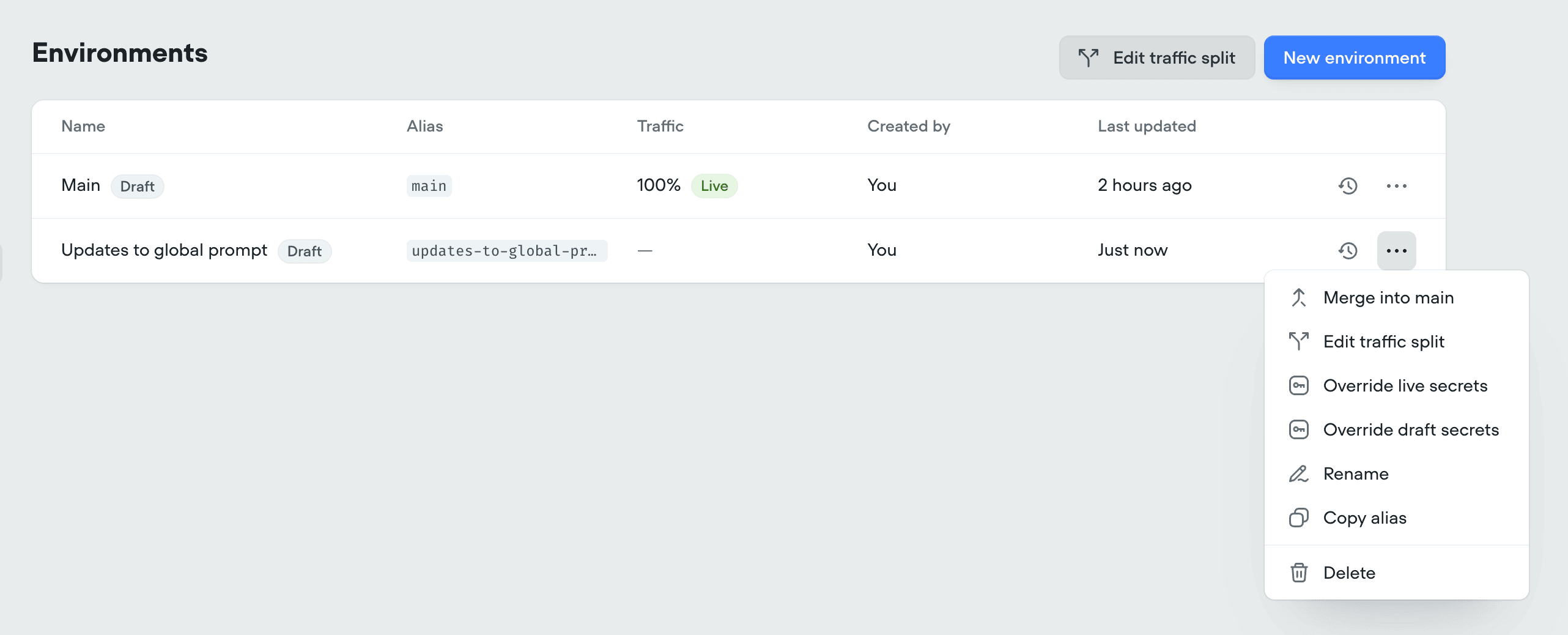
To merge a branch intoMain, click the more button button on the environment’s row in Settings → Environments.
Main’s live version and the source environment’s live version. Check delete environment after merging if you no longer need it, then click Merge to confirm. The new live version appears at the top of Main’s version history with a description noting the merge source.
If you leave delete environment after merging unchecked, the environment stays in Settings → Environments with its own version history intact, which is useful when you want to keep iterating on it and merge into Main again later.
Reverting a merge
A merge is a new version onMain, so reverting Main to the previous version undoes it. Open the version history for Main, pick the pre-merge version, and click Revert.