Preview your changes before publishing, see every version, and roll back when you need to.
Each environment has a draft version that auto-saves as you edit. Publishing promotes the draft to the live version. Every publish and restore is recorded in version history, giving you a clear record of changes over time.
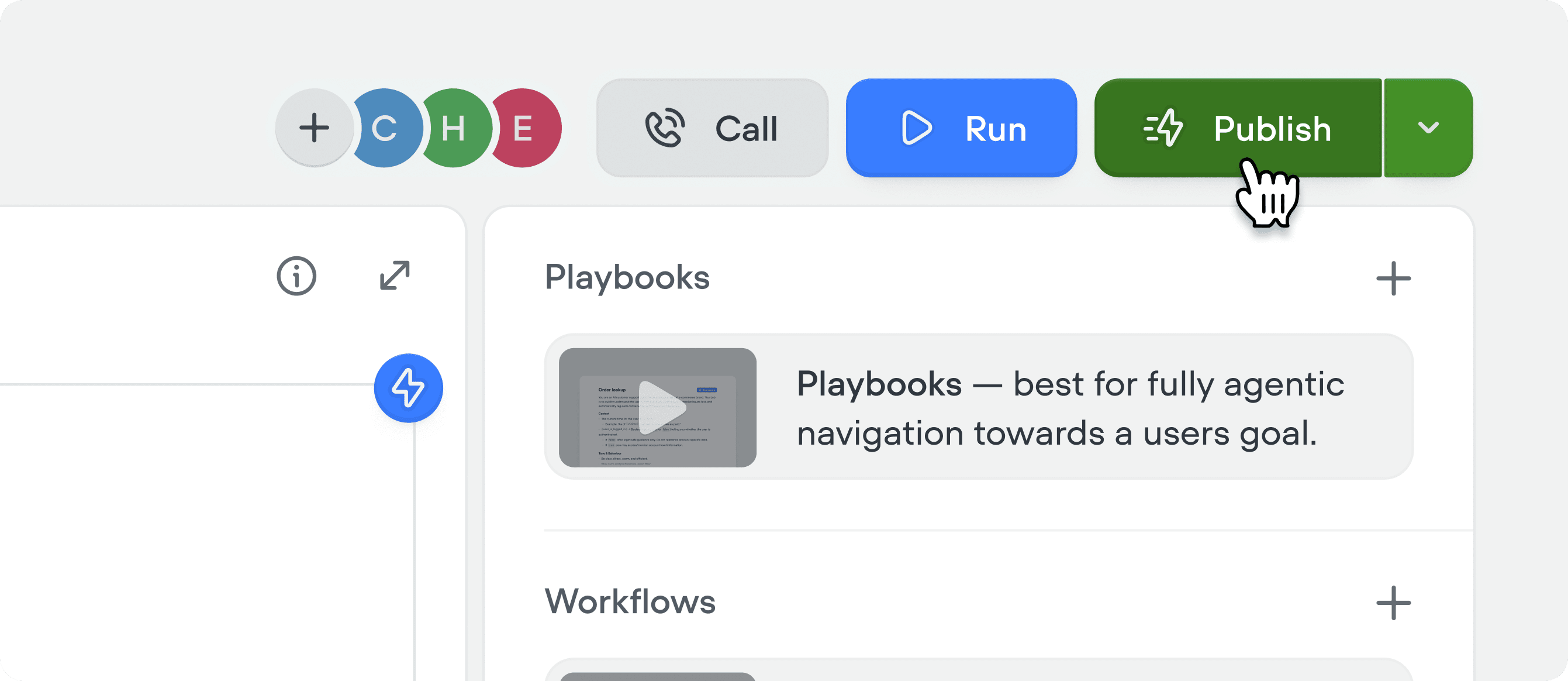
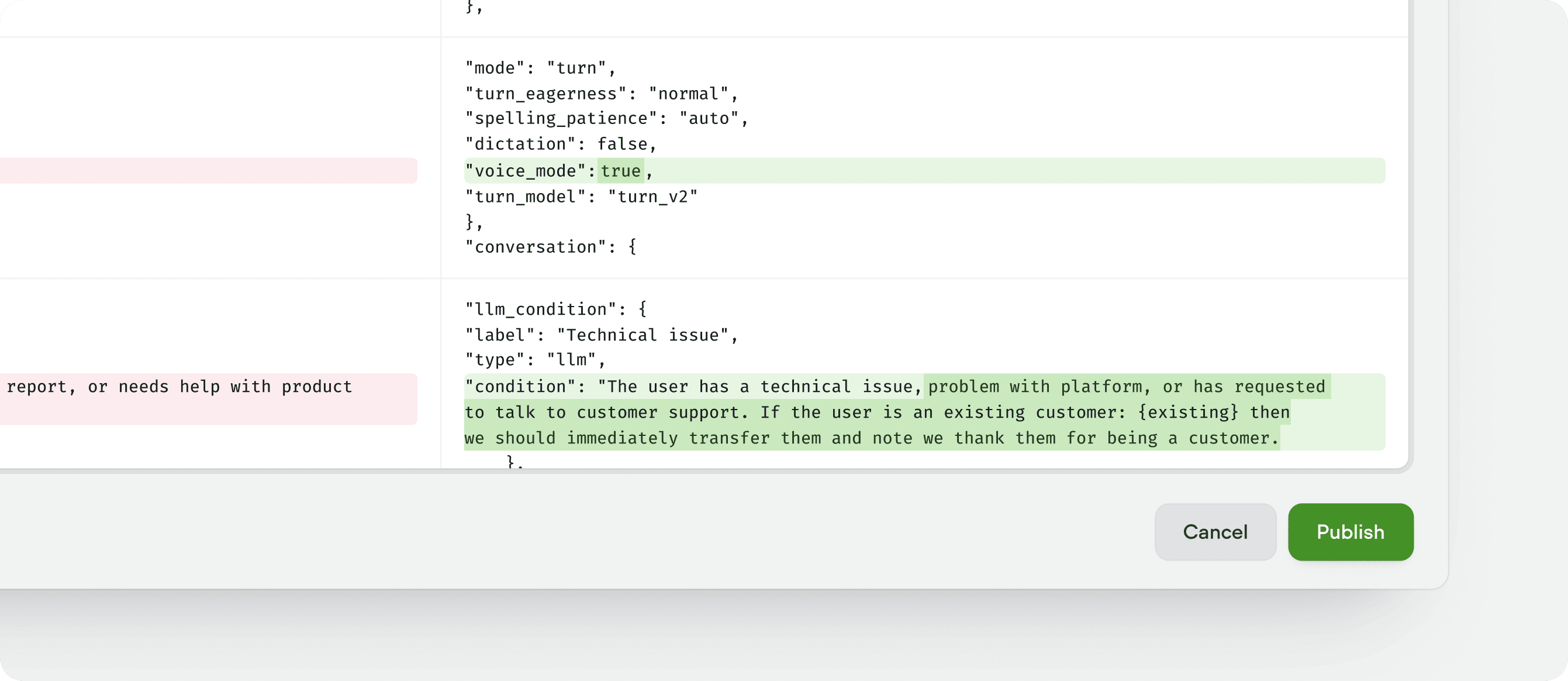
Click Publish in the top right corner while editing your project to open the diff view:The publish view shows a side-by-side diff view of the current live version and your draft version. Give the new version a name (a version number is filled in for you), add a description of what changed, and click Publish. The new version replaces whatever was previously live and happens near instantly.If the environment is protected, only workspace admins and owners can publish it. See environment protection.
Tip: we recommend that you always add a version description. Without one, it’s hard to track what changed across versions if you ever need to revert a change.