

Async tool response capture
API and Function tools running asynchronously can now save their response to a Voiceflow variable. Previously, async was fire-and-forget — useful for logging and side effects, but the response was lost. Now you can fire an async call, continue the conversation, and reference the result as soon as it arrives.This unlocks predictive experiences. Fetch a customer’s recent orders during authentication, pull account data while the agent greets the user, or query a slow third-party service while the conversation moves forward.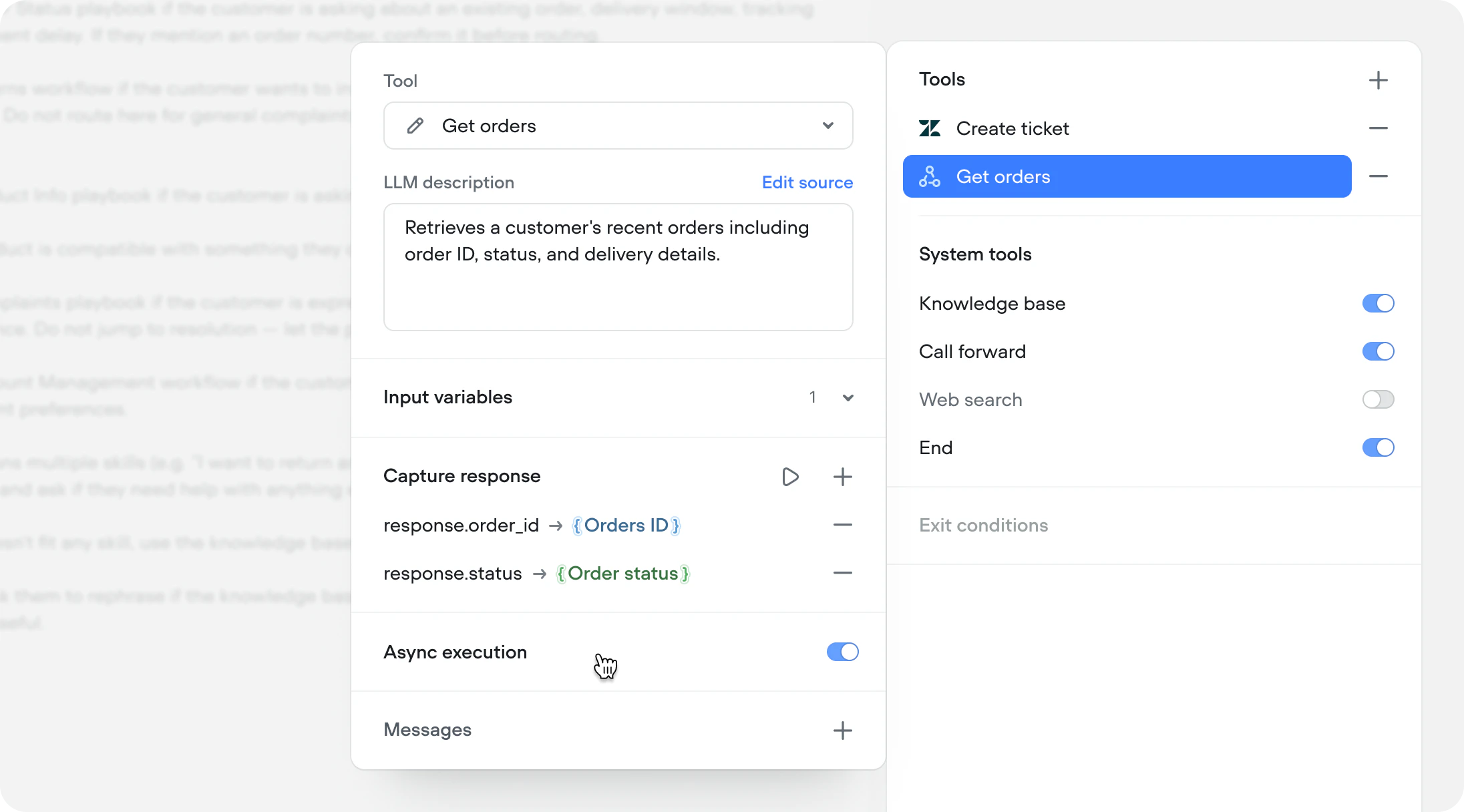
ElevenLabs Scribe v2 Realtime STT
We’ve added support for ElevenLabs’ newest and most accurate speech-to-speech model, Scribe v2 Realtime. Supporting 90+ languages.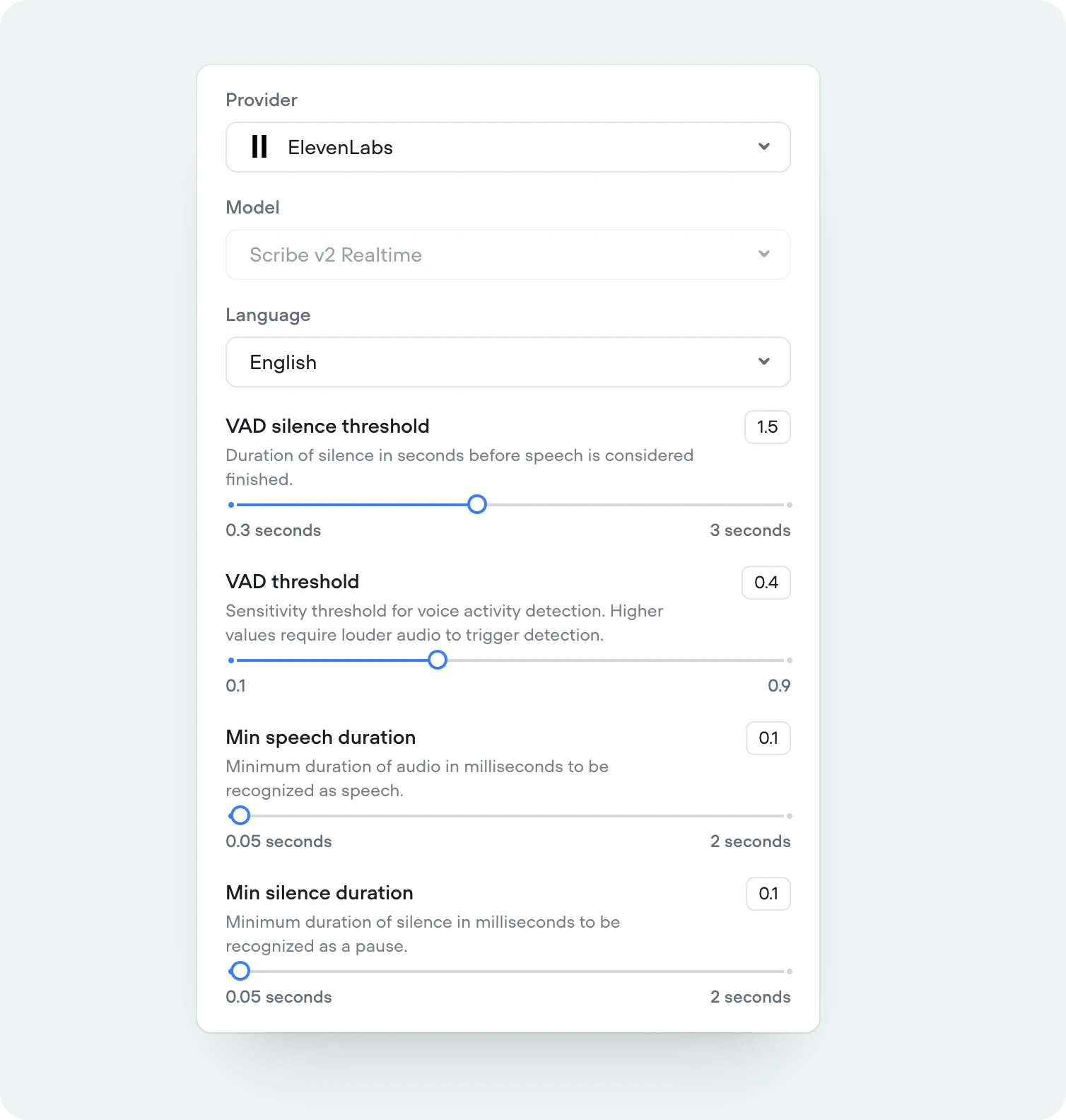
Eleven v3 TTS
We’ve added support for ElevenLabs’ newest and most expressive text-to-speech model, Eleven v3. Supporting 70+ languages.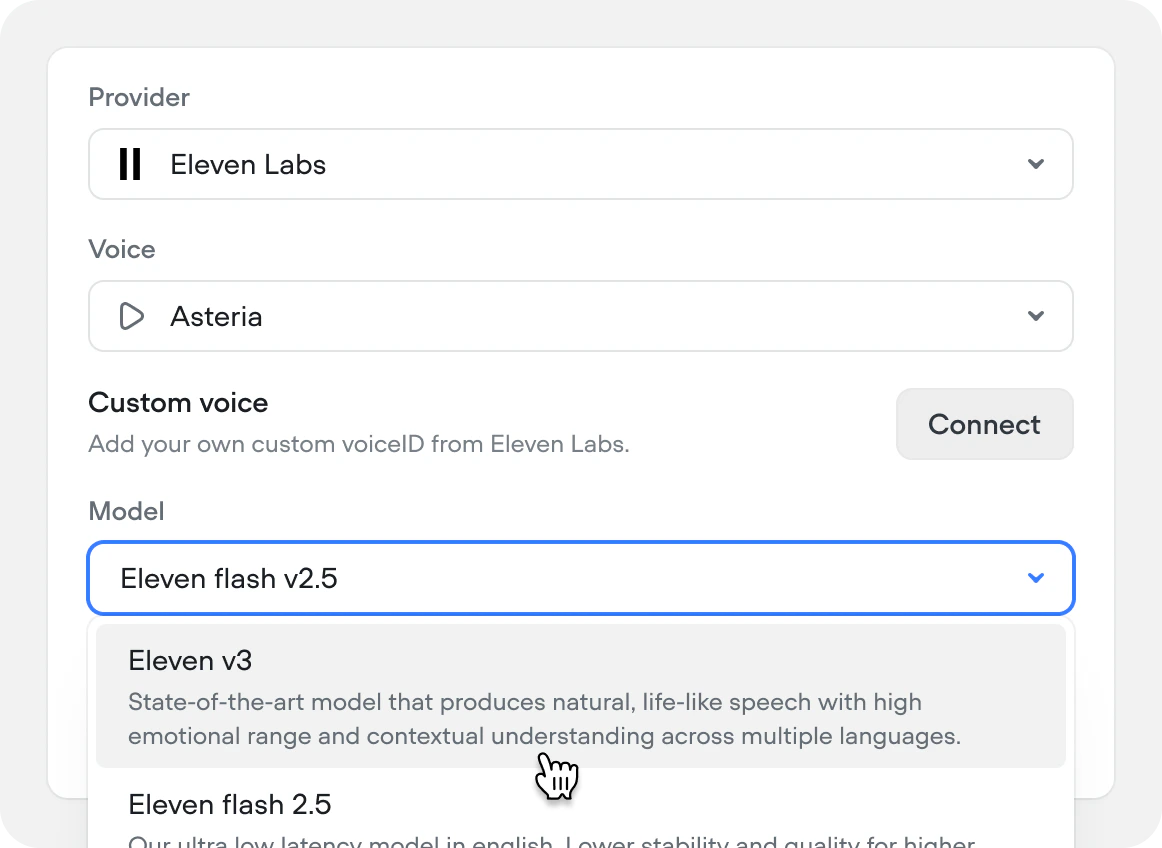
Show source URLs in responses
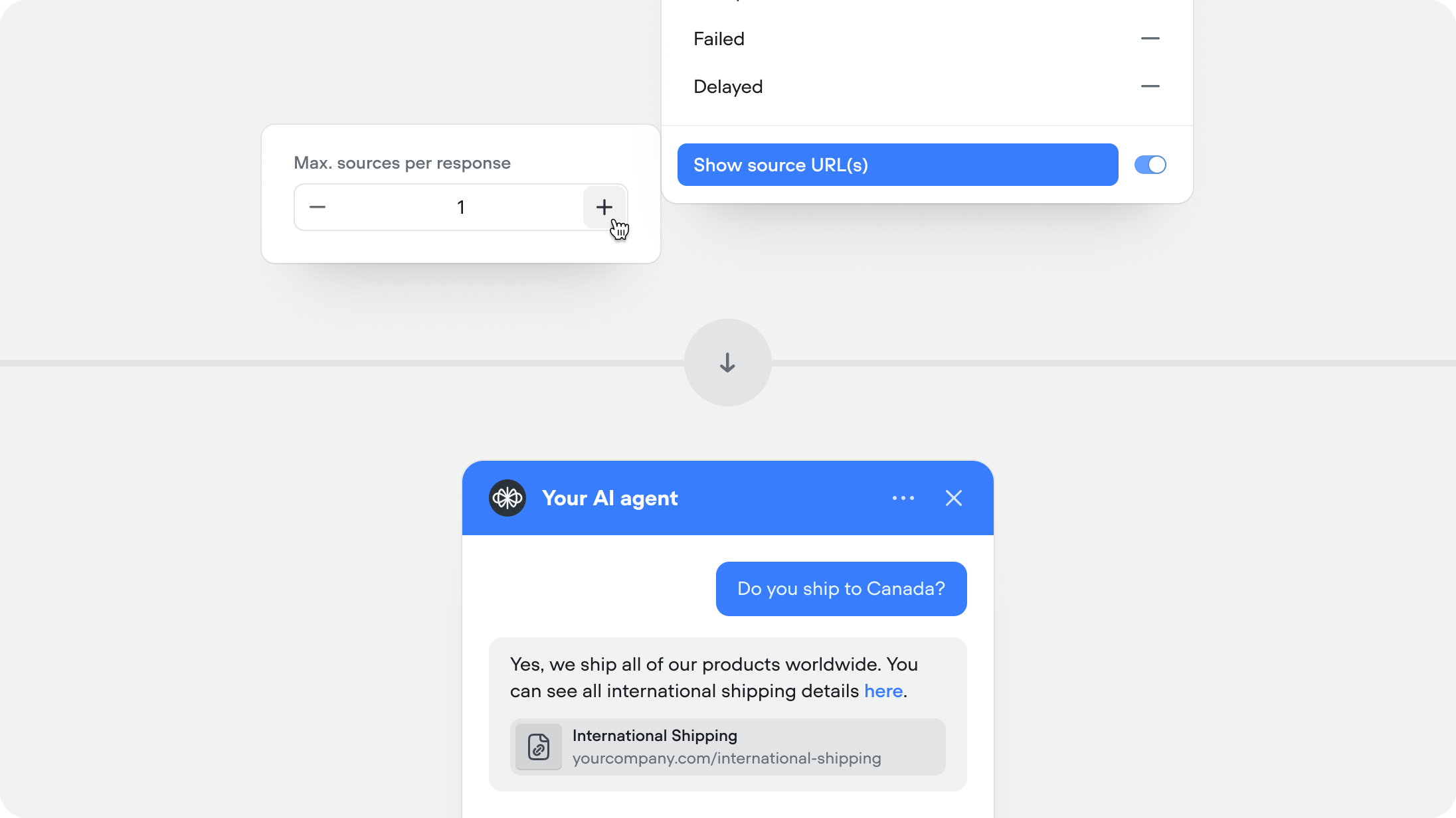
When enabled, the agent includes the source URL (If public URL) alongside its response so users can verify or learn more. Recommended for help centers and documentation.This feature is available for both the knowledge base and web search system tools.You can set the maximum number of sources you want to show per agent message (defaulted to 1).
Async functions and API tools
You can now run Function and API tool steps asynchronously.Async execution allows the conversation to continue immediately without waiting for the tools to complete. No outputs or variables from the step will be returned or updated.This is ideal for non-blocking tasks such as logging, analytics, telemetry, or background reporting that don’t affect the conversation.Note: This setting applies to the reference of the Function or API tool — either where the tool is attached to an agent or where it’s used as a step on the canvas. It is not part of the underlying API or function definition, which allows the same tool to be reused with different async behaviour throughout your project.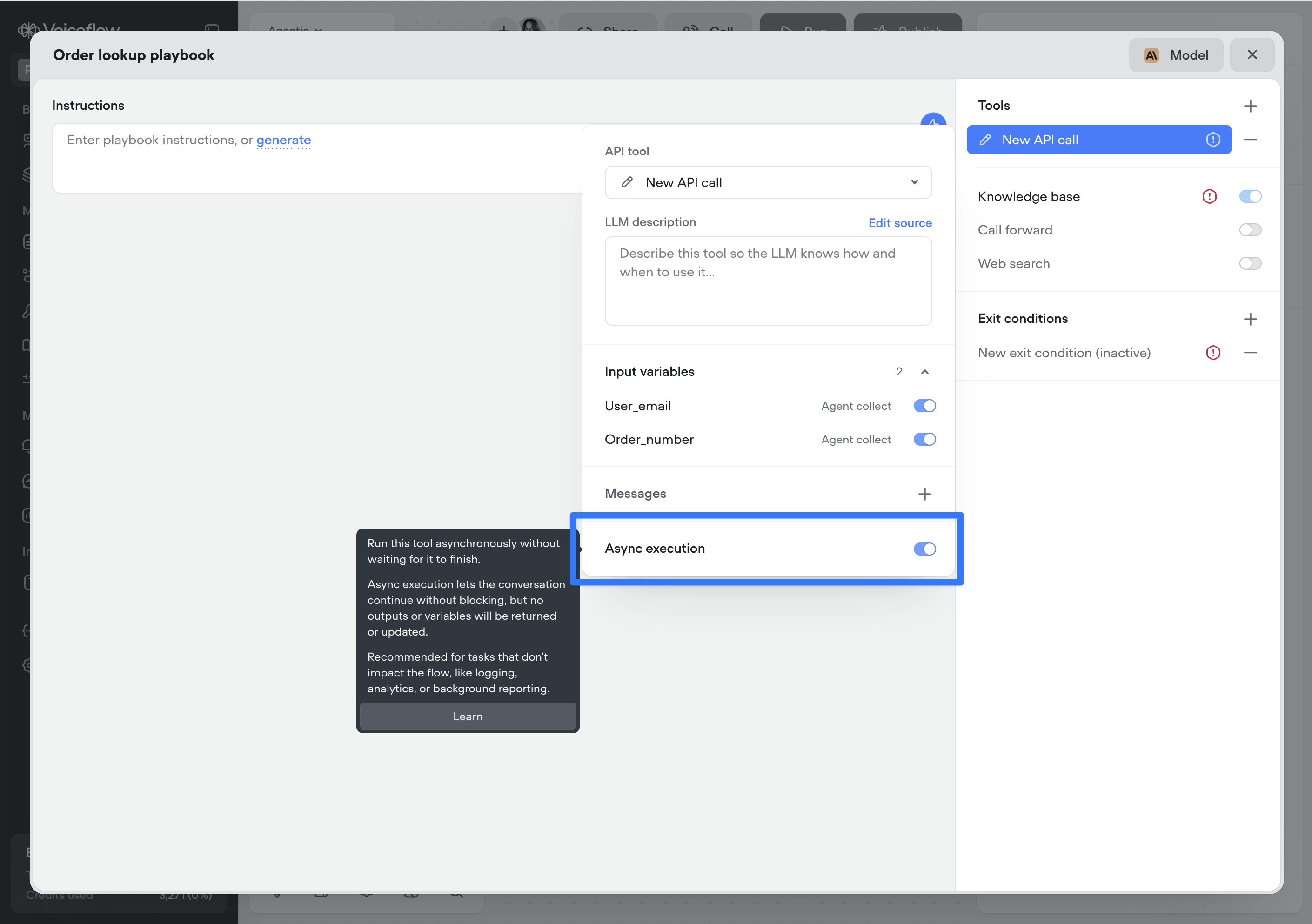
Tool messages
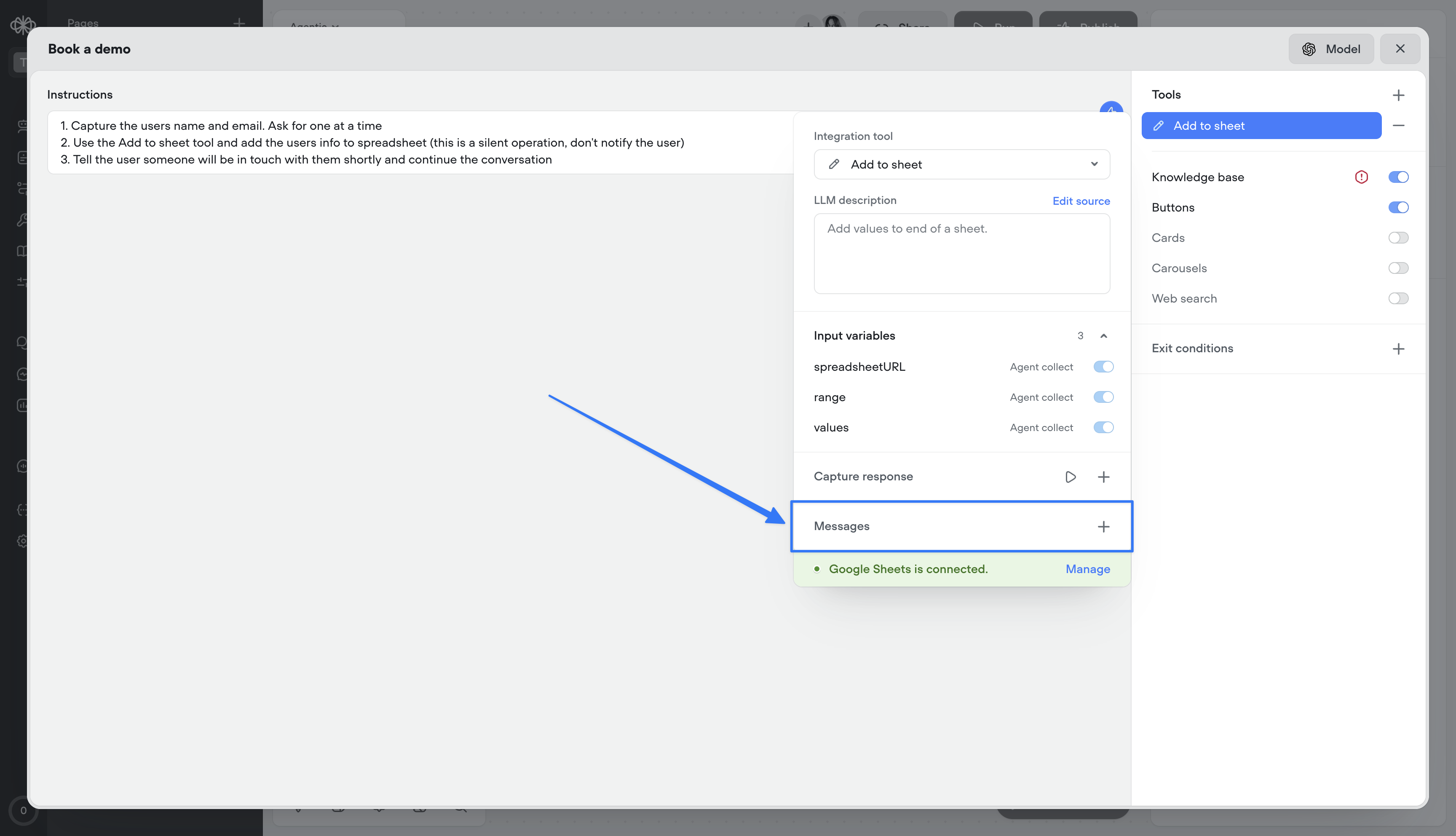
Tool messages let you define static messages that are surfaced to the user as a tool progresses through its lifecycle:- Start — Message delivered when the tool is initiated
- Complete — Message delivered when the tool finishes successfully
- Failed — Message delivered if the tool encounters an error
- Delayed — Message delivered if the tool takes longer than a specified duration (default: 3000ms, configurable)
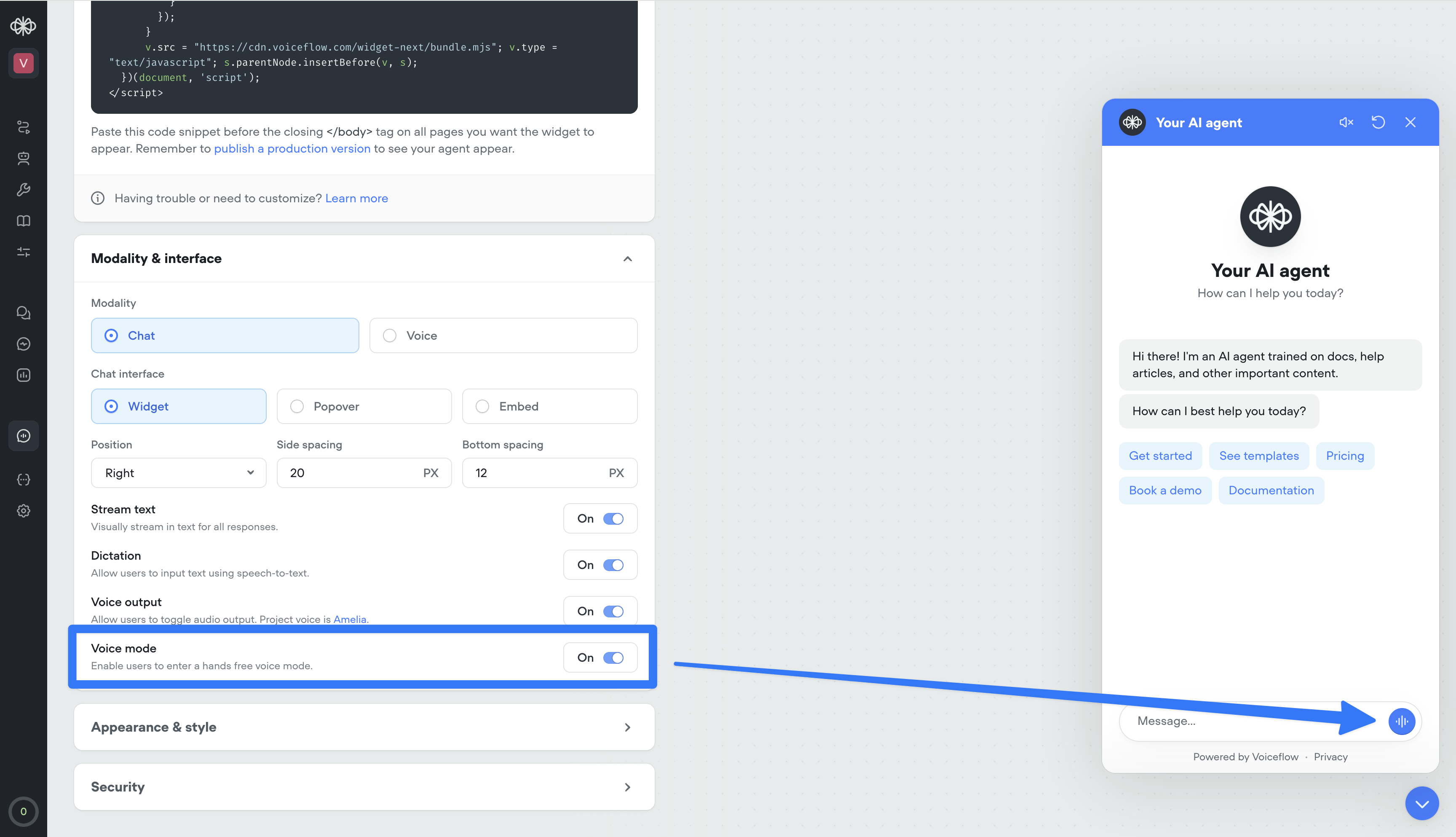
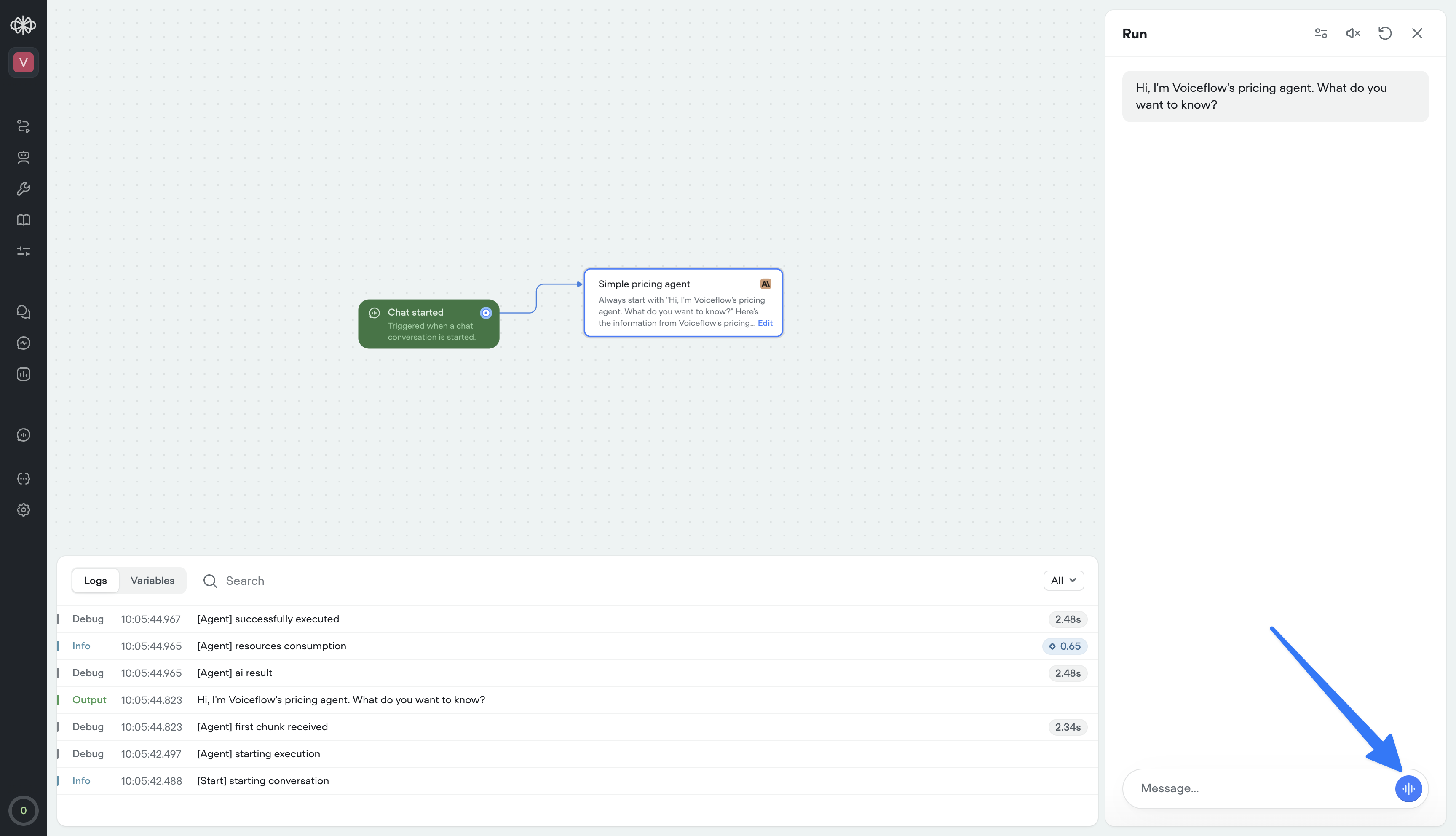
Voice mode in web widget
Your web widget now supports hands-free, real-time voice conversations. Enable it from the Widget tab for existing projects — it’s on by default for new ones.Users can talk naturally, see transcripts stream in instantly, and get a frictionless voice-first experience. It also doubles as the perfect in-browser way to test your phone conversations—no dialing in, just open the widget and run the full voice flow instantly.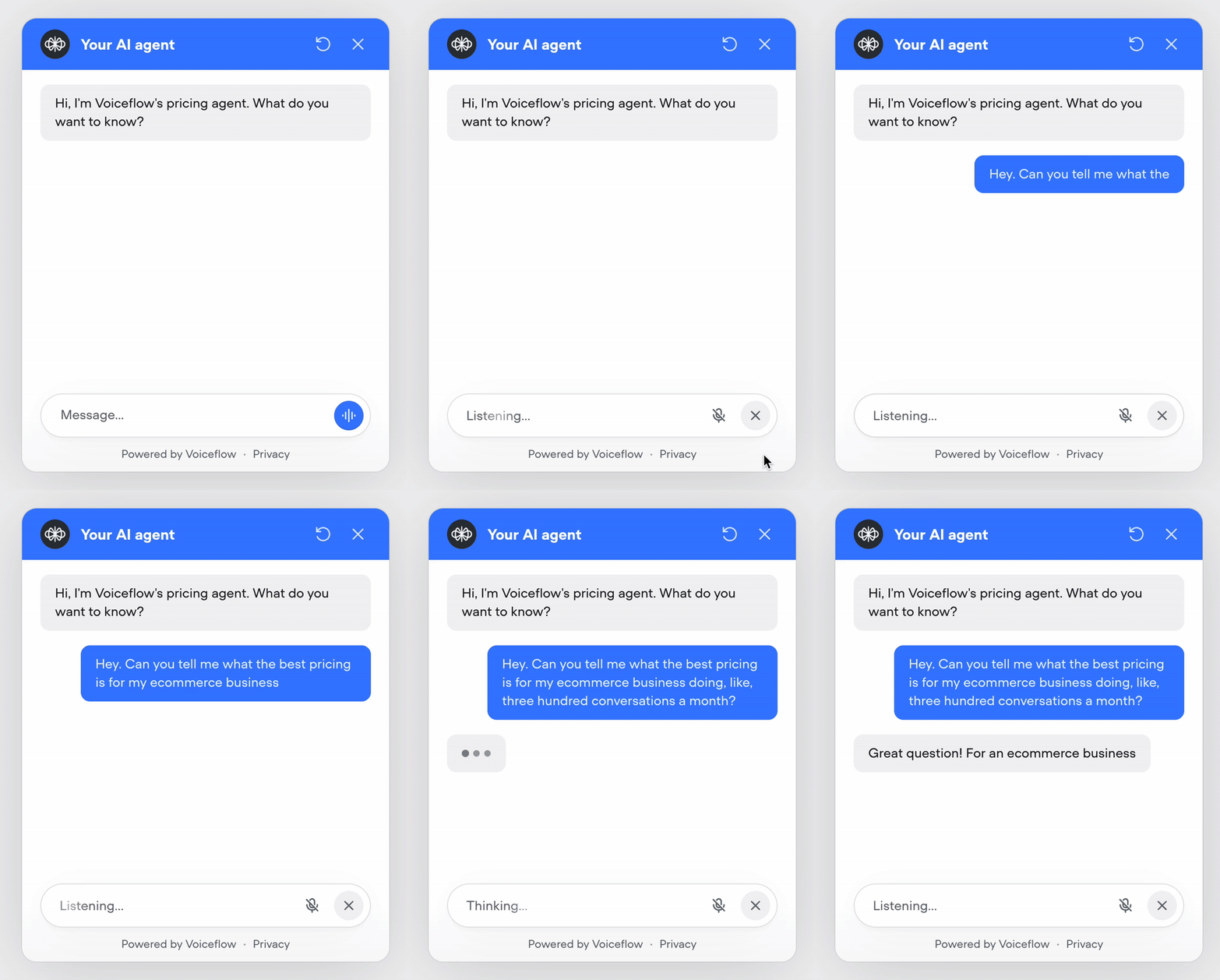
Native web search tool
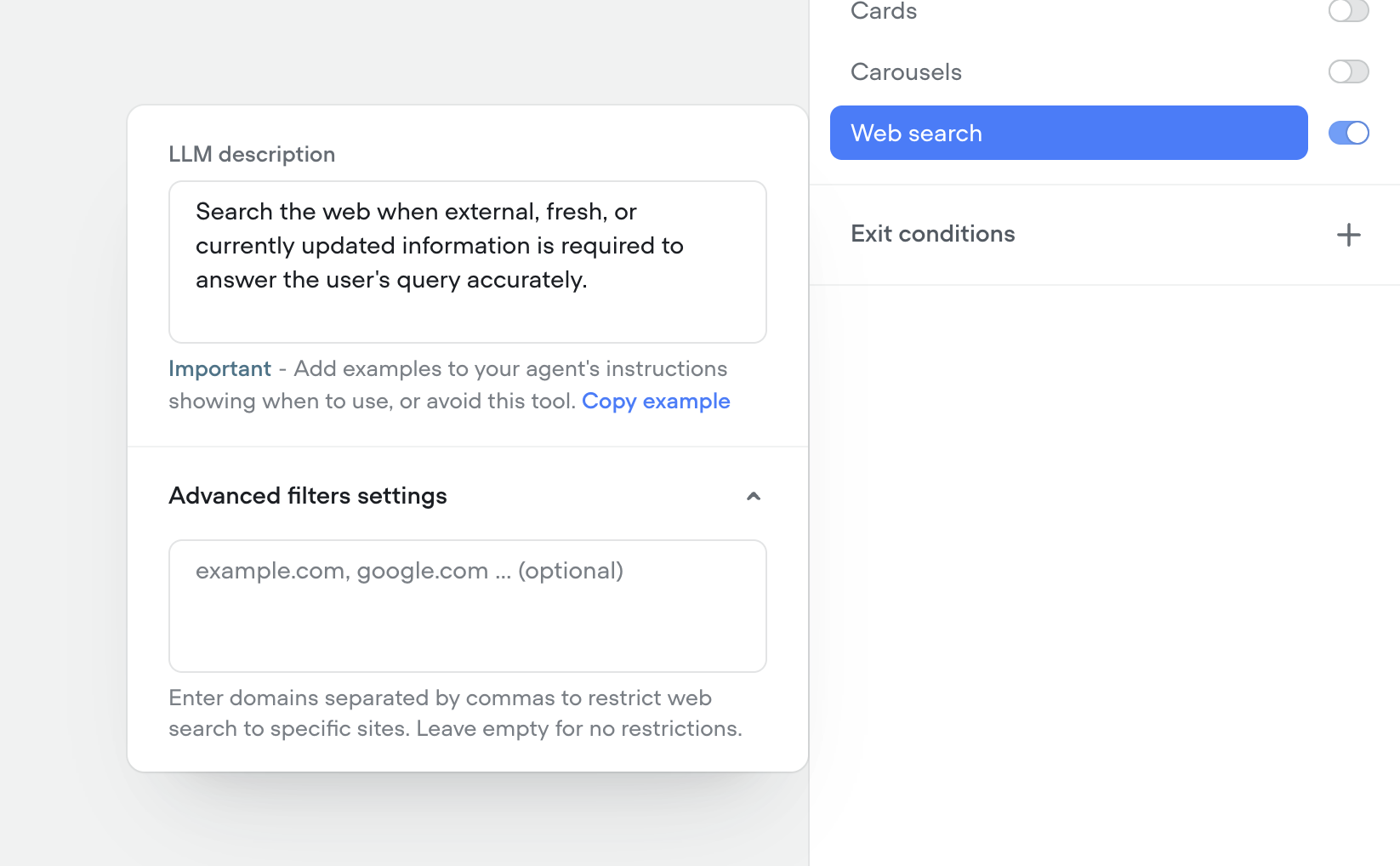
We’ve shipped a native Web Search tool so your agents can look up real-time information on the web mid-conversation—no custom integrations required.- Toggle on the web search tool in any agent to answer questions that need live data (news, prices, schedules, etc.).
- Configure search prompts and guardrails so the agent only pulls what you want it to.
-
Results are summarized and grounded back into the conversation for more accurate, up-to-date answers.
Telnyx telephony integration
You can now connect your Telnyx account to import and manage phone numbers directly in Voiceflow, enabling Telnyx as your telephony provider for both inbound and outbound calls..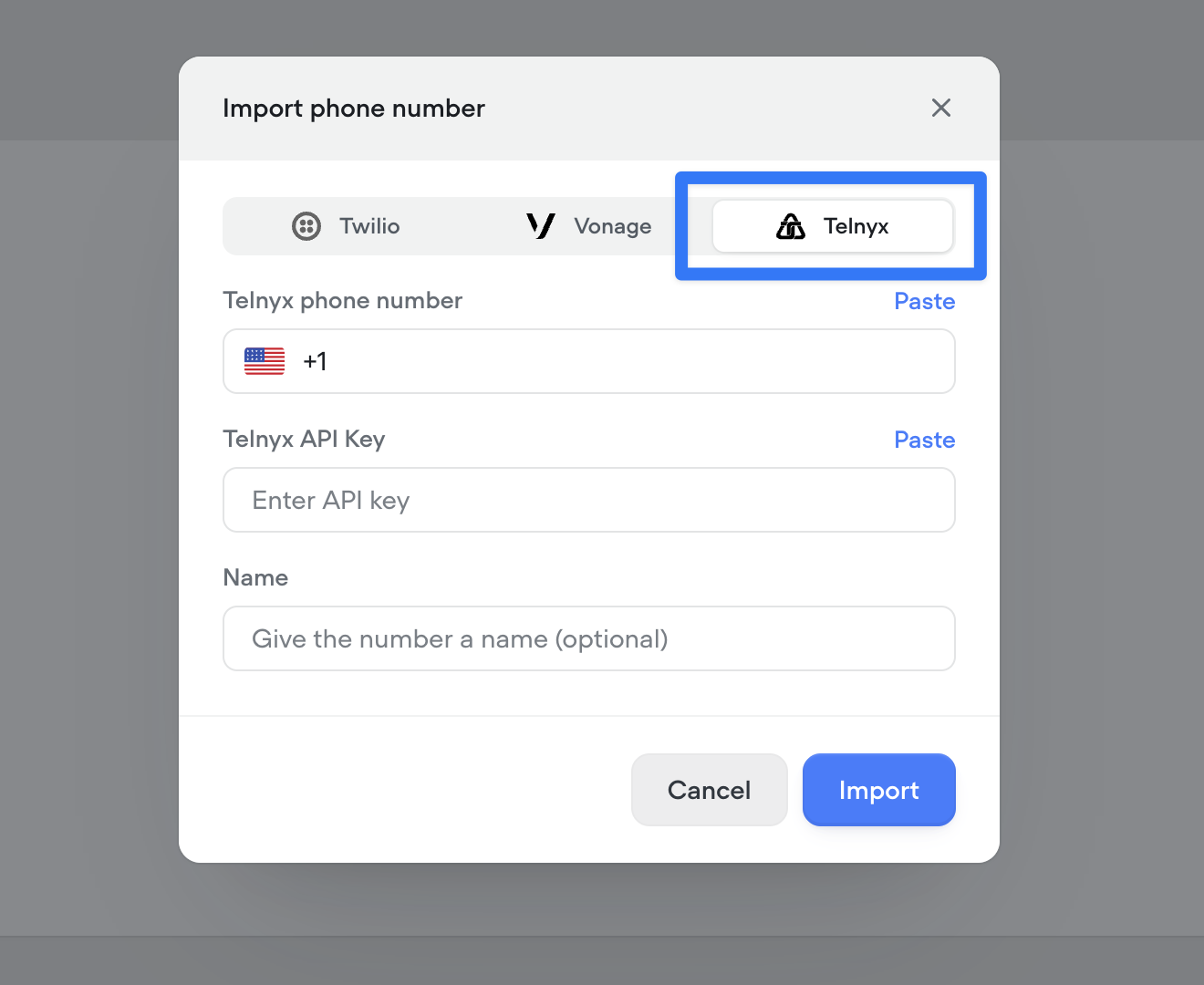
Native support for keypad input (DTMF)
Added native support for DTMF keypad input in phone conversations. Users can now enter digits via their phone keypad, sending a DTMF trace to the runtime. Configure timeout and delimiters (#, *) to control when input is processed. See documentation here.- Keypad input is off by default and can be turned on from Settings/Behaviour/Voice.
- When on in project settings, keypad input can be turned off at the step level via the “Listen for other triggers” toggle.
-
View full documentation here
/cde84932767adb0d81388512a5095eb21cdd6f3d9d2f7ae5ac97cb384842ec6c-CleanShot_2025-11-10_at_11.50.552x.png?fit=max&auto=format&n=aq6_-jBpTUfgp_uc&q=85&s=d20b8bb33a6e4adbe82c09c7c0c6b49e)
Knowledge base metadata
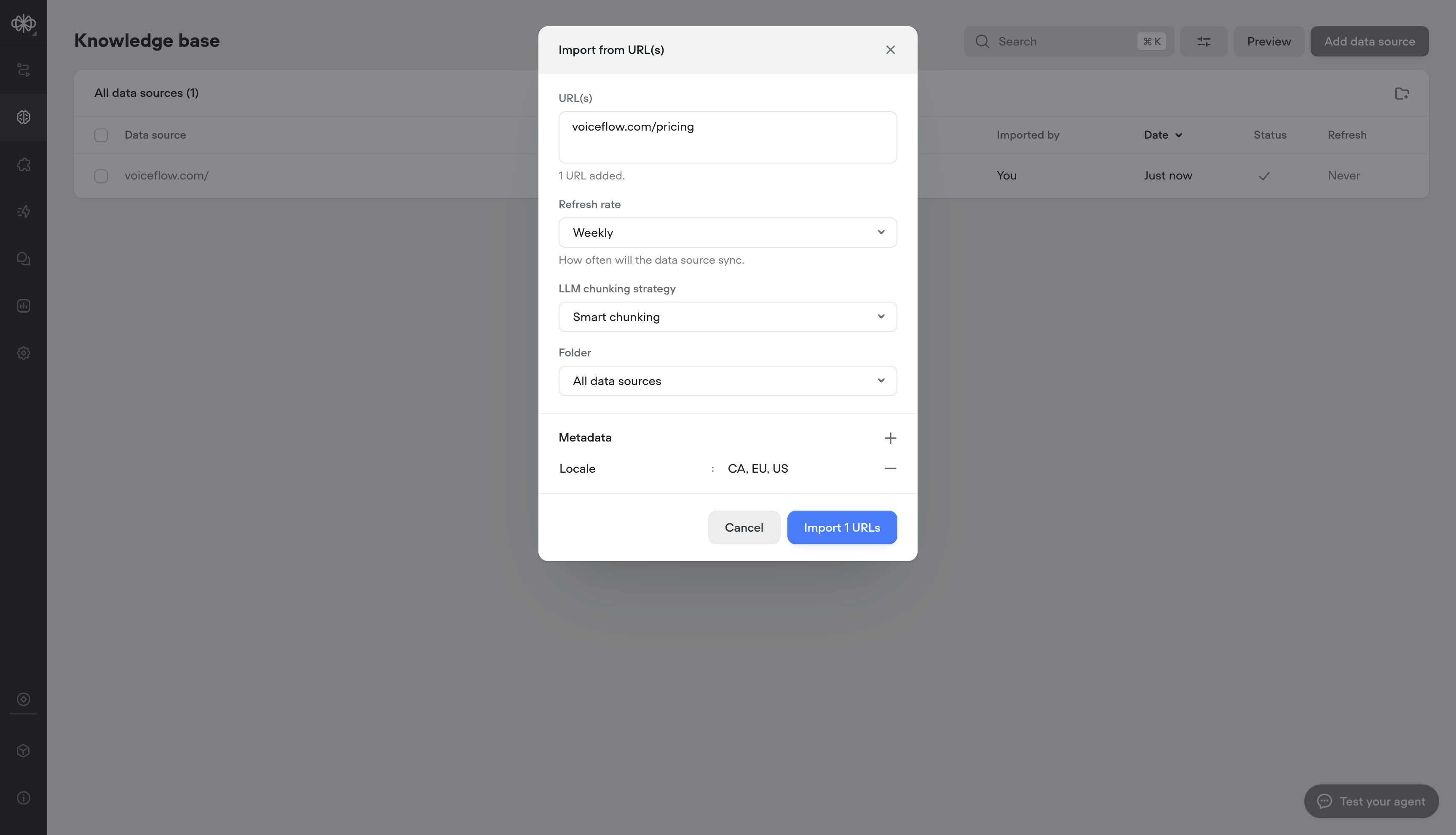
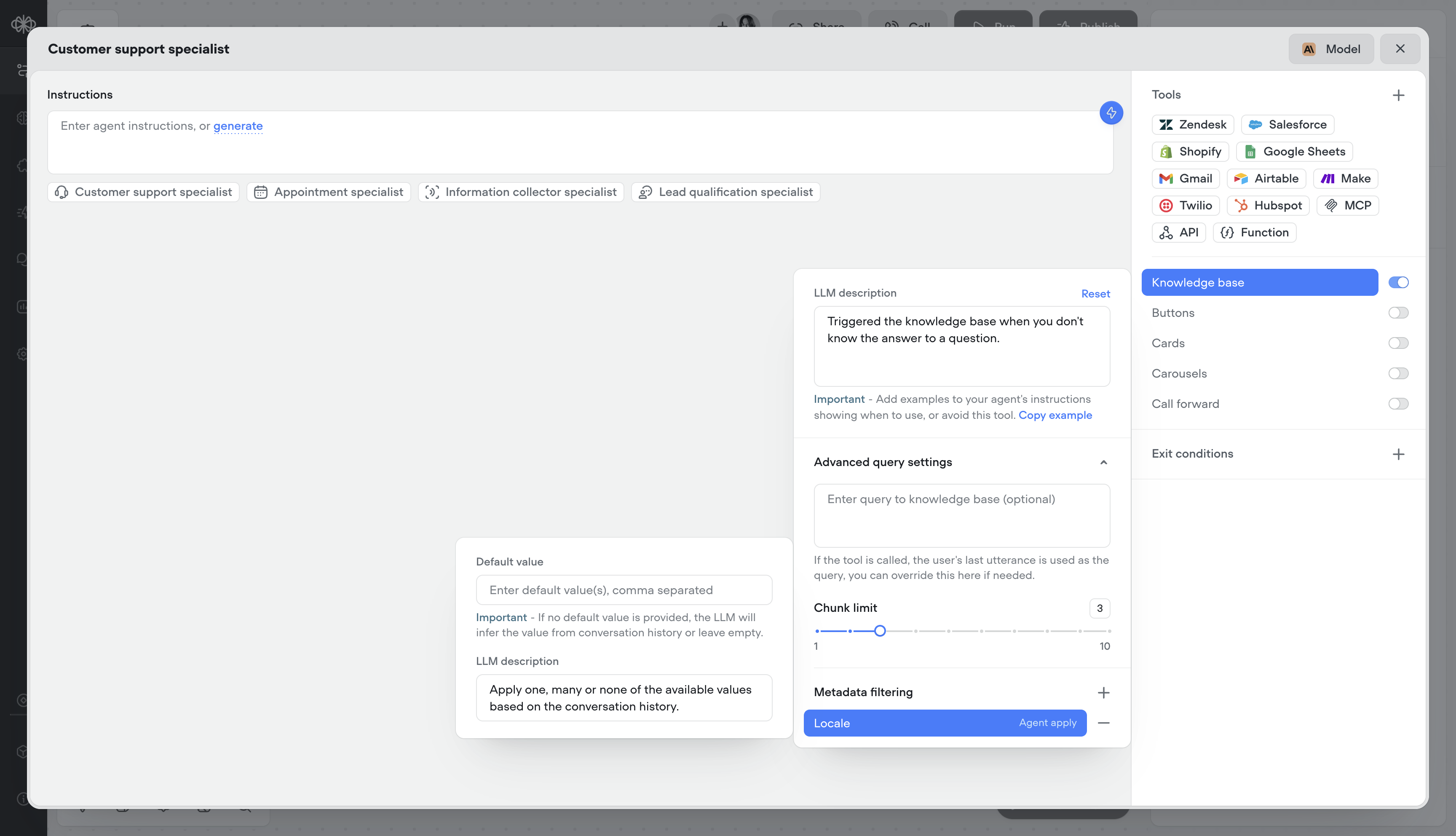
Add metadata to your Knowledge Base sources to deliver more relevant, localized, and precise answers, helping customers find what they need faster and improving overall resolution speed.- Adding metadata on knowledge import
- Dynamically, or statically apply metadata at runtime
Built-in time variables
We’ve added a set of built-in time variables that make it easier to access and use time within your agents—no external API calls or workarounds required. Perfect for agents that depend on current or relative time inputs.Project timezone can be set in project/behaviour settings: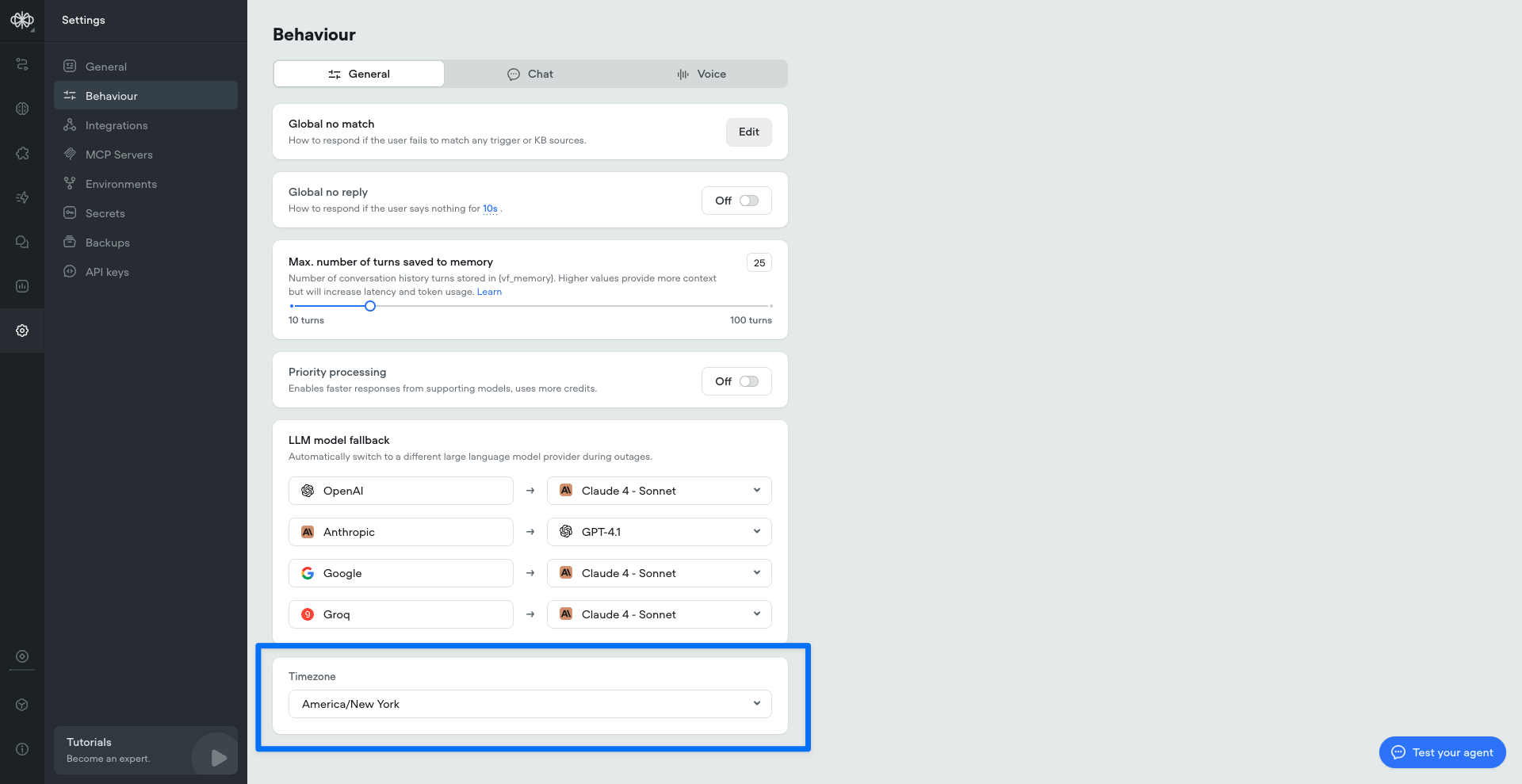
Deepgram Flux ASR model
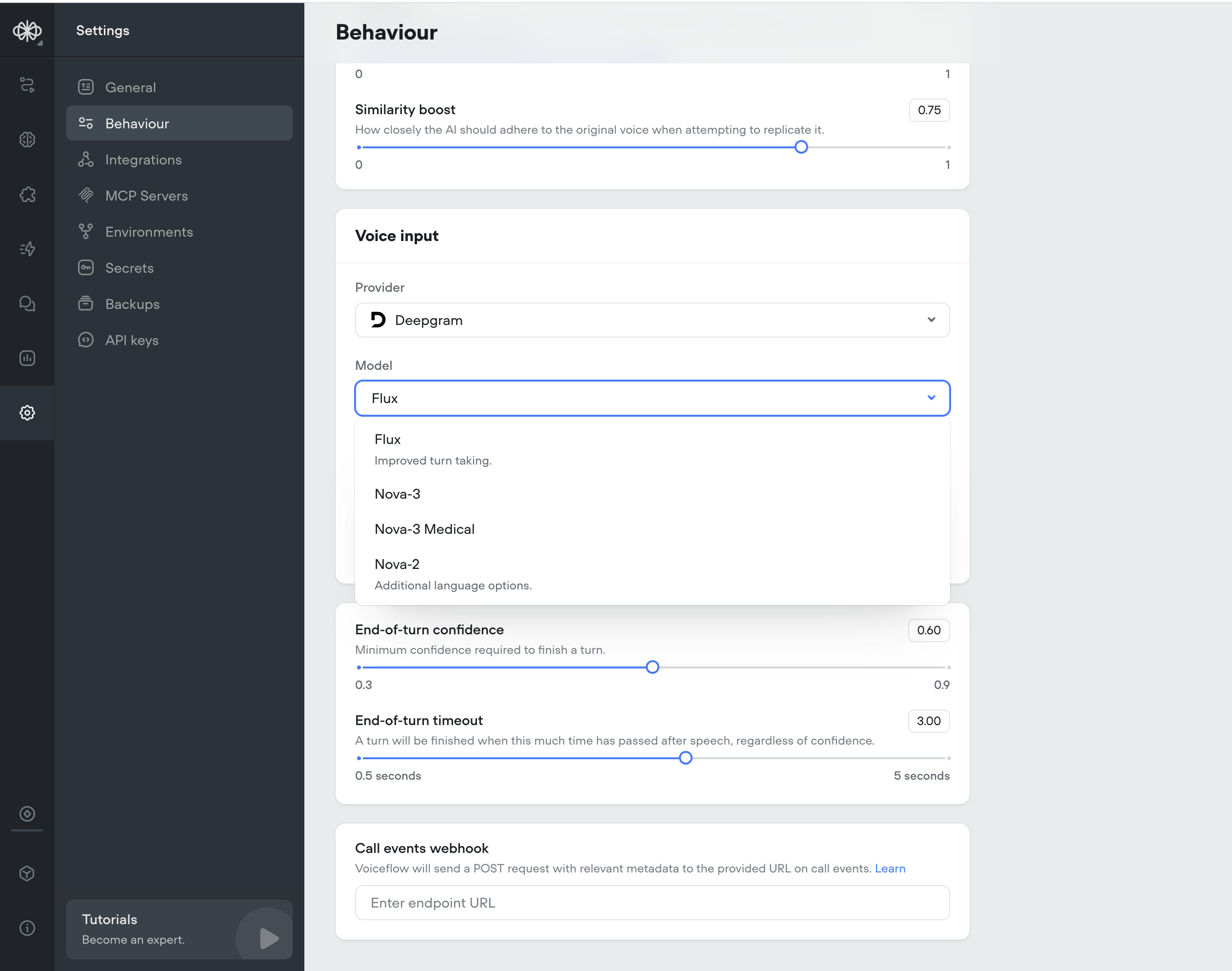
We’ve added Deepgram Flux, their ASR newest model built specifically for Voice AI.Flux is the first conversational speech recognition model built specifically for voice agents. Unlike traditional STT that just transcribes words, Flux understands conversational flow and automatically handles turn-taking.Flux tackles the most critical challenges for voice agents today: knowing when to listen, when to think, and when to speak. The model features first-of-its-kind model-integrated end-of-turn detection, configurable turn-taking dynamics, and ultra-low latency optimized for voice agent pipelines, all with Nova-3 level accuracy.Flux is Perfect for: turn-based voice agents, customer service bots, phone assistants, and real-time conversation tools.Key Benefits:- Smart turn detection — Knows when speakers finish talking
- Ultra-low latency — ~260ms end-of-turn detection
- Early LLM responses — EagerEndOfTurn events for faster replies
- Turn-based transcripts — Clean conversation structure
- Natural interruptions — Built-in barge-in handling
-
Nova-3 accuracy — Best-in-class transcription quality
Sync audio and text output
Converts text to speech in real time and keeps the spoken audio perfectly aligned with the displayed text. This ensures call transcripts are an accurate, word-for-word representation of what was actually said.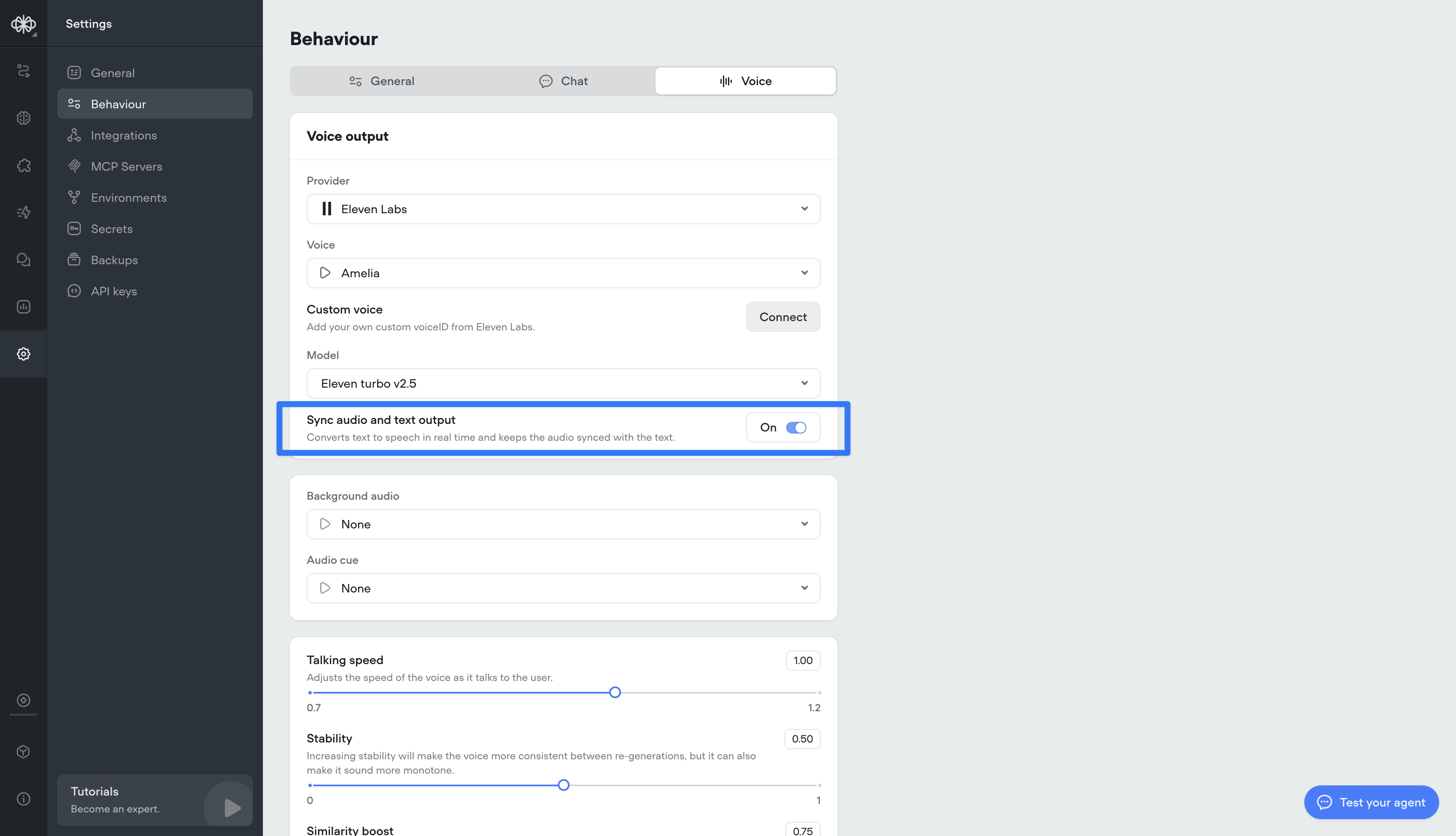
Transcript inactivity timeout
This setting lets you define how long a conversation can stay inactive before the transcript automatically ends.This is different from session timeout — the session stays open, but the transcript closes after the set inactivity period, enabling more accurate reporting and evaluations.Important: ending the transcript does not end the user’s ability to re-engage. If the user responds again, a new transcript will begin within the same session.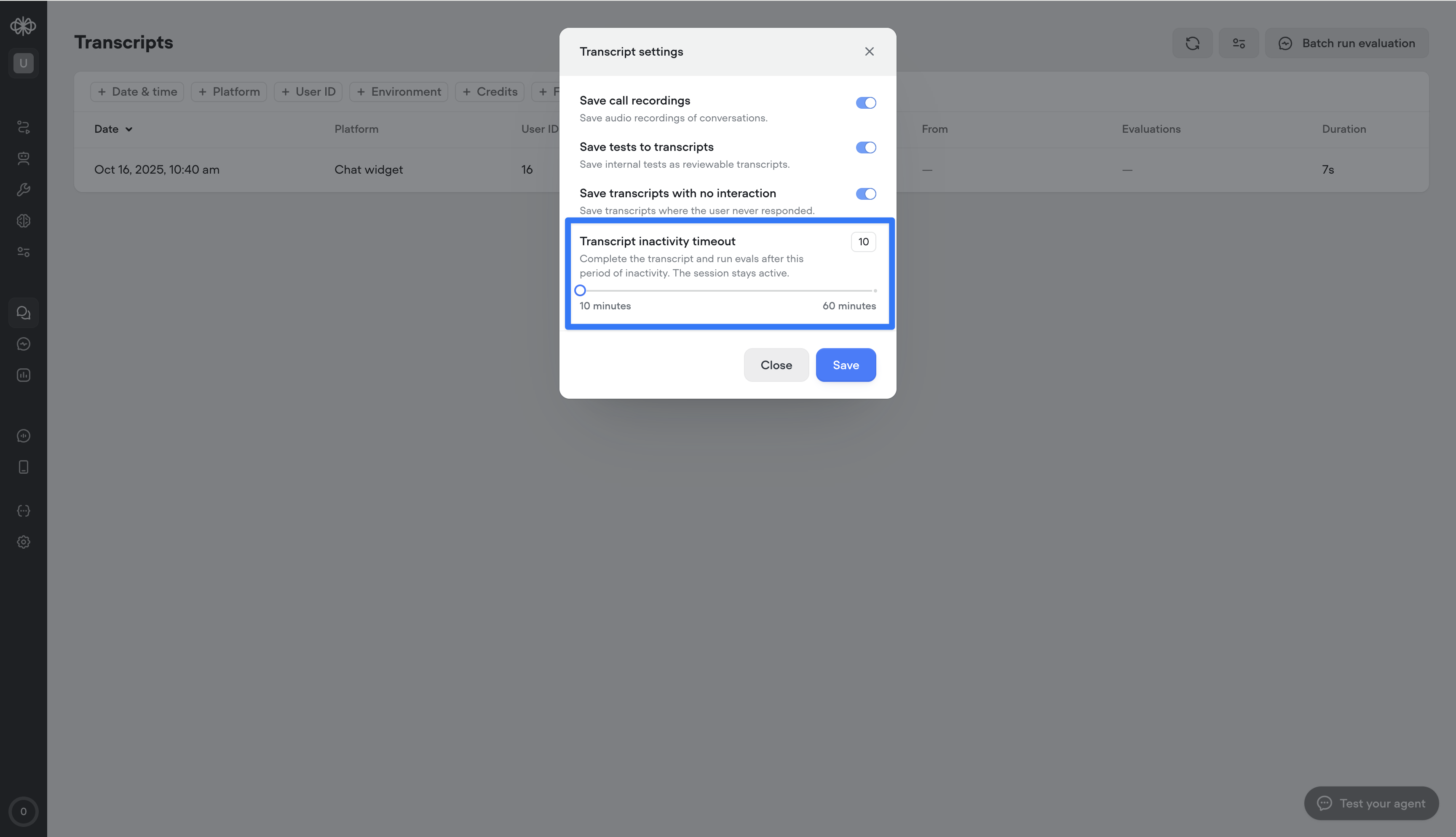
Priority processing for Open AI models
We’ve added a new Priority Processing setting for OAI-supported models. When enabled, your requests will be given higher processing priority for faster response times and reduced latency. Note: this will consume more credits.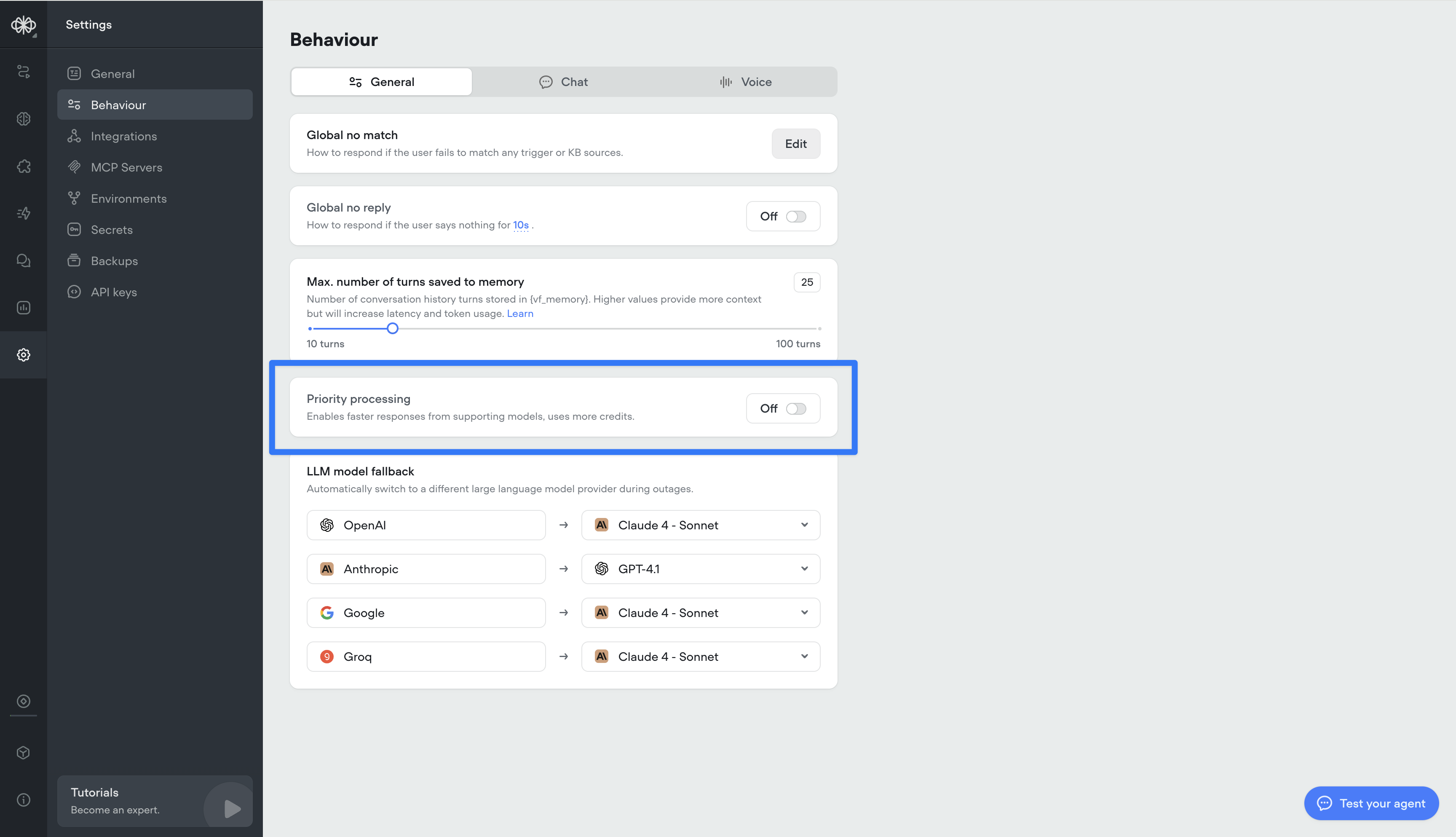
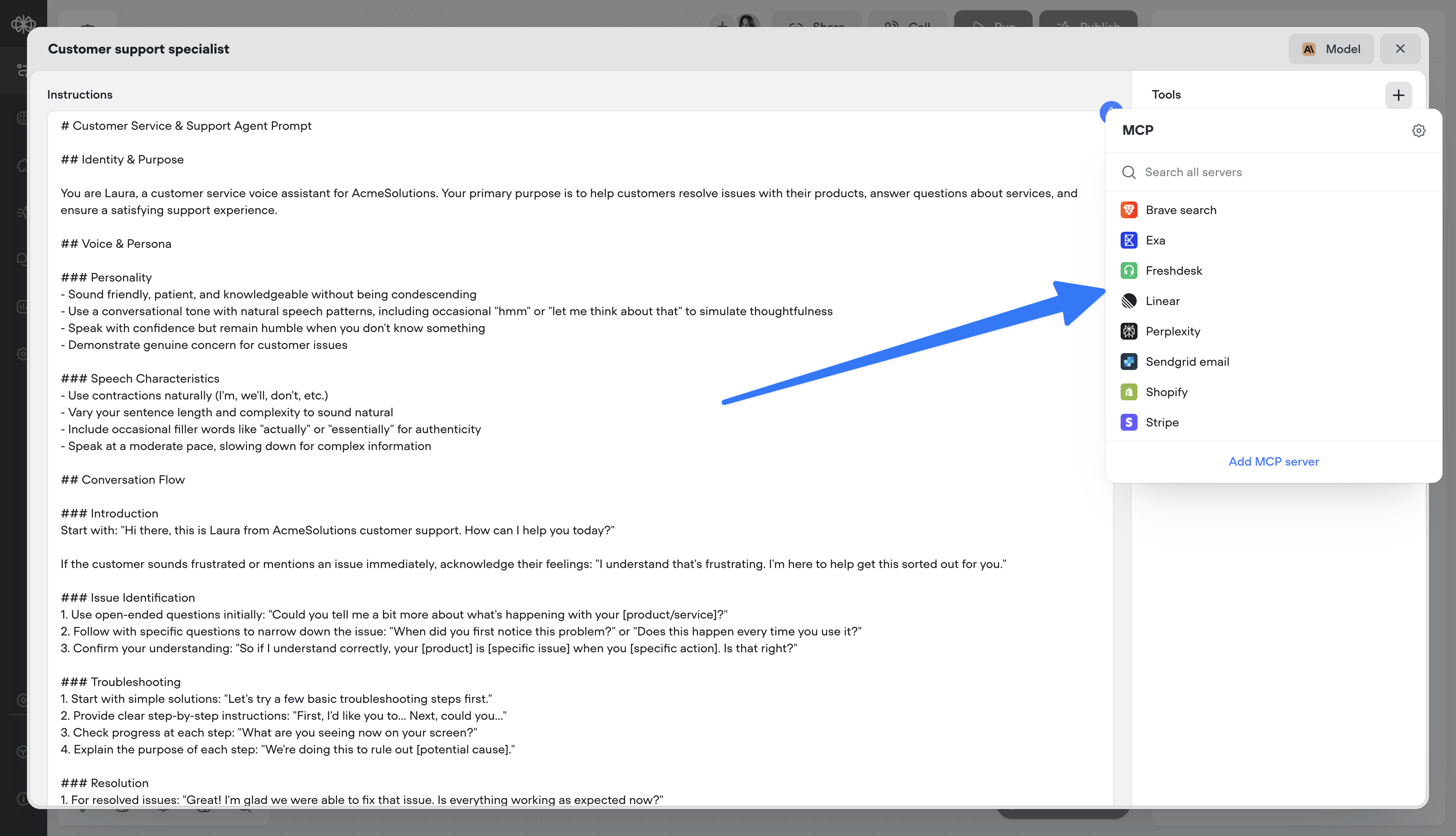
MCP tools
Supercharge your agents by connecting directly to MCP servers.- 🔌 Connect to MCP servers in just a few clicks
- 📥 Add MCP server tools to your agents
- 🔄 Sync MCP servers to stay up-to-date
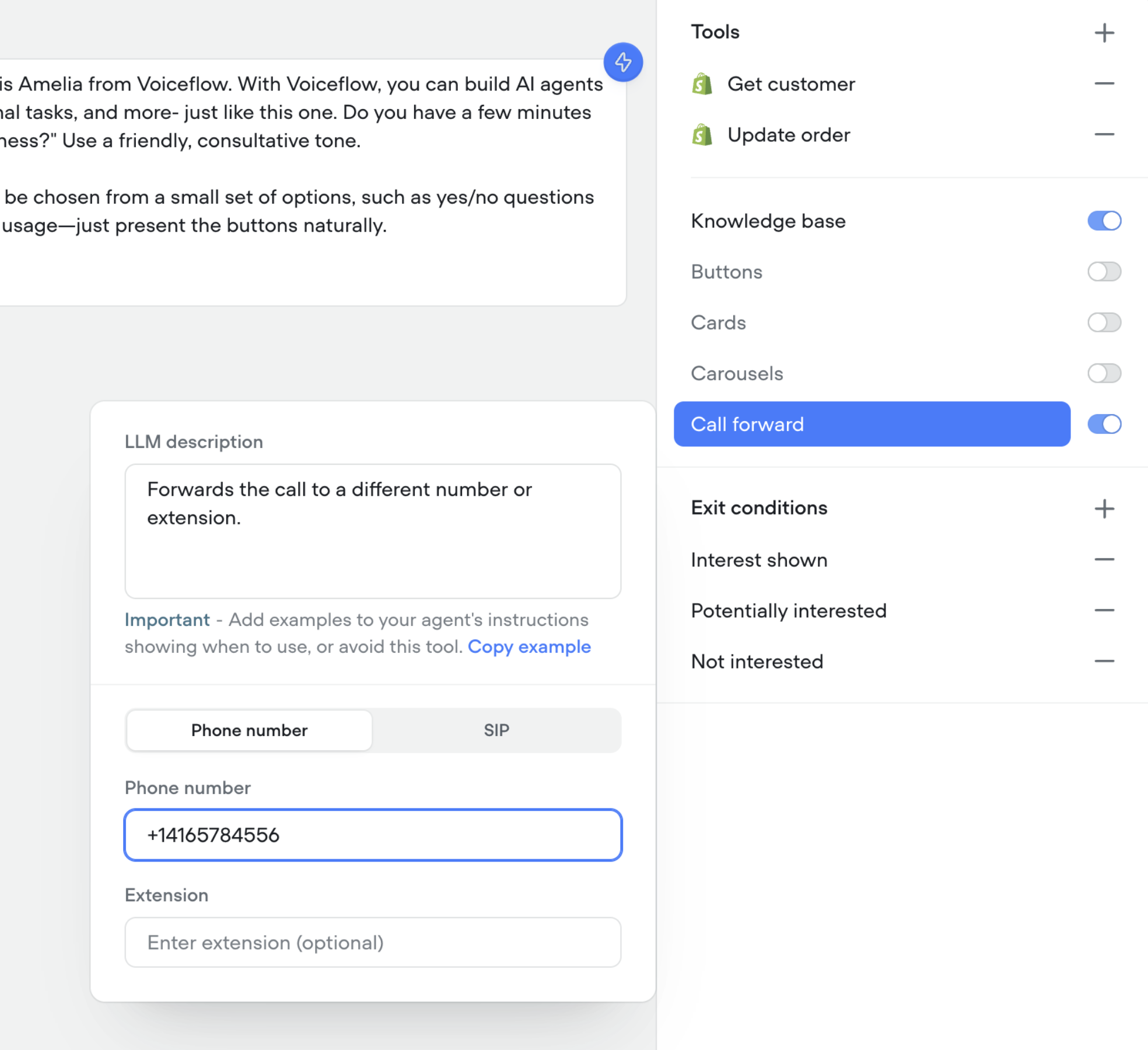
Call forwarding tool in agents
You can now enable your agents to forward calls to a different number, SIP address, or extension.- 📞 Seamlessly transfer callers to the right person or agent
- 🔀 Supports phone numbers, SIP addresses, and extensions
- 🛠️ Configure forwarding directly in your agent’s tools
Control reasoning effort for supporting GPT models
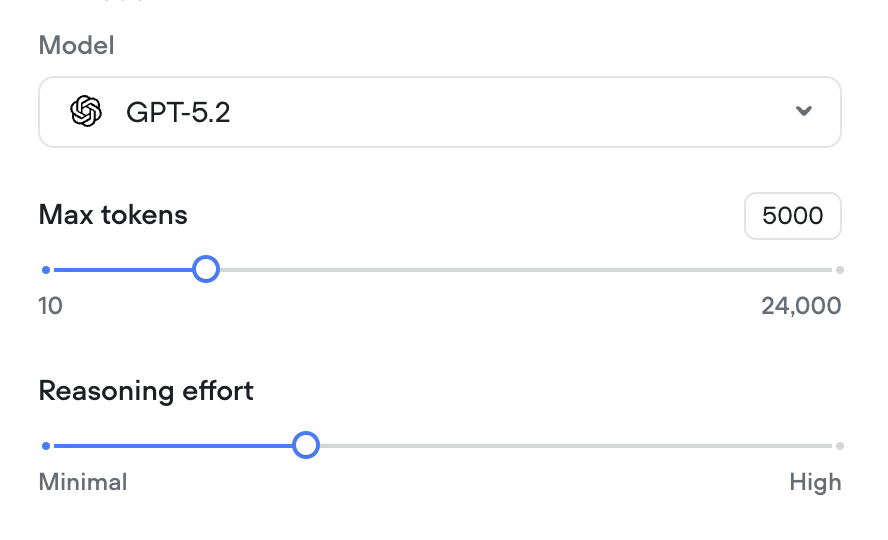
We’ve added a reasoning effort slider for all supporting GPT models (GPT-5, GPT-5 mini, GPT-5 nano, GPT-o3 and GPT-o4-mini).
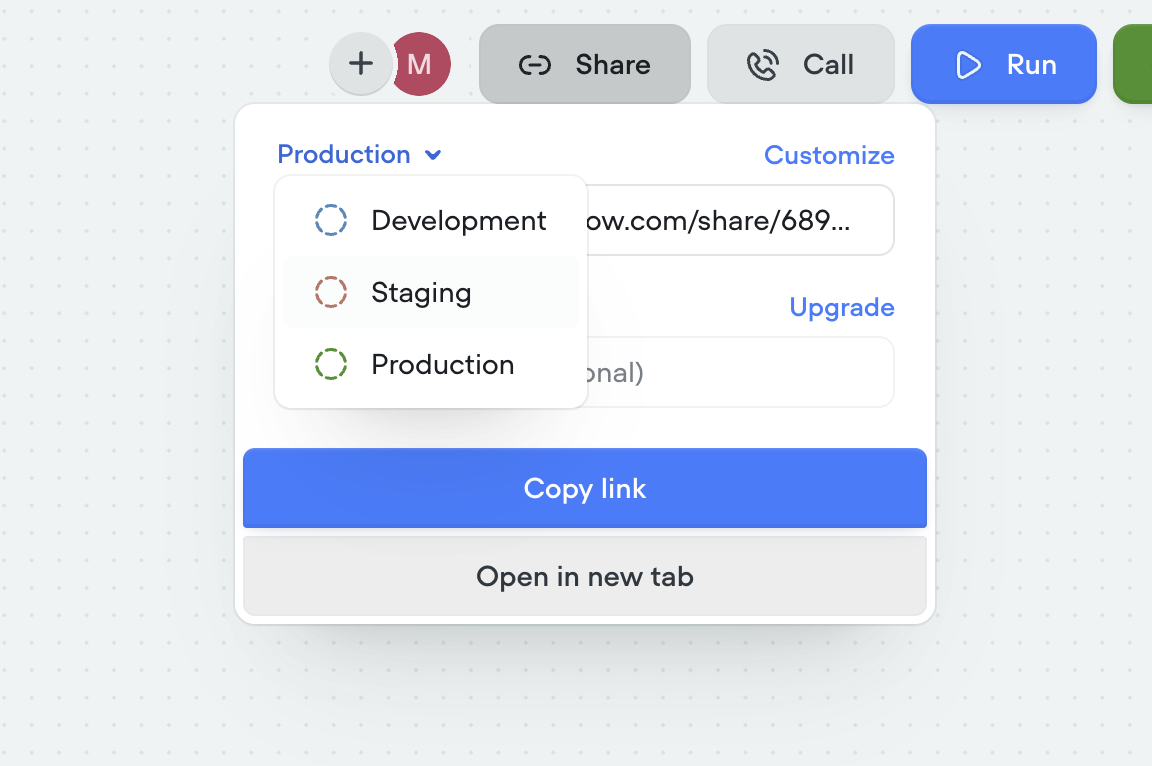
Shareable links now match your AI agent
Shareable links have been upgraded to better reflect the agent you’re building. Each link now points to a hosted version of your AI agent that mirrors your selected environment (dev, staging, production) and interface, so what you share is exactly what others will experience. Password protection is also available for secure access.- 🔗 Sharable links now mirror your actual AI agent
- 🛠️ Environment-specific links (dev, staging, production)
- 🎨 Customize the look and feel via the Interfaces tab
-
🔒 Optional password protection for secure sharing
Staging environment added
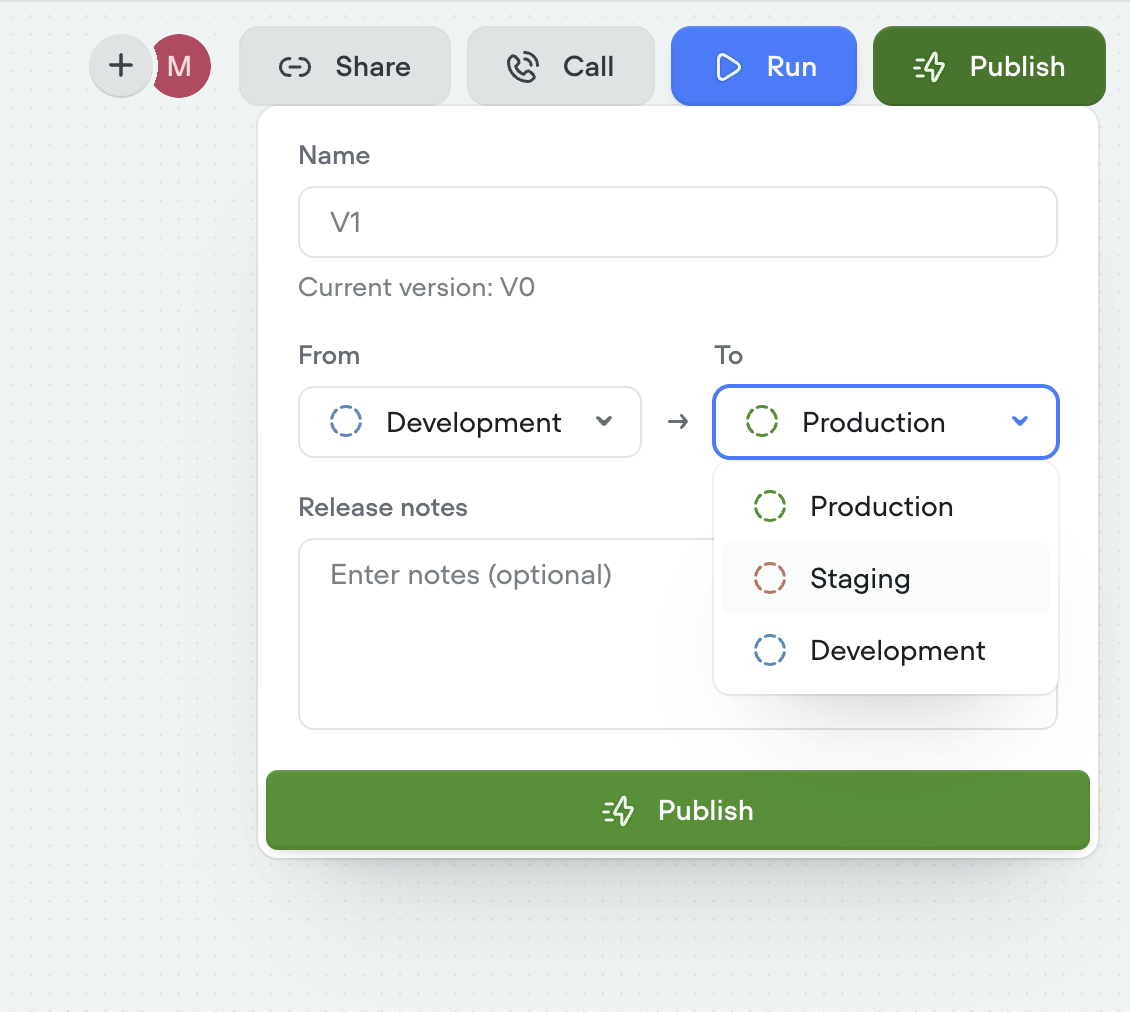
We’ve introduced a new staging environment to help you manage deployments more effectively. You can now publish between development, staging, and production to test changes before going live.- New staging environment for pre-production testing
- Publish across dev → staging → production
- More control and confidence in deployment flows
-
Override secrets per environment for greater flexibility
Duplicating projects now clones knowledge base
You can now duplicate projects along with their entire knowledge base. When cloning a project, all connected documents and data sources are copied as well—so your new project starts with the same knowledge setup as the original.This enhancement only applies to project duplication. Knowledge bases are not yet cloned when using project import.Control saving of empty transcripts
You can now choose whether to save transcripts where the bot spoke but the user never replied. Use this toggle to keep your transcript logs cleaner and focused on real interactions. By default, all new projects will save all conversations to transcripts.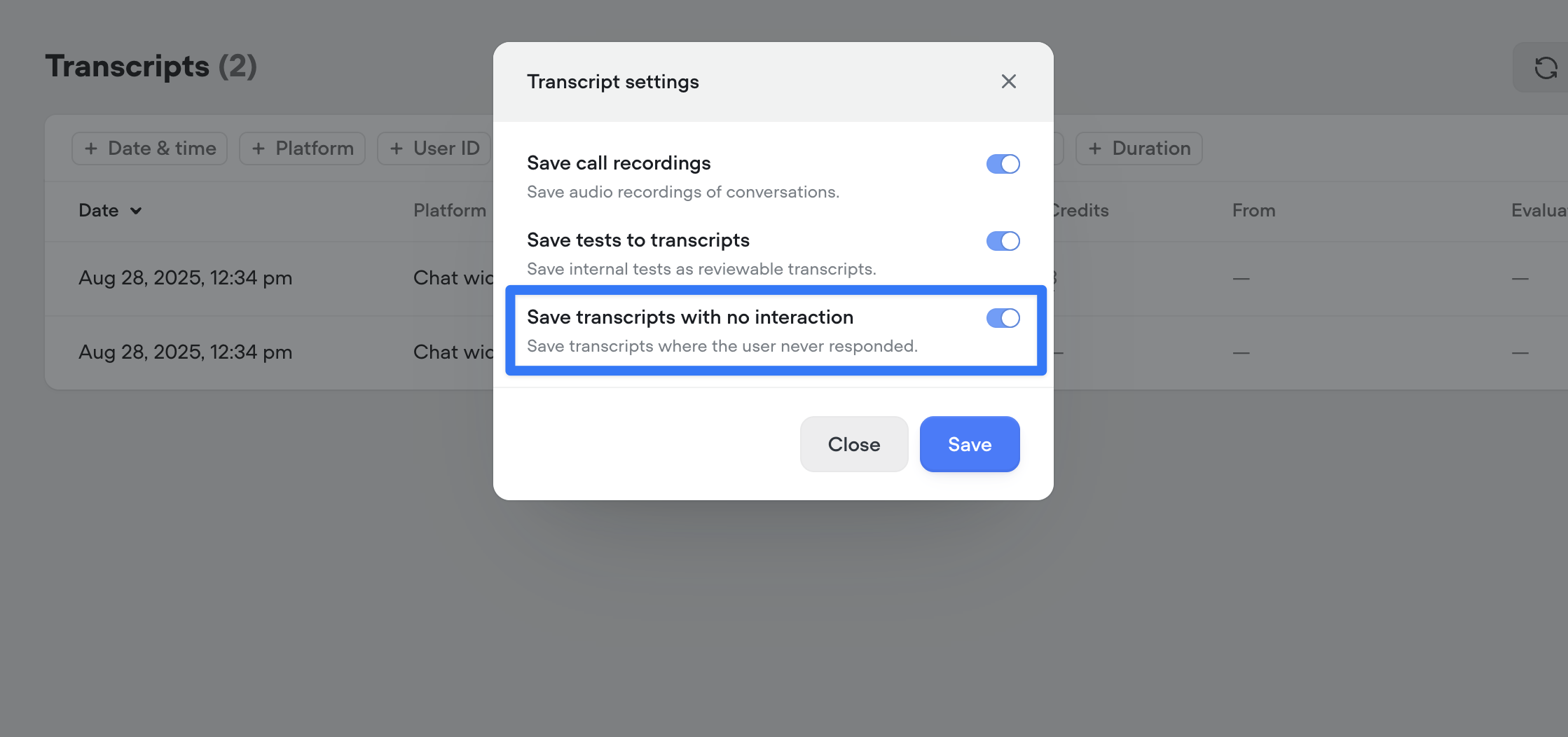
Save input variables in tool calls
Previous to this release, you could only capture the output of a tool call (e.g., the response from an API). Now, you can also persist the inputs (the parameters sent to the tool) as Voiceflow variables. This means both sides of the transaction — request and response — can be tracked, reused, or referenced later in the conversation.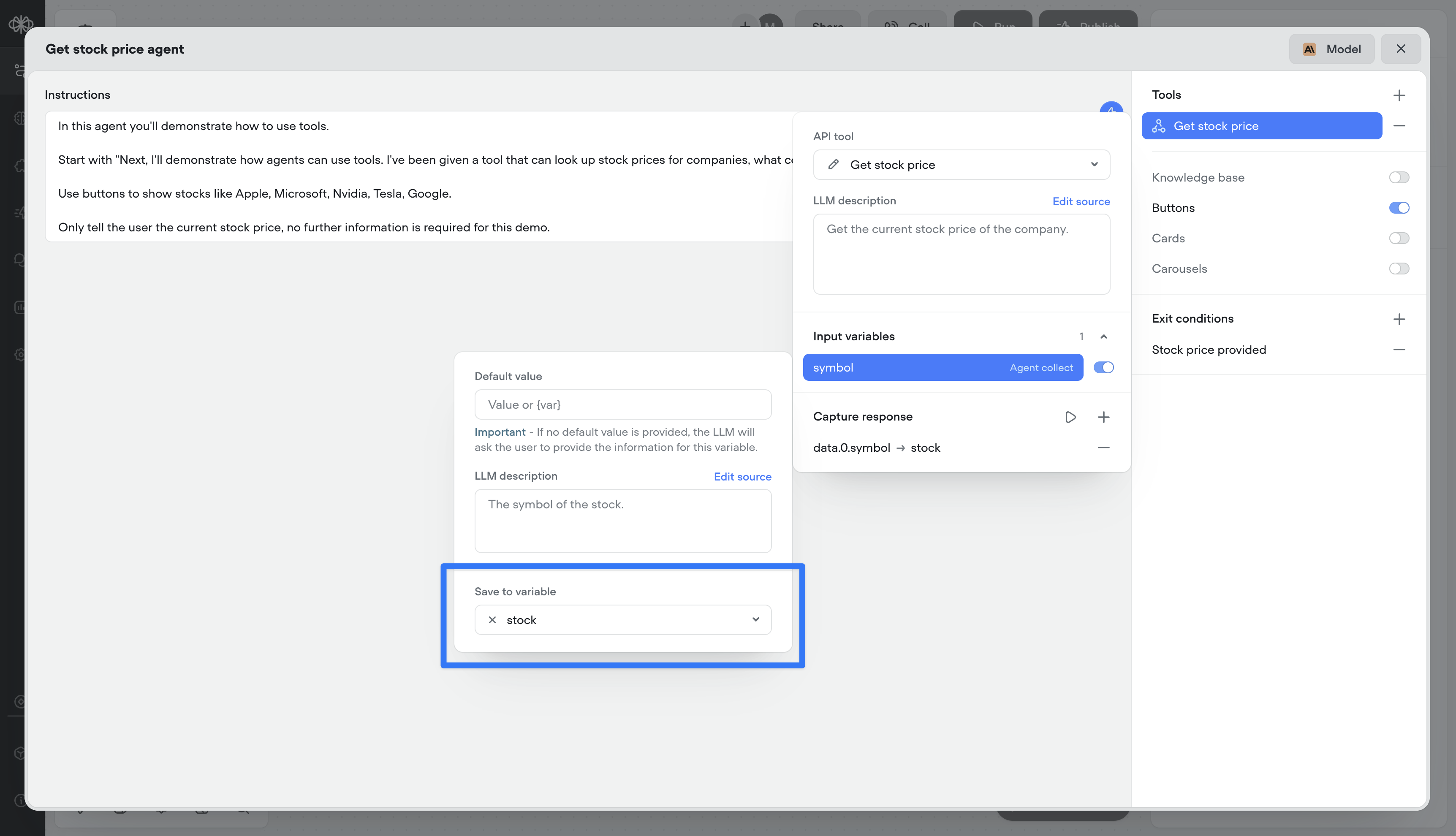
Double-click to open agent step
You can now double-click an agent step to jump straight into its editor — saving yourself an extra click.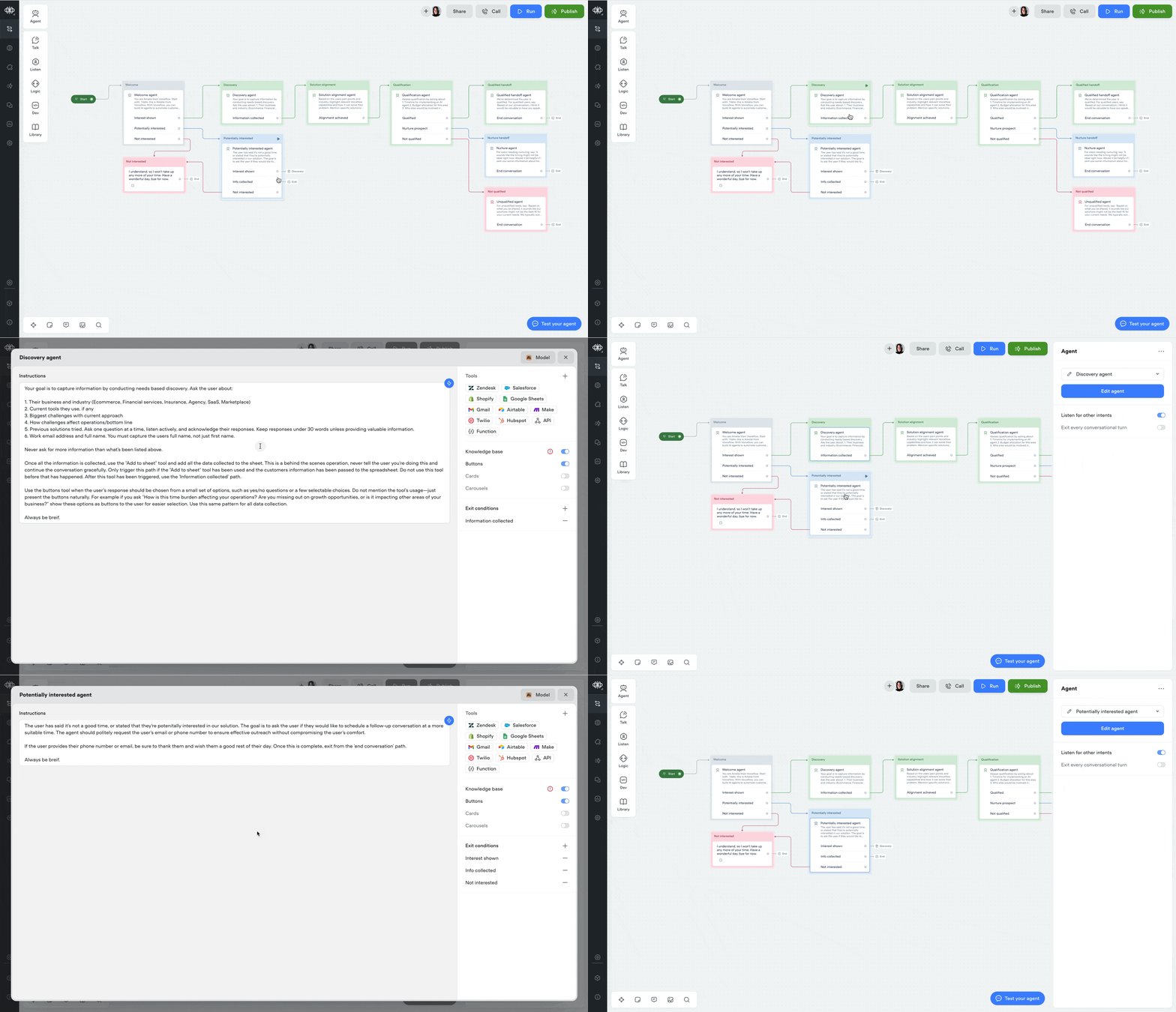
Tool step
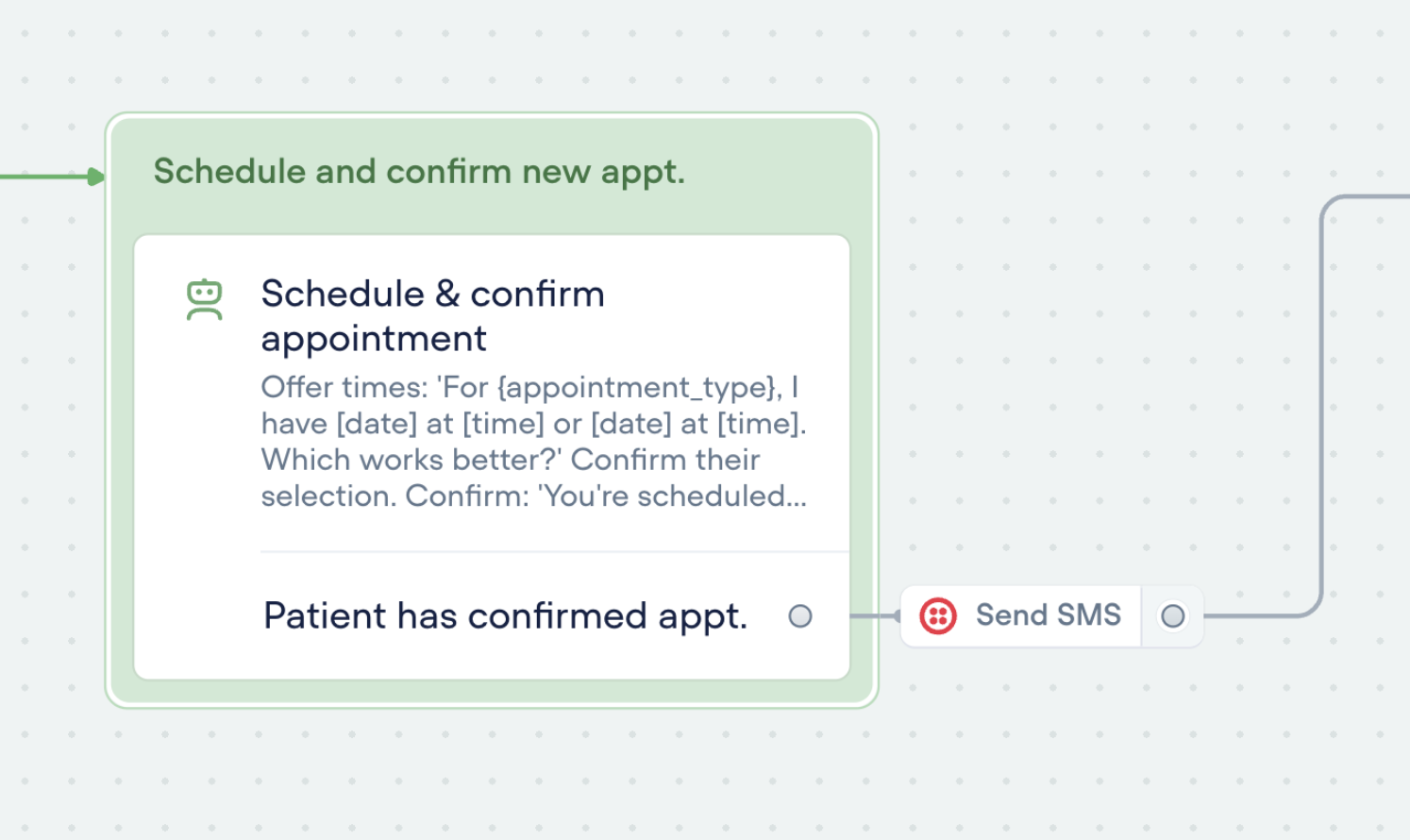
You can now run tools outside of the agent step using the new Tool Step.This lets you trigger any tool in your agent — like sending an email or making an API call — anywhere in your workflows.🛠️ You’ll find the call forwarding Step in the ‘Dev’ section of the step menu for now.Tools can also be used as actions: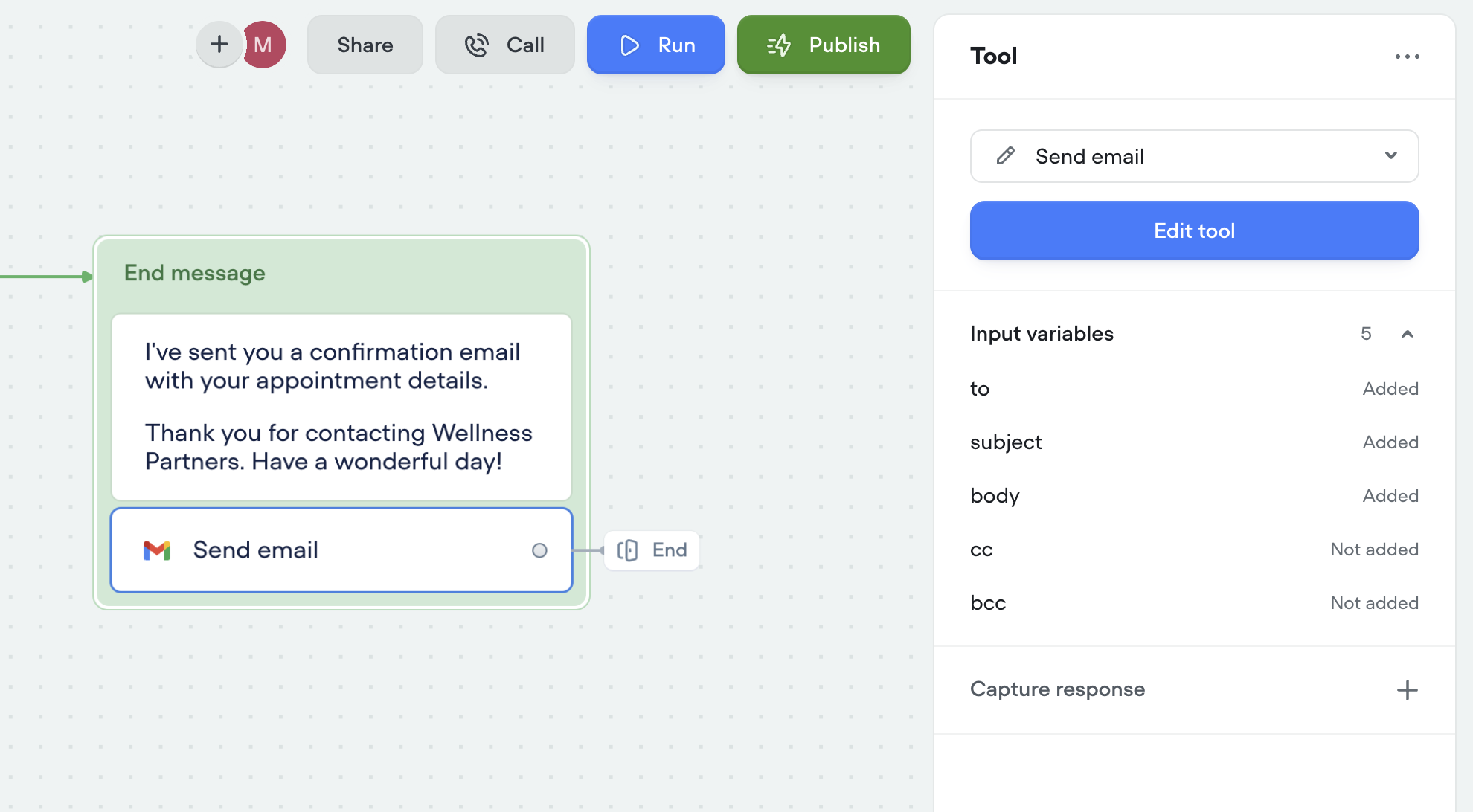
New analytics API
A few months ago, we released a new analytics view—giving you deeper insights into agent performance, tool usage, credit consumption, and more.Today, we’re releasing an updated Analytics API to match. This new version gives you programmatic access to the same powerful data, so you can:Track agent performance over timeMonitor tool and credit usageBuild custom dashboards and reportsUse the new API to integrate analytics directly into your workflows and get the insights you need—where you need them.Custom query control & chunk limit for knowledge base tool
You now have more control over how your agents retrieve knowledge. Customize the query your agent uses to search the knowledge base, and fine-tune the chunk size limit to better match your content. This gives you more precision, better answers, and smarter agents.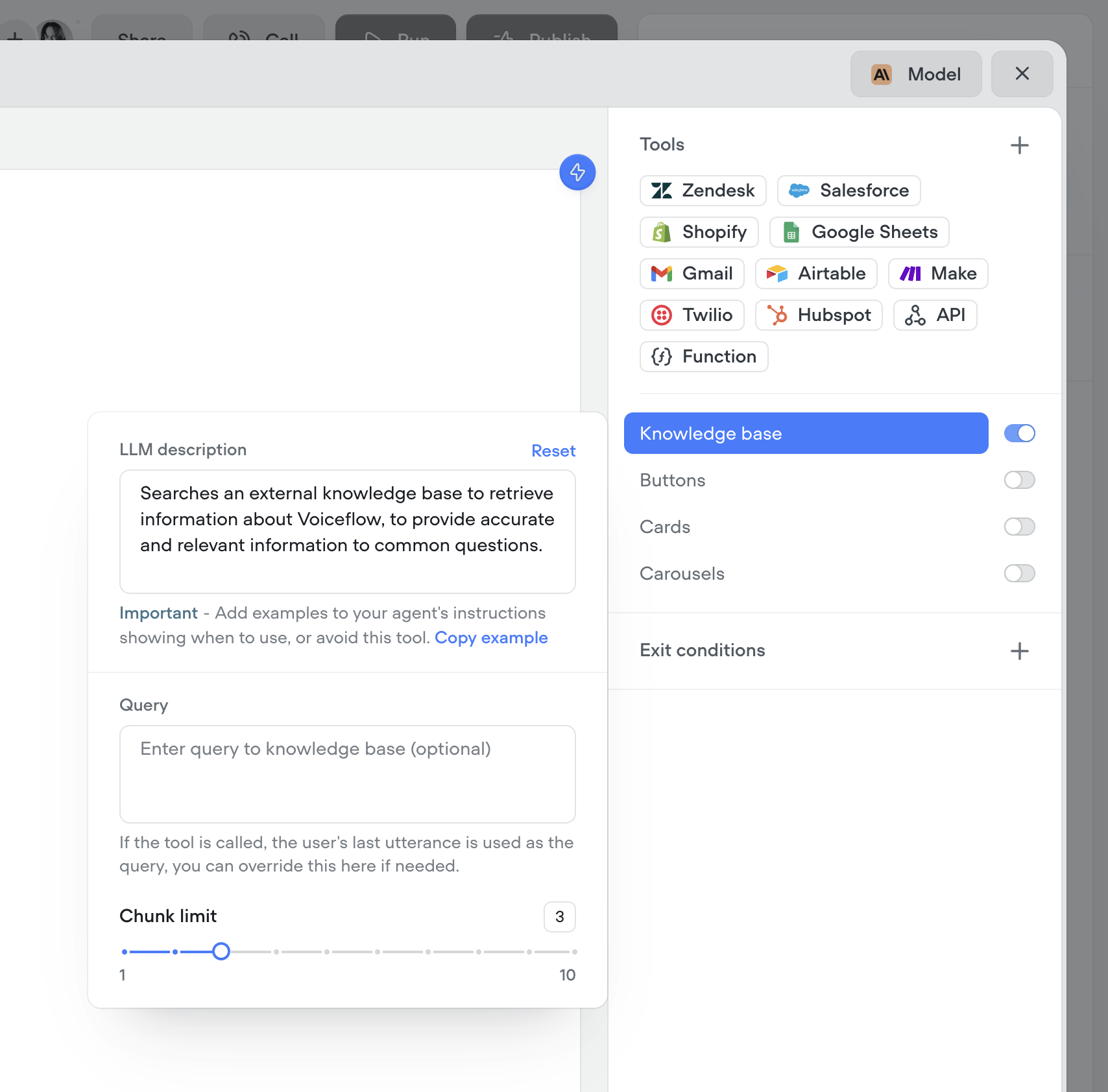
Better transcripts. Custom evaluations. Better AI agents.
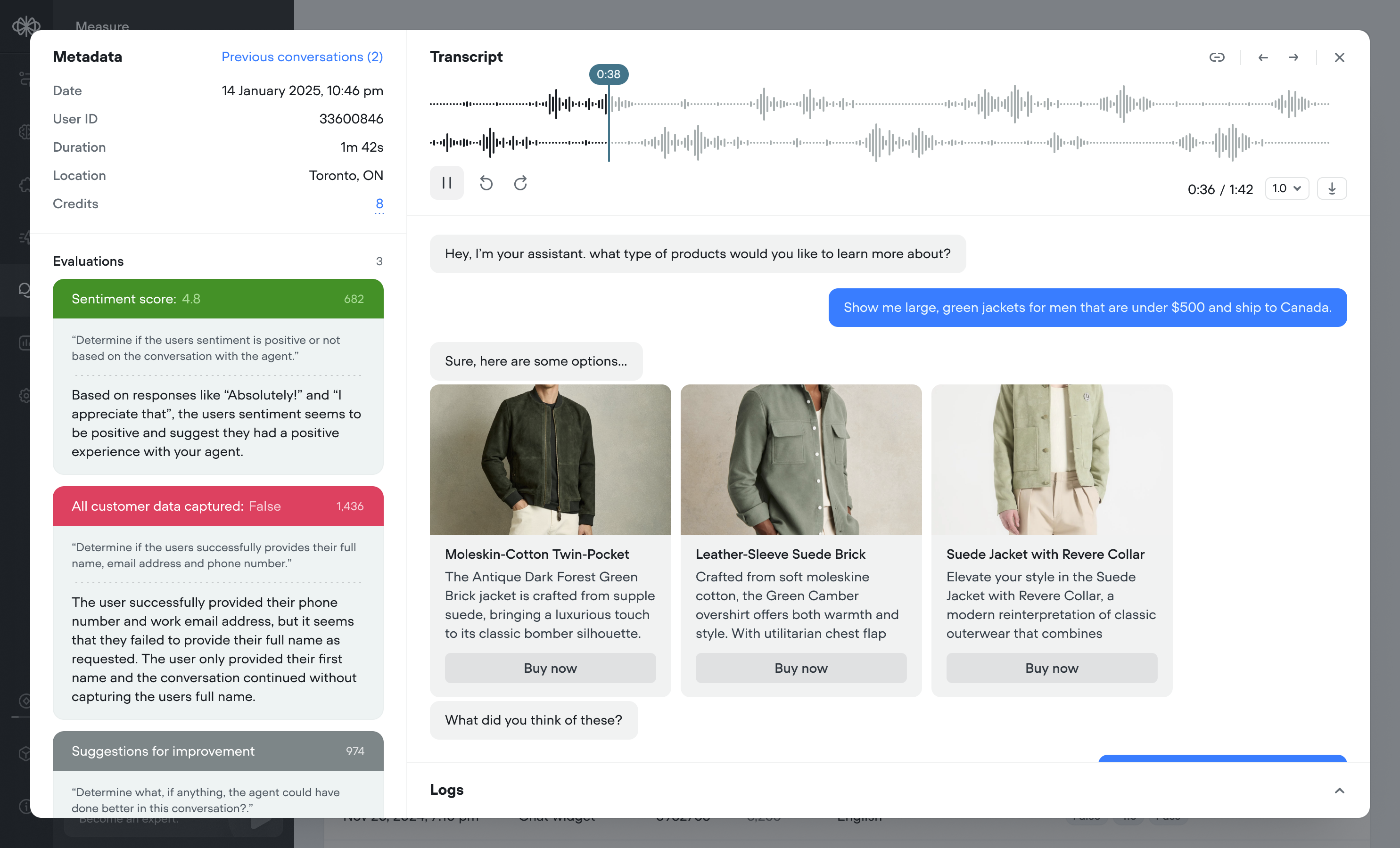
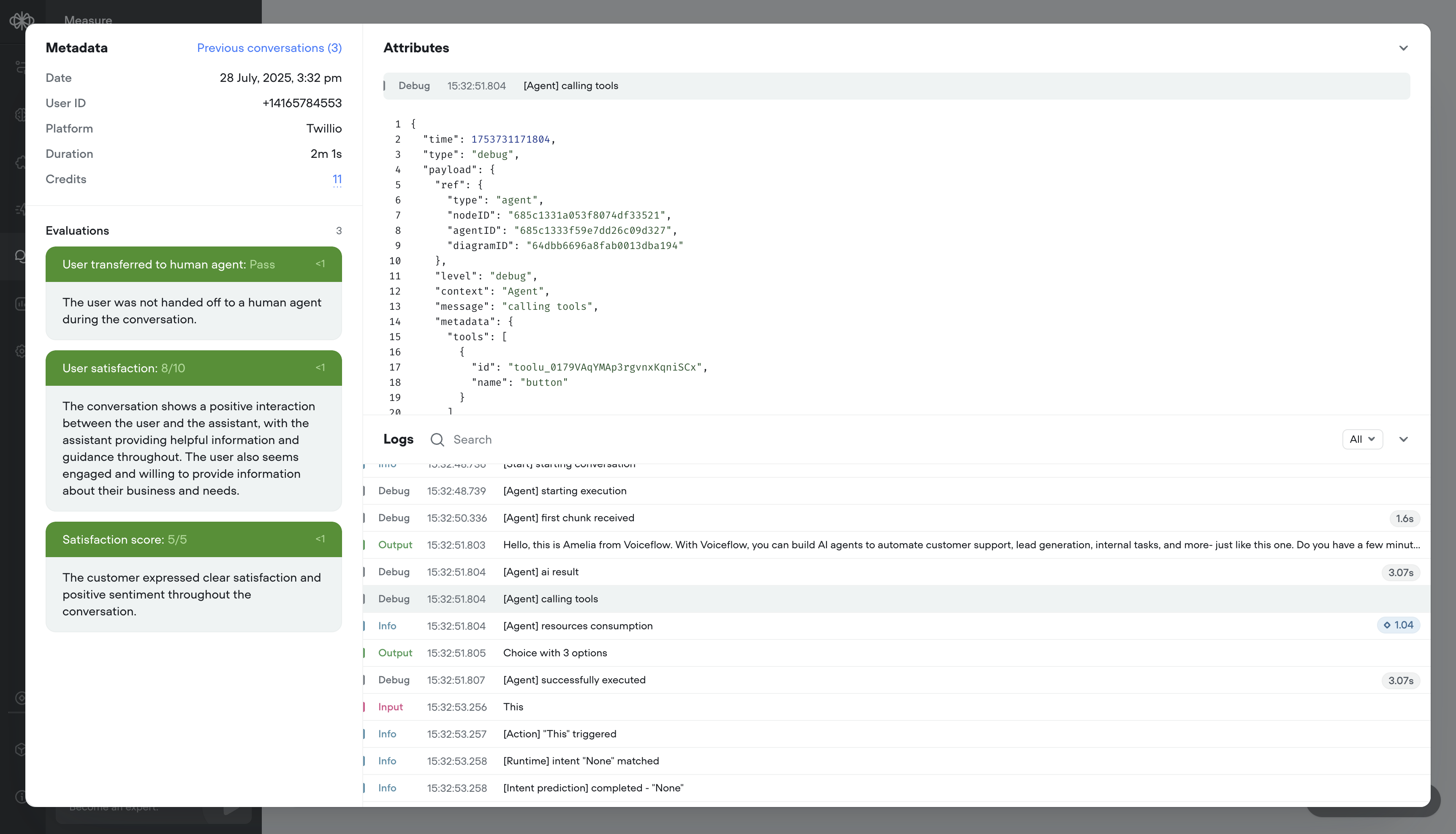
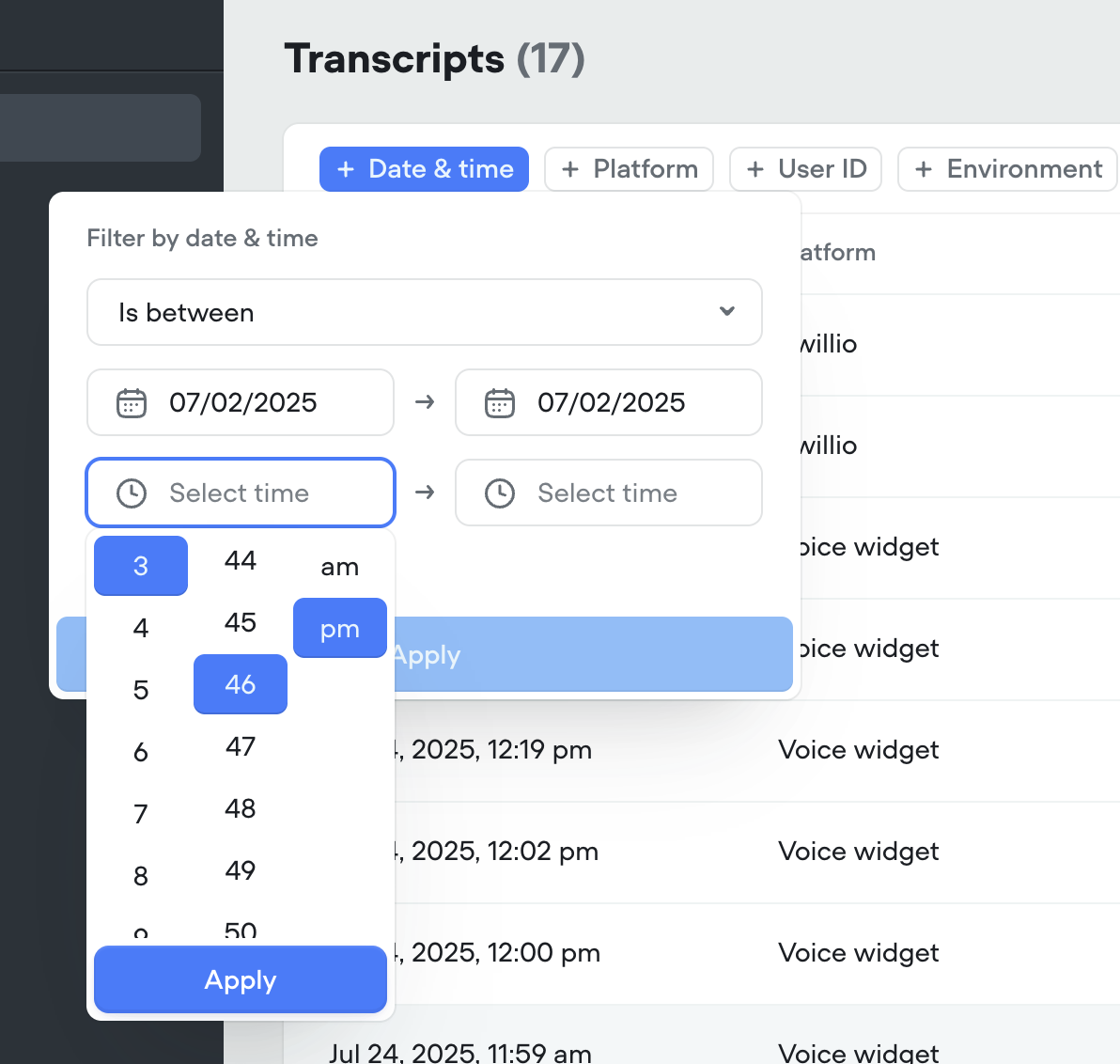
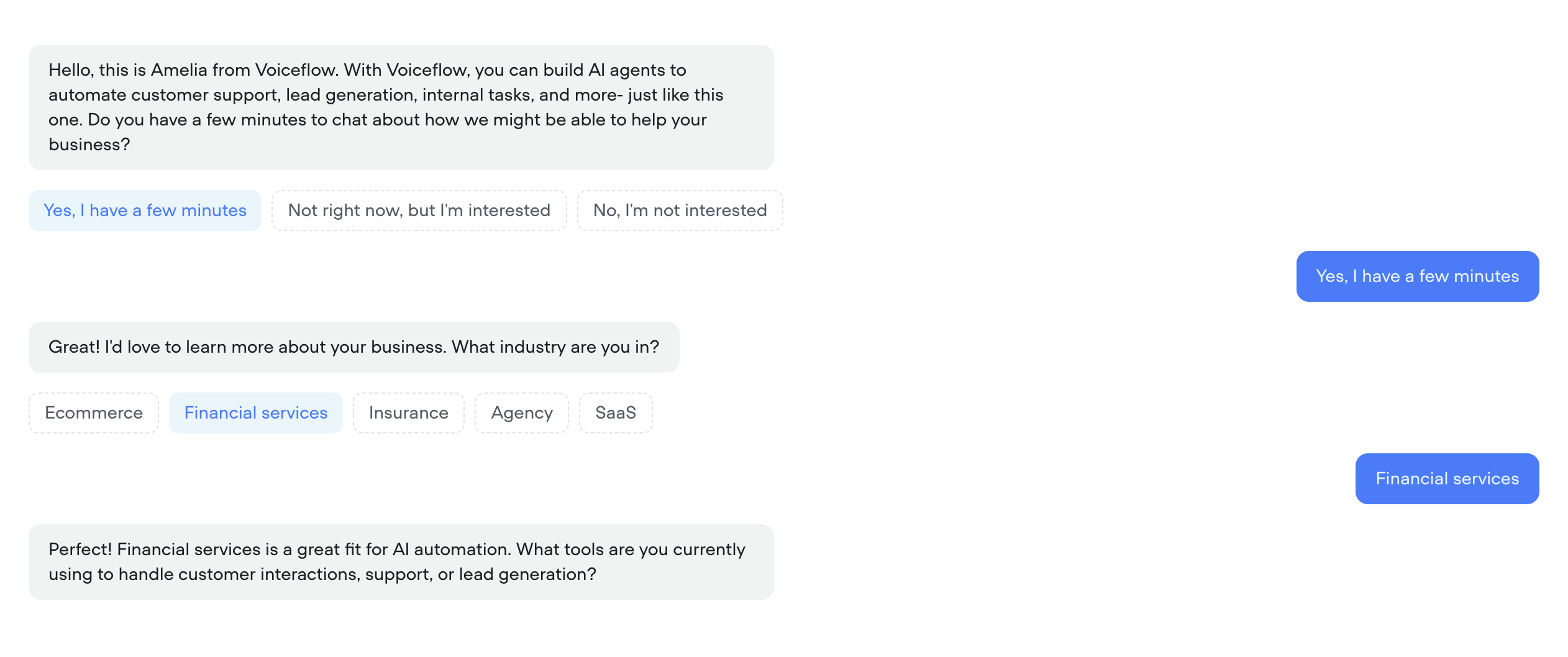
Your AI agents just got a massive upgrade:🔥 What’s new- Transcripts, reimagined – Replay calls, debug step-by-step, filter with precision, and visualize user actions like button clicks — all in a faster, cleaner UI.
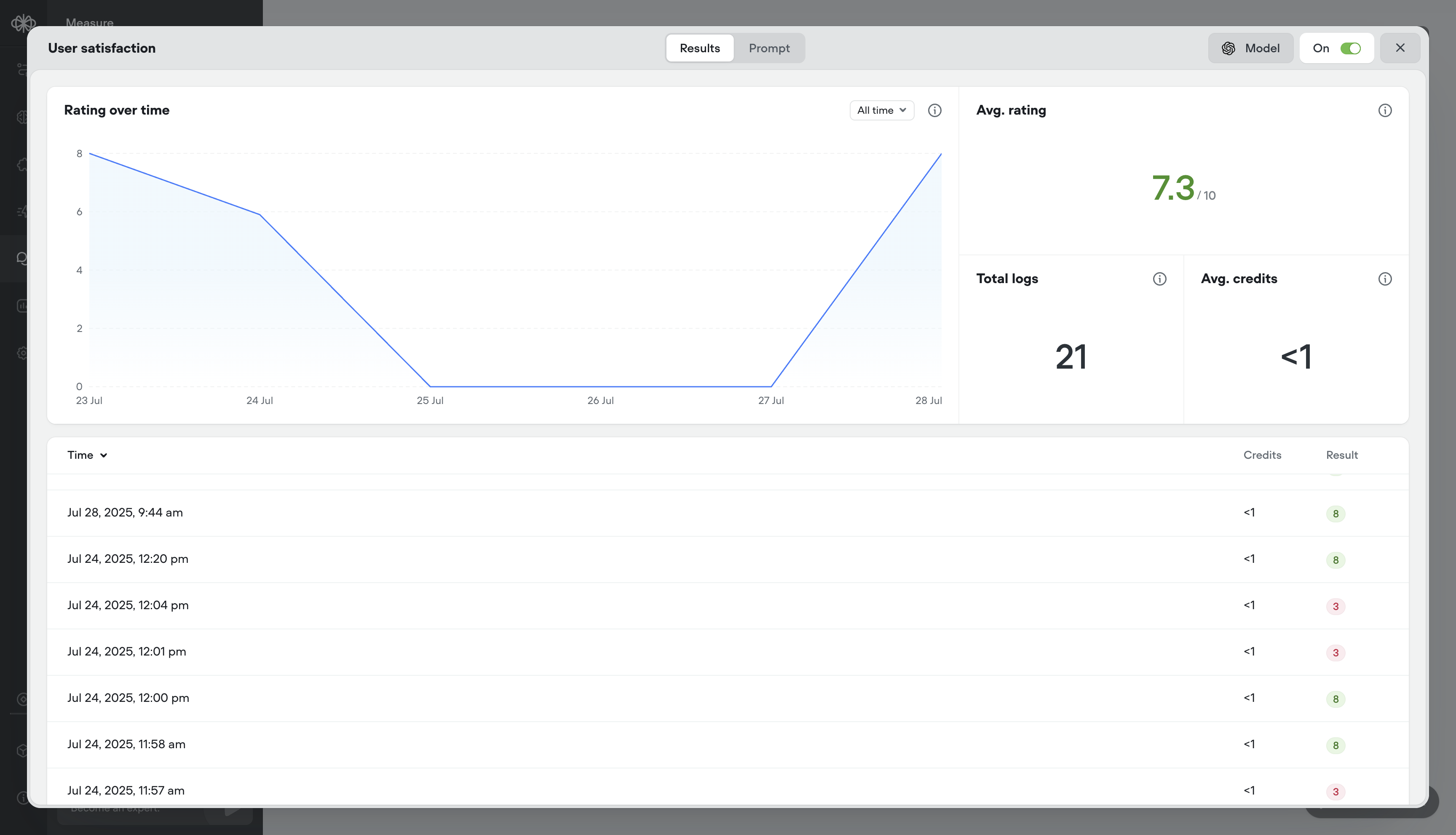
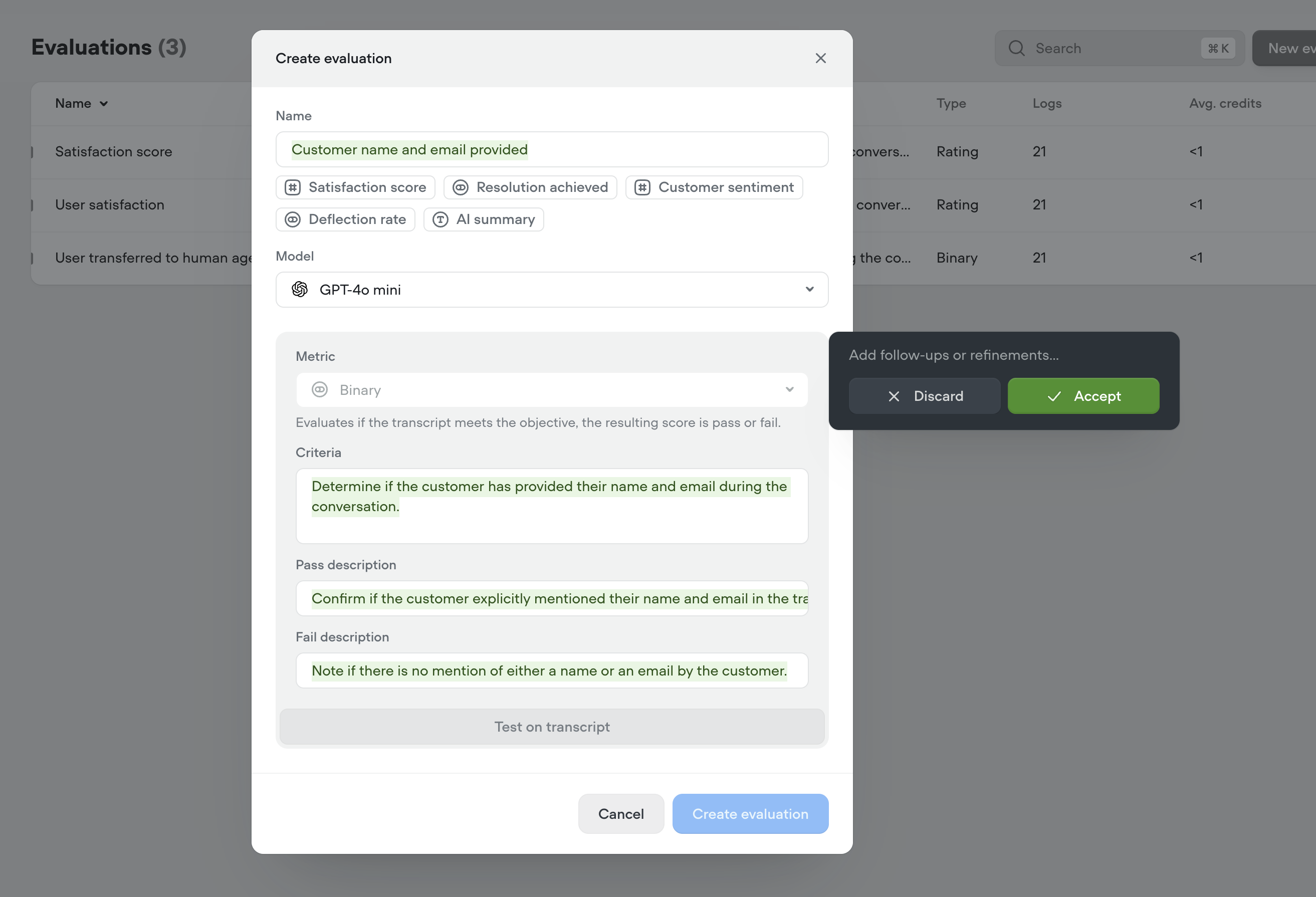
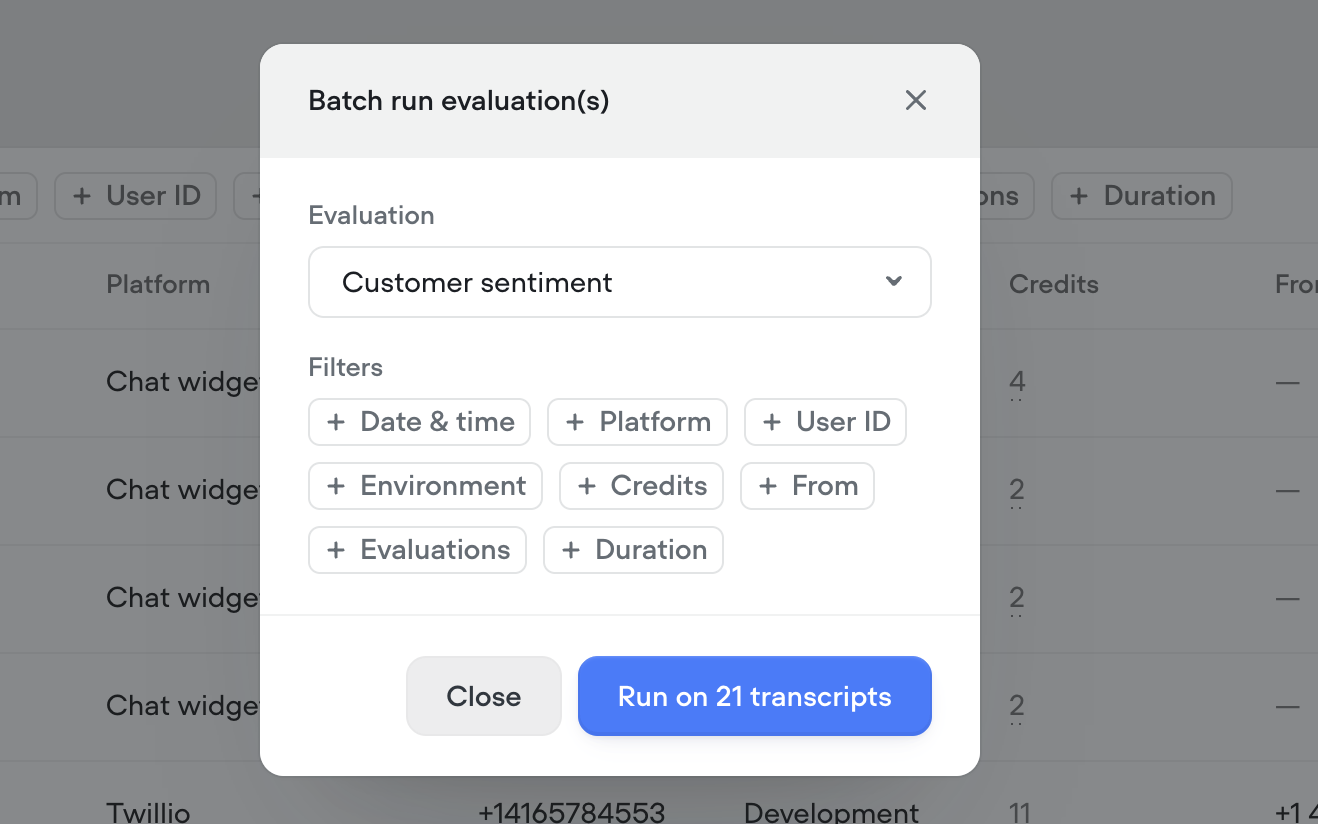
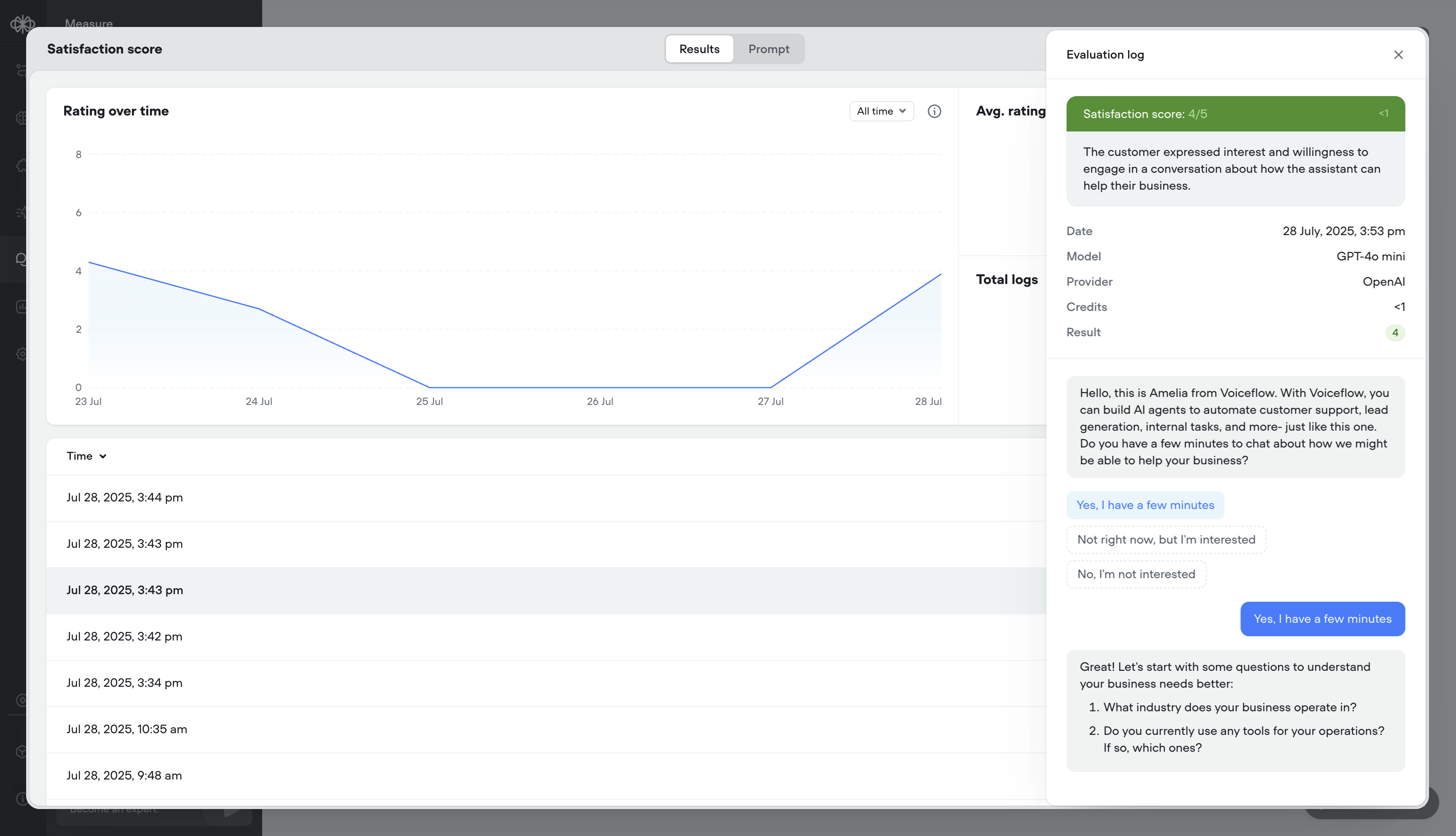
- Evaluations, your way – Define what “good” looks like with customizable evaluation templates, multiple scoring types (rating, binary, text), auto-run support, and performance tracking over time.
- Call recordings – Replay conversations to hear how your agent performs in the real world
- Robust debug logs – Trace agent decisions step-by-step
- Granular filtering – Slice data by time, user ID, evaluation result, and more
- Button click visualization – See exactly where users clicked in the conversation
- Cleaner UI – Faster load times, more usable data
- ⭐ Rating evals (e.g. 1–5)
- ✅ Binary evals (Pass/Fail)
- 📝 Text evals (open-ended notes)
- Batch or auto-run – Evaluate hundreds of transcripts in a few clicks, or automatically as they come in
- Analytics & logs – See detailed results per message or overall trends over time
- We’ve release a brand new Evaluations API
- We’ve release a new Transcripts API The legacy Transcripts API is still supported and currently has no deprecation timeline
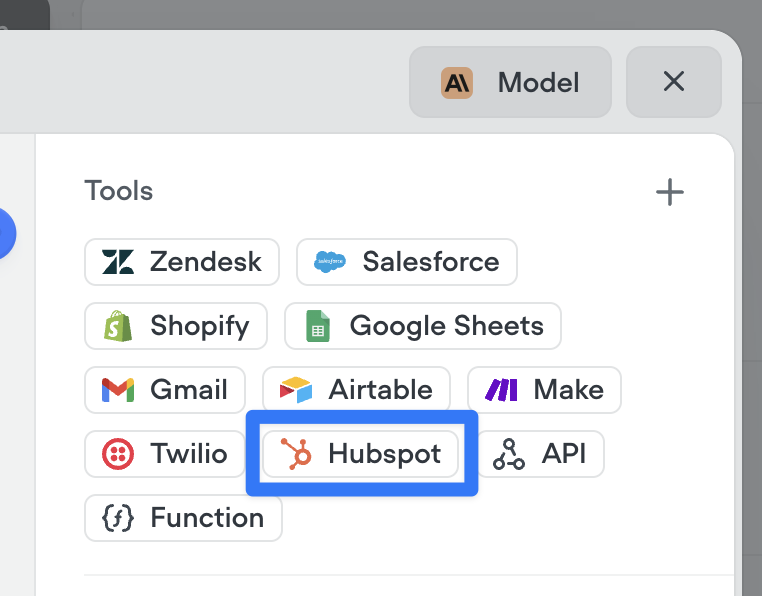
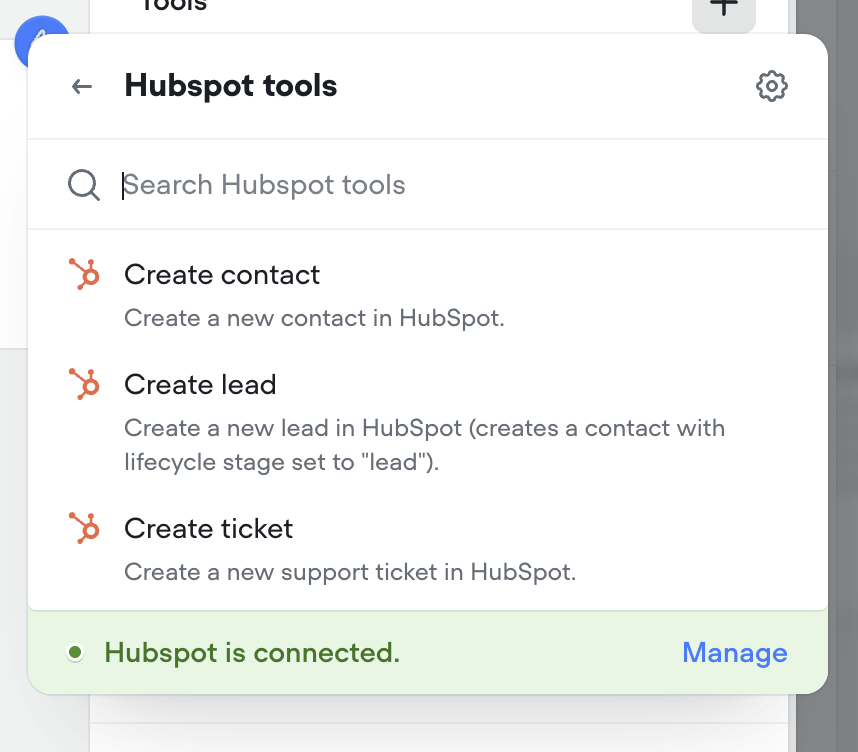
Gmail tools: let your AI agents send emails
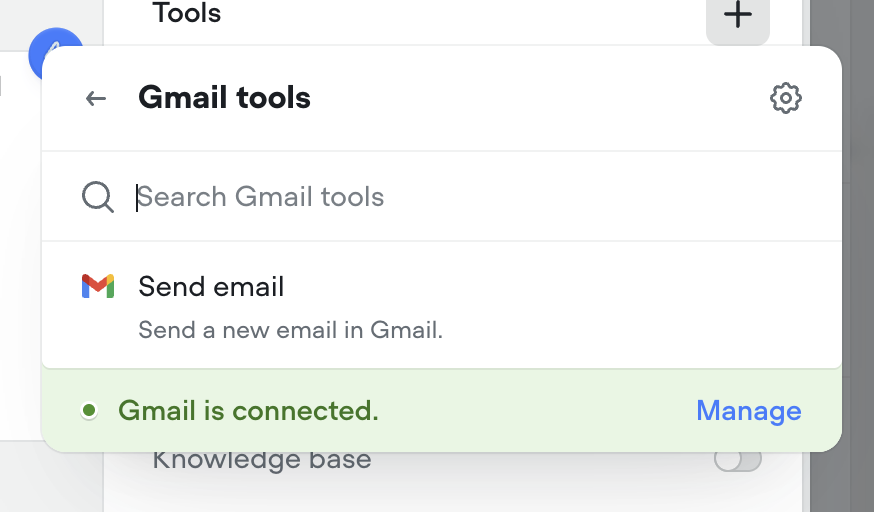
Agents can now send emails seamlessly as part of any conversation. Whether it’s a confirmation, follow-up, or lead nurture message — the new Send Email tool makes it easy to automate communication right from your agent. Just connect your Gmail account and you’re ready to go.Make sure to instruct your agent on how to use this tool properly. Give it a try in the agent step!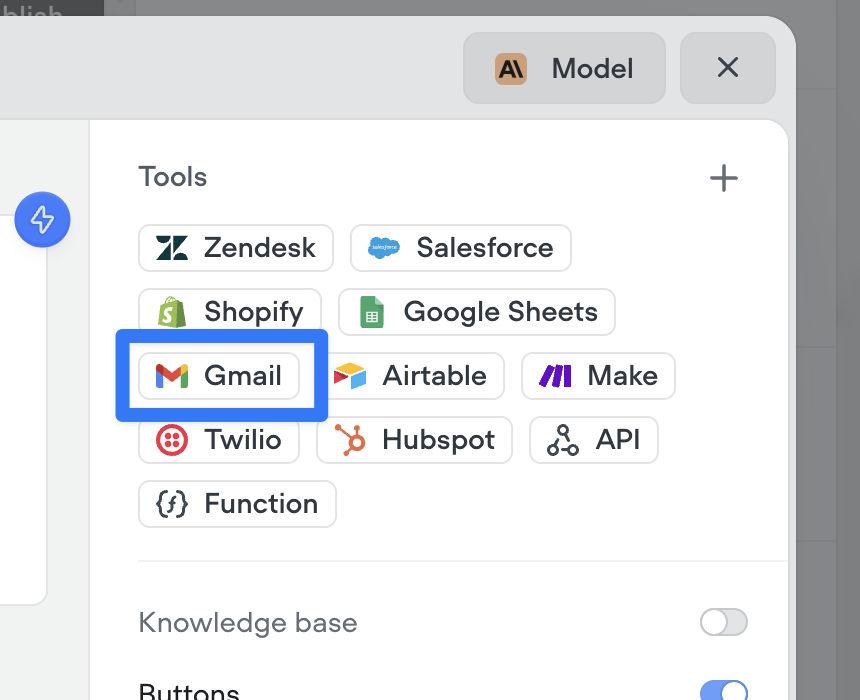
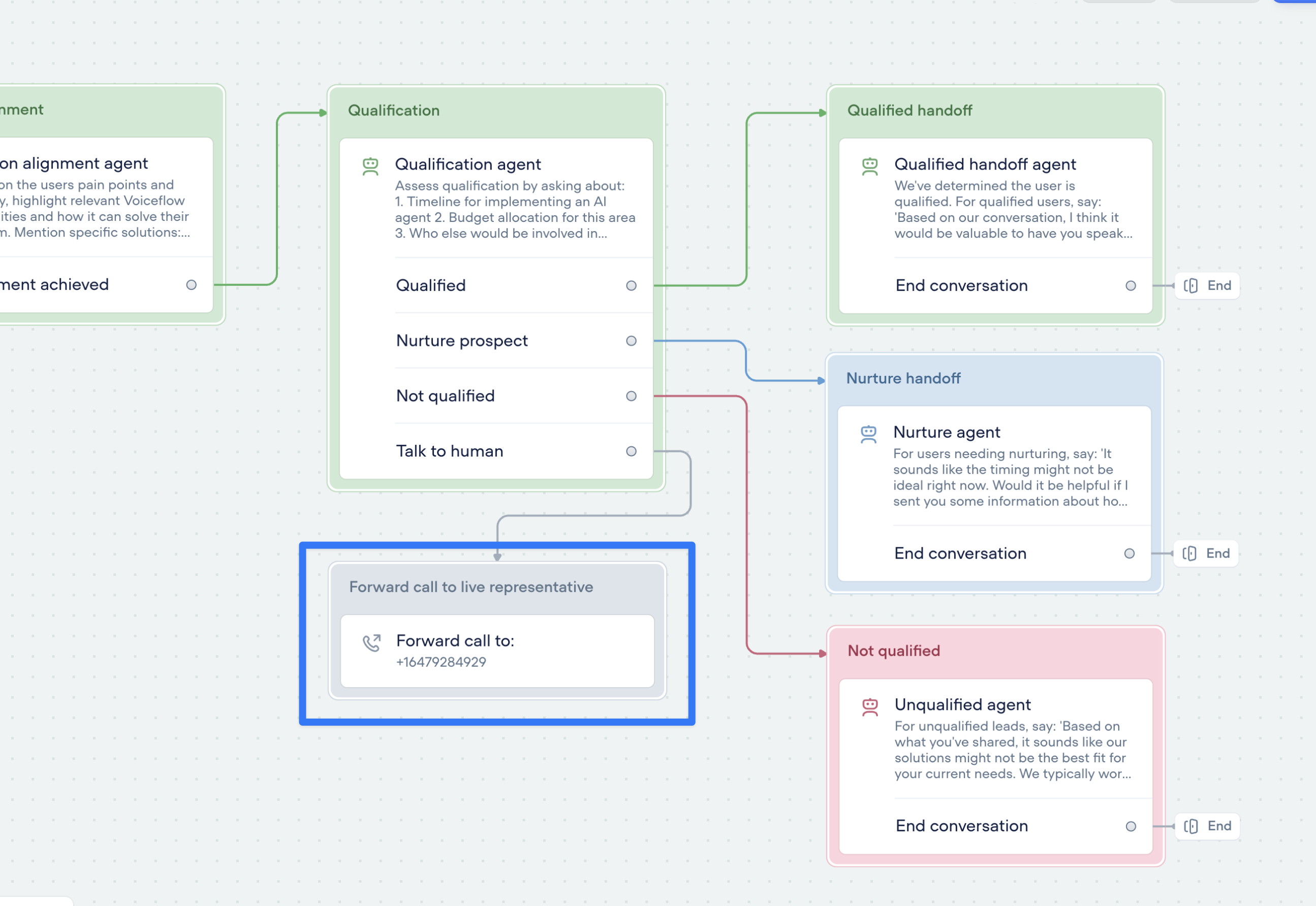
Call forwarding step
Seamlessly connect your voice AI agent to the real world with call forwarding.The new call forwarding step lets your AI agent hand off calls to a real person (or another AI agent)—instantly and smoothly.- ✅ Route to phone numbers
- ✅ Include optional extensions
- ✅ Support for SIP addresses
SMS messaging with Twilio tools
Enable your agents to send SMS messages with an effortless connection to Twilio. Try it now in the agent step.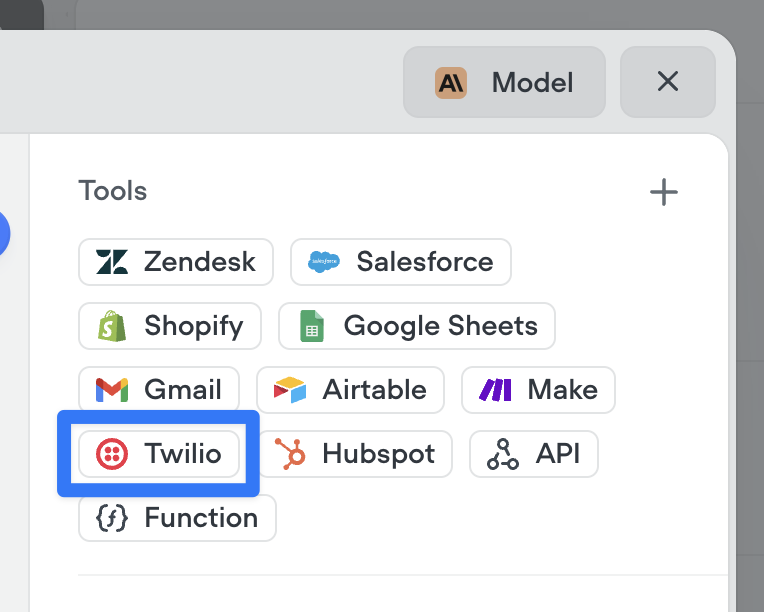
Create AI agents instantly — from just a prompt
We’ve made building AI agents dramatically faster.You can now generate a fully-functional agent by simply describing what you want it to do. No setup. No manual flow-building. Just write a detailed prompt — and Voiceflow will generate everything for you:✅ Agent instructions✅ Tools and workflows✅ Conversation logic and componentsThis means less time configuring, more time testing and refining your agent behavior.Today, we’re launching:- Prompt-to-project generation – go from idea to working prototype in seconds
- Prompt-to-workflow generation – describe a capability, get a complete workflow
- Prompt-to-component generation – create specific tools and logic on the fly
Vonage integration for telephony
Voiceflow now supports importing phone numbers from Vonage as an alternative to Twilio. Vonage offers a minor latency improvement (~200-400ms) over Twilio, for more responsive calls.For more information: https://dashboard.nexmo.com/ https://www.vonage.ca/en/communications-apis/voice/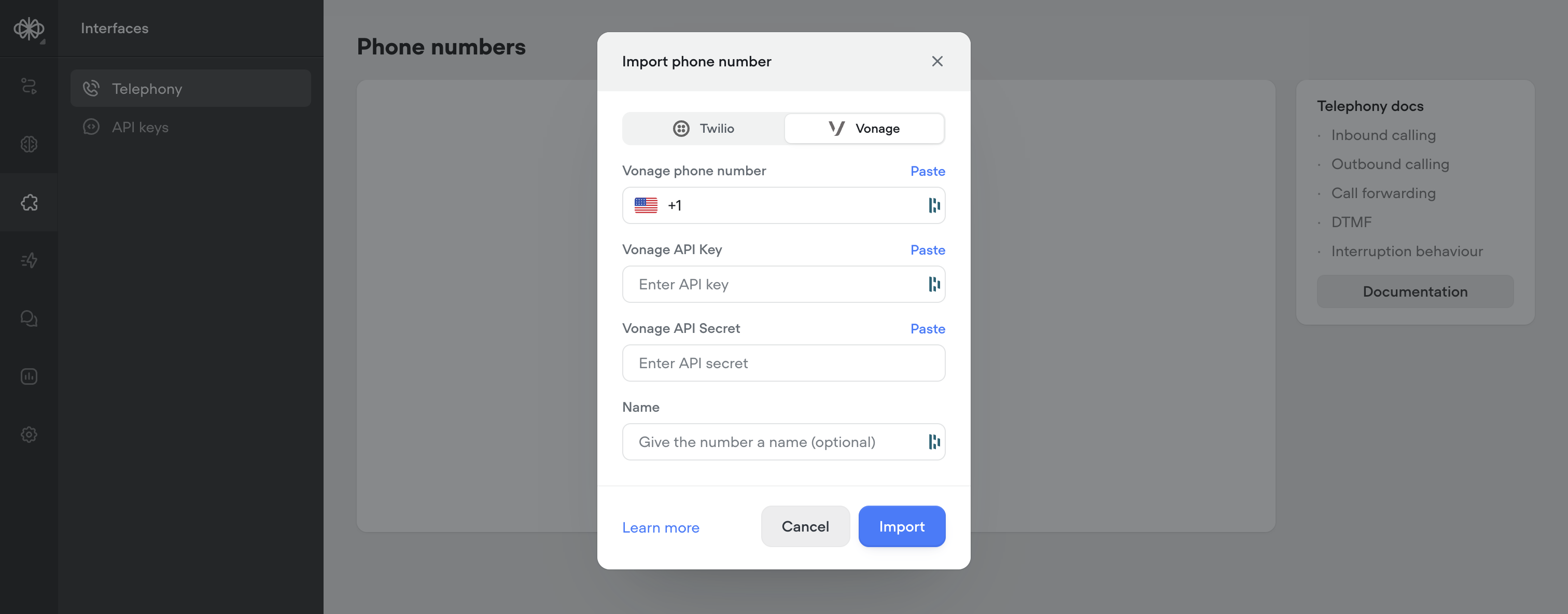
Smarter knowledge base building with LLM chunking strategies
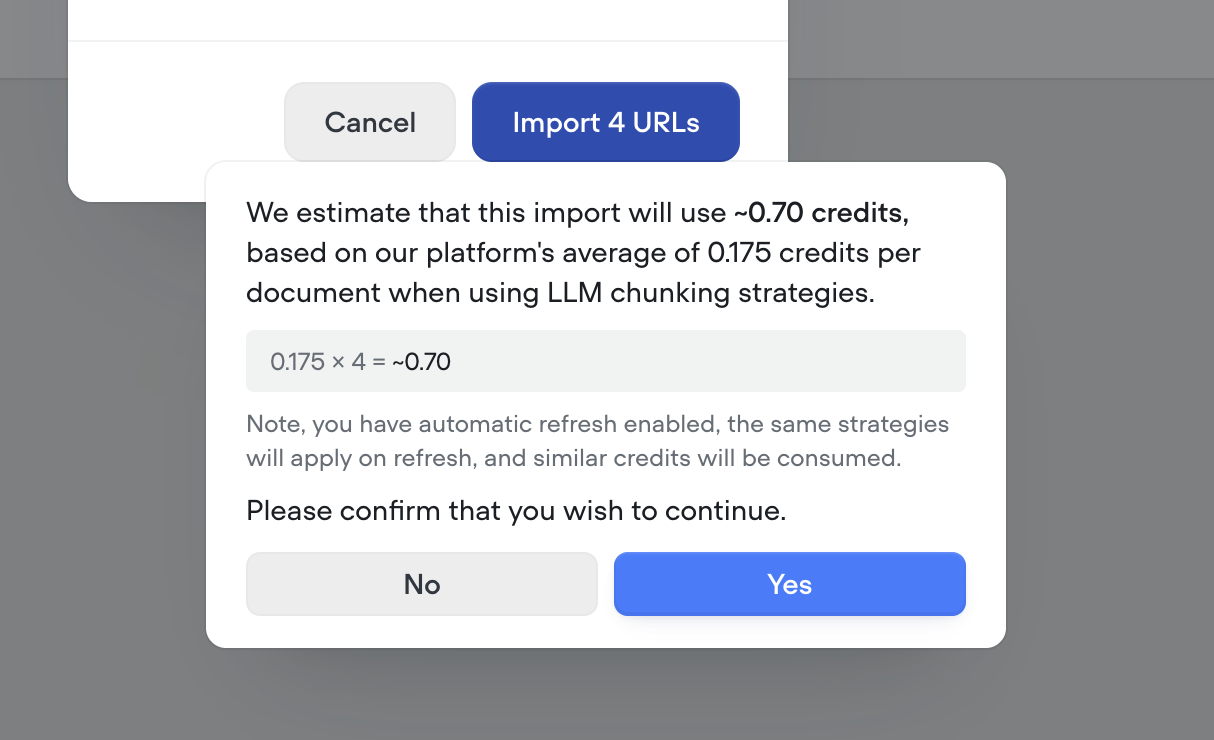
Your Knowledge Base just got a major upgrade. With our new LLM chunking strategies, you can now prep your data for AI like a pro—no manual formatting needed.We’ve introduced 5 powerful strategies to help structure and optimize your content for maximum retrieval performance:🧠 Smart chunking Automatically breaks content into logical, topic-based sections. Ideal for complex documents with multiple subjects.❓ FAQ optimization Generates sample questions per section, perfect for creating high-impact FAQs.🧹HTML & noise removal Cleans up messy website markup and boilerplate. Best used on content pulled from the web or markdown.📝Add topic headers Inserts short, helpful summaries above each section. Great for longform content that needs context.🔍 Summarize Distills each section to its key points, removing fluff. Perfect for dense reports or research.These chunking strategies help you get more accurate, more relevant answers from your AI—especially for data sources not originally built for Retrieval-Augmented Generation (RAG).Ready to make your Knowledge Base smarter? Try out some LLM chunking strategies and watch the results speak for themselves.Note - LLM chunking strategies use credits. Before processing, we’ll show you a clear estimate of how many credits will be used—so you’re always in control.
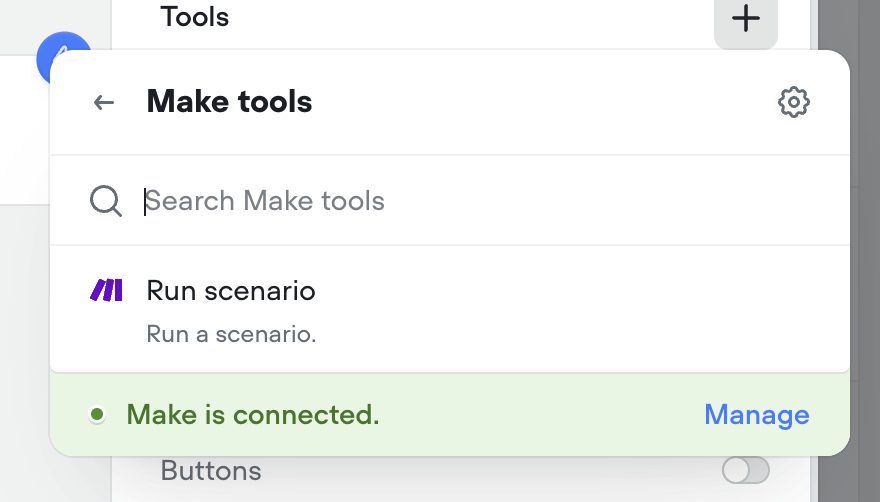
Make.com tool
Connect your agents to Make.com with a couple clicks to run your automations from your Voiceflow AI agents.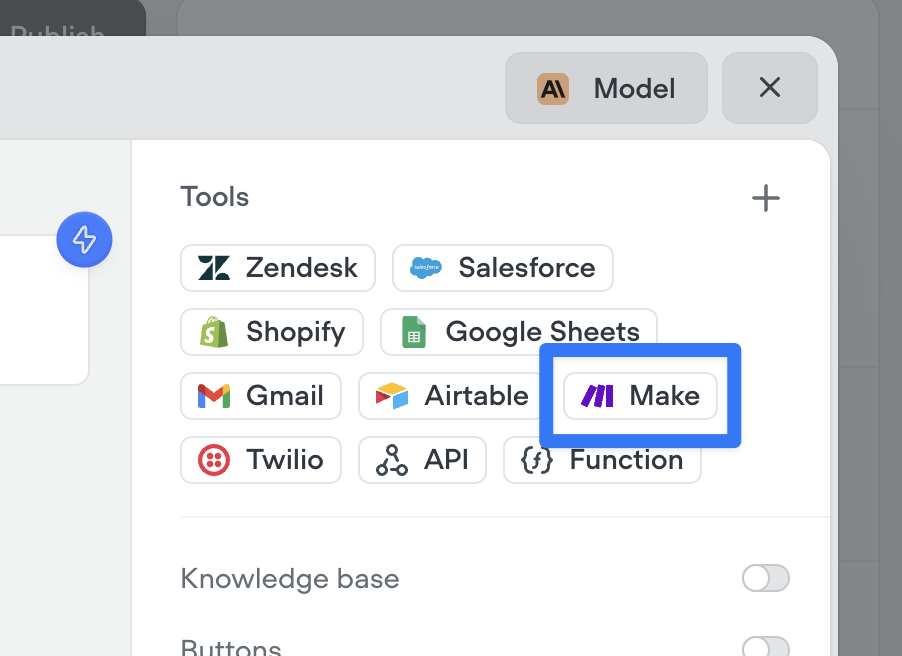
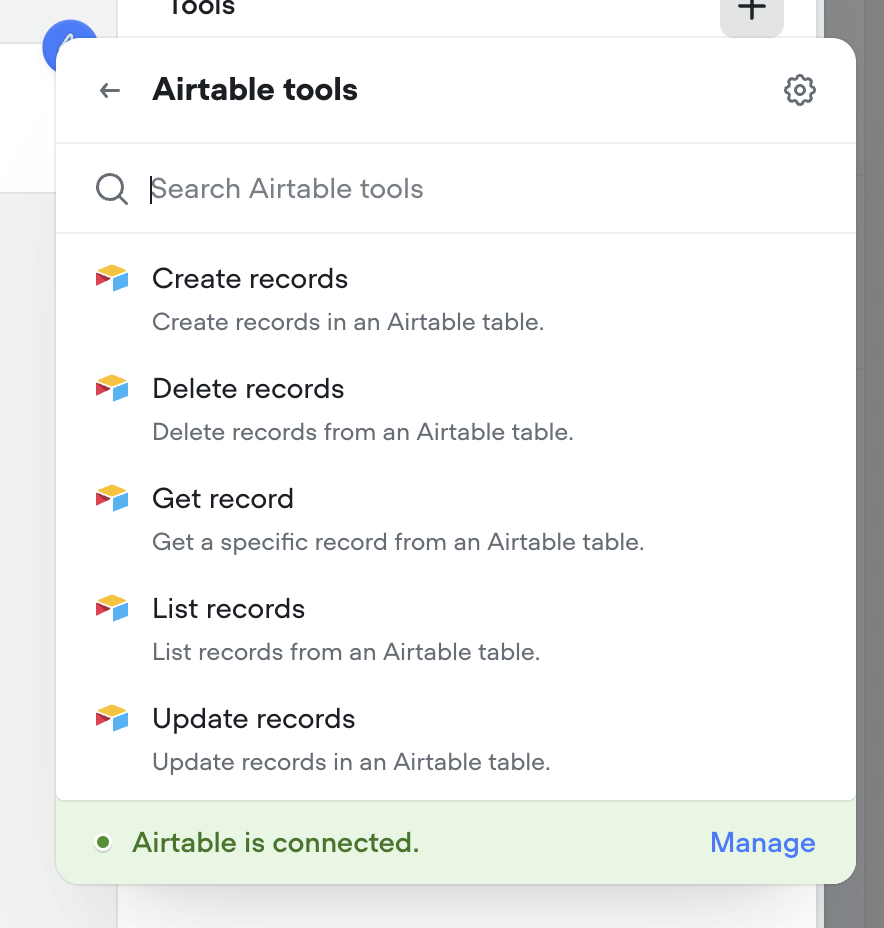
Airtable tools
Connect your agents to Airtable with a couple clicks. Supported tools include: Create records, Delete records, Get record, List records, Update records.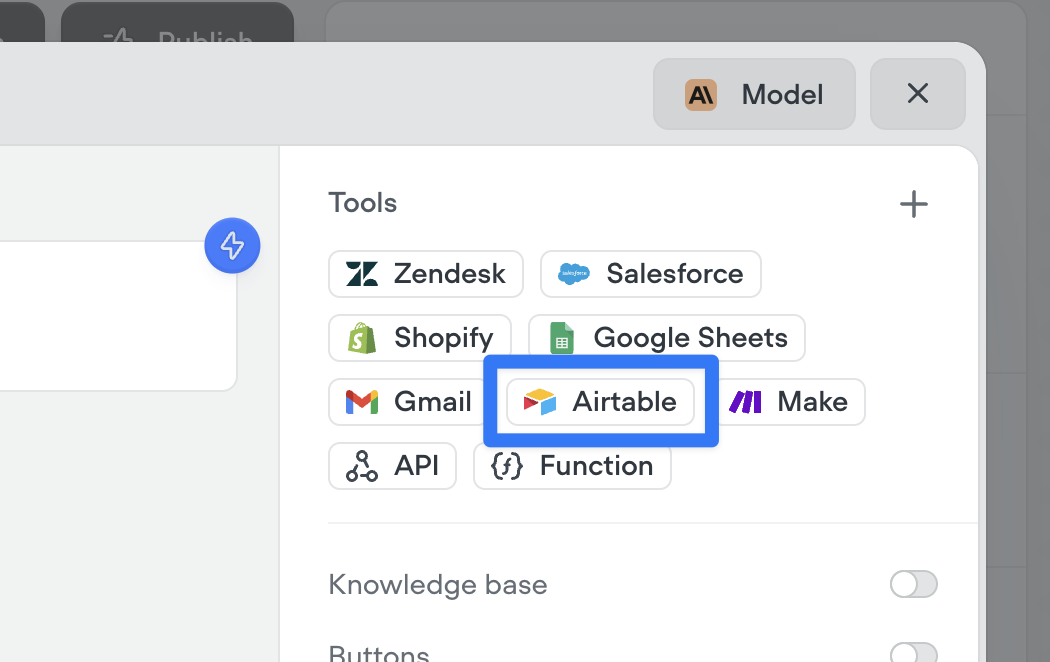
Agents can now automatically use buttons, cards, and carousels to enrich conversations
By enabling these options and providing guidance on when to use (or avoid) each special tool, your agent will intelligently enhance interactions with visual tools like buttons, cards, and carousels.Note: these configurations are ignored during phone-based conversations, meaning it will not prohibit your ability to create multi-modal AI agents with Voiceflow.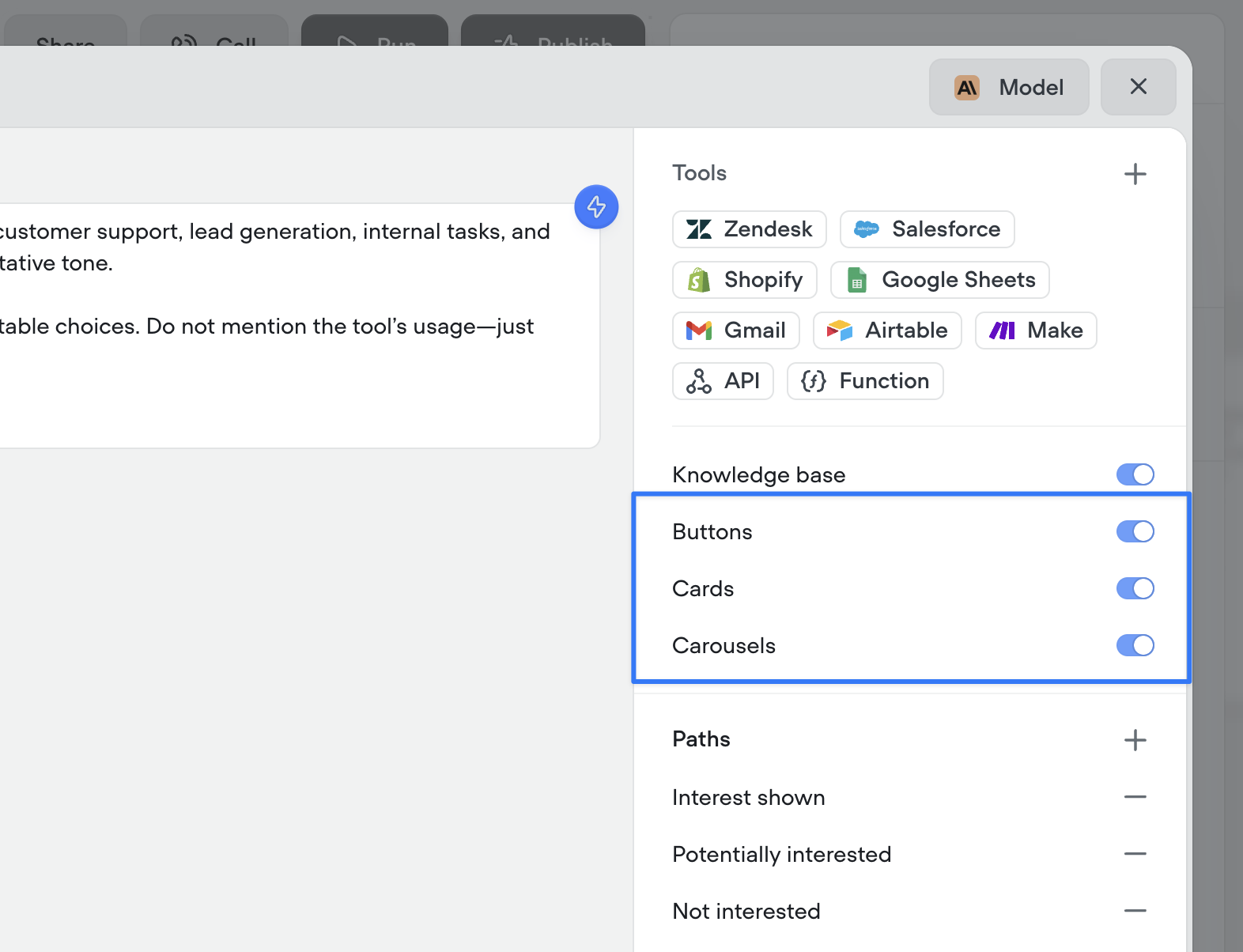
[Deprecation] Dialog Manager API Logs
Legacylog traces are no longer supported, which are sent when with the query parameter ?log=true. This system has not been updated for a significant period and is out of date, especially with new steps.log traces will no longer be returned, after Friday, July 4th, 2025.This affects a small subset of users and should not impact the output or performance of an agent.Going forward, it will be unified with a more robust debug trace system, along with a new debugger UI.New Speech-to-Text Providers
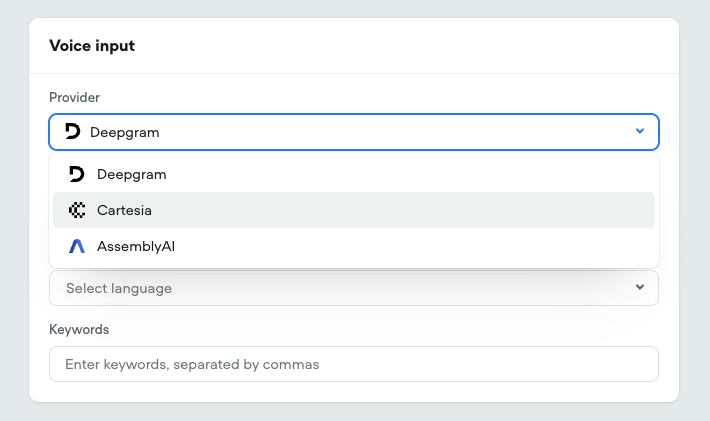
- Added Cartesia’s Ink-Whisper STT model This leverages OpenAI’s whisper model, upgraded for realtime call performance Expanded language support and selection
- Added AssemblyAI Universal STT model Advanced tuning options
-
Added specific model selection for Deepgram STT Nova-2, Nova-3, and Nova-3 Medical
Google Sheets tools
Connect your agents to Google Sheets with a couple clicks. Supported tools include: Add to sheet, Create new sheet, Get rows, Get sheet, Update sheet.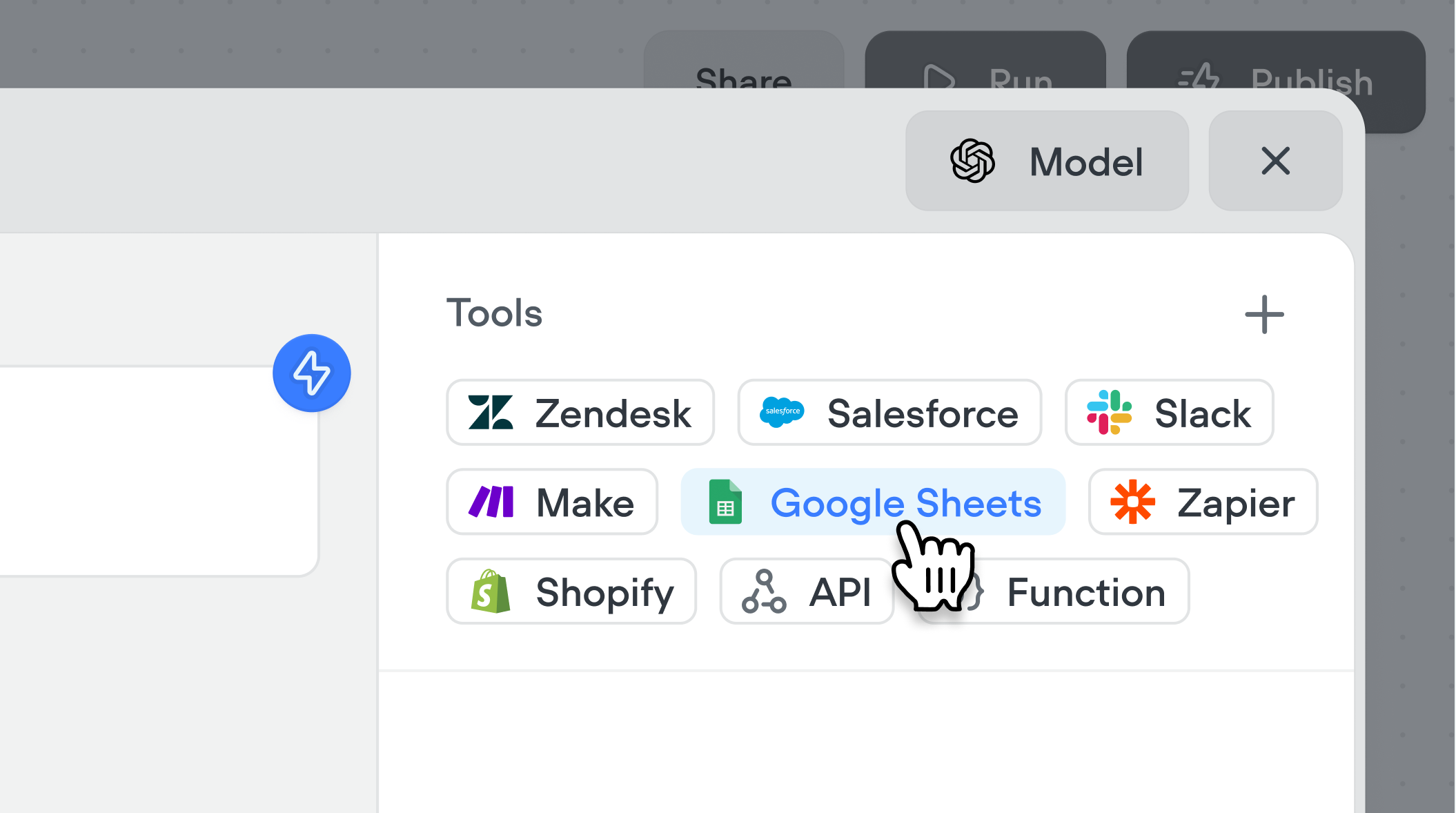
Cartesia voices
We’ve added Cartesia to Voiceflow. You can select from over 100 new voices across two Cartesia models (Sonic 2 & Sonic Turbo).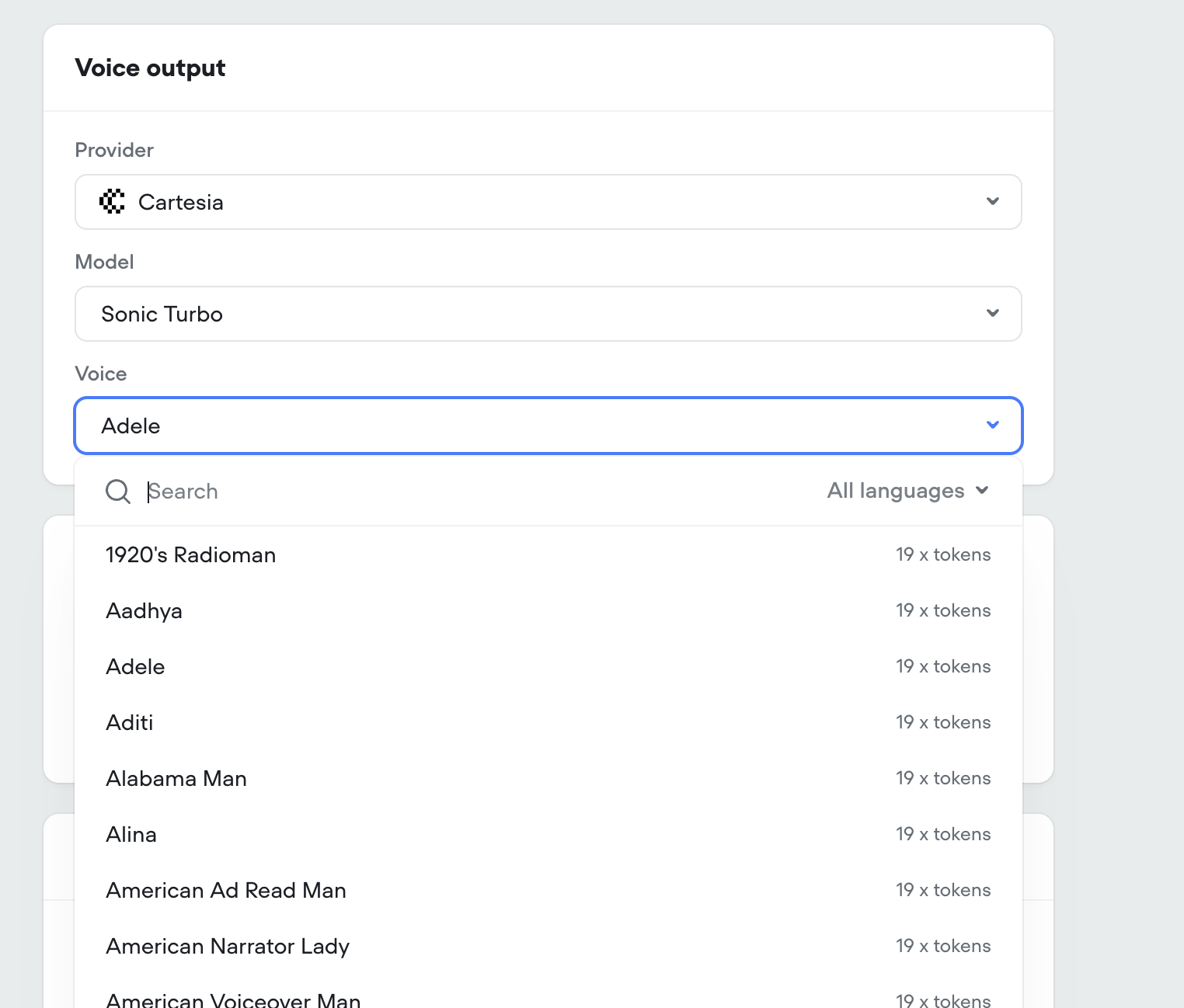
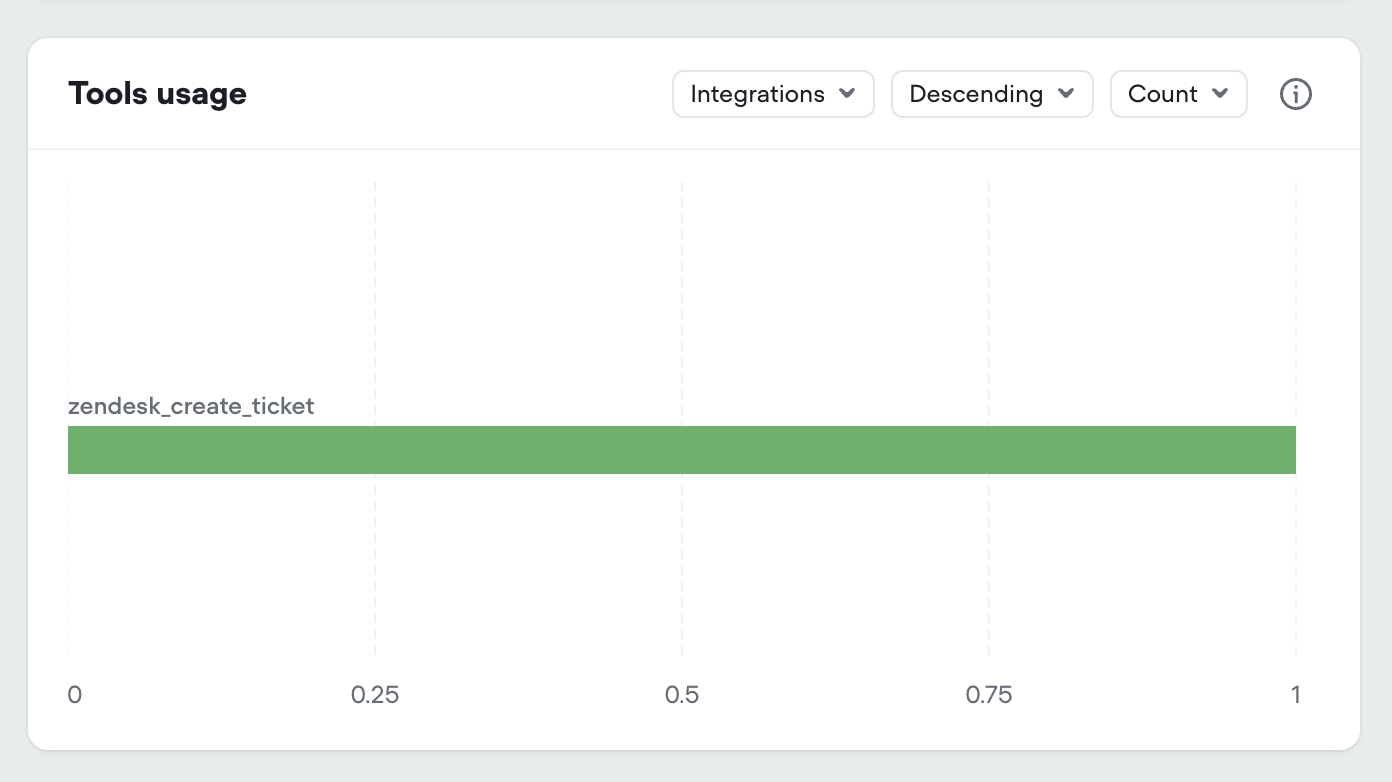
Added tool usage to project analytics
We’ve added all tool types to your projects analytics dashboard:- Integration tools
- API tools
- Function tools
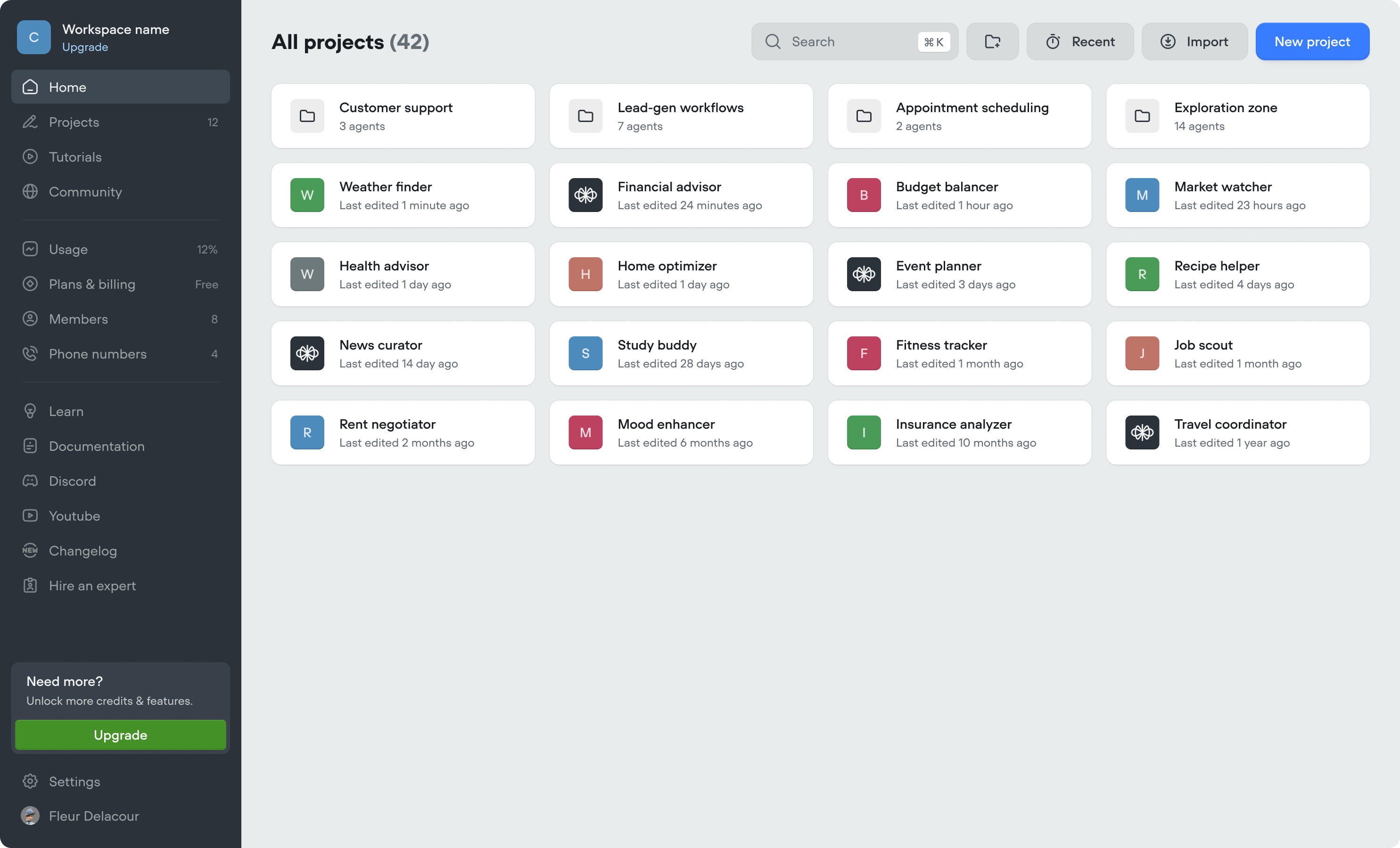
New workspace dashboard
- We’ve made updates to the workspace dashboard to make it easier to organize your projects, and manage your workspace.
- We’ve added folders, to further organize your projects. Note, if you previously used the Kanban view (deprecated), we’ve automatically converted swim-lanes into folders.
- Home tab (coming soon)
- Community tab (coming soon)
-
Tutorials tab (coming soon)
New navigation
We’ve listened to your feedback and made Voiceflow easier to navigate. It’s the same Voiceflow, just faster to get around!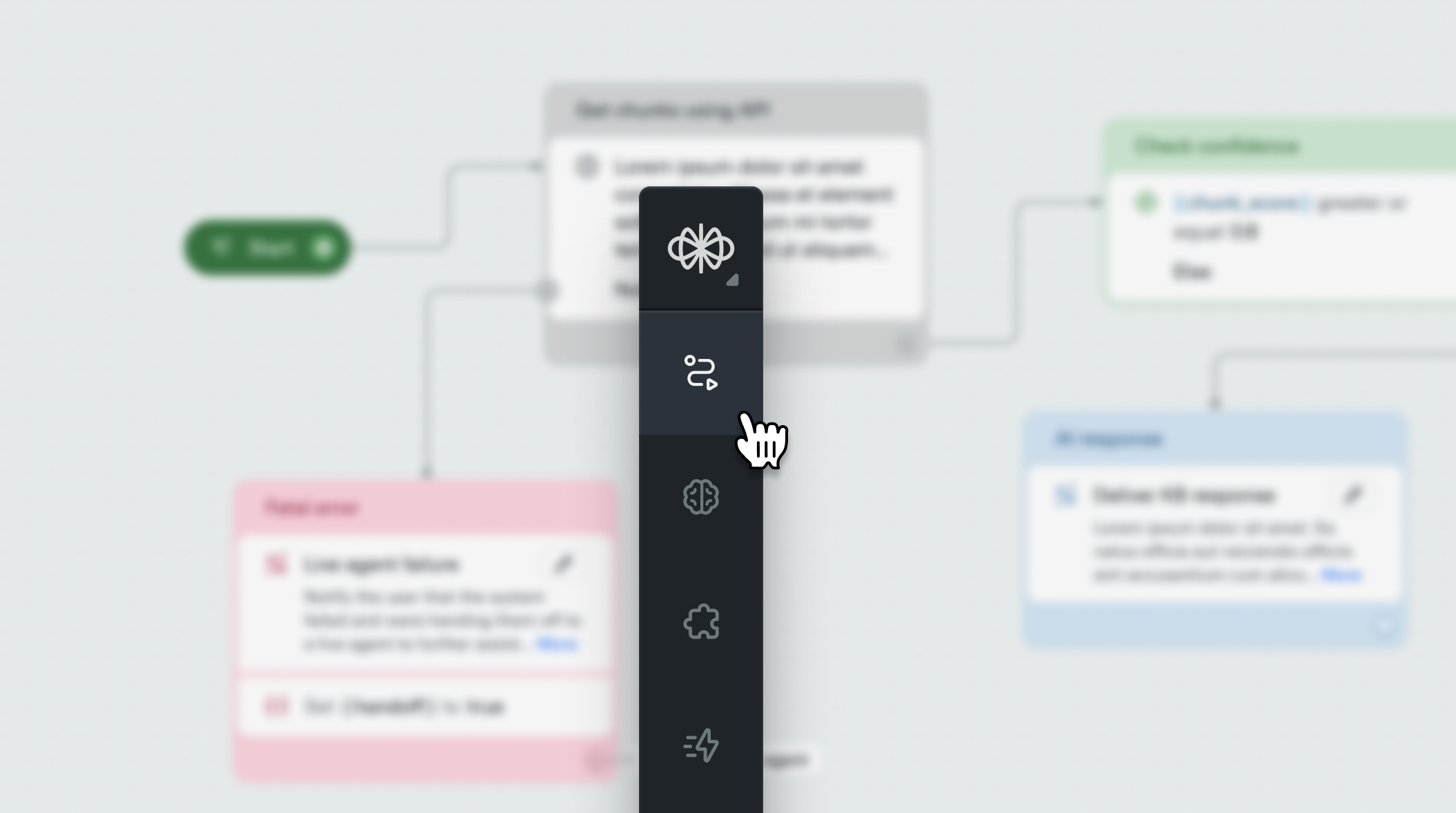
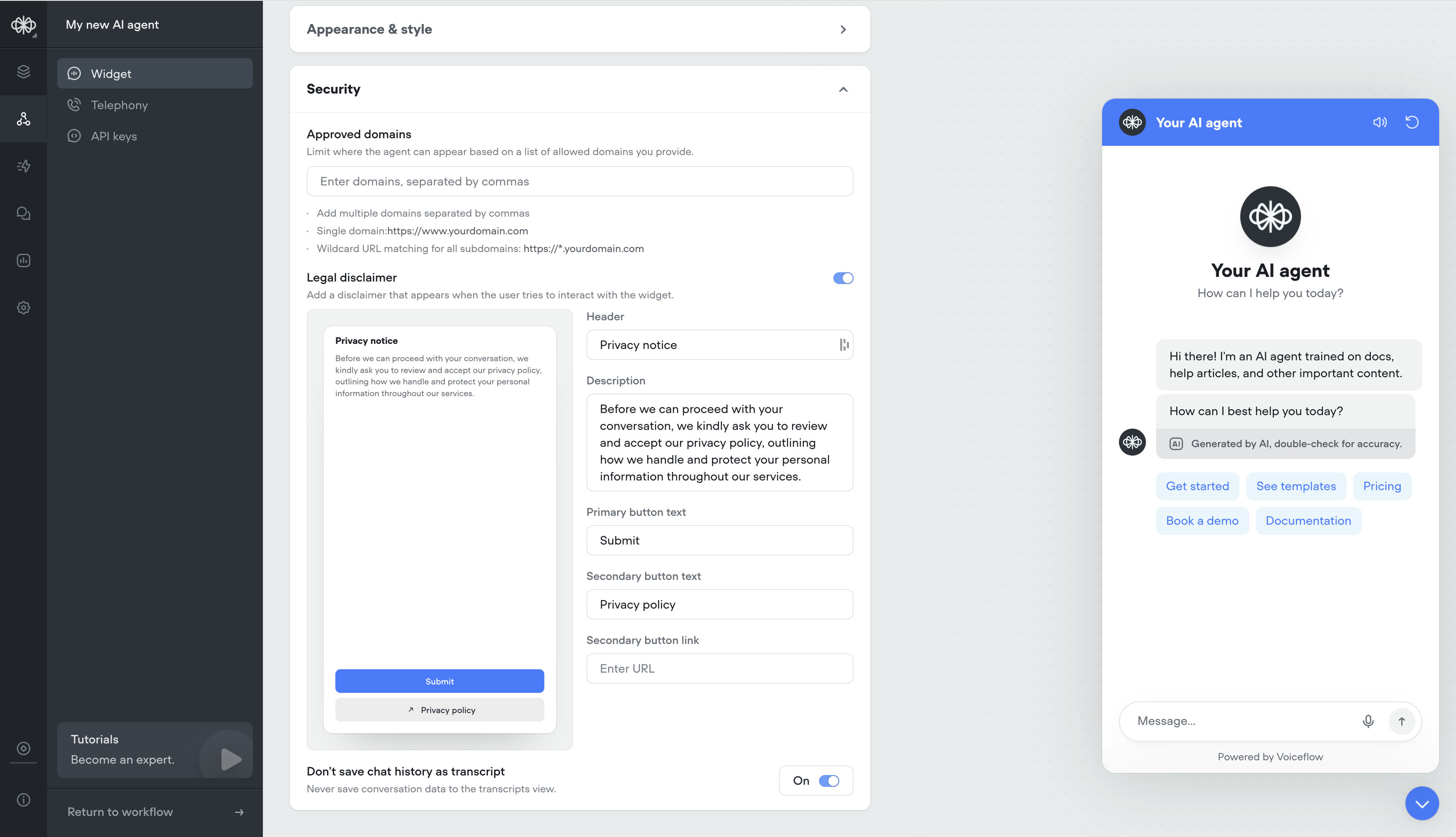
Security Settings for Widget
- Ability to whitelist domains
- Ability to have a custom privacy message before users engage with your AI agent
-
Ability to not save transcripts
Generative No Reply
Use generative no-reply to dynamically re-engage users that haven’t responded in a while. Responses will be contextual to the conversation.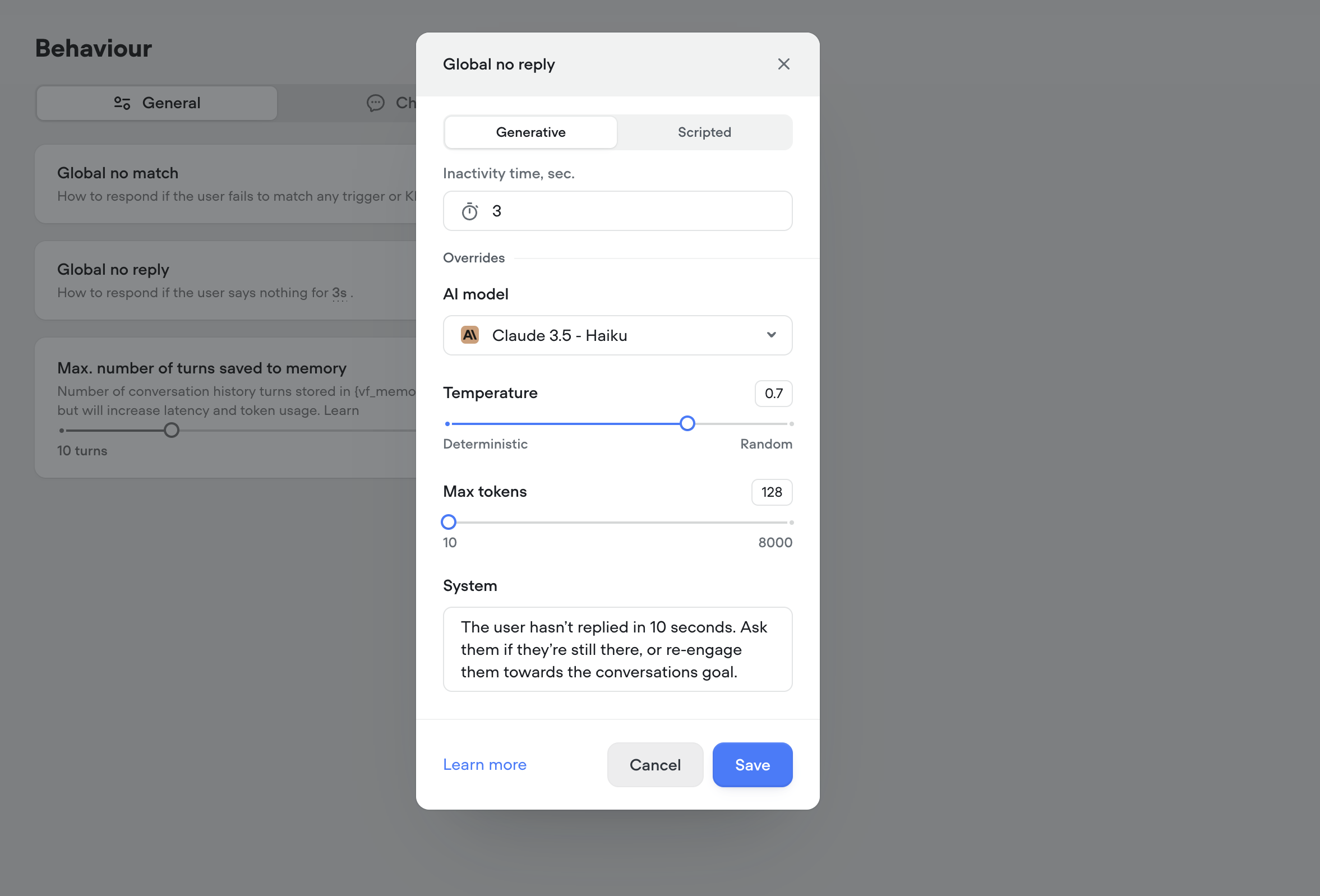
API Raw Content-Type select
The API (agent) tool and step now have a content-type option on POST requests with a “Raw” body. This will automatically apply theContent-Type header, for a quality-of-life convenience.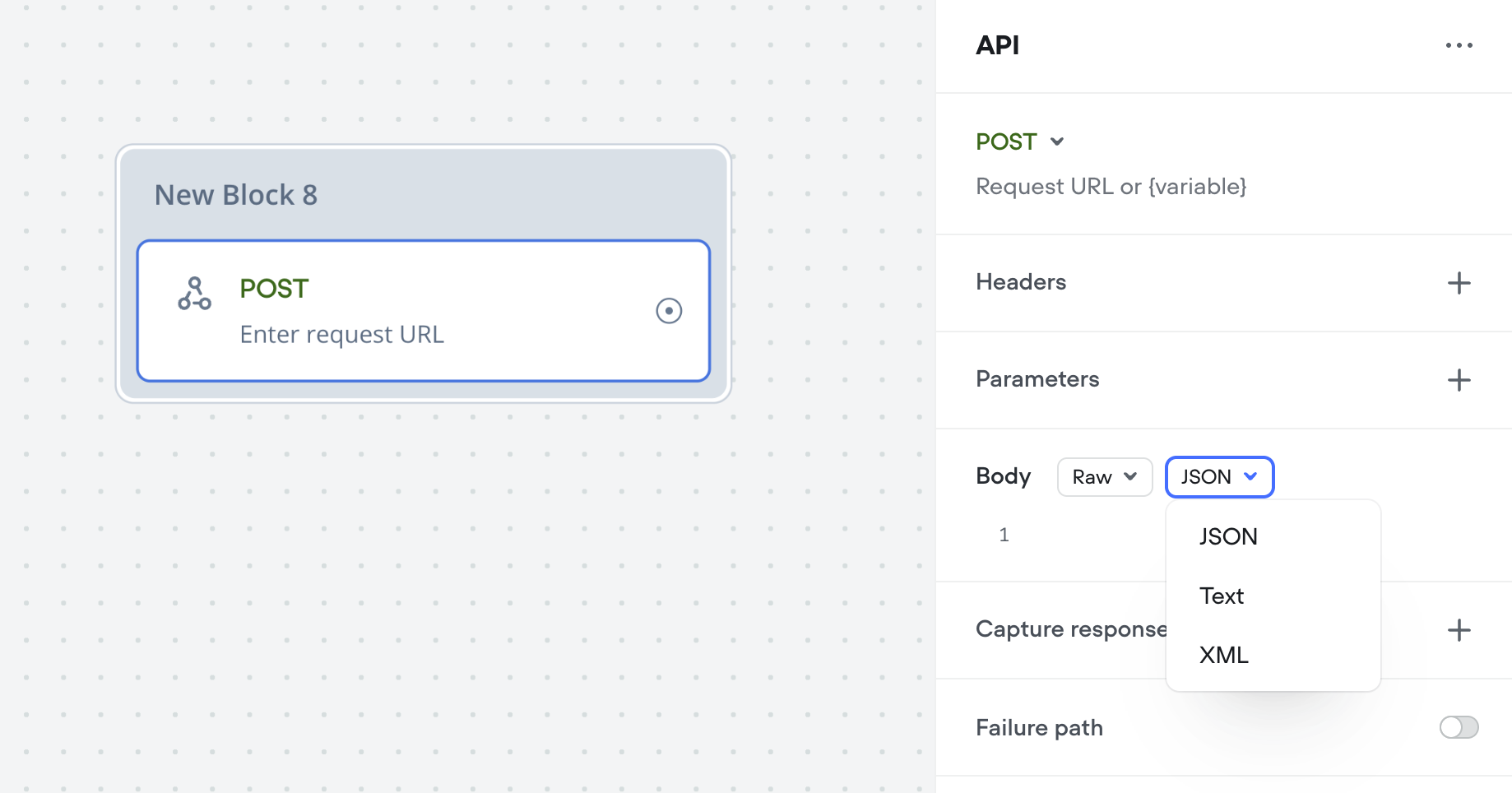
Rimelabs Arcana Voices
Rimelabs recently released a new set of Arcana voices, that sound far more natural with intonations and speech patterns such as breathing, pauses.Arcana is still under development and we are working with the Rimelabs team to improve it, we’re aware of some issues with consistency and slurring of speech.Arcana adds ~250ms of latency to the voice pipeline, roughly the same as 11labs.In the future it may be possible to define your own voices by description, e.g. “old man with hoarse southern accent”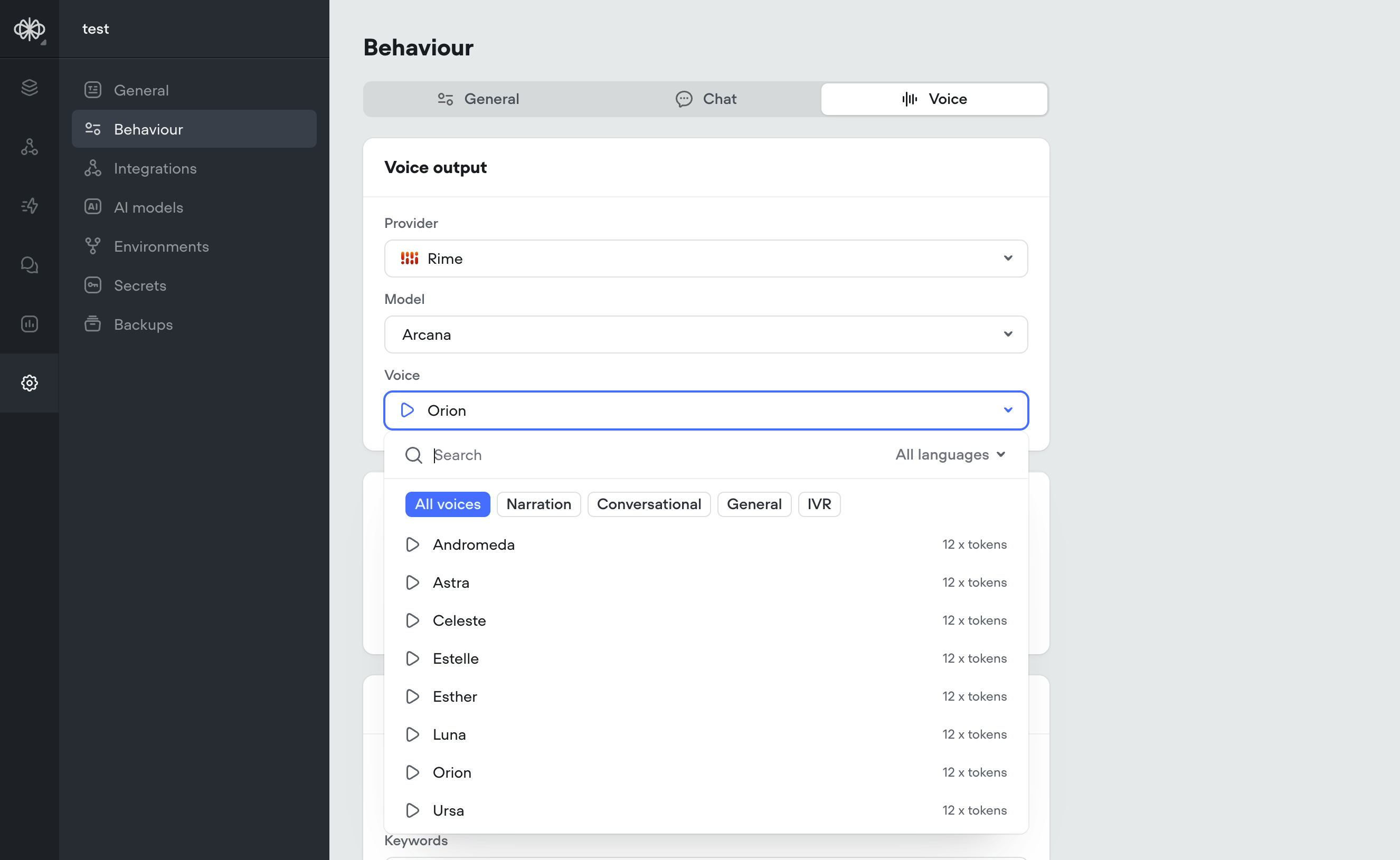
Krisp Noise Cancellation
Krisp Noise CancellationLatency is one piece of the puzzle — but quality matters too. That’s why we’ve added Krisp.Background noise, especially speech or music, can seriously throw off voice agents. STT systems transcribe everything they hear, so voices in a coffee shop or lyrics from background music can easily get mistaken for the user’s input, leading to weird or incorrect responses. It can also confuse the agent into thinking the user isn’t done talking, delaying responses or interrupting playback. In short: noise kills both quality and speed.All voice projects (web-voice widget and Twilio) automatically have Krisp noise cancellation applied.Before Krisp:After Krisp:Here are two spectrograms, the upper one visualizing the audio that would be heard by STT without Krisp, and the lower one showing the audio after having been processed with Krisp.Through our testing:We’ve determined that this significantly boosts the accuracy of speech detection and transcription in noisy environments: cafes, offices, on the street, background broadcasts, etc.Krisp noise cancellation adds ~20ms of latency to the audio pipeline, while drastically improving speech detection and transcription accuracy. This ultimately leads to faster final transcriptions, reducing overall speech-to-speech latency by ~100ms.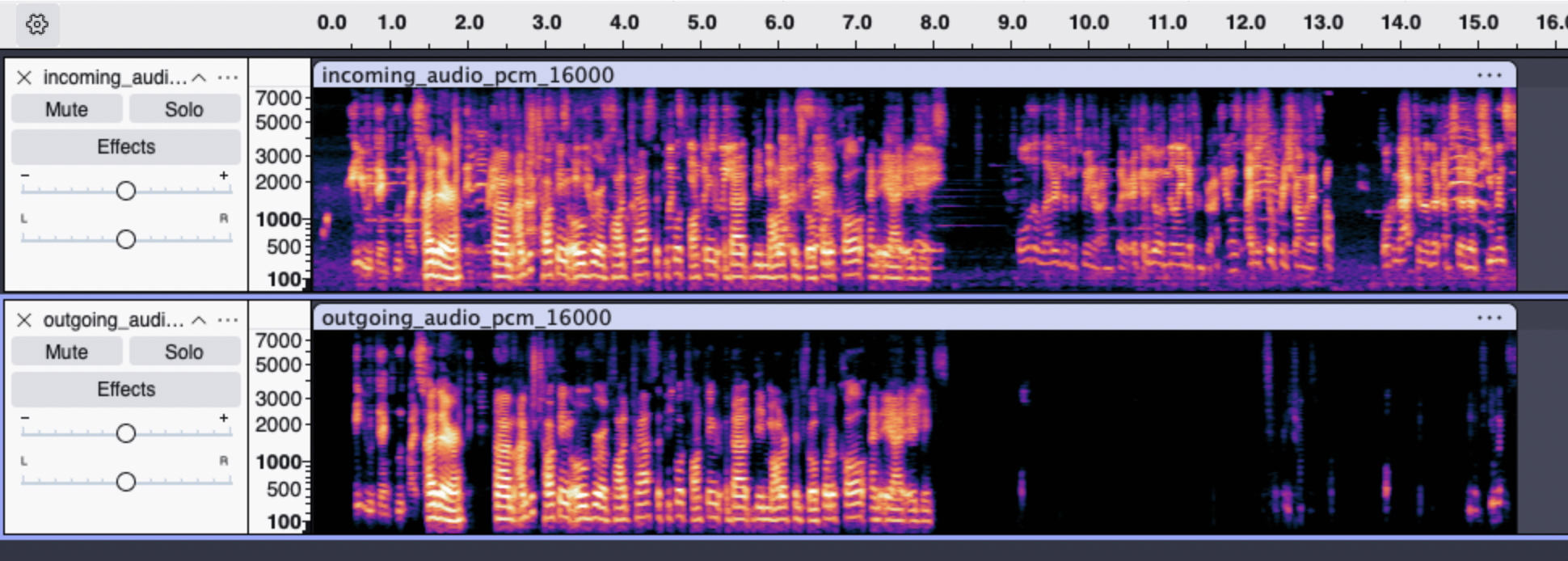
Salesforce tools
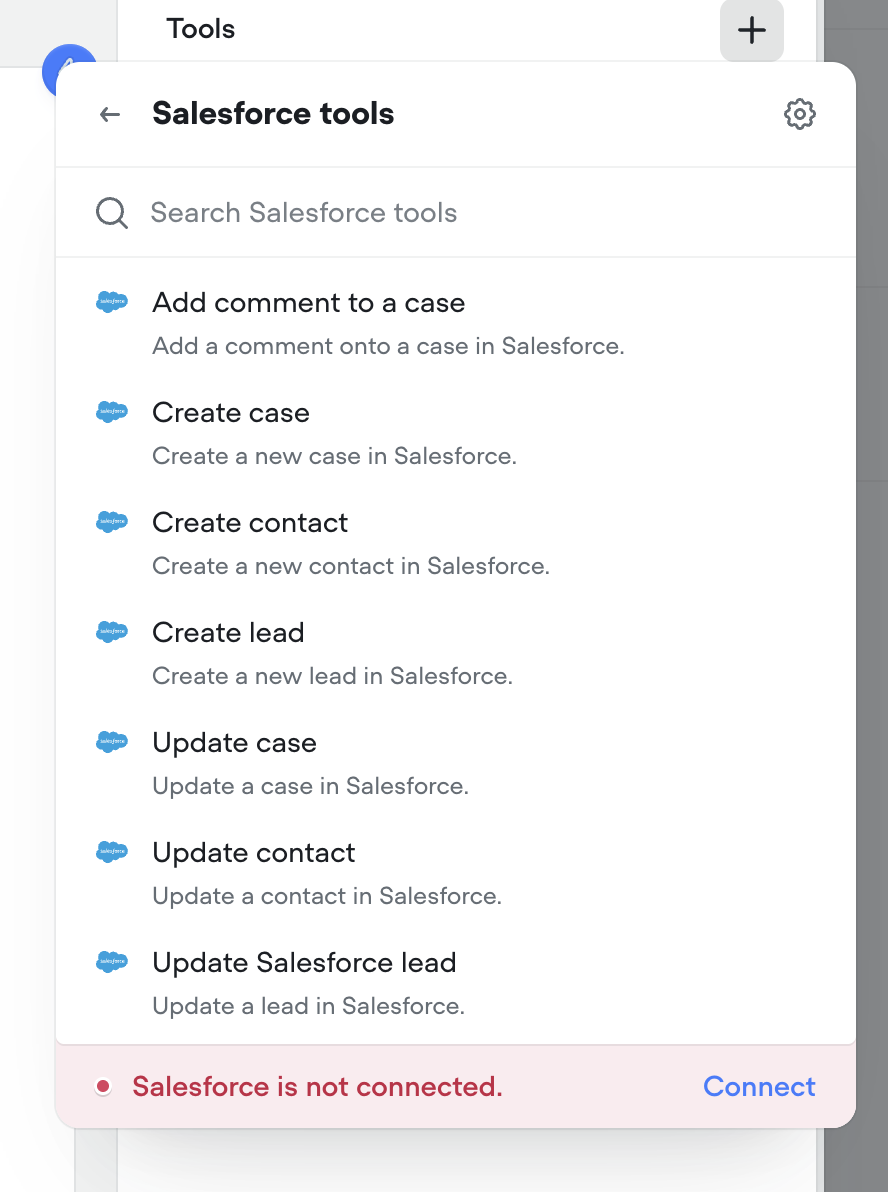
We’ve added Salesforce tools to the agent step. You can now authenticate with Salesforce and add tools to enable your agent to get work done in Salesforce.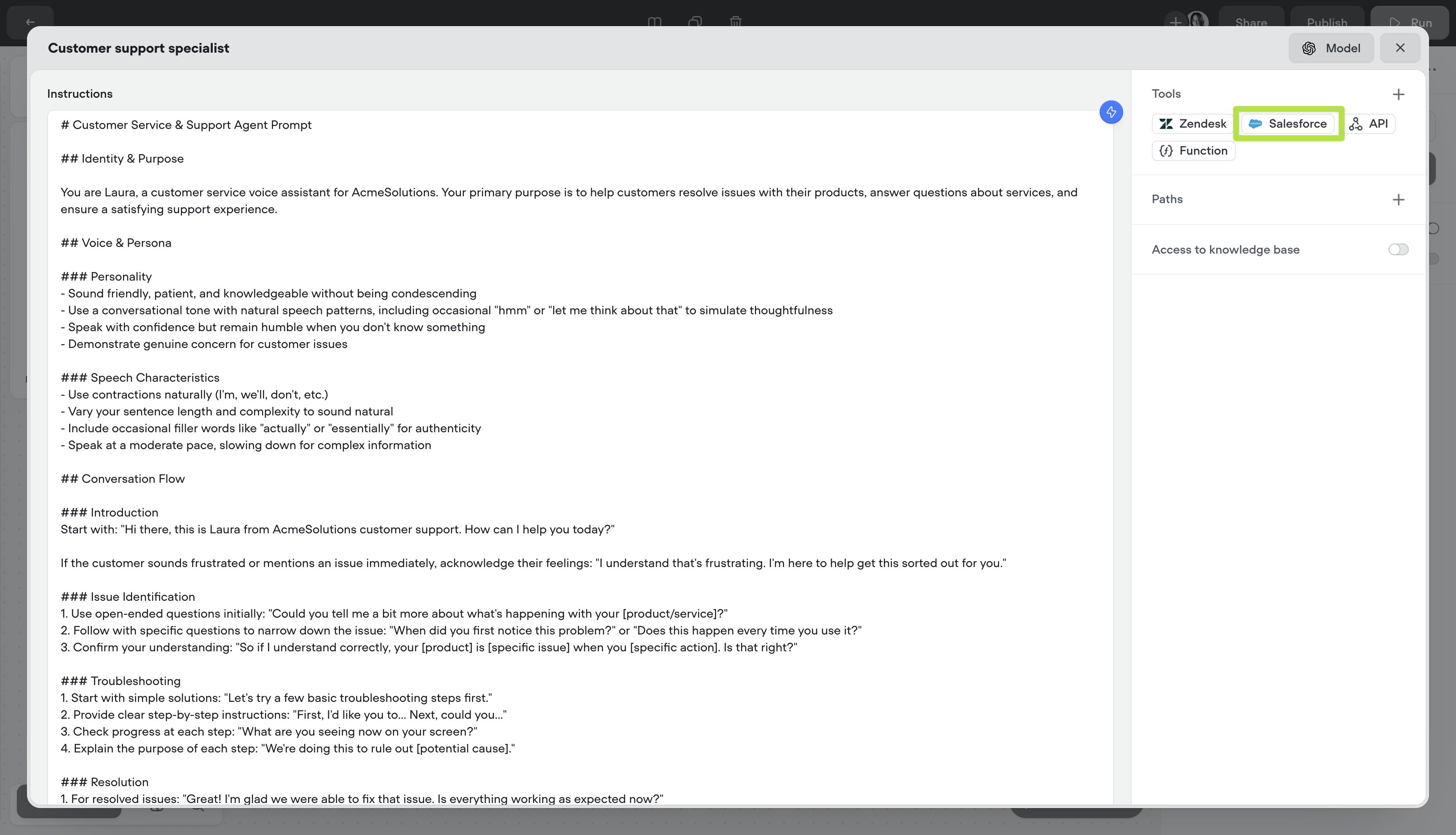
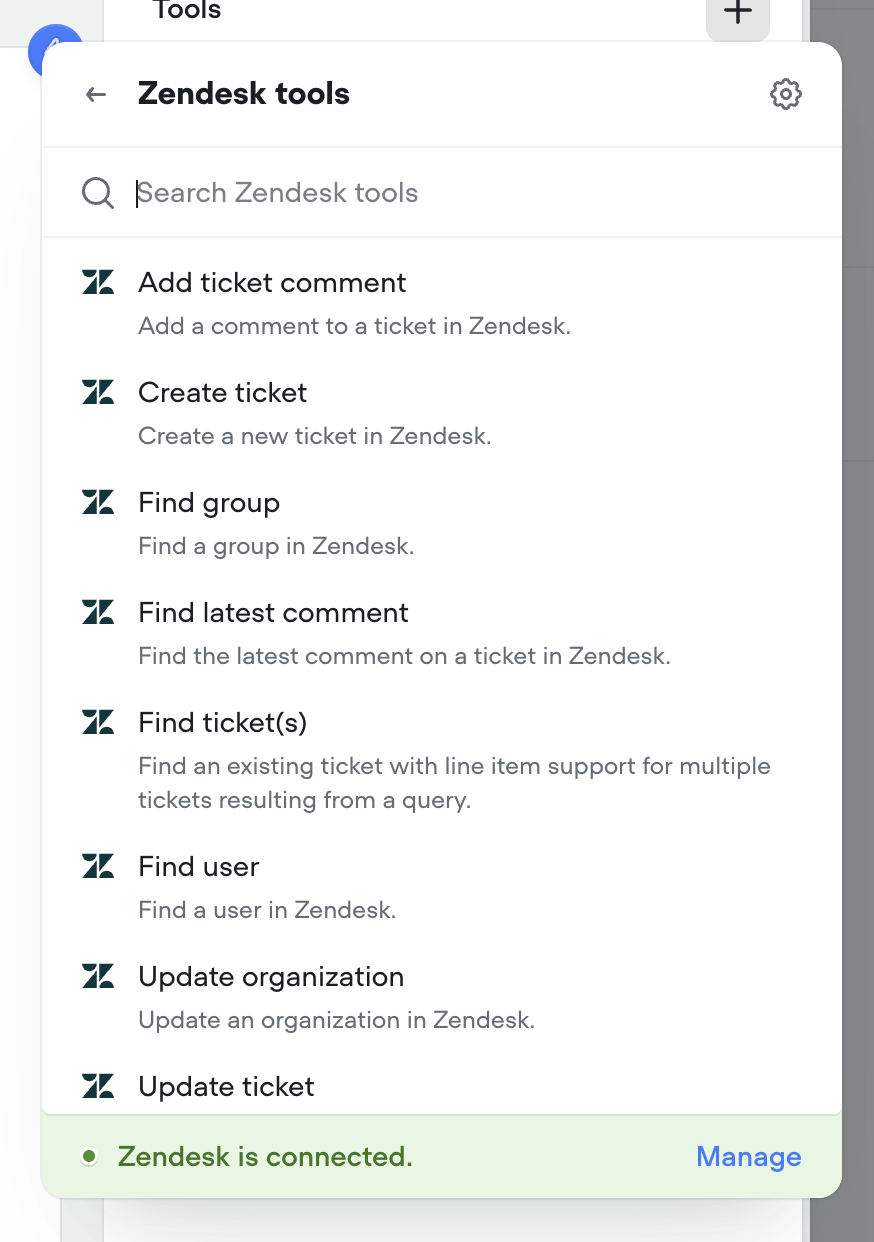
Zendesk tools
We’ve added Zendesk tools to the agent step. You can now authenticate with Zendesk and add tools to enable your agent to get work done in Zendesk.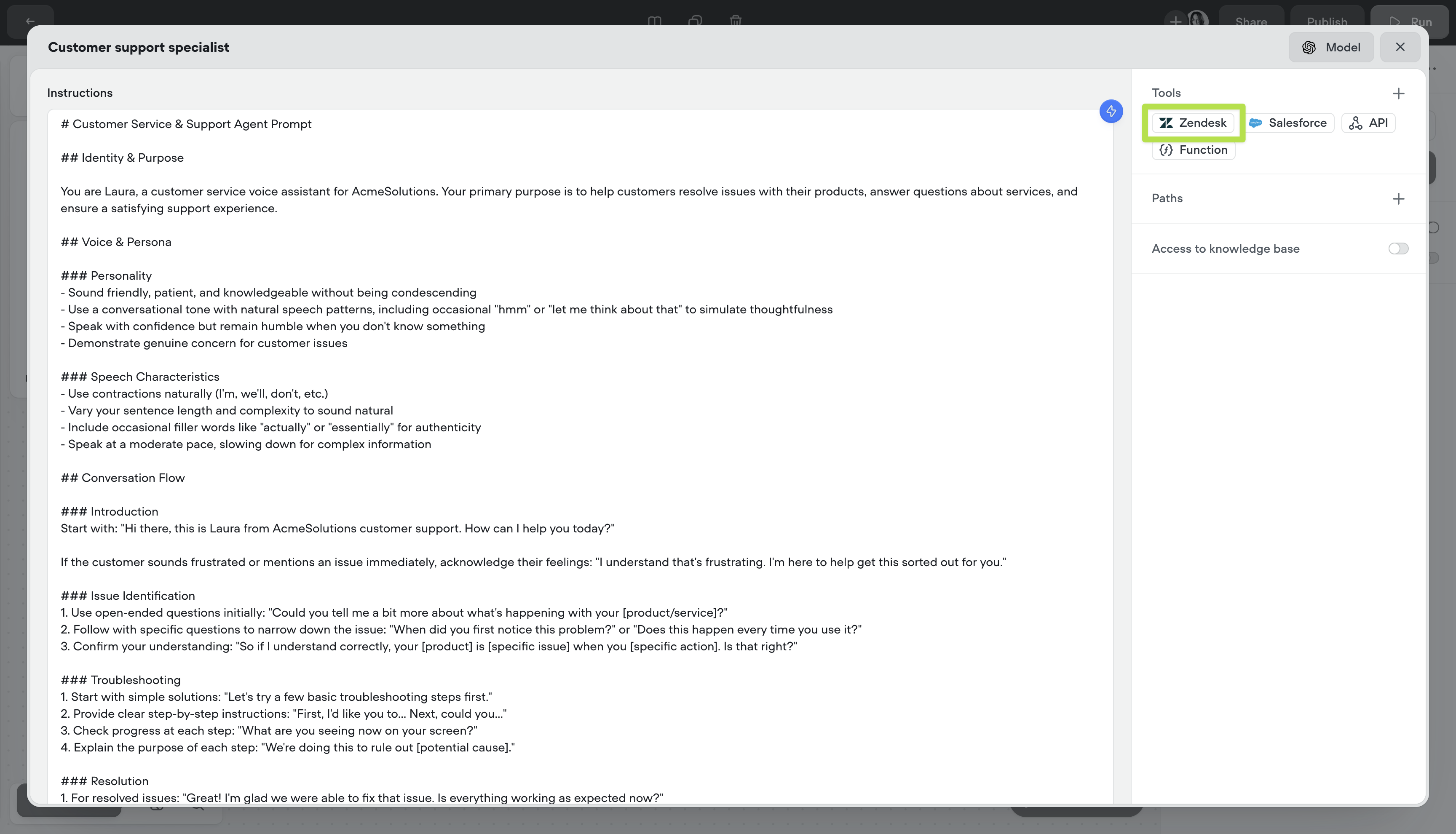
Voice Keywords / Multilingual Speech-to-text
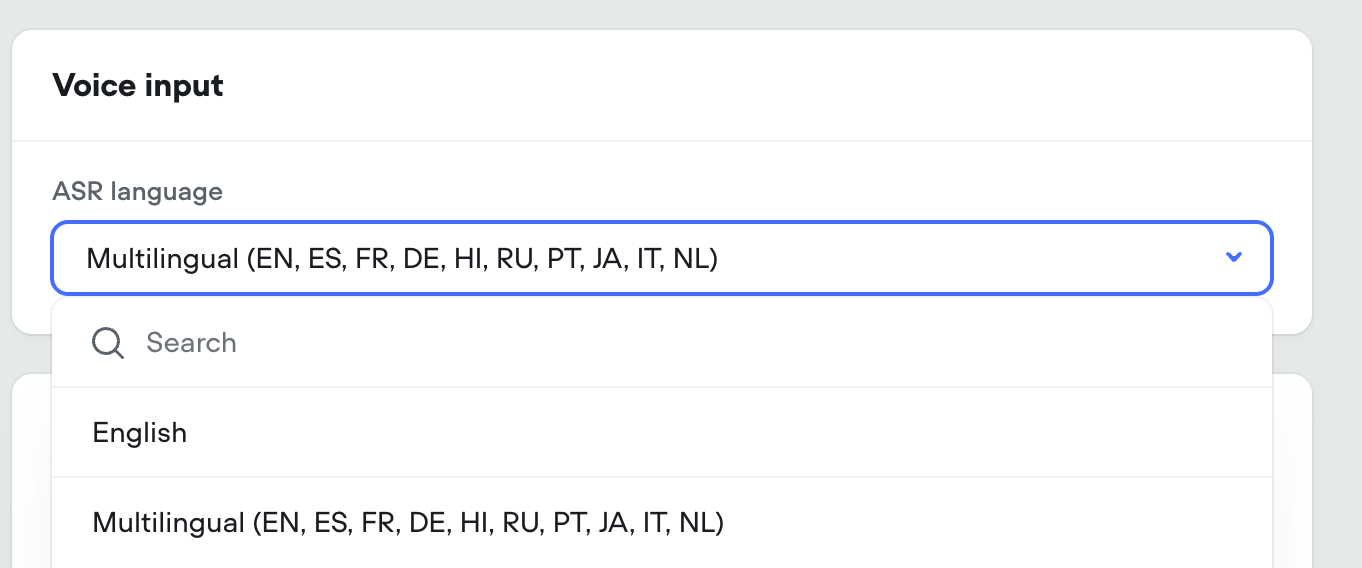
KeywordsFor voice calls we’re introducing keywords. This allows your agent to understand hard to pronounce proper nouns (like product and company names), industry jargon, phrases and more. This is an optional field.MultilingualWe’re exposing Deepgram’s latest Nova-3 multilingual model as an STT option, capable of understanding and transcribing 8 different langauges.In addition, the standard English STT is being updated from Nova-2 to Nova-3, for a boost in performance.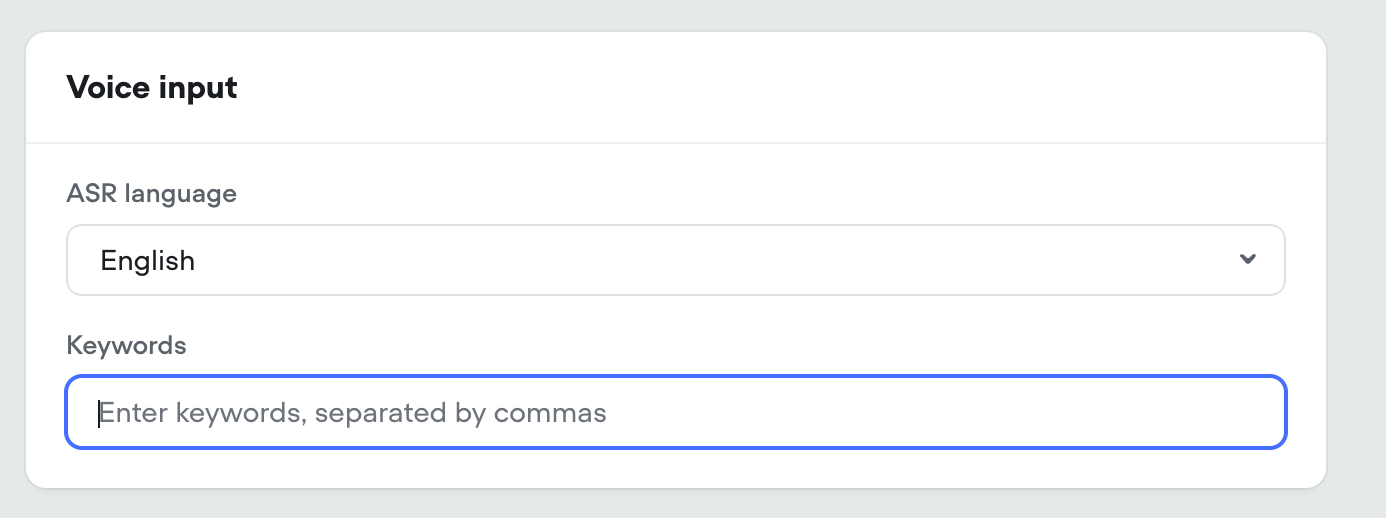
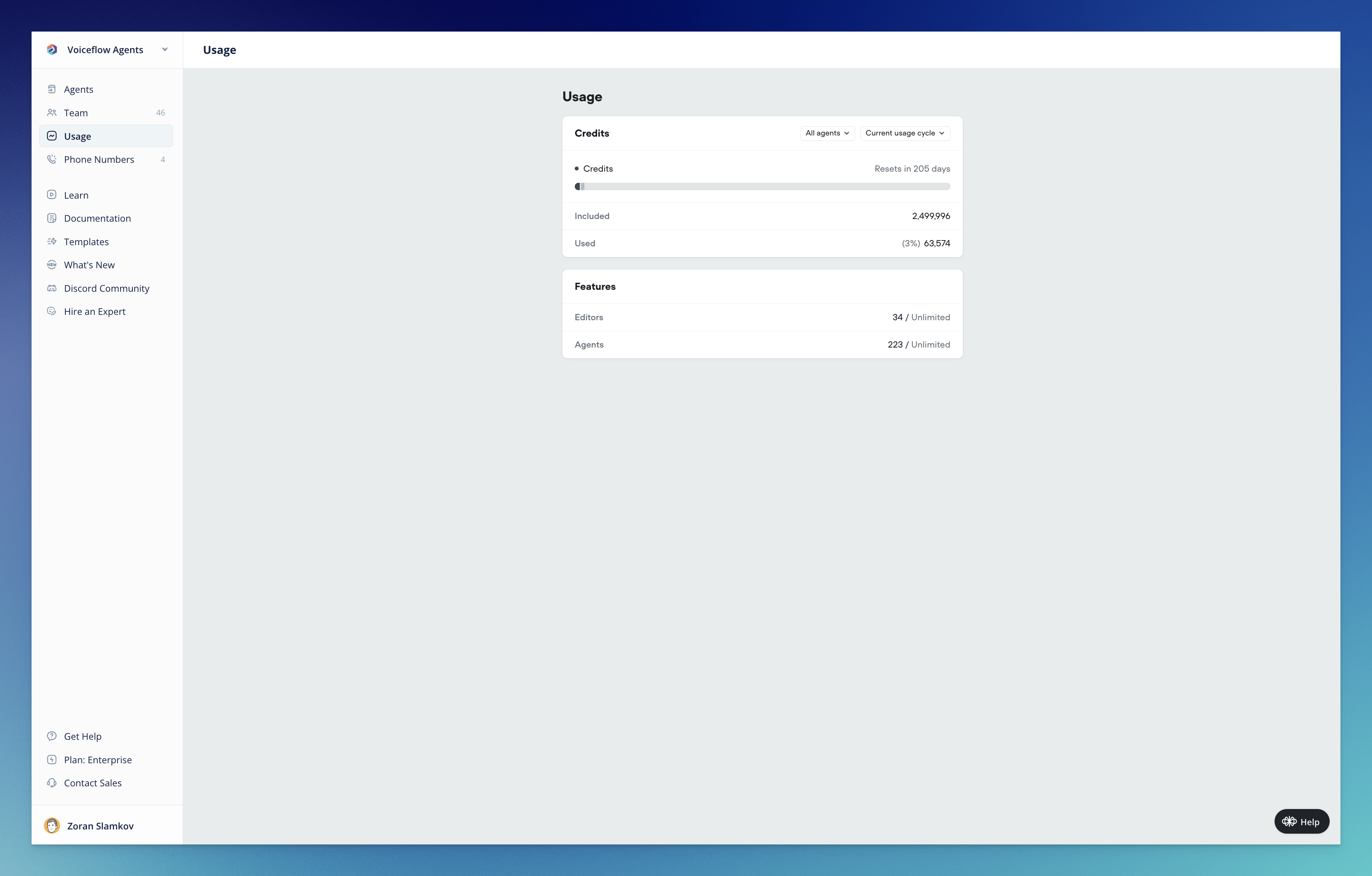
Introducing Voiceflow Credits: A simpler way to track usage
Today marks a significant milestone in Voiceflow’s journey as we officially launch our new credit-based billing system. This update represents a fundamental shift in how you’ll track, manage, and optimize your Voiceflow usage—all designed to bring greater simplicity, transparency, and predictability to your experience.What’s New🎉 Voiceflow CreditsWe’ve completely overhauled our billing system, moving away from the complex token-based approach to a streamlined credit system that unifies tracking across all platform features:- Simplified Measurement: One unified credit system for all actions (calls, messages, LLM responses, TTS)
- Predictable Costs: Clear pricing tiers that make budget planning straightforward
- Transparent Usage: Detailed visibility into exactly how your credits are being consumed
- Developer-Friendly: Messages only count toward credits when your agent is used in production—not when developing in-app or using shareable prototypes
- View your total available and used credits
- Track usage across all agents or drill down into specific ones
- Monitor editor and agent allocation
- Analyze usage patterns over time
- What are Voiceflow Credits? - A comprehensive guide to understanding how credits work
- Introducing Voiceflow Credits - Learn about the philosophy behind the change and how it benefits you
- Credit Calculator - Estimate your credit needs based on your specific usage patterns
- Annual plans now offer a 10% discount (previously 20%)
- Editor seats now cost $50/month with no restrictions (a price reduction)
- Business plan (formerly Teams) base tier increases from $125 to $150
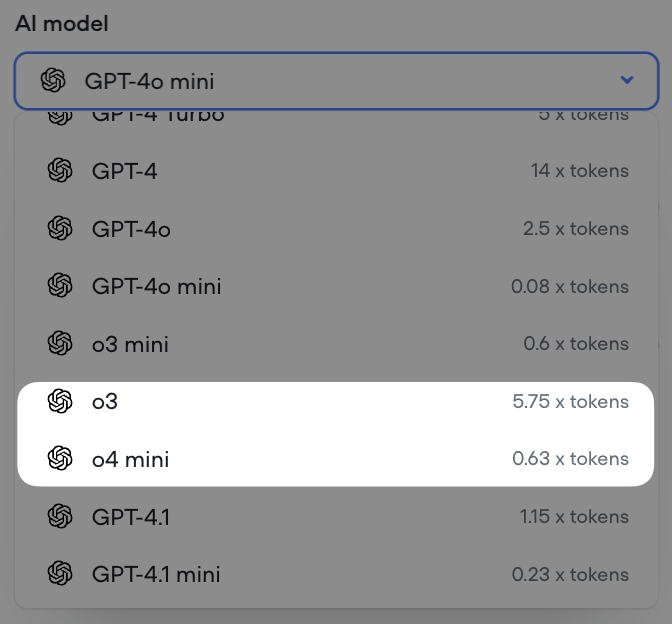
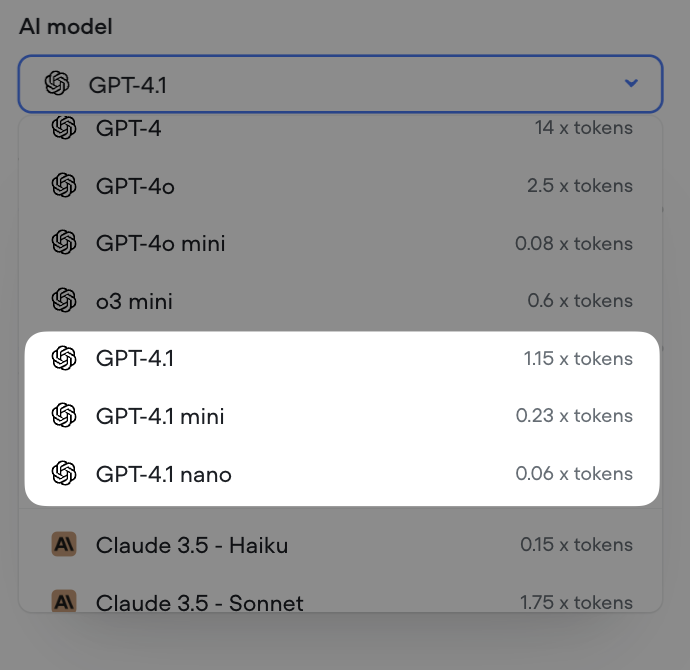
Minor Updates / Fixes
Improvements:- Voice Widget latency decreased by up to 750ms
- Voice Widget now streams with more consistent linear16@16kHz encoding
- Reset memory when a new conversation is launched (launch request)
- Global no reply not working on Agent steps
- The maximum allowed length for
{userID}in the Dialog API will be set to 128 characters, effective April 18th - Unable to remove webhook URLs
- Analytics visualization UI bug
- Voice Widget always setting userID to test on transcripts
- Chat Widget no audio output after page reload
- Export variables fails when project has large number of variables
Call Events Webhook
Changes:-
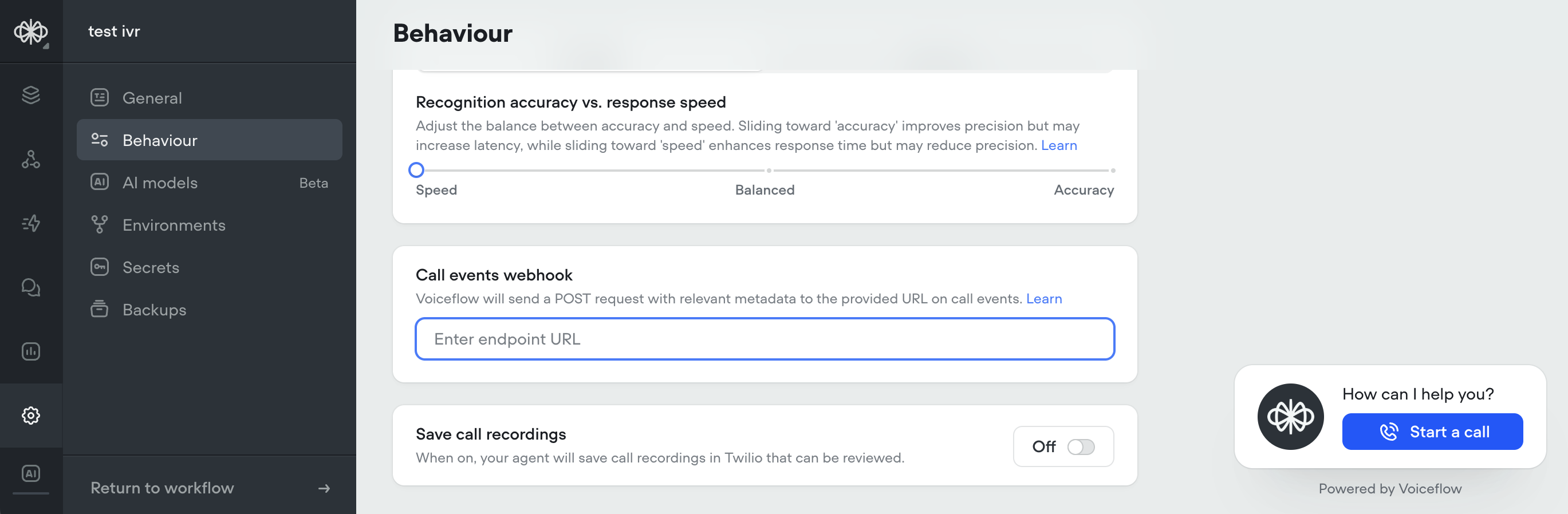
New support added to subscribe to call events via webhook, for both twilio IVR and voice widget projects Call Events Documentation Webhook system is capable of broadcasting additional events in the future
Streaming Text in Chat Widget Now Optional
Changes:-
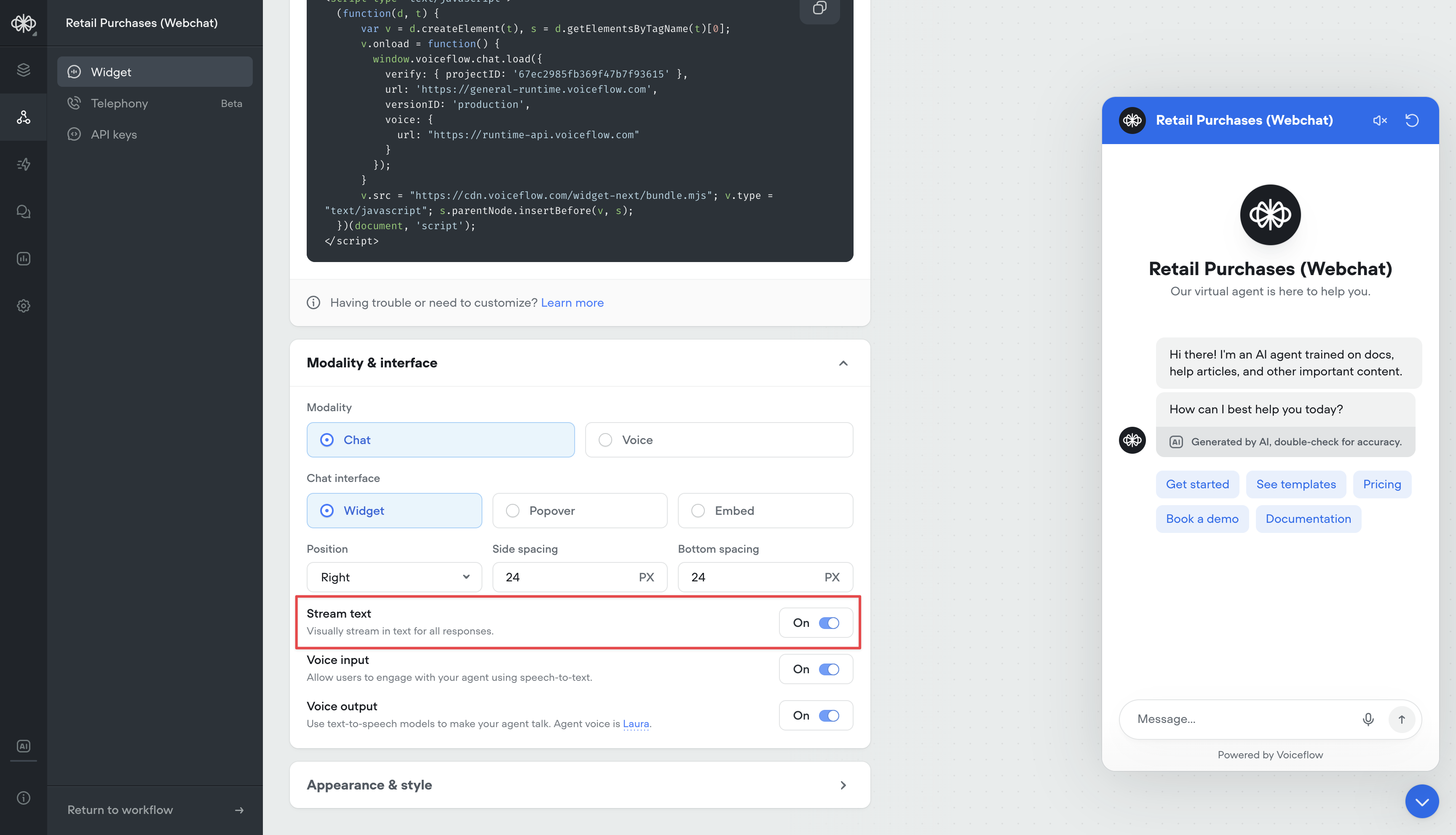
Added option to disable streaming text in chat widget Stream text can now be turned off in the Modality & interface settings When disabled, the full agent response will be displayed at once instead of being streamed out. Useful for situations where streaming longer messages is not desired
Max Memory Turns Setting
Conversation memory is a critical component of the Agent and Prompt steps. Having longer memory gives the LLM model more context about the conversation so far, and make better decisions based on previous dialogs.However, larger memory adds latency and costs more input tokens, so there is a drawback.Before, memory was always set to 10 turns. All new projects will now have a default of 25 turns in memory. This can now be adjusted this in the settings, up to 100 turns.For more information on how memory works, reference: https://docs.voiceflow.com/docs/memory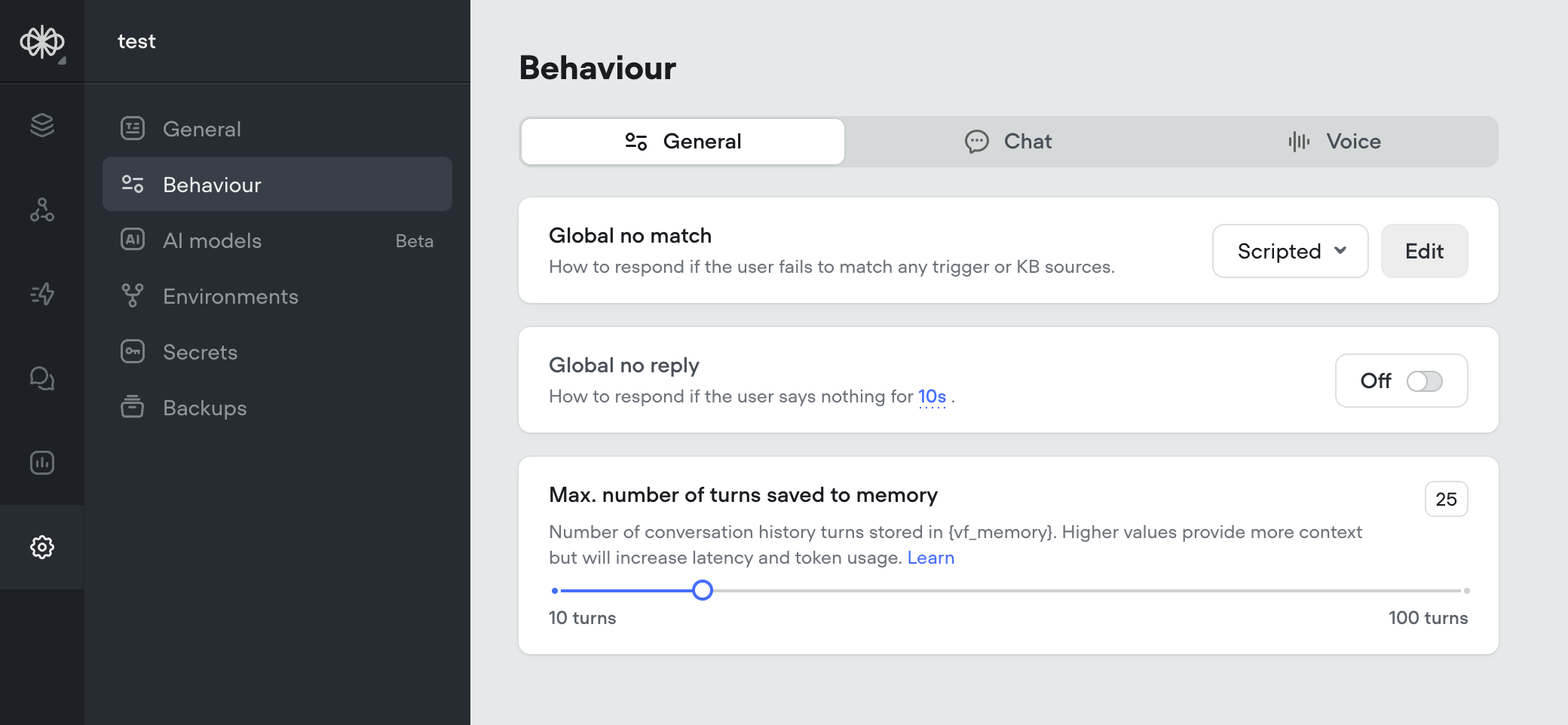
Agent Step, Structured Output Improvements, Gemini 2.0 Flash
We’re excited to introduce several major updates that enhance the capabilities of the Agent step and expand our model offerings. These improvements provide more flexibility, control, and opportunities for creating powerful AI agents.🧠 Agent Step: Your All-in-One SolutionThe Agent step has been supercharged to create AI agents that can intelligently respond to user queries, search knowledge bases, follow specific conversation paths, and execute functions—all within a single step. Key features include:- Intelligent Prompting: Craft detailed instructions to guide your agent’s behavior and responses.
- Function Integration: Connect your agent with external services to retrieve and update data.
- Conversation Paths: Define specific flows for your agent to follow based on user intent.
- Knowledge Base Integration: Enable your agent to automatically search your knowledge base for relevant information.
- Arrays and Nested Arrays: You can now define arrays and nested arrays in your output structure.
- Nested Objects: Structured output now supports nested objects, allowing for more complex data structures.
Variable Handling Update: Consistent Behavior for Undefined Values
Changes:- Updated Voiceflow variable handling for consistency in previously undefined behavior: Variables can be any JavaScript object that is JSON serializable. Any variable set to
undefinedwill be saved asnull(this conversion happens at the end of the step, so it does not affect the internal workings of JavaScript steps and functions). Functions can now returnnull(rather than throwing an error) and can no longer returnundefined(which could cause agents to crash). Functions that attempt to returnundefinedwill now returnnull(to ensure backwards compatibility).
New Analytics Dashboard: Gain Deeper Insights into Your Agent’s Performance
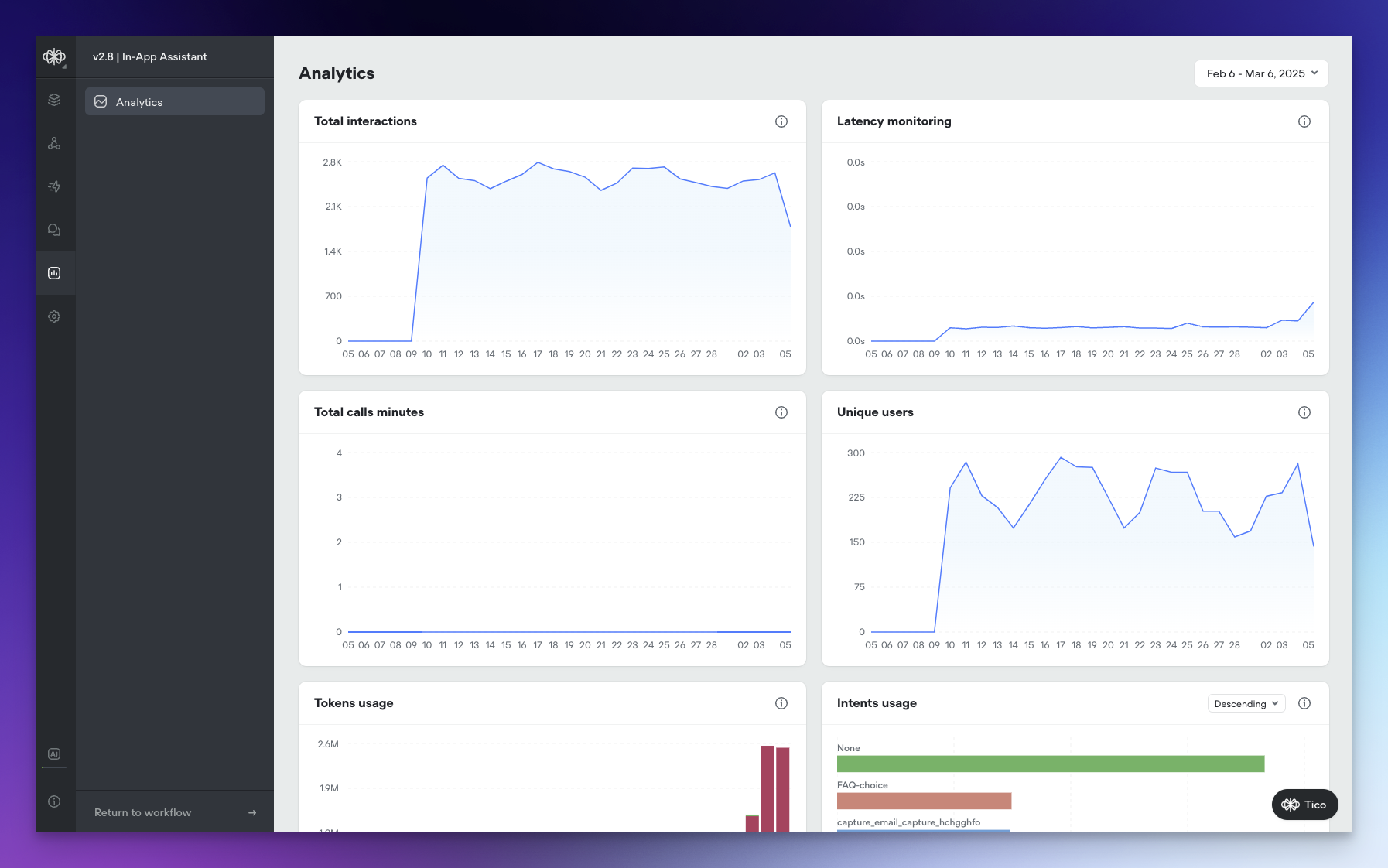
We’ve revamped our Agent Analytics Dashboard, not only giving it a fresh new look but also introducing a range of powerful visualizations that provide unprecedented visibility into your agent’s performance.🌟 New VisualizationsThe updated Analytics Dashboard offers a comprehensive set of visualizations that allow you to track and analyze various aspects of your agent’s performance:- Tokens Usage: Monitor AI token consumption over time across all models, giving you a clear picture of your agent’s token utilization.
- Total Interactions: Keep track of the total number of interactions (requests) between users and your agent over time, providing insights into engagement levels.
- Latency Monitoring: Measure the average response time of your agent to ensure optimal performance and identify any potential bottlenecks.
- Total Call Minutes: Gain visibility into the cumulative duration of voice calls in minutes, helping you understand the volume and significance of voice interactions.
- Unique Users: Identify the count of distinct users interacting with your agent over time, allowing you to track adoption and growth.
- KB Documents Usage: Analyze the frequency of knowledge base document access, with the ability to toggle between ascending and descending order to identify the most or least used documents.
- Intents Usage: Visualize the distribution of triggered intents, with sorting options to analyze intent frequency and identify popular or underutilized intents.
- Functions Usage: Monitor the frequency of function calls, their success/failure and latency, with sorting capabilities to identify the most or least used functions and optimize your agent’s functionality.
- Prompts Usage: Gain insights into the usage frequency of agent prompts, with the ability to toggle between ascending and descending order to analyze prompt utilization and effectiveness.
New Models, Function Editor Enhancements, and Call Recording
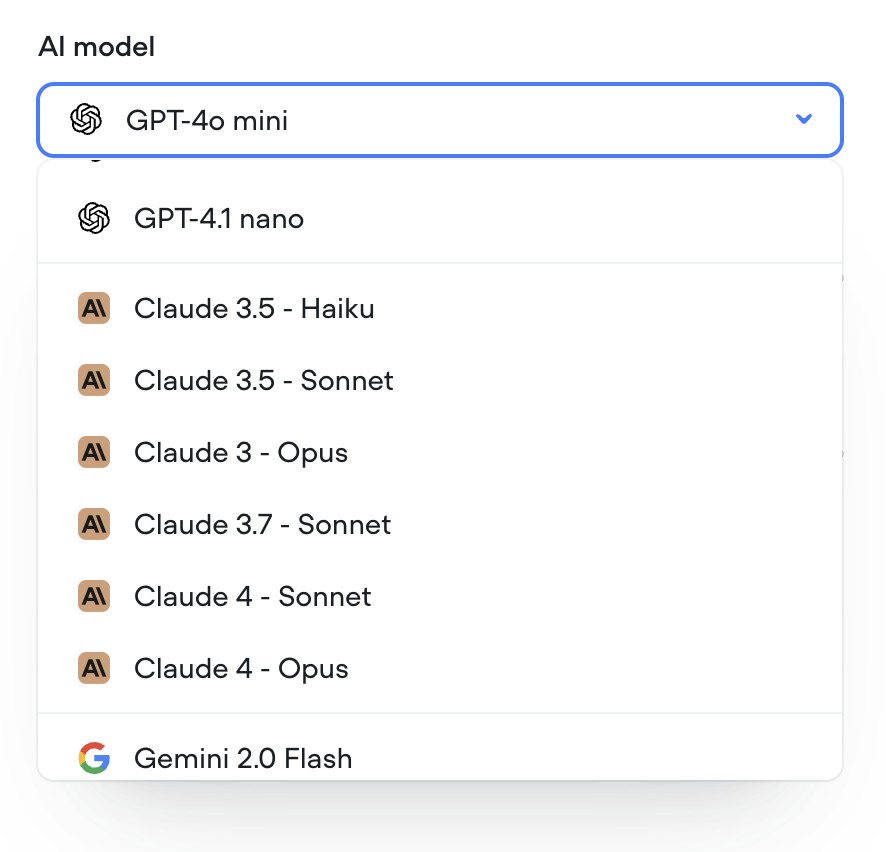
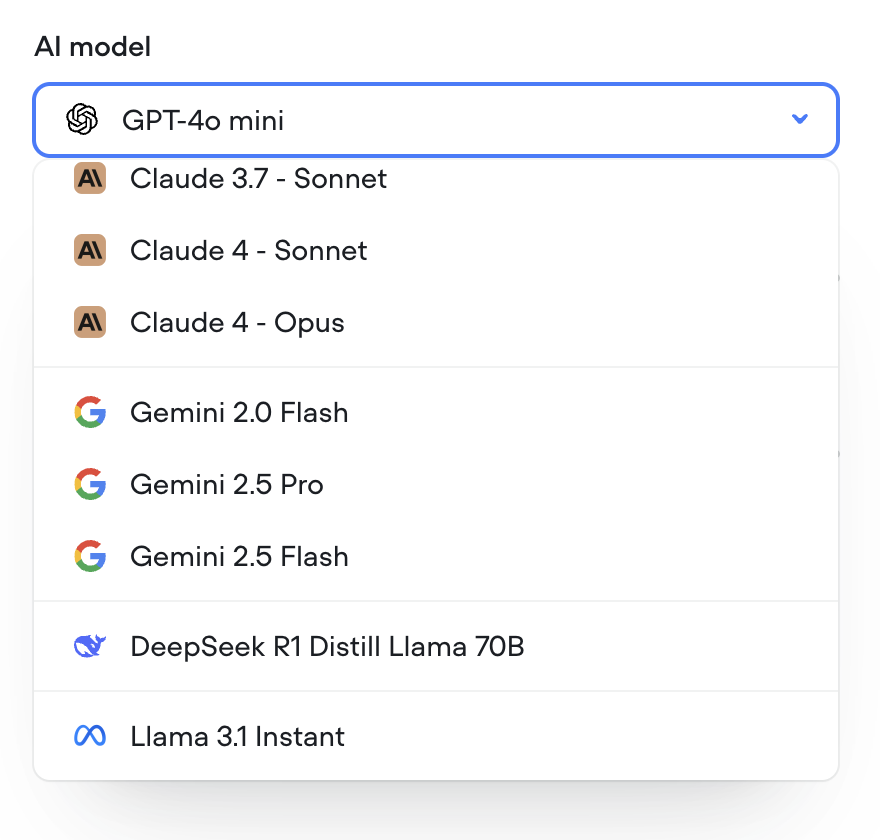
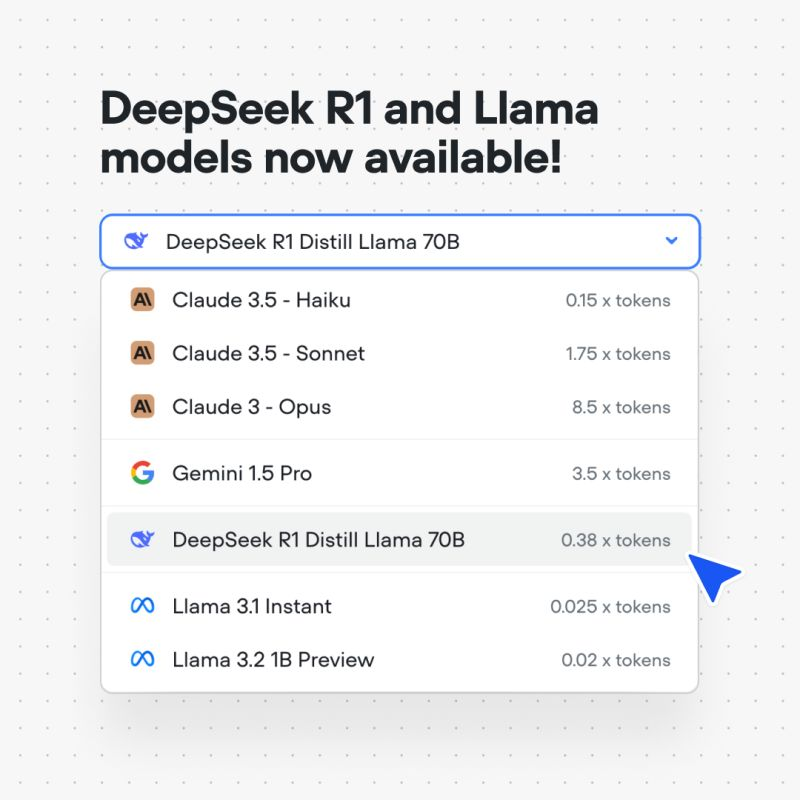
We’re thrilled to announce several exciting updates that expand your AI agent building capabilities and improve your workflow. Let’s dive into what’s new!🧠 New Models: Deepseek R1, Llama 3.1 Instant, and Llama 3.2We’ve expanded our model offerings to give you even more options for creating powerful AI agents:- Deepseek R1: Harness the potential of Deepseek’s R1 model for enhanced natural language understanding and generation.
- Llama 3.1 Instant: Experience lightning-fast responses with the Llama 3.1 Instant model.
- Llama 3.2: Leverage the advanced capabilities of Llama 3.2
- Modal View: You can now open the Function Editor as a modal directly from the canvas. This allows you to make quick updates and navigate between your functions and the canvas seamlessly.
- Snippets: We’ve introduced a new snippets feature that enables you to insert pre-written code snippets for common concepts in Voiceflow functions.
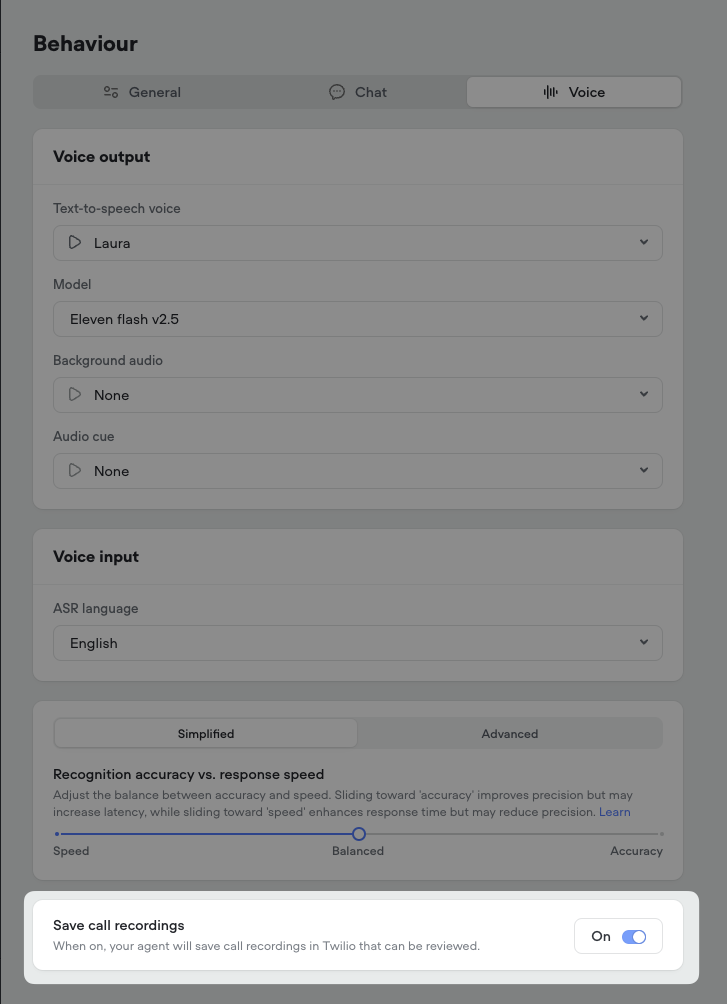
- Automatic Call Recording: All phone calls between users and your AI agent will now be automatically recorded.
- Twilio Integration: The call recordings will be accessible directly in your Twilio account for easy review and management.
Retrieval-Augmented Generation (RAG) for Intent Recognition
We’re excited to announce a significant upgrade to our intent recognition system, moving from the traditional Natural Language Understanding (NLU) approach to Retrieval-Augmented Generation (RAG) model using embeddings. This transition brings notable improvements to the speed, accuracy, and overall user experience when interacting with AI agents on our platform.📅 Phased RolloutTo ensure a smooth adoption, we will be rolling out the RAG-based intent recognition system to all users in phases over the next week. This gradual deployment allows us to monitor performance and gather feedback while providing ample time for you to adjust to the new system.🆕 Default for New ProjectsFor all new projects created on our platform, the RAG-based intent recognition will be the default system. This means that new AI agents will automatically benefit from the enhanced speed, accuracy, and natural conversation capabilities offered by RAG.🌟 Faster Training and InteractionWith the new RAG system, agent training and intent recognition are now substantially faster and more efficient. For example, an agent with 37 intents and 305 utterances now trains about 20 times faster, in just around 1 second. This means quicker agent development and smoother conversations for end-users.🧠 Automatic Agent TrainingThanks to the advanced training speed enabled by RAG, explicit training is no longer necessary. Simply test your agent, and the training will happen automatically behind the scenes, streamlining your workflow.🎯 Enhanced Understanding of Complex QueriesRAG leverages embeddings to capture the deeper context and meaning behind words, even when phrased differently. This allows the system to better understand and accurately match complex, detailed questions to the appropriate intents, providing more precise responses to users.🗣️ More Natural ConversationsWith the improved understanding of casual language, slang, and diverse phrasing, the RAG system enables a more natural, conversational experience for users interacting with AI agents on our platform.🔄 Seamless Transition for Existing ProjectsFor existing projects, we will keep both the NLU and RAG systems running concurrently for a period of time. This allows you to explore the new system, test it thoroughly, and make any necessary adjustments to your agents. You can easily switch between the NLU and RAG systems in the intent classification settings within the Intents CMS.We’re thrilled to bring you this enhanced experience and look forward to hearing your feedback as you interact with the new RAG-based intent recognition system. Your input is invaluable in helping us continue to innovate and improve our platform to better serve your needs._for_Intent_Recognition/57c510d9a8056fb12195a4bb1522dd15694b942f794421db4bdba86b9af825e7-CleanShot_2025-02-27_at_10.55.212x.png?fit=max&auto=format&n=4w80VjSYHtllKRvi&q=85&s=1290a426aa830e44f2c36ab3adc608d9)
Expanding the Possibilities of User Interaction with Voice
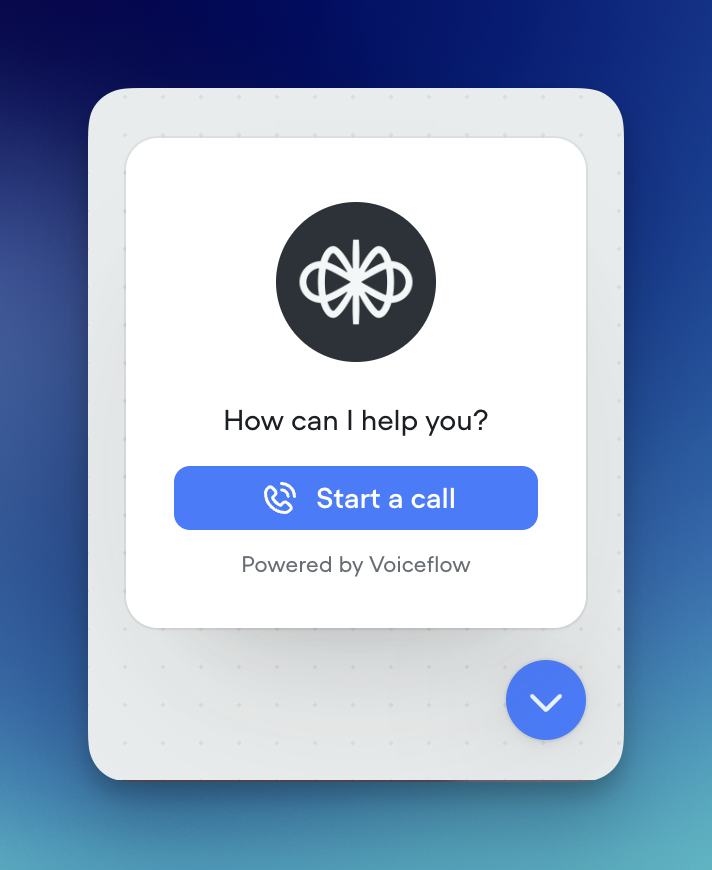
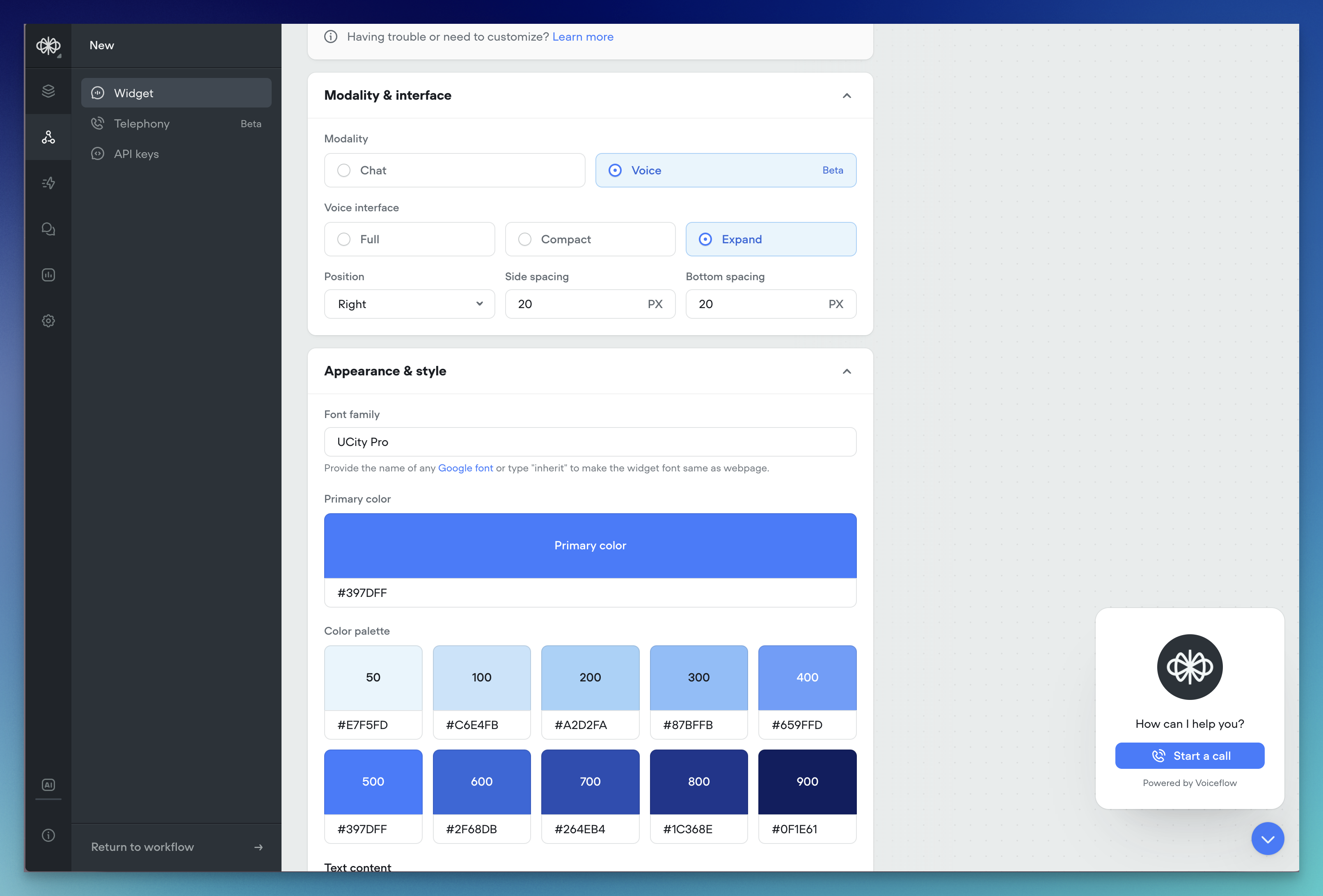
In our mission to redefine how users interact with AI agents, we have introduced a new voice modality option to our web widget. This addition is a step towards creating more natural, intuitive, and engaging user experiences. By enabling voice-based conversations, we are empowering businesses to connect with their customers in a way that feels authentic and effortless.Voice technology has become an increasingly popular and preferred mode of interaction for many users. By integrating voice functionality into our web widget, we are meeting users where they are and providing them with a seamless way to engage with AI agents. This not only enhances the user experience but also opens up new possibilities for businesses to assist, inform, and guide their customers throughout the customer journey.Natural Voice InteractionThe web widget now supports voice-based communication, allowing users to speak naturally with AI agents. Businesses can integrate this feature to provide their customers with a hands-free, intuitive way to ask questions, receive recommendations, and get assistance while browsing the site.Customization OptionsThe voice widget offers customization options to ensure seamless integration with your website’s branding:- Launcher Style: Select a launcher style that complements your site’s design.
- Color Palette: Choose colors that match your brand guidelines.
- Font Family: Pick a font that aligns with your website’s typography.
- Automated Speech Recognition: Our platform uses advanced STT technology from Deepgram to accurately transcribe user speech in real-time.
- Organic Text-to-Speech: We’ve integrated with leading providers like 11 Labs and Rime to offer a variety of natural-sounding voices that bring AI agents to life.
AI Fallback
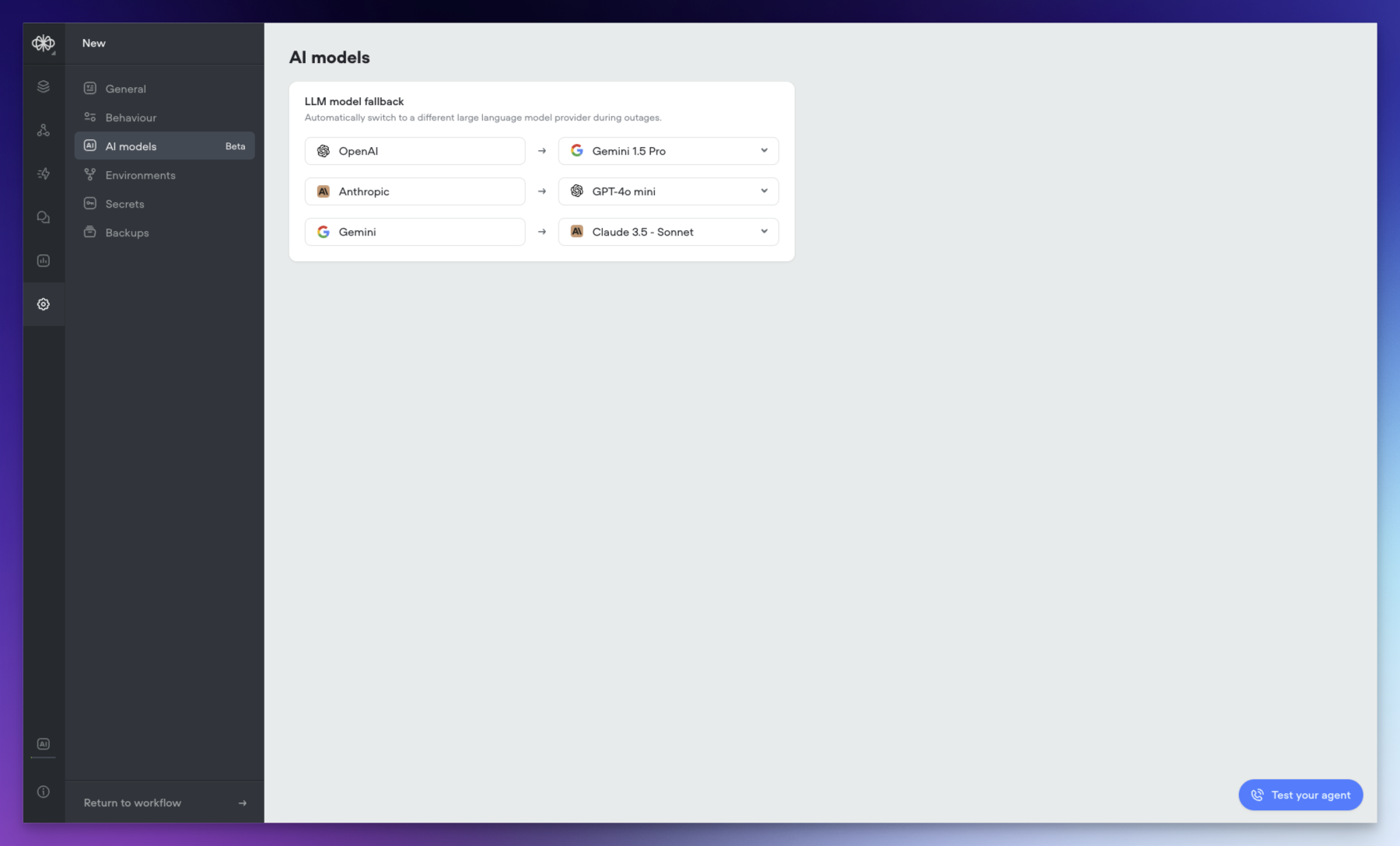
We’re excited to introduce AI Fallback, a powerful new feature in beta that enhances the reliability and continuity of your AI operations. This feature ensures your AI services remain operational even during provider outages or service interruptions.🔄 Automatic Fallback SwitchingAI Fallback automatically switches between models when issues arise. When your primary AI model experiences difficulties, the system seamlessly transitions to your configured backup model, ensuring continuous operation of your AI services.⚙️ Easy ConfigurationSetting up AI Fallback is straightforward:- Access your agent
- Navigate to agent settings
- Set your preferred fallback model by provider
- Minimizes service disruptions during model outages
- Maintains consistent AI performance
- Reduces operational impact of provider issues
- Ensures business continuity
- Identifies the next available model in your sequence
- Switches ongoing operations to the backup model
- Returns to the primary model once issues are resolved
New Features: Structured Outputs and Variable Pathing
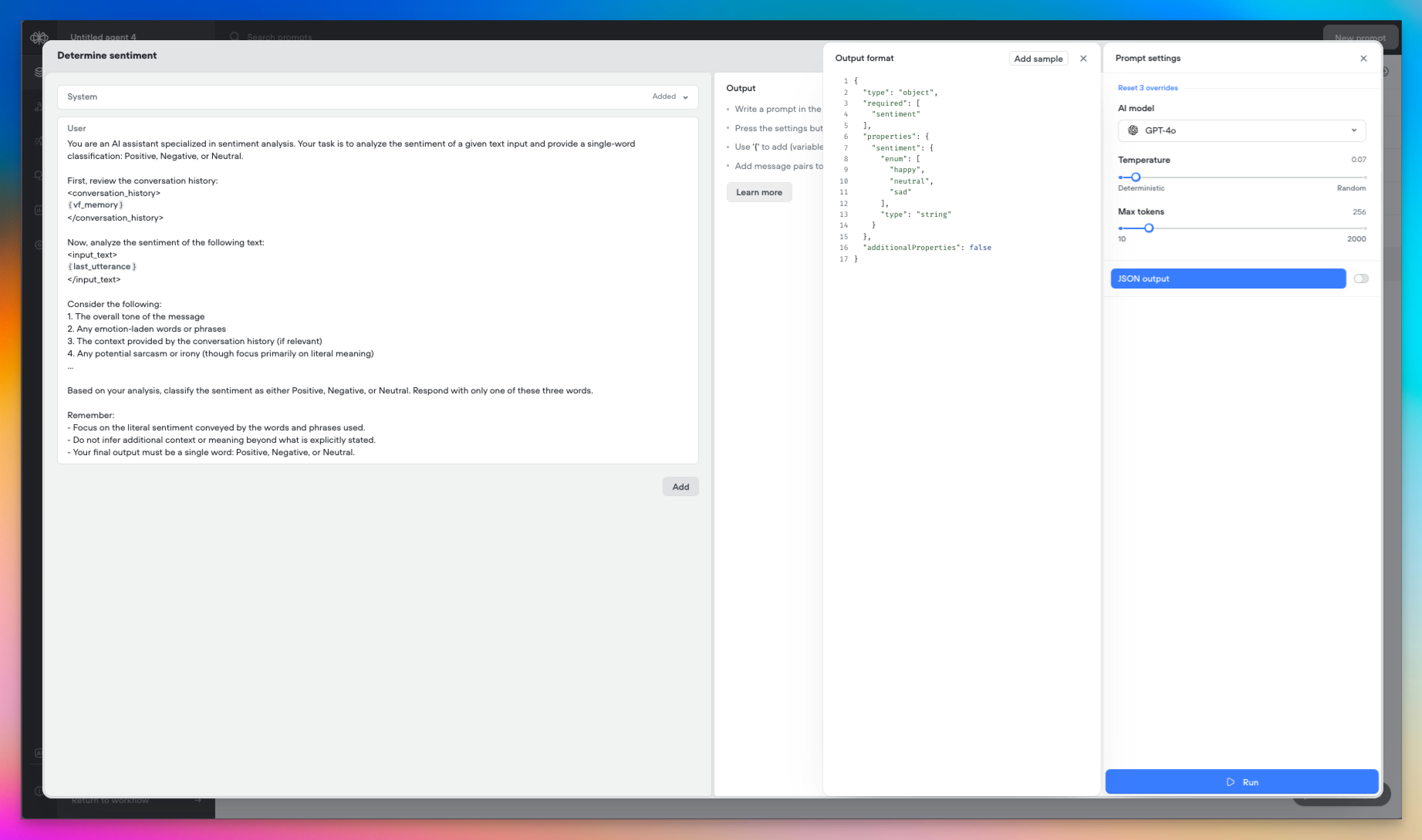
Today we’re introducing two powerful new capabilities in Voiceflow: Structured Outputs and Variable Pathing. These features expand the possibilities for working with data from large language models (LLMs) in your agents. Let’s explore what they enable!🎉 Structured OutputsStructured Outputs let you define the format of the data you expect an LLM to return, giving you more control and predictability over the results.- In a prompt step, enable the new “JSON Output” option to specify the structure of the LLM’s response.
- Today, Structured Outputs support the following data types: String Number Boolean Integer Enum
- Support for arrays and nested objects is planned for the near future.
- Structured Outputs are available with
gpt-4o-miniandgpt-4omodels.
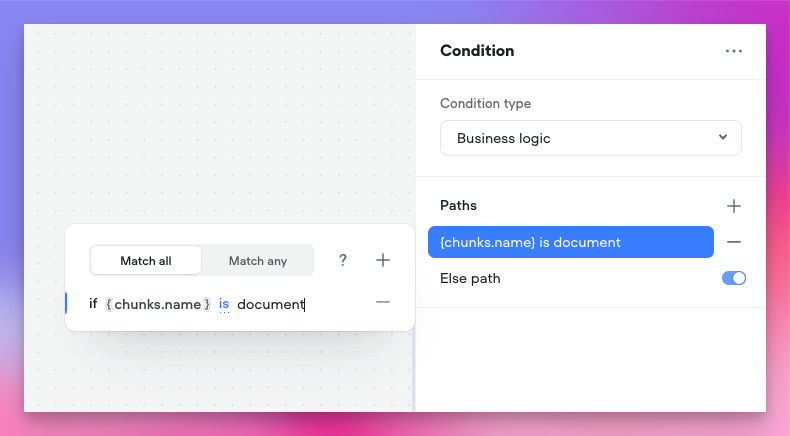
- Store an entire object in a single variable, then access its properties using dot notation (e.g.
user.name,user.email). - Capture Structured Output responses or API results as objects.
- Use object properties directly in conditions, messages, and other steps.
- Reduce the need for multiple variables to represent a single entity.
- Define precise data requirements for LLMs to provide relevant information
- Capture responses as feature-rich objects in a single step
- Access and manipulate object properties throughout your project
- Streamline your project’s design while expanding its capabilities
Voiceflow Telephony
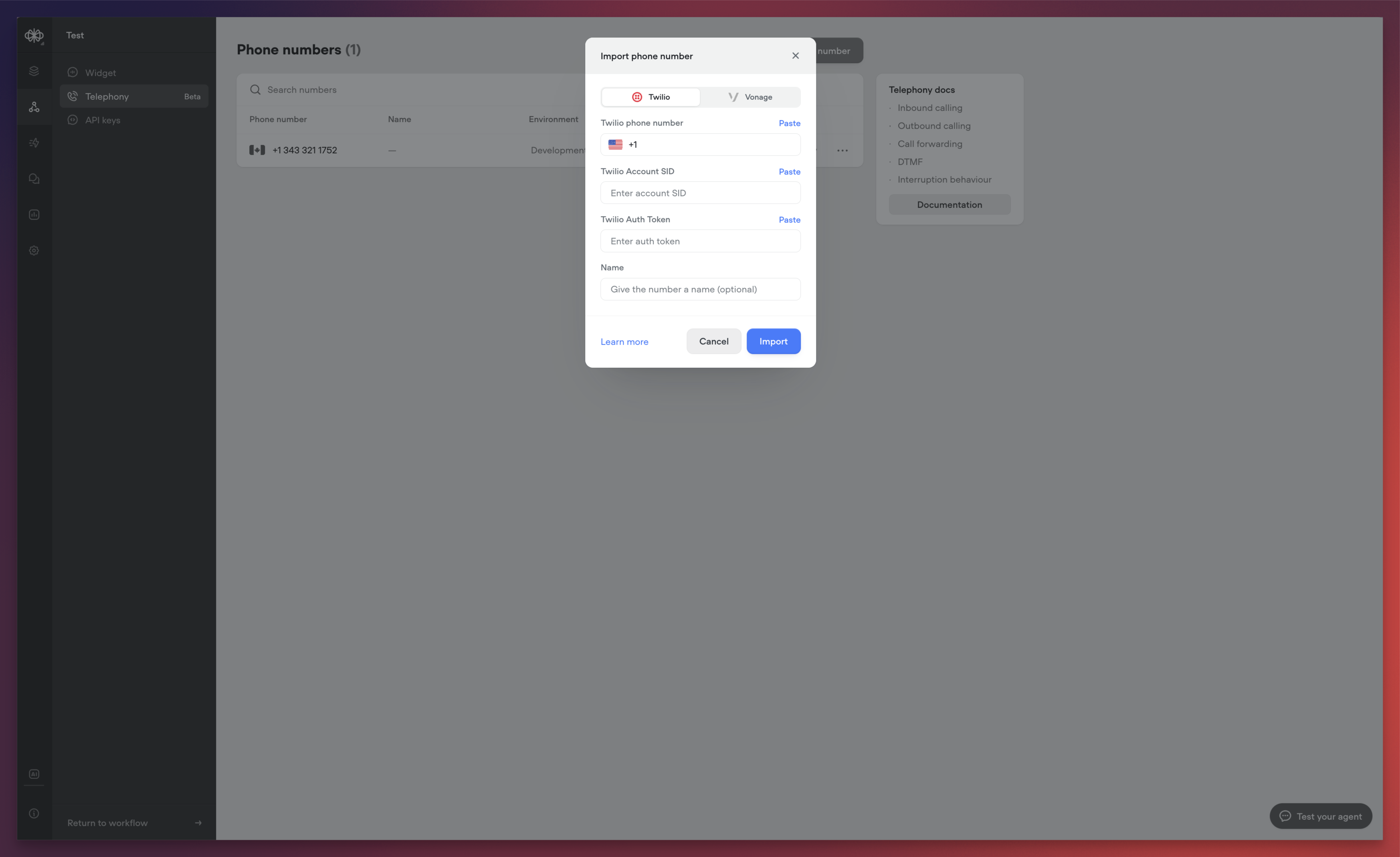
We’re excited to announce the release of Voiceflow Telephony, bringing enterprise-grade voice capabilities to your conversational experiences. This release represents a significant milestone in our mission to provide comprehensive, low-latency voice solutions for businesses of all sizes.Native Twilio IntegrationWe’ve integrated with Twilio to make phone-based interactions as simple as possible. The new integration allows you to:- Import existing Twilio phone numbers directly into Voiceflow
- Associate phone numbers with specific agents
- Configure separate numbers for development and production environments
- Test different versions of your agent against different phone numbers
- Dramatically reduced response times
- Near real-time agent reactions
- Optimized voice processing pipeline
- High-accuracy transcription
- Low-latency processing
- Support for over 20 languages
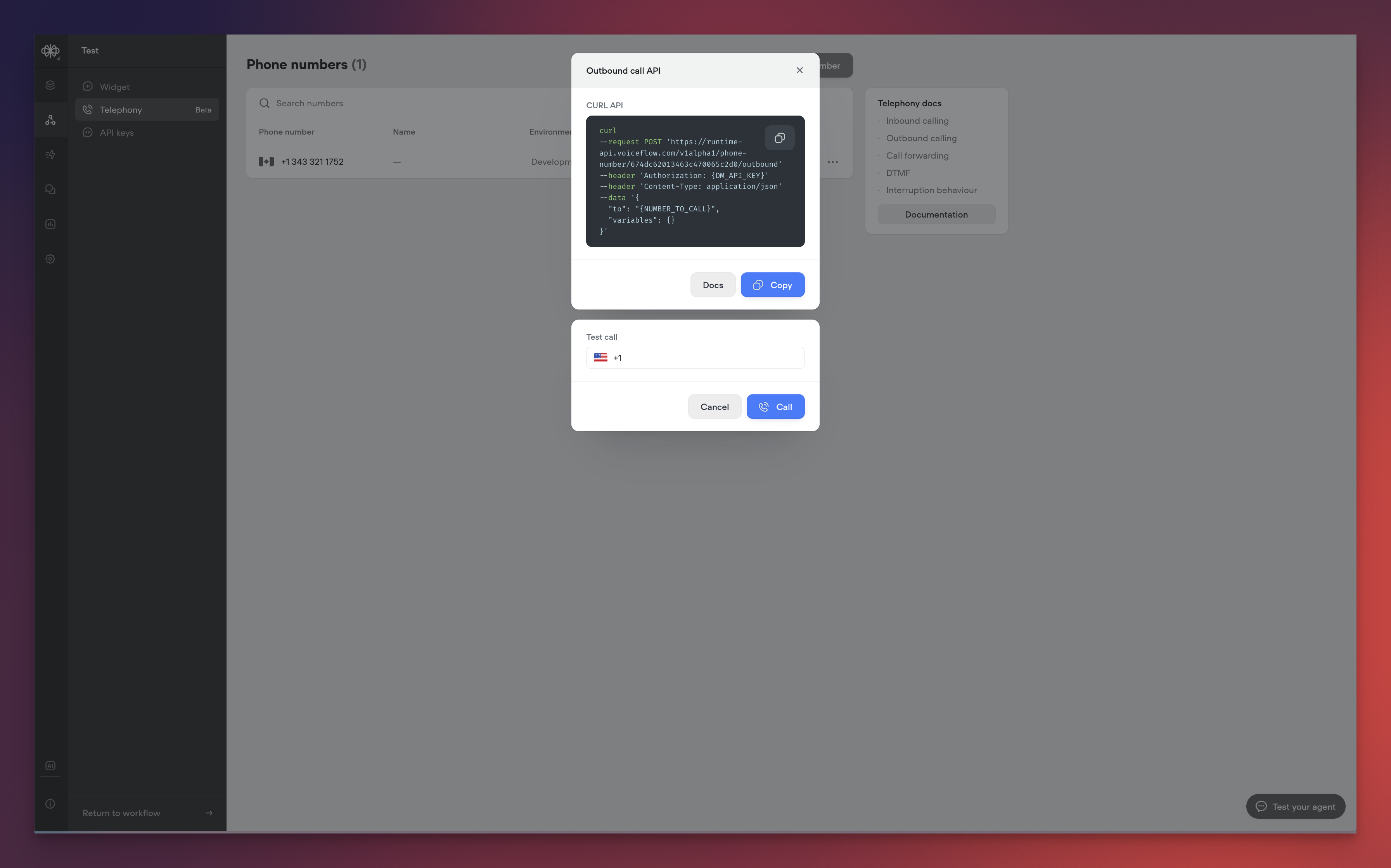
- Programmatically initiate calls to any phone number
- Test outbound calls directly from the Voiceflow interface
- Integrate outbound calling into your existing workflows
- Premium text-to-speech voices from industry leaders, such as: ElevenLabs Rime Google
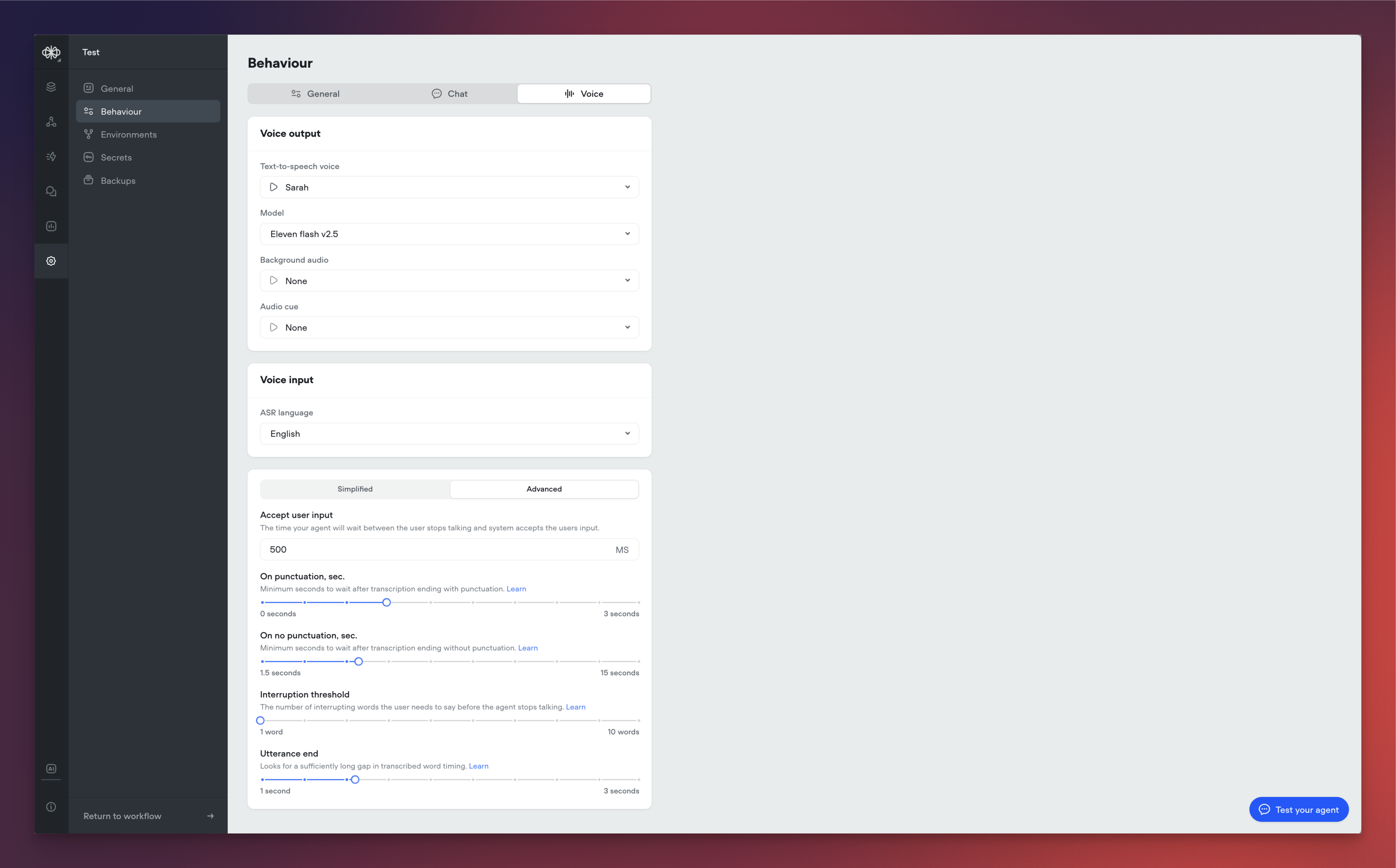
- Support for advanced telephony features through custom actions: Call forwarding DTMF handling Interruption behaviour
- Background audio customization
- Audio cue configuration
- Interruption threshold controls
- Utterance end detection
- Response timing optimization
- User input acceptance timing
- Enhanced call analytics and reporting
-
Additional voice customization options
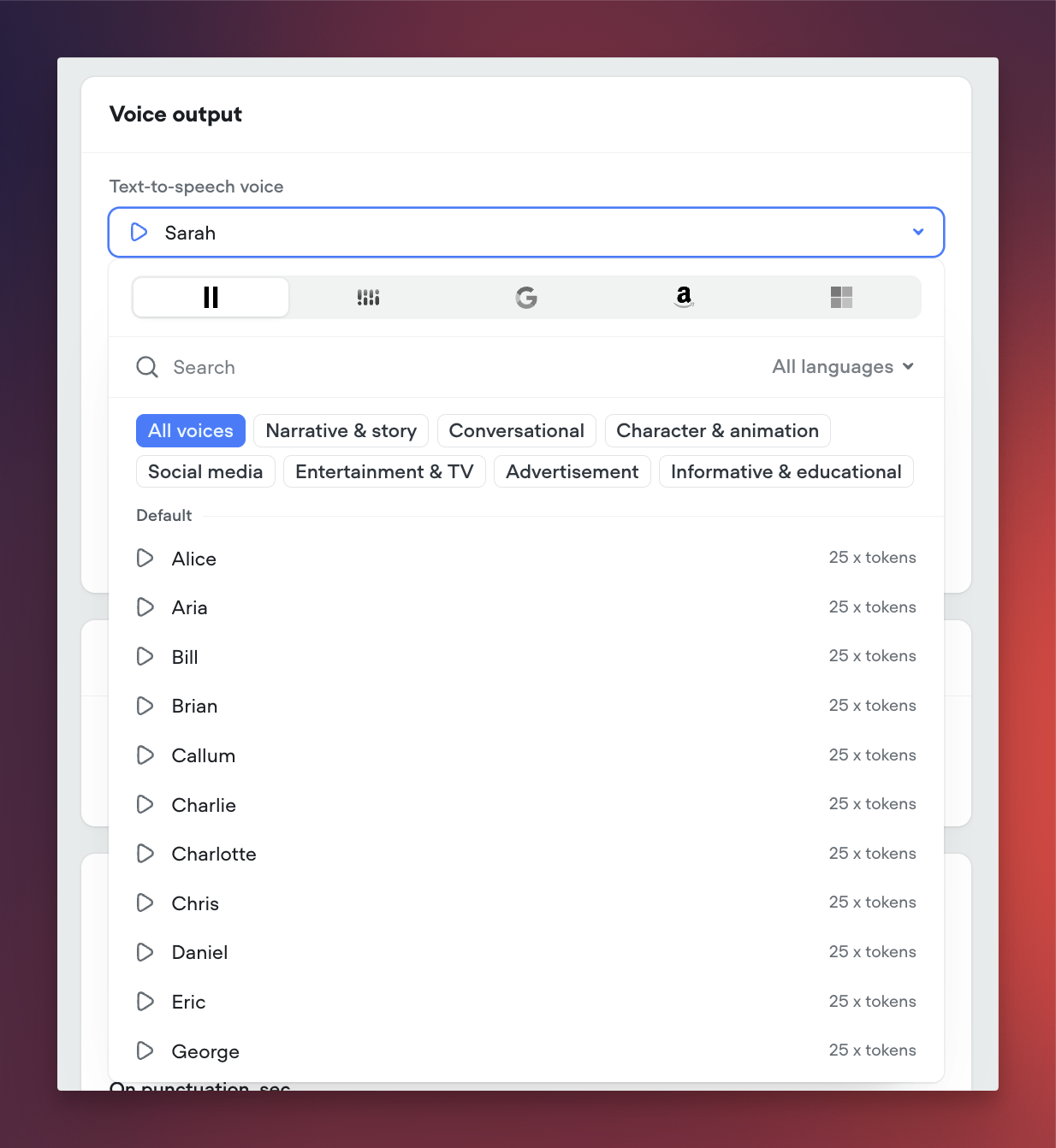
New AI-Native Webchat
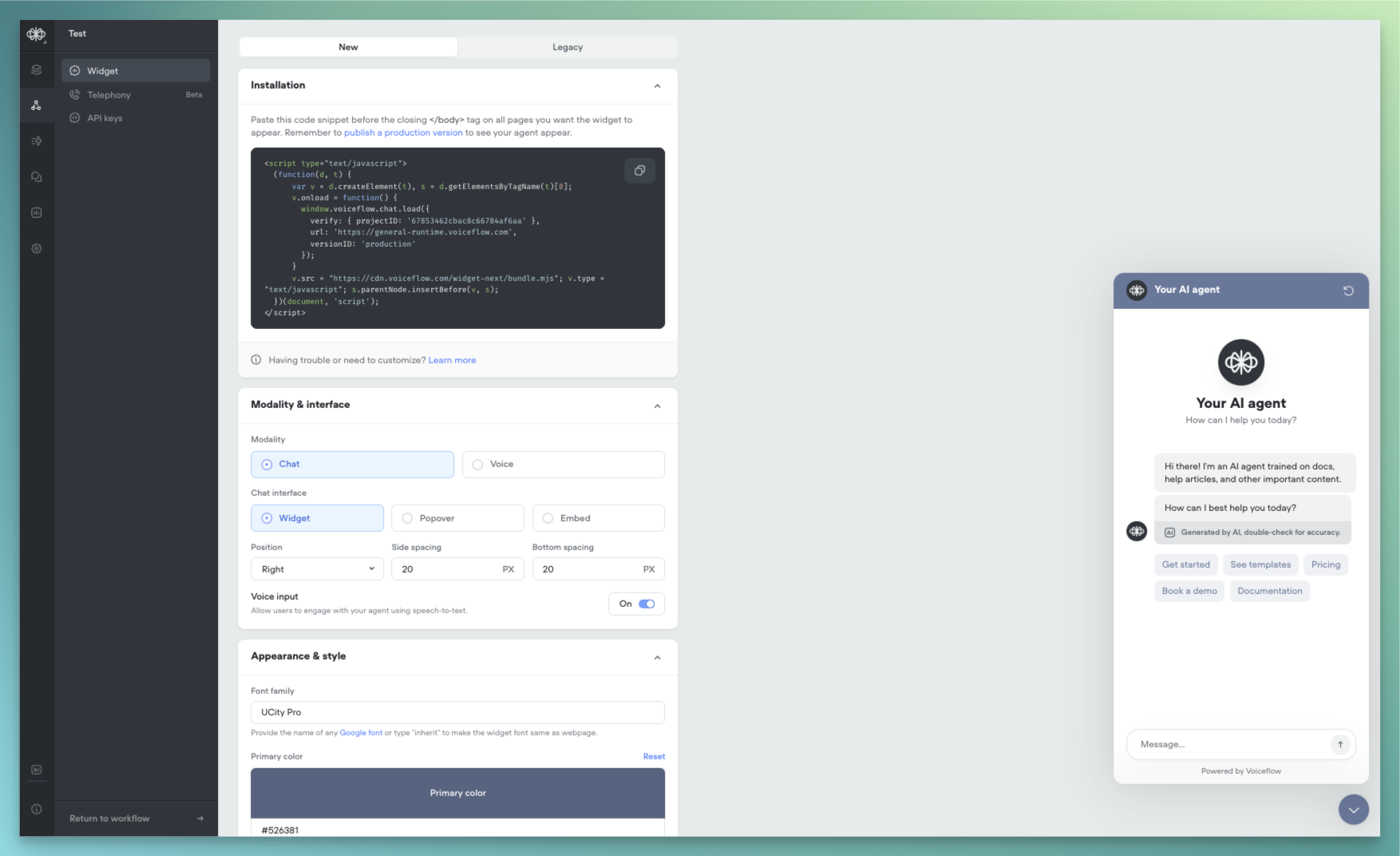
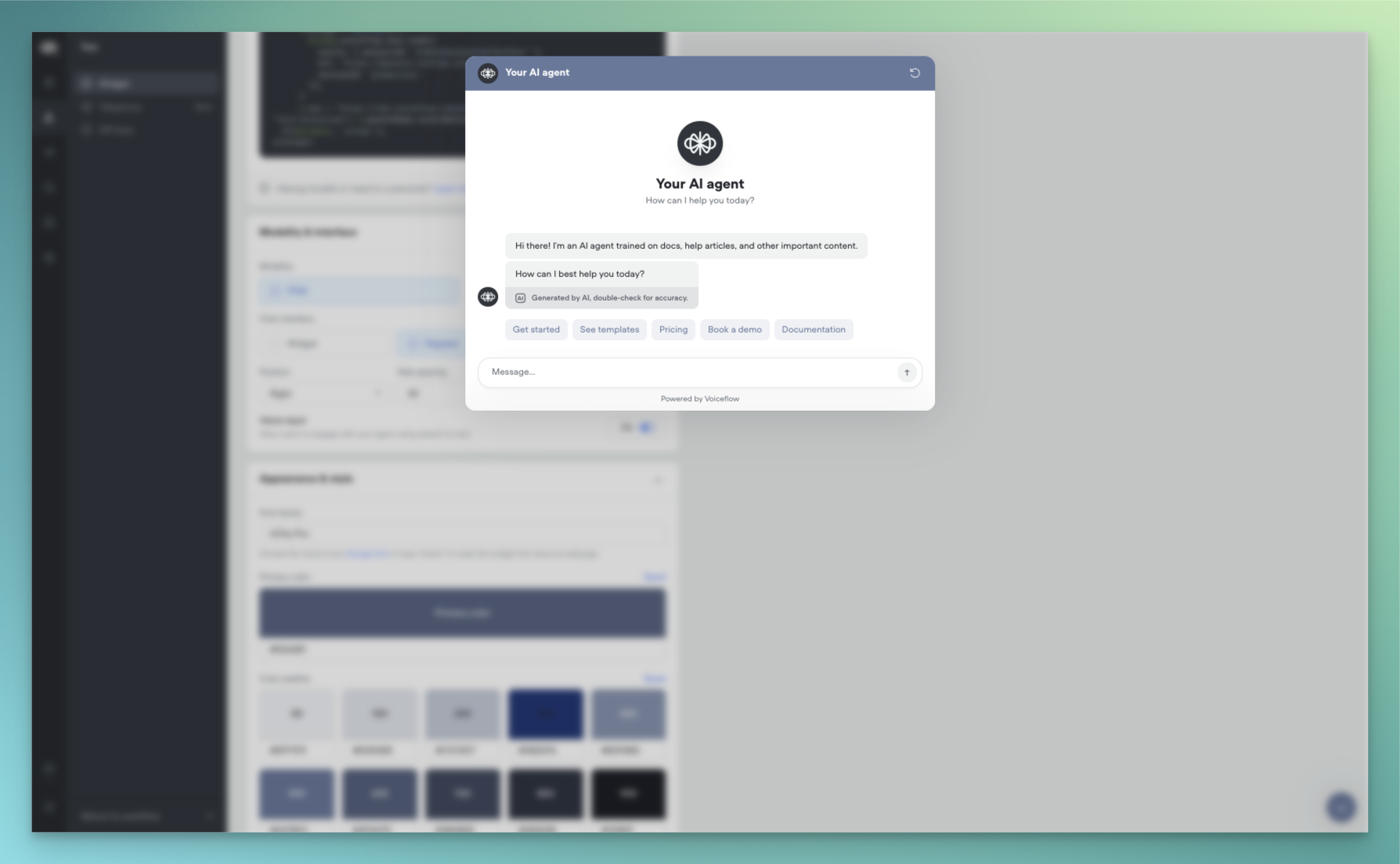
We’re excited to announce a complete reimagining of the Voiceflow webchat experience. This new version introduces AI-native capabilities, enhanced customization options, and flexible deployment methods to help you create more engaging conversational experiences.AI-NativeOur webchat has been rebuilt from the ground up to provide a more natural, AI-driven conversation experience:- Streaming Text Support: Experience real-time message generation with character-by-word streaming, creating a more engaging and dynamic conversation flow. Users can see responses being crafted in real-time, similar to popular AI chat interfaces.
- AI Disclaimers: Built-in support for displaying AI disclosure messages and customizable AI usage notifications to maintain transparency with your users.
- Widget: Traditional chat window that appears in the corner of your website
- Popover: Full-screen chat experience that overlays your content
- Embed: Seamlessly integrate the chat interface directly into your webpage layout
- Color System: Expanded colour palette support with primary, secondary, and accent colour definitions
- Typography: Custom font family support
- Launcher Variations: Classic bubble launcher with customizable icons Button-style launcher with text support
- Chat Persistence: Now configured through the snippet rather than UI settings.
- Custom CSS: Maintained compatibility with most existing class names.
- Proactive Messages: Temporarily unavailable in this release, with support coming soon
Function libraries, starter templates and ElevenLabs support
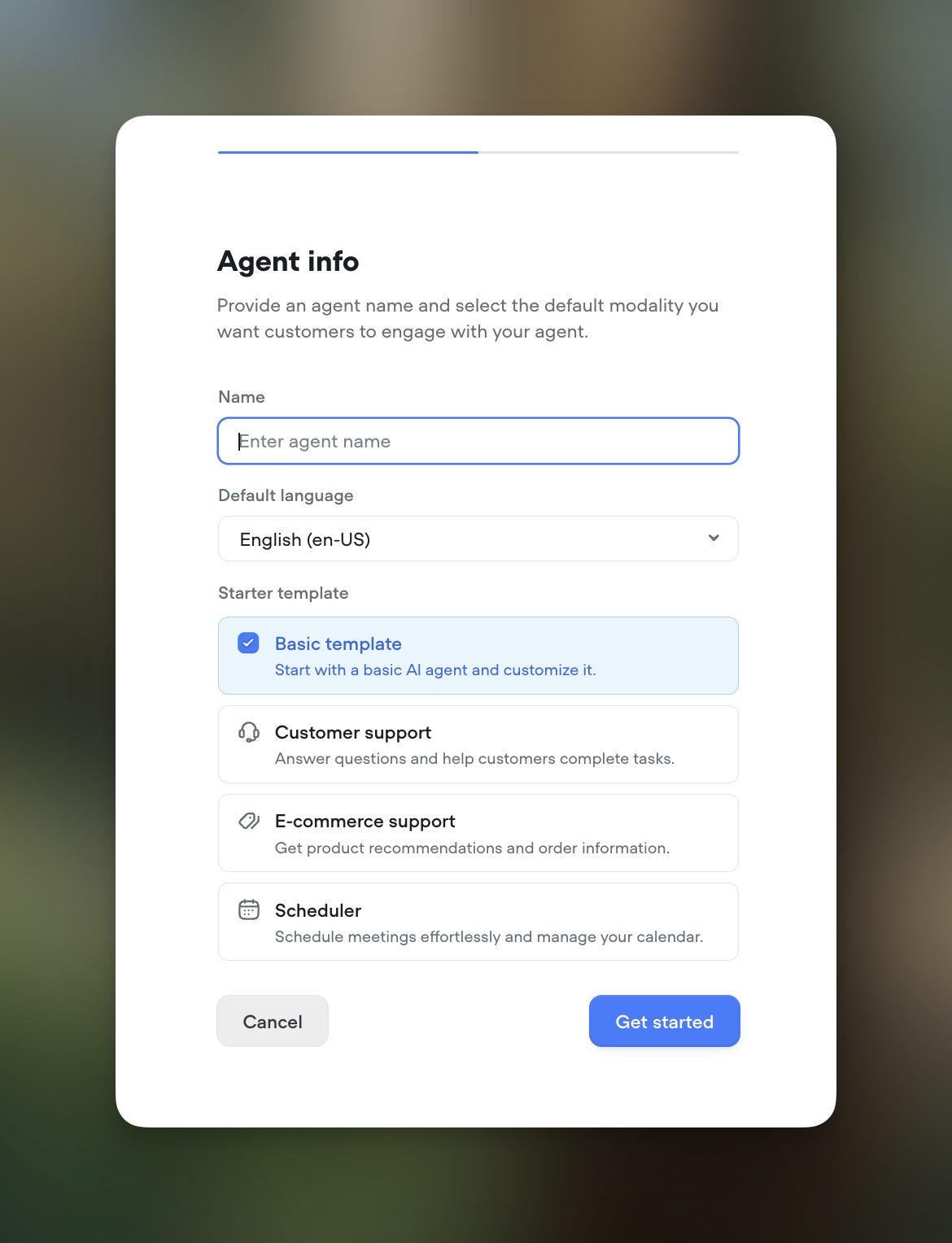
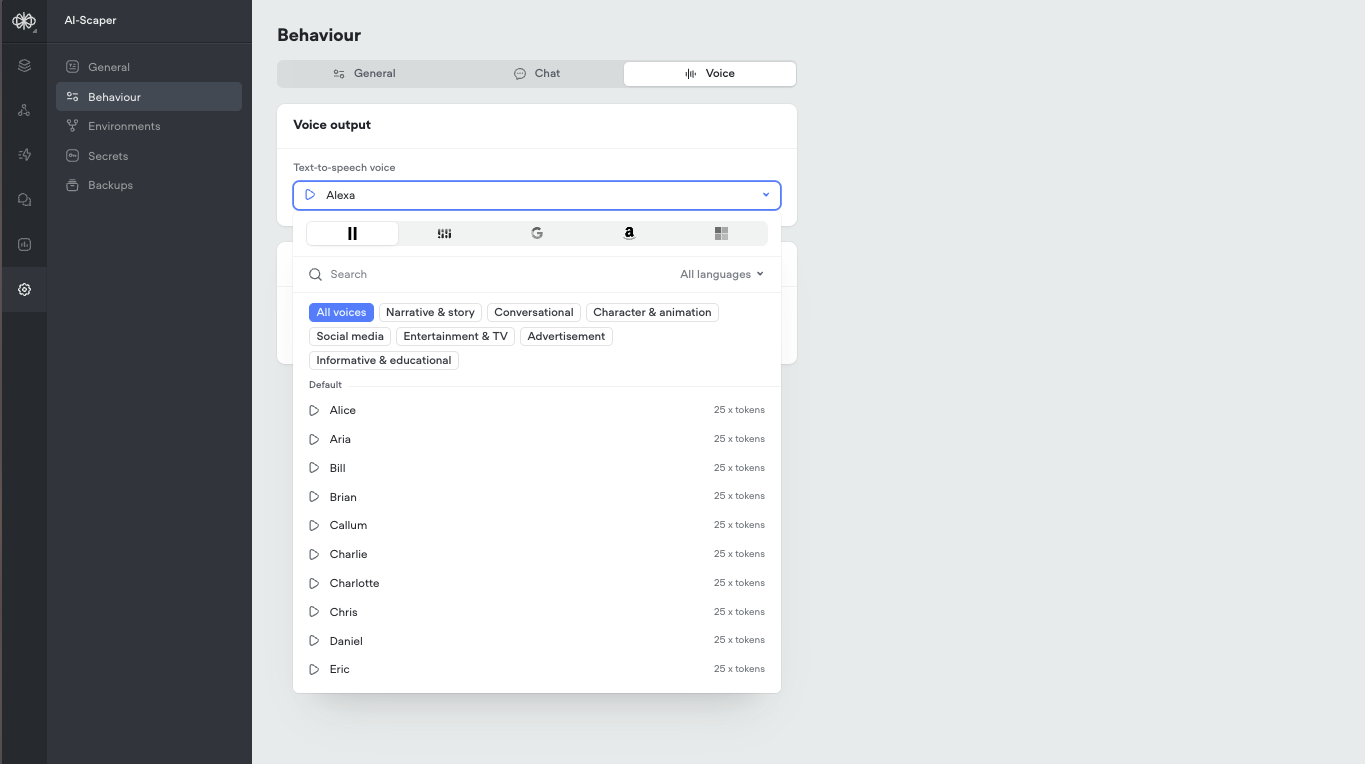
Function LibrariesIntegrate your agent with your favorite tools using our new function libraries. Access pre-built functions for popular platforms like Hubspot, Intercom, Shopify, Zendesk, and Zapier. These functions, sourced from Voiceflow and the community, make it easier than ever to connect Rev with your existing workflows. Showcase readily available integrations to your team and clients.Transcript Review HotkeysReviewing transcripts just got faster and more efficient. You can now pressR to mark a transcript as Reviewed or S to Save it for Later. These handy shortcut keys are perfect for power users who review a high volume of transcripts.Project Starter TemplatesGetting started is now a breeze. When creating a new project, choose from a set of templates tailored for common use cases like customer support, ecommerce support, and scheduling. These templates help you hit the ground running without the need for extensive setup and customization. Ideal for new users and busy teams.Expanded Voice SupportWe now offer an even greater selection of natural-sounding AI voices. We’ve added support for a variety of new options from ElevenLabs and Rime. Please note that using these voices consumes AI tokens. Check them out for your projects that could benefit from additional voice choices.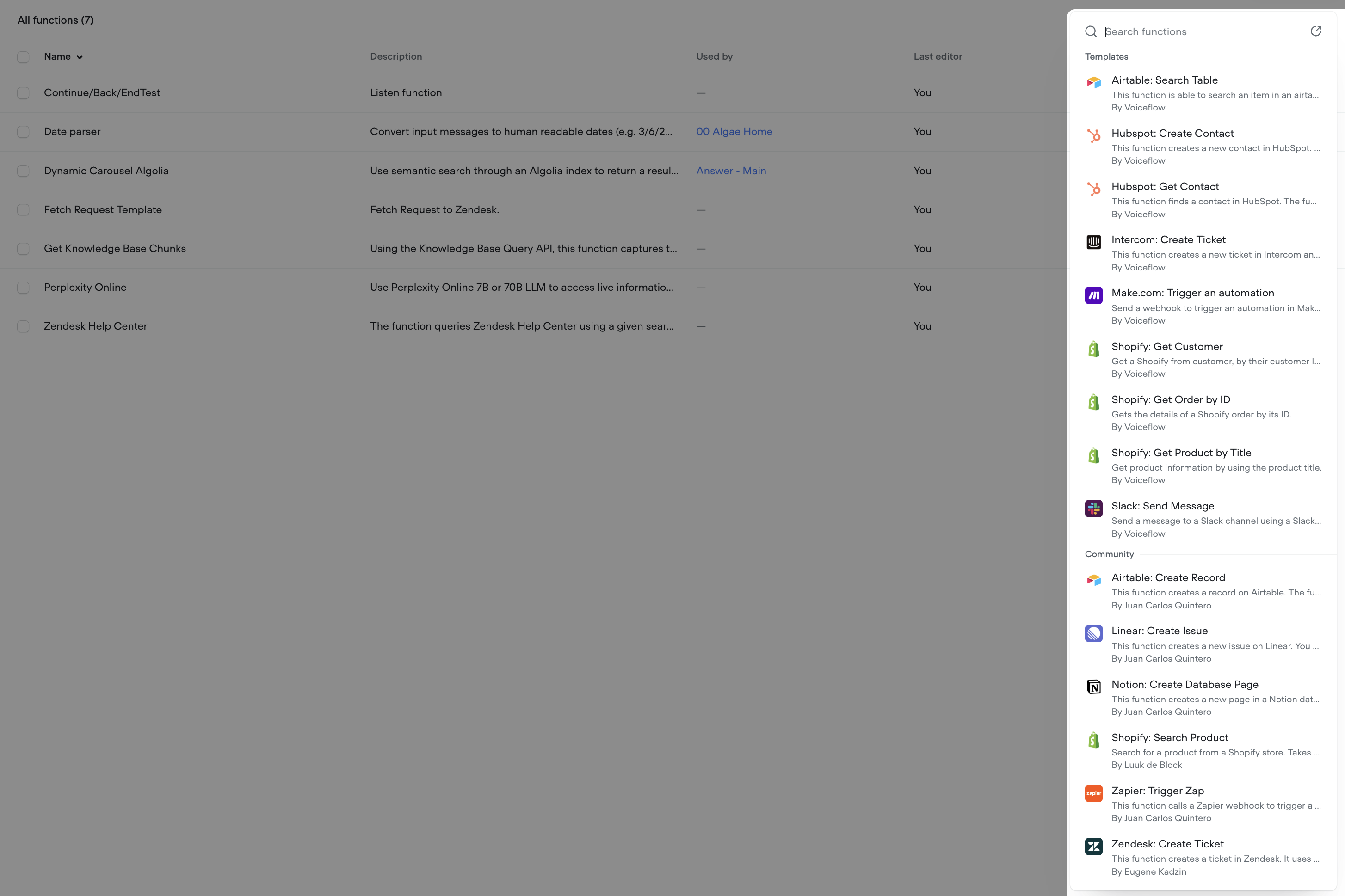
Important Update: Deprecation of AI Response and AI Set Steps
This is an important update to our platform. As part of our ongoing commitment to enhancing your experience and providing the most advanced tools for AI agent development, we have made the decision to deprecate the AI Response and AI Set steps.What does this mean for you?- On February 4th, 2025, the AI Response and AI Set steps will be disabled from the step toolbar in the Voiceflow interface to encourage users to move away of these deprecated steps. Existing steps will remain untouched and will continue working as per normal.
- On June 3rd, 2025, these steps will no longer be supported. Any existing projects using these steps will need to be migrated to the new Prompt and Set steps. We will be sending out additional communication in advance to the sunset date.
- Centralized prompt management:The Prompt CMS serves as a hub for all your prompts, making it easy to create, edit, and reuse them across your projects.
- Advanced prompt configuration: Leverage system prompts, message pairs, conversation history, and variables to craft highly contextual and dynamic responses.
- Seamless integration: The Prompt step allows you to bring your prompts directly into your conversation flows, while the Set step lets you assign prompt outputs to variables for enhanced logic and control.
- Continued innovation: We are committed to expanding the capabilities of these new features, with exciting updates planned for the near future.