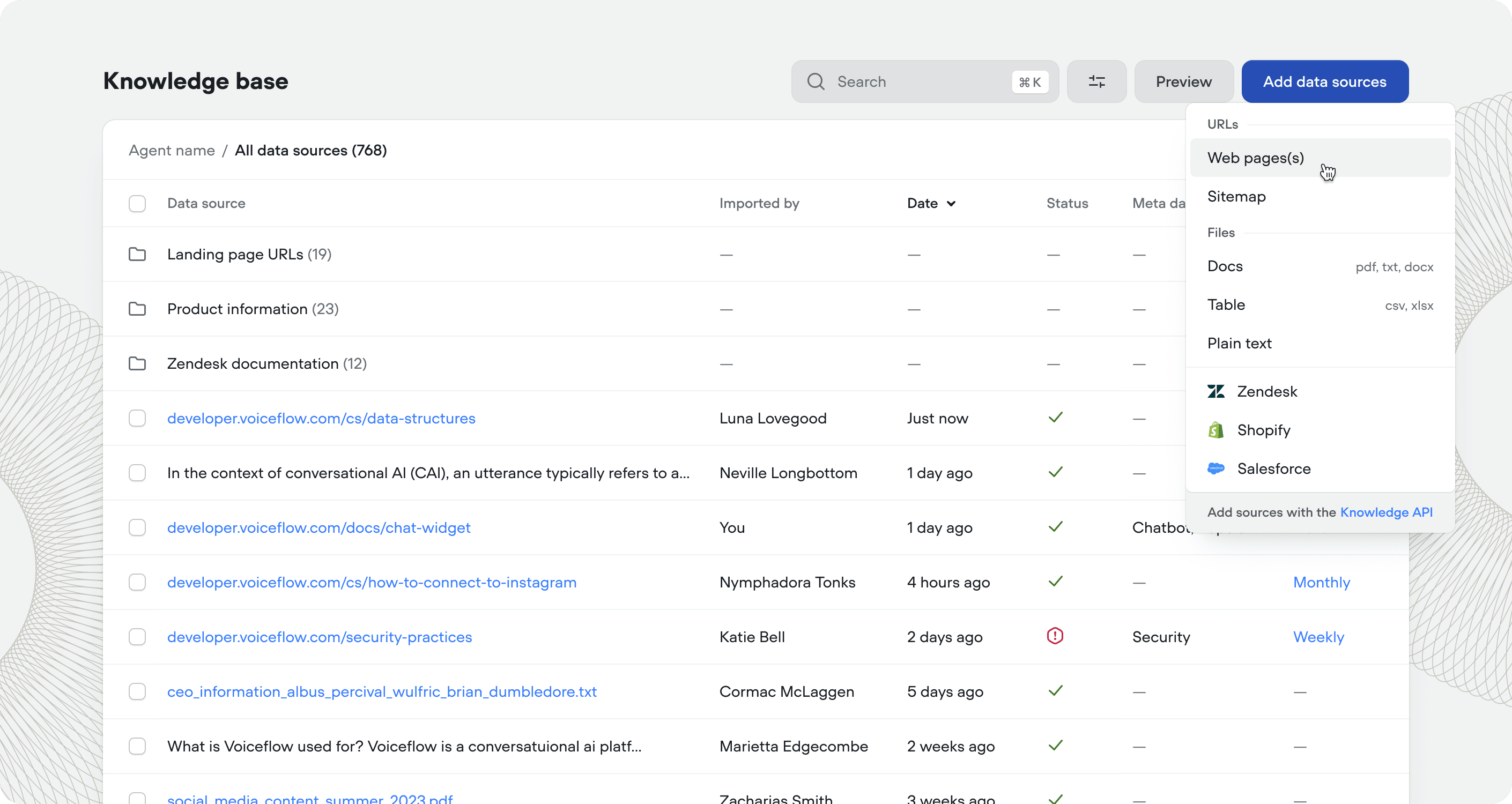
Adding a data source
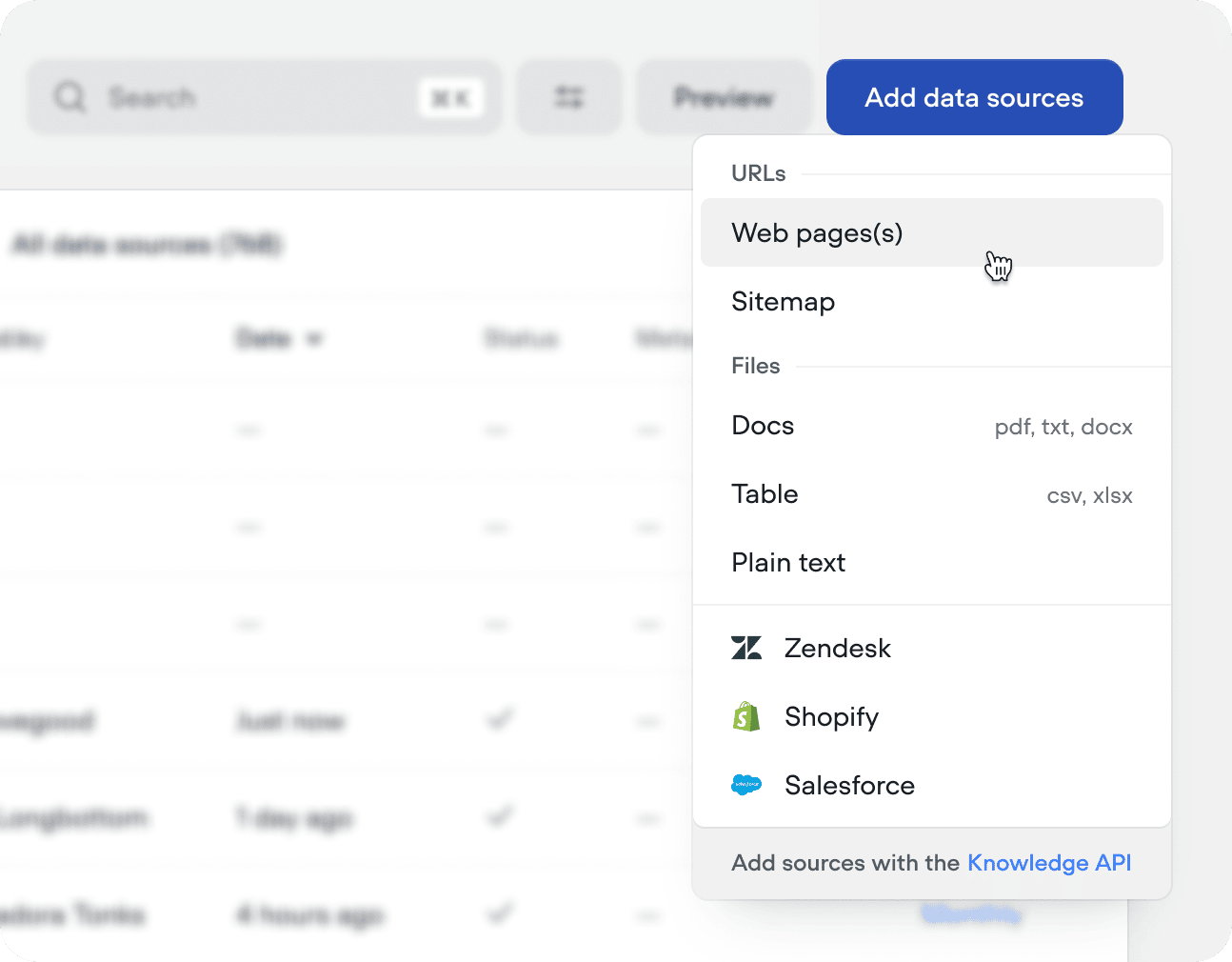
Data types
Voiceflow supports an array of data sources:Refresh rate
For URL and integration data sources, set a refresh rate to keep your knowledge base in sync with the source. You can do this on import, or retroactively by pressing the checkbox next to the data source or folder.LLM chunking strategies
When your agent queries the knowledge base, it finds chunks of content most similar to the user’s question. LLM chunking strategies use AI to split your content into optimized chunks - improving retrieval quality and helping your agent find useful answers.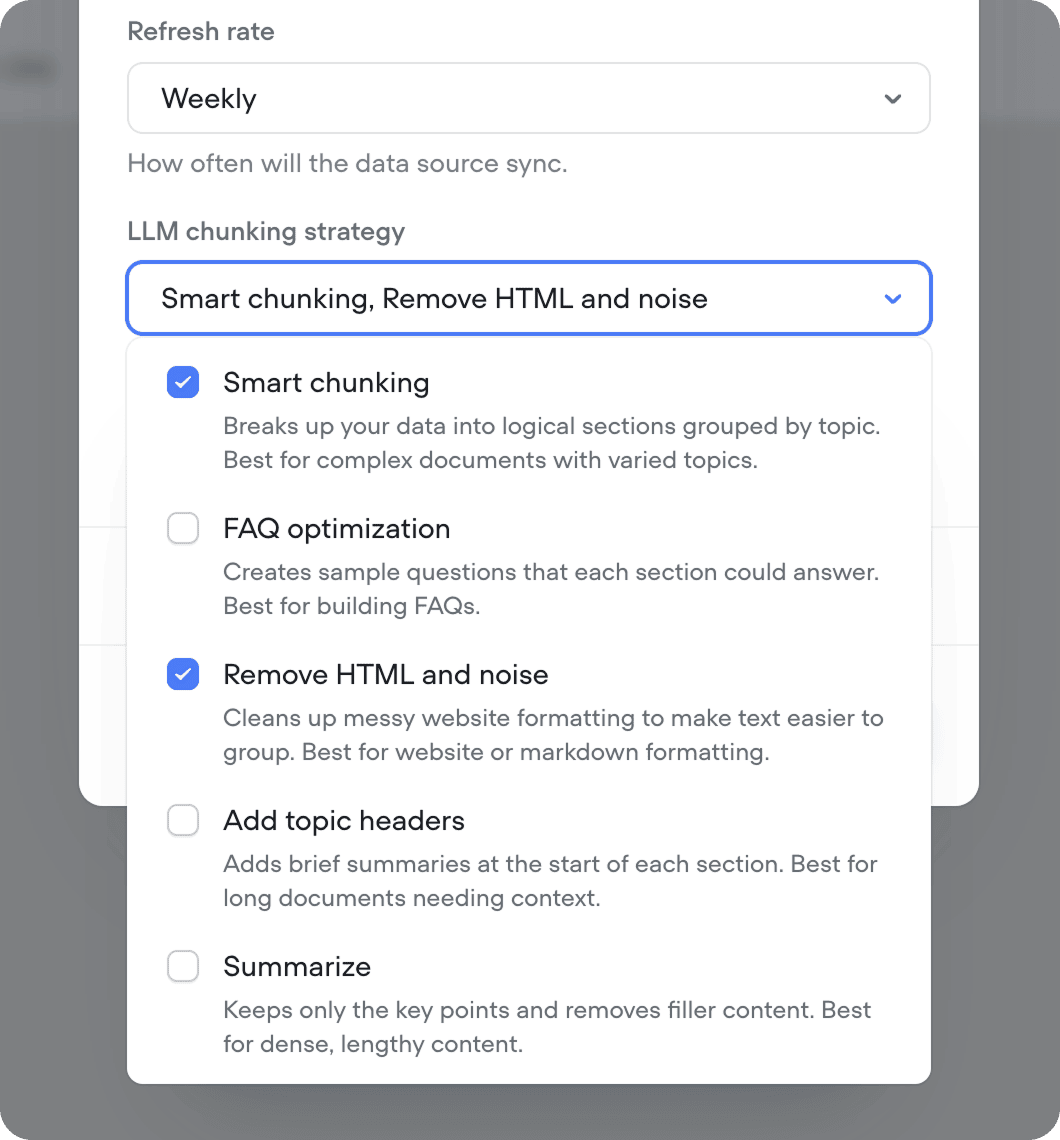
LLM chunking strategies consume credits on each sync. If your content doesn’t change often, reduce your refresh rate to avoid unnecessary credit usage. No credits are consumed when syncing without an LLM chunking strategy selected.
Metadata
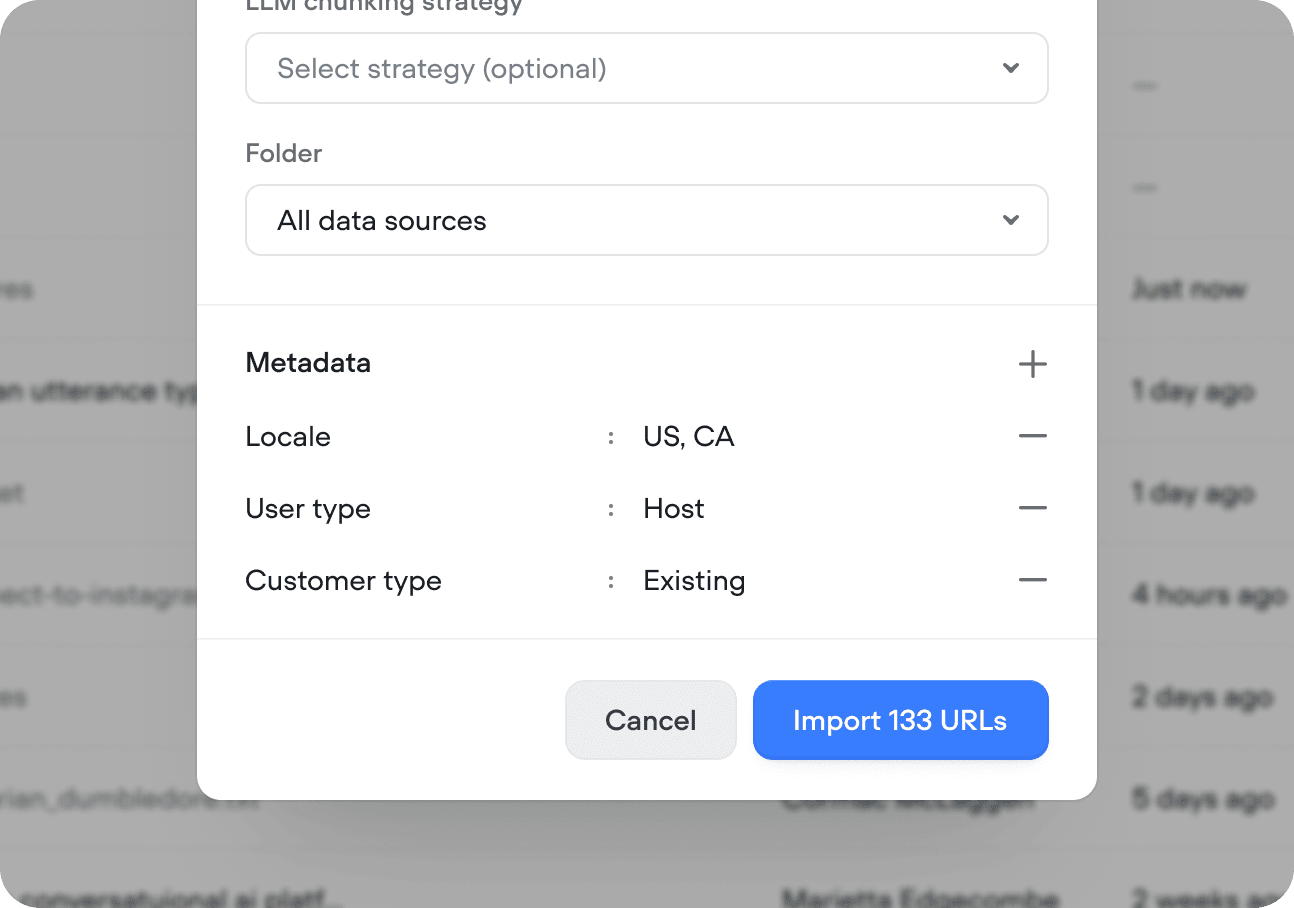
Attach metadata to any data source to filter what gets returned when your agent queries the knowledge base. Useful when you have multiple brands, product lines, locales, or subscription tiers and your agent needs to make sure the right information reaches the right users. For example, if you have different policies for enterprise and self-serve customers, tag each data source withplan: enterprise or plan: self-serve and filter queries accordingly.
Click + in the Metadata section of the import config to add key-value pairs:
Knowledge base and environments
Every environment in your project shares the same knowledge base, but each environment decides which documents from the shared set it uses, and stores its own metadata for those documents. Changes to the knowledge base go live when you publish the environment, just like any other change to your agent. Here’s a few important things to keep in mind:- Content edits apply everywhere the document is used. When you edit a knowledge base document and publish, this edit will be applied to all environments. When an environment is published, this edit will become visible to users interacting with that environment. Other environments that use the same document will pick up the new content the next time each of them publishes.
- Metadata can be different on each environment. The same document can carry different metadata on different environments, which is useful for testing how different metadata affects what the agent retrieves.
- Integrations only need to be set up once. After you connect Shopify or Zendesk as knowledge base sources on one environment, you can use the same connection from every other environment.
Troubleshooting imports
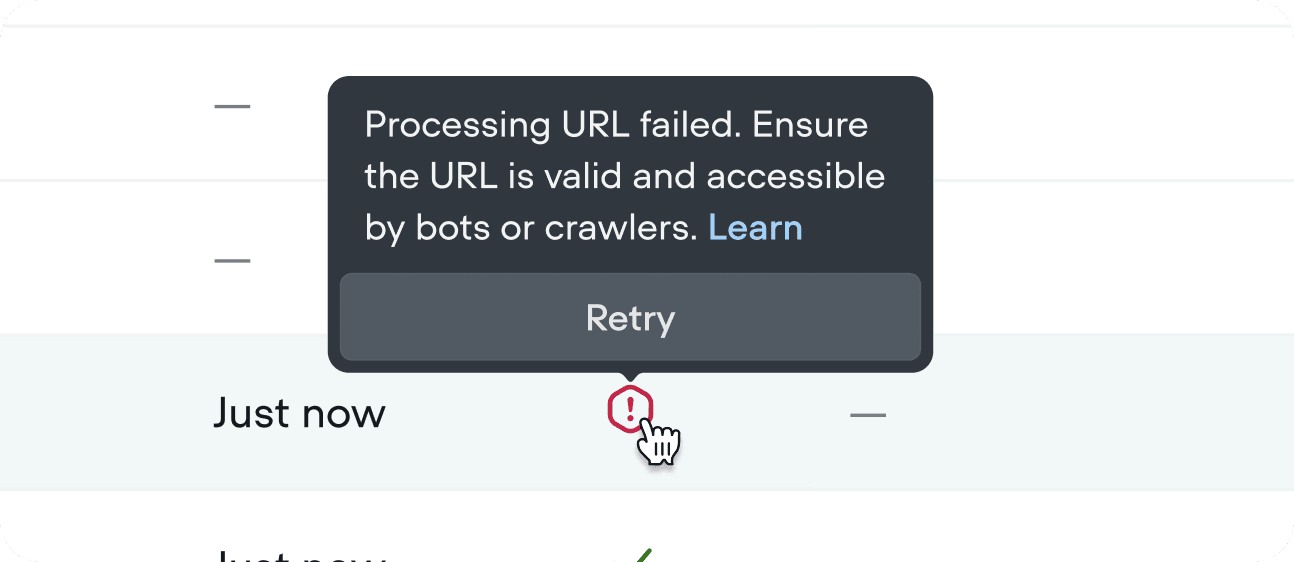
If an import fails, hover over the error icon for details. Failed files are handled gracefully - they won’t break your project and the rest of your import will still process.