

Events
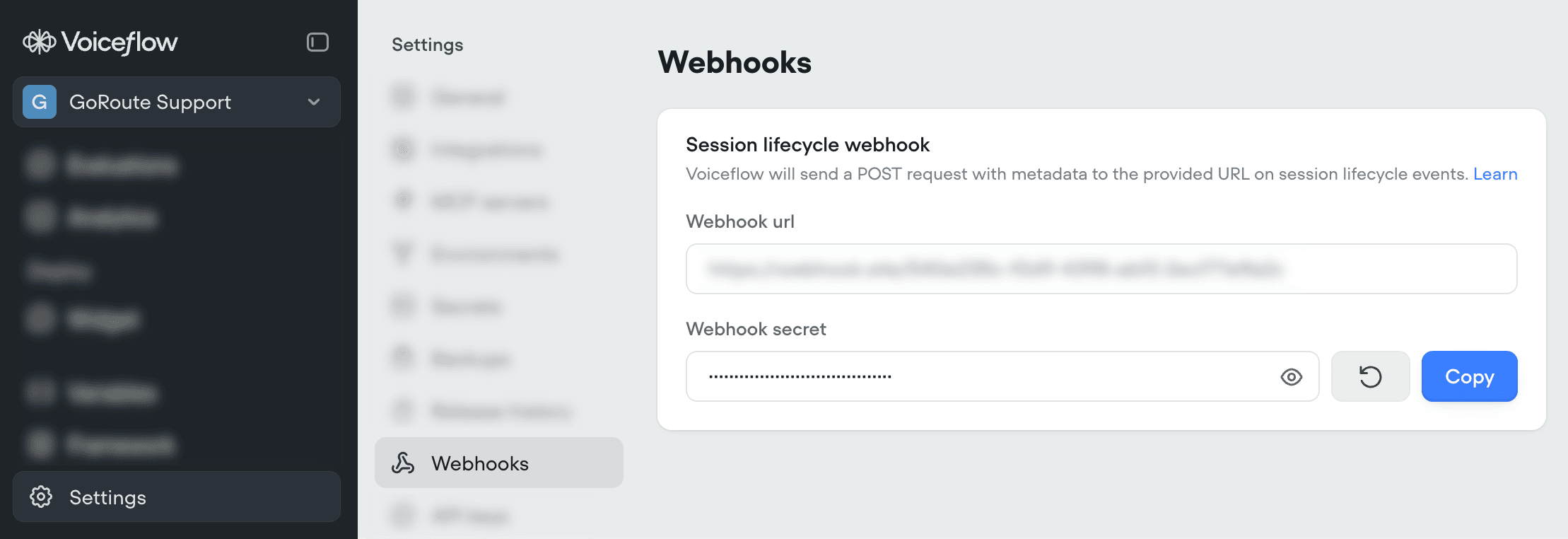
Voiceflow will send POST requests to your webhook URL on the following events.Session events
Session events fire whenever a conversation starts or ends, across all projects and channels. These are the events most integrations listen for.runtime.session.start
This event is sent when a new session is started for a user.
Example runtime.session.start payload
Example runtime.session.start payload
runtime.session.end
This event is sent when a session ends.
Example runtime.session.end payload
Example runtime.session.end payload
Call events
Call events are specific to voice channels (phone and web voice), and carry call-level details such as the phone numbers involved and why a call ended.Phone calls will receive both the
runtime.call.* events and the corresponding runtime.session.* events. Use type to differentiate which event you’re handling.runtime.call.start
This event is sent when the following call types are made:
- Twilio inbound / outbound / prototype-outbound call
- web widget voice call is made (including during testing on
creator.voiceflow.com)
Example runtime.call.start payload
Example runtime.call.start payload
runtime.call.end
This event is sent when a call is completed.
Example runtime.call.end payload
Example runtime.call.end payload
Best practices
- Check
typewhen evaluating a response. There may be additional types of events in the future with a different shaped request body, as well as new properties and metadata. data.metadatais only included on call events. Checkdata.platformbefore reading it, as the available fields vary by platform (eg:data.metadata.callSidisn’t present on a"web-voice"call).- If you’re using the same webhook URL across multiple projects, check
data.projectIDto tell them apart.