

Documentation Index
Fetch the complete documentation index at: https://docs.voiceflow.com/llms.txt
Use this file to discover all available pages before exploring further.
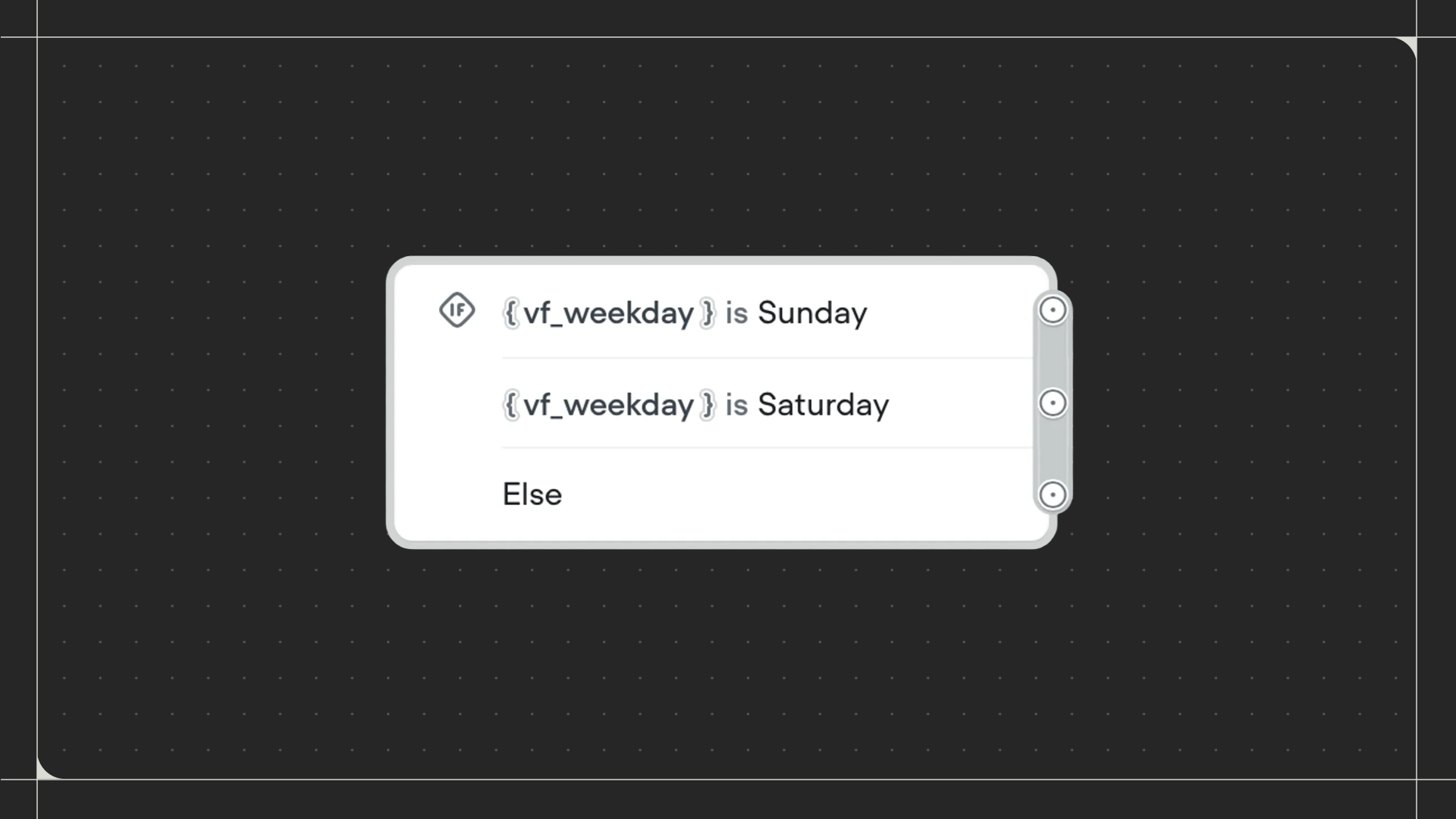
Using the Condition step
Drag the Condition step onto the canvas and connect it to the step before it. Click on the step to set up your conditions and paths.Configuration
- Paths: Create paths that your workflow can follow. For each path, define conditions by selecting a variable, choosing a comparison operator (eg: is, contains, greater than), and entering a value to compare against. Use Match all for AND logic or Match any for OR logic when adding multiple conditions to a path.
- Else path: Toggle this on to add a fallback path when no conditions are met.