> ## Documentation Index
> Fetch the complete documentation index at: https://docs.voiceflow.com/llms.txt
> Use this file to discover all available pages before exploring further.
# Migrate to environments
> Switch from our legacy environments system to our new, more powerful version.
In April 2026, Voiceflow released a new [environments](/documentation/deploy/environments) system that replaces the fixed `development`, `staging` , and `production` environments with a flexible, branchable model. Every project now starts with a single environment called `main`, and you can create more whenever you want to test a change in isolation, compare two versions of your agent against each other, or roll out a new version gradually.
Existing projects keep working the way they always have, with the original `development`, `staging` and `production` environments, until you opt in to migrate. Once you migrate a project, the legacy `development`, `staging`, and `production` aliases stop working, so you'll need to update any integration that points at them. Most projects take a couple of minutes to update.
Migrating without updating your integrations will break your live agent for users. Update every integration that uses the legacy aliases before, or immediately after, you migrate.
## Update the chat widget
If you've embedded the chat widget on your website, replace your snippet with the new default below (don't forget to fill in your project's ID). The new snippet doesn't include `versionID`, which means the widget routes each new session according to the [traffic split](/documentation/deploy/environments/traffic-split) configured in **Settings** → **Environments**. For most projects, this is exactly what you want: it automatically respects A/B tests and gradual rollouts.
```javascript theme={null}
```
You can also find your project's code snippet in the **Widget** tab.
If you'd rather pin the widget to a specific environment (for example, to load a non-production environment on a staging site), set `versionID` to that environment's alias. See our [chat widget API documentation](/documentation/deploy/widget/web-chat-api#choosing-which-environment-the-widget-loads) for more information.
## Update your Conversations API calls
If you're calling the [Conversations API](/api-reference/conversations-api/overview) directly, update any request that passes `environment: 'production'` by choose one of these options:
* Updating it to use `environment: 'main'` instead.
* Using the [traffic split](https://docs.voiceflow.com/documentation/deploy/environments/traffic-split) feature by migrating to the new [start session](https://docs.voiceflow.com/api-reference/session/start-session-with-traffic-split) and [interact](https://docs.voiceflow.com/api-reference/conversation/interact-stream) endpoints. This is a more intensive process than switching the environment to `main`, but will give you the ability to A/B test changes prior to release.
For requests that pass `'staging'` or `'development'`, choose whichever option fits best:
* Point them at `'main'` to keep using the same default.
* Point them at a new environment you create for staging or development work.
## Migrate your project
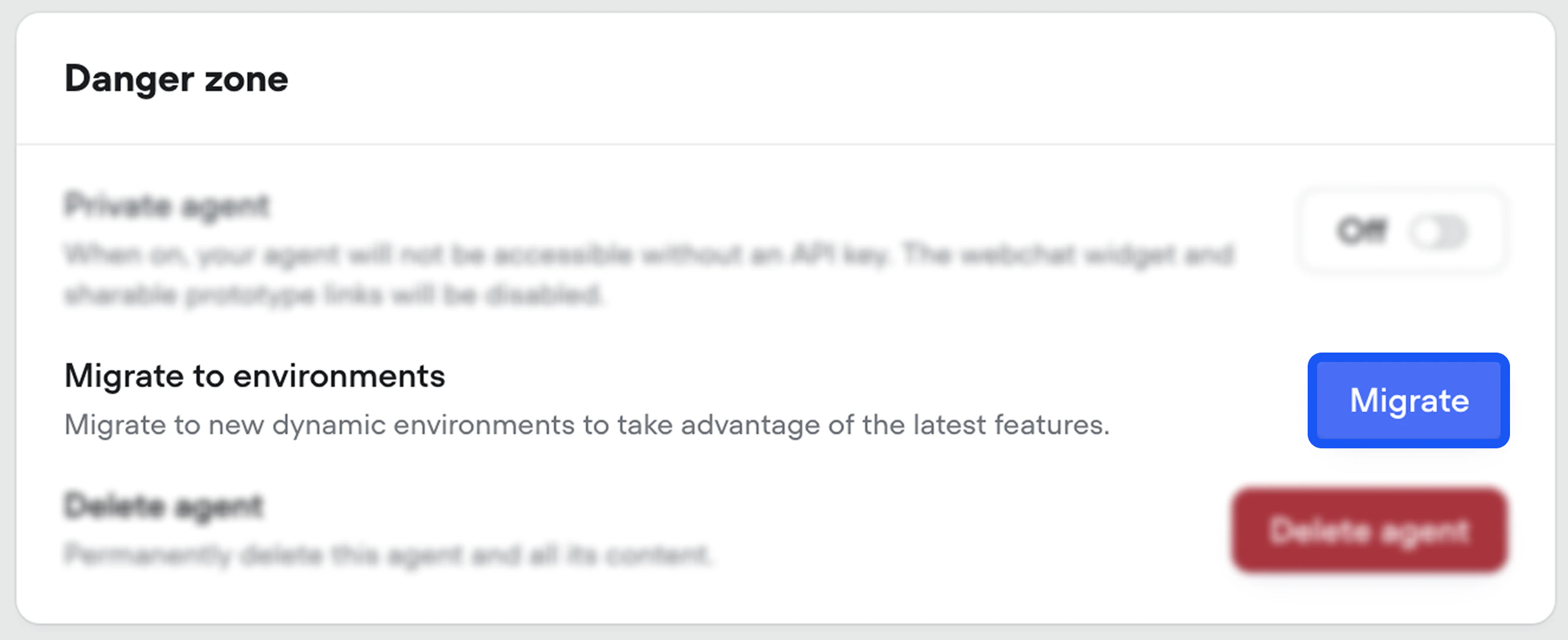
Once your integrations are ready, open **Settings** → **General** in your project and scroll to the **Danger zone** section. Click **Migrate** next to **Migrate to environments** to switch your project over.
 ## After you migrate
Your agent keeps serving users from `main` by default. Now you can:
* [Iterate without disturbing live traffic](/documentation/deploy/environments) by cloning `main` into a new environment and editing freely.
* [Split traffic](/documentation/deploy/environments/traffic-split) across environments to A/B test a change against `main` on real conversations.
* [Compare versions side by side](/documentation/deploy/environments/publishing#version-history-and-reverting) and revert, clone, or [merge](/documentation/deploy/environments/merging) from any point in history.
## After you migrate
Your agent keeps serving users from `main` by default. Now you can:
* [Iterate without disturbing live traffic](/documentation/deploy/environments) by cloning `main` into a new environment and editing freely.
* [Split traffic](/documentation/deploy/environments/traffic-split) across environments to A/B test a change against `main` on real conversations.
* [Compare versions side by side](/documentation/deploy/environments/publishing#version-history-and-reverting) and revert, clone, or [merge](/documentation/deploy/environments/merging) from any point in history.